Editorial mode: Template B — Analysis / Guide.
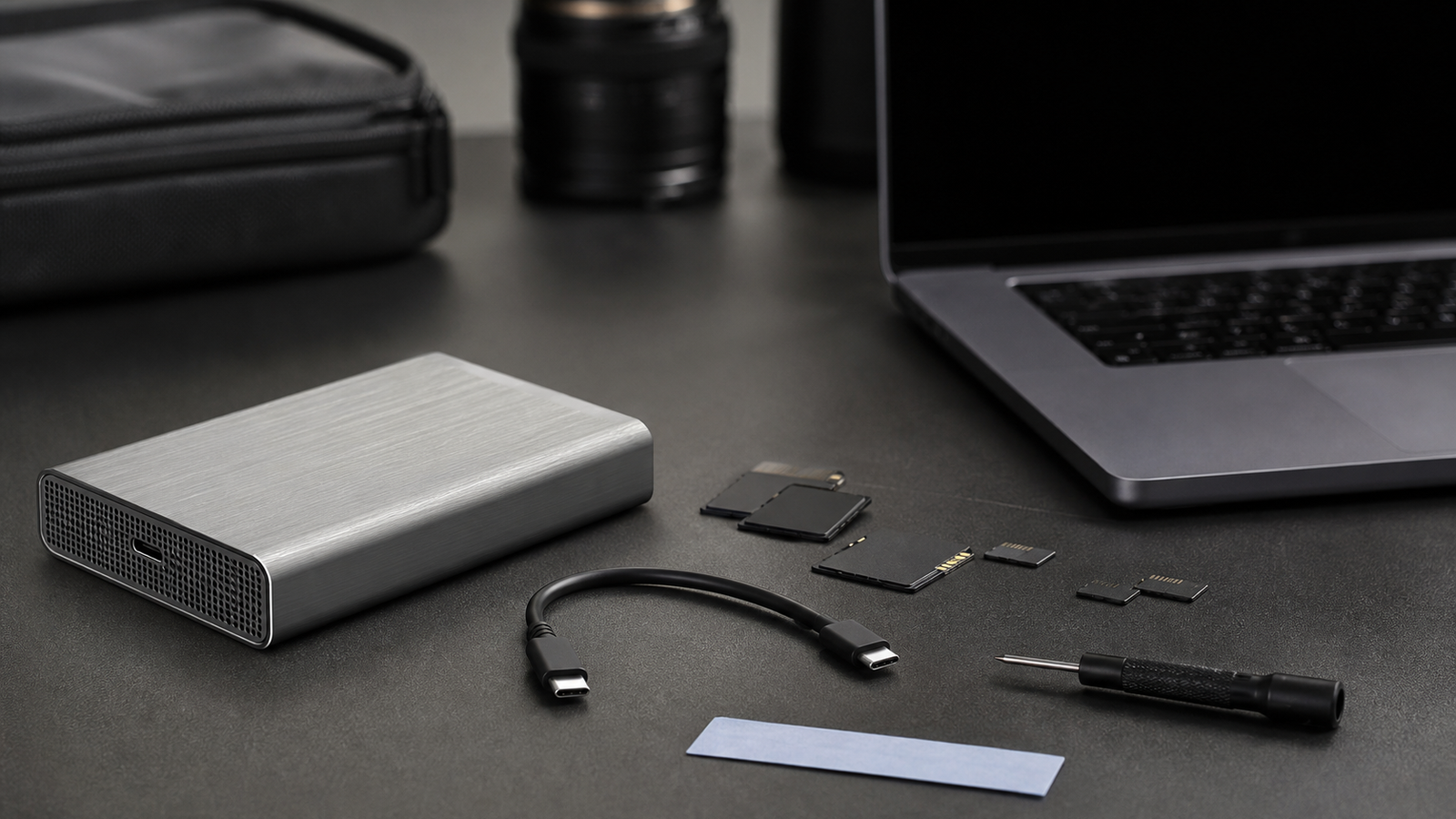
A USB4 NVMe enclosure looks like a simple purchase: pick the fastest number, install a drive and copy footage. In real creator and field workflows, the weak points are usually less glamorous. Heat, cable quality, host compatibility and sustained writes decide whether the enclosure is a dependable backup tool or a pocket-sized throttle box.
The USB-IF’s USB4 materials define the larger platform, while SSD vendors such as Kingston and Crucial explain why NVMe drives can hit thermal limits. TVG’s buyer point is straightforward: peak throughput is only one line item.
Check the host before the enclosure
A fast enclosure cannot outrun the port it is plugged into. Check the laptop, tablet or mini PC for USB4, Thunderbolt compatibility, supported speeds and power behavior. Some ports share bandwidth with docks, displays or other devices. Others may fall back to slower modes with the wrong cable.
For field work, also check the cable. A short, rated cable is boring until it saves a copy job. Long mystery cables, worn connectors and adapters can turn a high-speed enclosure into an intermittent failure source.
Thermals matter during sustained writes
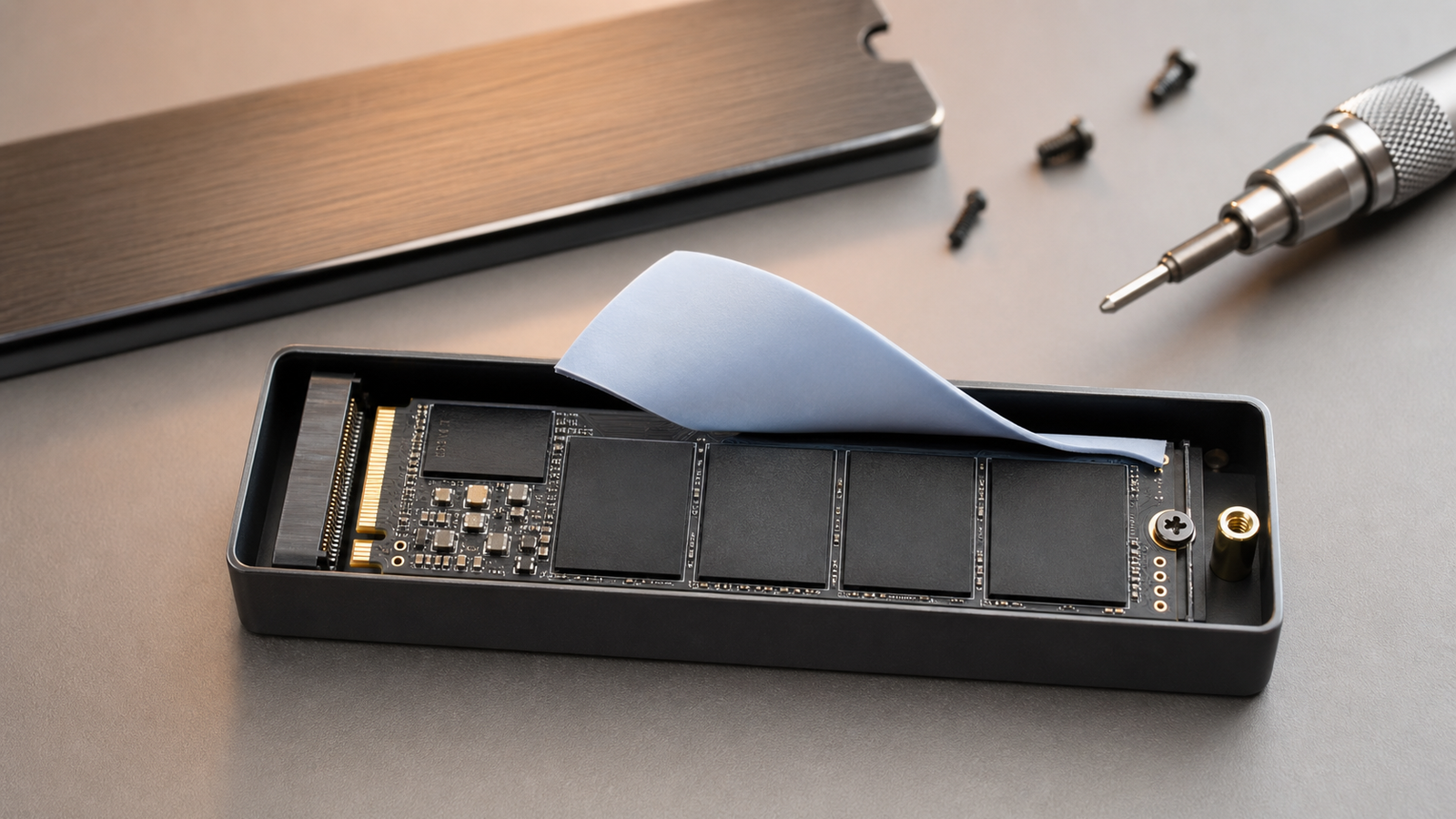
NVMe drives can run hot, especially during long ingest sessions. A good enclosure should have a believable path from SSD controller to thermal pad to metal shell. A pretty shell with poor contact may perform well for a quick benchmark and then slow down during a full card dump.
Look for an enclosure that makes SSD installation secure, keeps the thermal pad aligned, and does not rely on fragile clips that will break after repeated swaps. Tool-free designs are convenient, but they should still hold the drive and heat spreader firmly.
Buyer checklist
- Port support: verify USB4 or Thunderbolt support on the host, not just the enclosure.
- Cable: use a rated short cable and keep a spare.
- SSD fit: confirm length support such as 2230, 2242, 2260 or 2280.
- Thermal path: inspect pad contact, shell design and ventilation assumptions.
- Sustained writes: test a full-card copy, not only a short benchmark.
- Recovery plan: keep at least one second copy before formatting camera media.
This expands TVG’s earlier microSD, CFexpress and portable SSD buyer evaluation. The enclosure is only one part of the field-backup chain.
Test it before the job
Do a full rehearsal before trusting an enclosure at an event or field shoot. Copy a full card, verify the files, eject the drive cleanly and check whether the case becomes too hot to handle. If the drive slows down after a few minutes, that is the result that matters.
File-system choice also matters. A drive used between Windows, macOS, Linux and camera-adjacent devices can run into permissions, naming and compatibility surprises. Decide the format before the job and test it on every machine that will touch the media.
For teams already managing lots of media, a fast enclosure should feed a larger backup plan rather than replace one. TVG’s USB4 v2 cable and dock checklist is a good companion because the cable and dock path can be the bottleneck even when the enclosure is excellent.
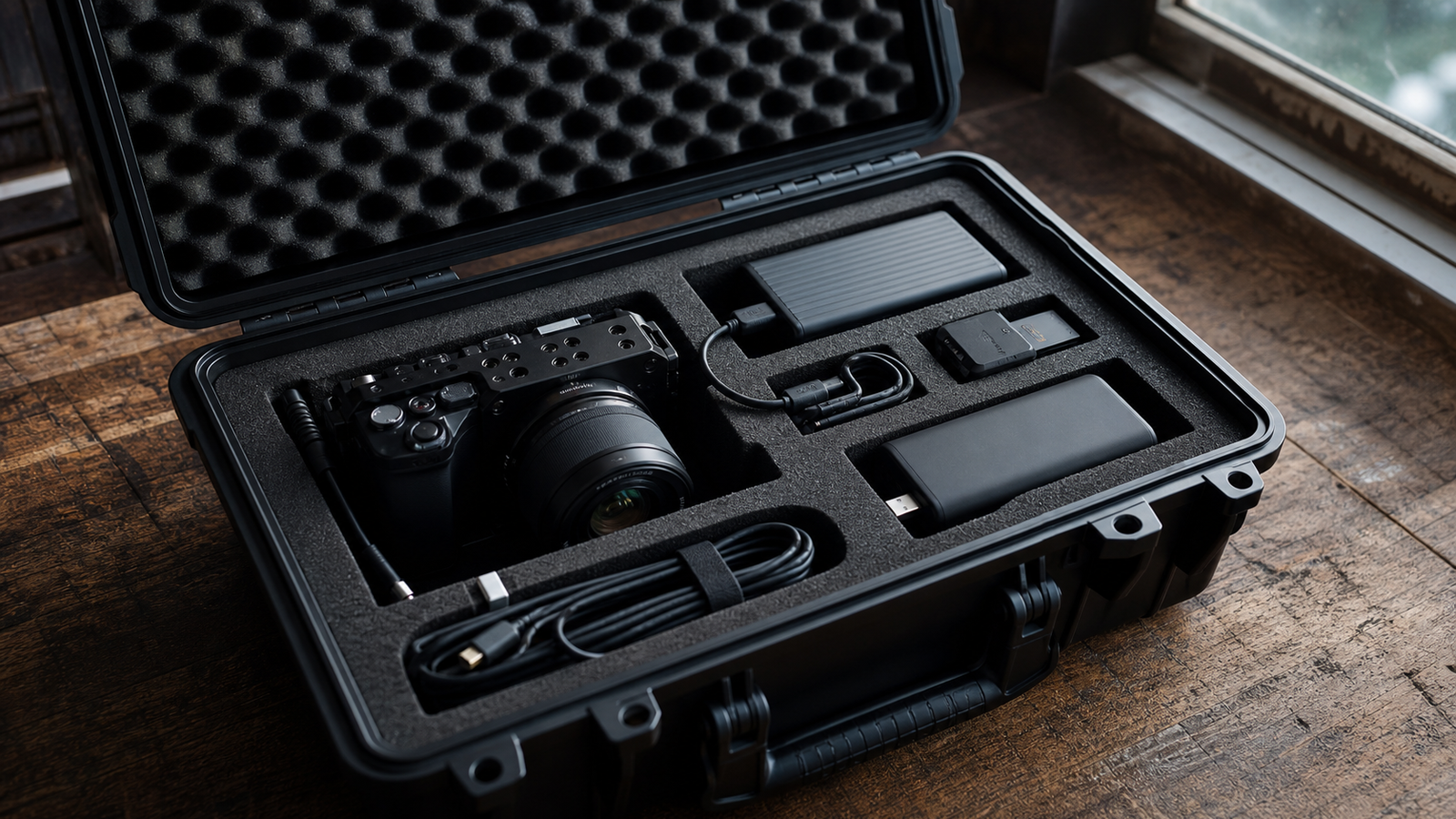
Also consider handling. A field enclosure gets tossed into bags, plugged in on crowded tables and used when people are tired. Rounded edges, a secure lid, replaceable cable, clear activity light and reliable ejection behavior can matter more than another small benchmark gain that only appears in ideal conditions.
TVG Take
The right USB4 NVMe enclosure is the one that stays boring under load. Buy for thermal contact, cable discipline and host compatibility before chasing the biggest speed claim.
If the enclosure will travel, label the cable and keep it with the drive. Many “drive failures” in the field are actually cable swaps, flaky hubs or ports chosen in a hurry. Treat the enclosure, cable and host port as one tested chain.