
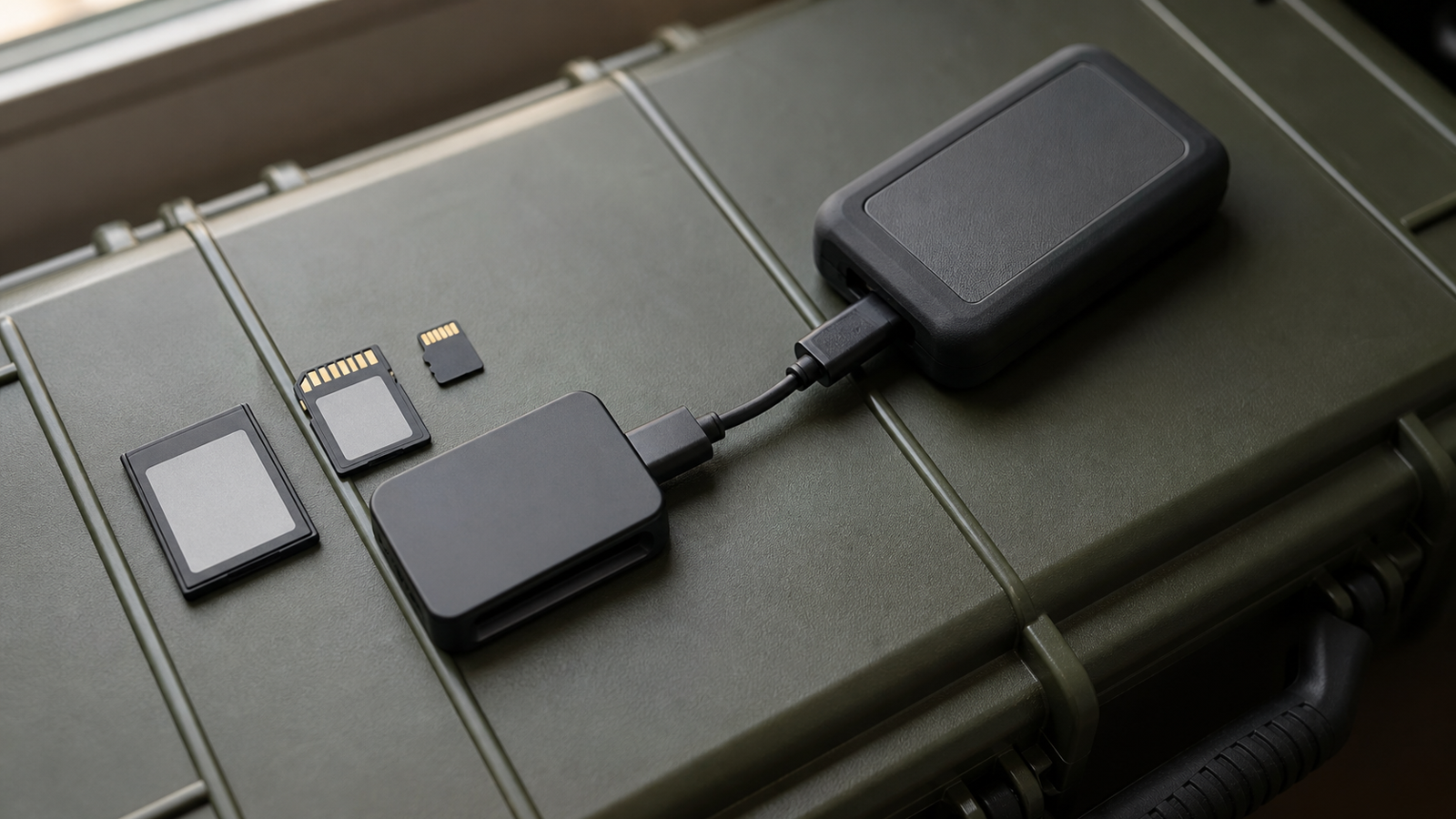
Field media storage is easy to underthink until a robot test day, drone mapping run or maker event produces footage that no one can safely offload. microSD, full-size SD, CFexpress and portable SSDs can all be the right answer in different workflows. The mistake is buying by maximum advertised speed alone.
This buyer evaluation is not a lab benchmark and does not claim field testing of a specific card. It is a practical checklist for maker teams choosing media for cameras, field monitors, 360 cameras, drones and documentation kits.
microSD is convenient, but fragile as a workflow
microSD is common because small cameras, drones and embedded devices need compact storage. The SD Association’s standard overview shows how broad the SD family has become, including capacity and speed classes. For teams, the practical issue is not only the card’s printed rating. It is whether the camera, reader and host computer actually support the mode the card needs.
microSD cards are also easy to lose, mix up or damage during a rushed event. If a team uses them, it should use card wallets, simple labeling, and a rule that cards move in one direction: blank cards in one slot, used cards in another. That matters more than arguing over a small speed difference.
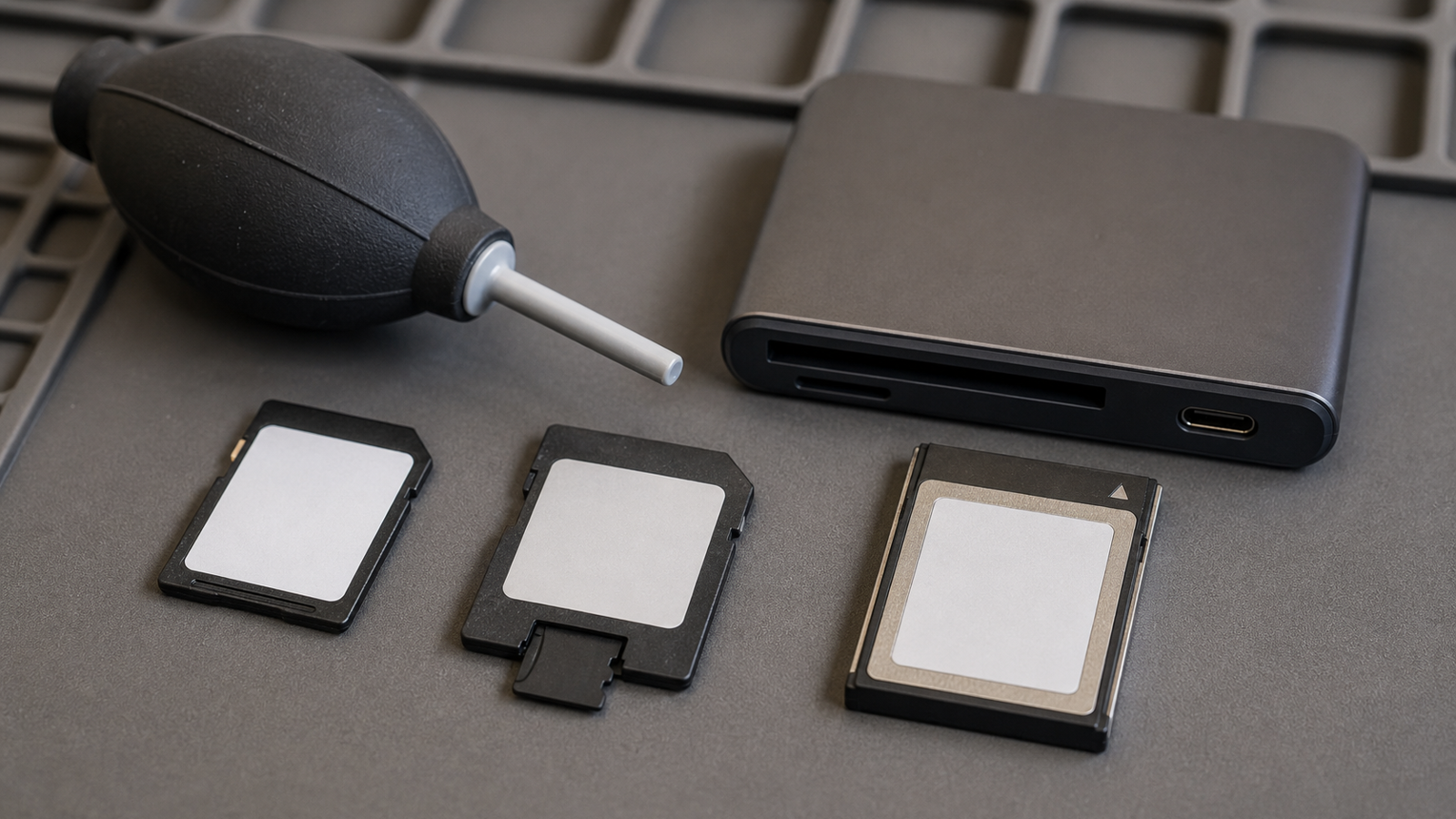
CFexpress is for cameras that can use it
CFexpress exists for high-throughput camera work. The CompactFlash Association describes CFexpress as a removable media standard built around PCIe and NVMe technology. That can matter for high-bitrate video, burst photography or production cameras that would overwhelm slower cards.
For many school and maker workflows, CFexpress may be excessive. The card and reader cost more, and the advantage only appears when the camera produces enough data to need it. If the team is recording simple practice video or STEM documentation, money may be better spent on a second camera, better lighting, spare batteries or a clean backup routine.
Portable SSDs shift the risk to cables and power
Portable SSDs are attractive for direct recording and fast offload. They can hold more data, connect quickly over USB and fit into a field kit. But they add cable risk. A loose USB-C connector, underpowered hub, unsupported cable or dangling drive can end a recording as easily as a slow memory card.
USB-IF’s Power Delivery material is a useful reminder that USB-C is not automatically a high-power, high-speed, universal promise. Cable, port, device and power negotiation all matter. Teams should mark known-good cables and avoid mixing charging-only cables into the media kit.
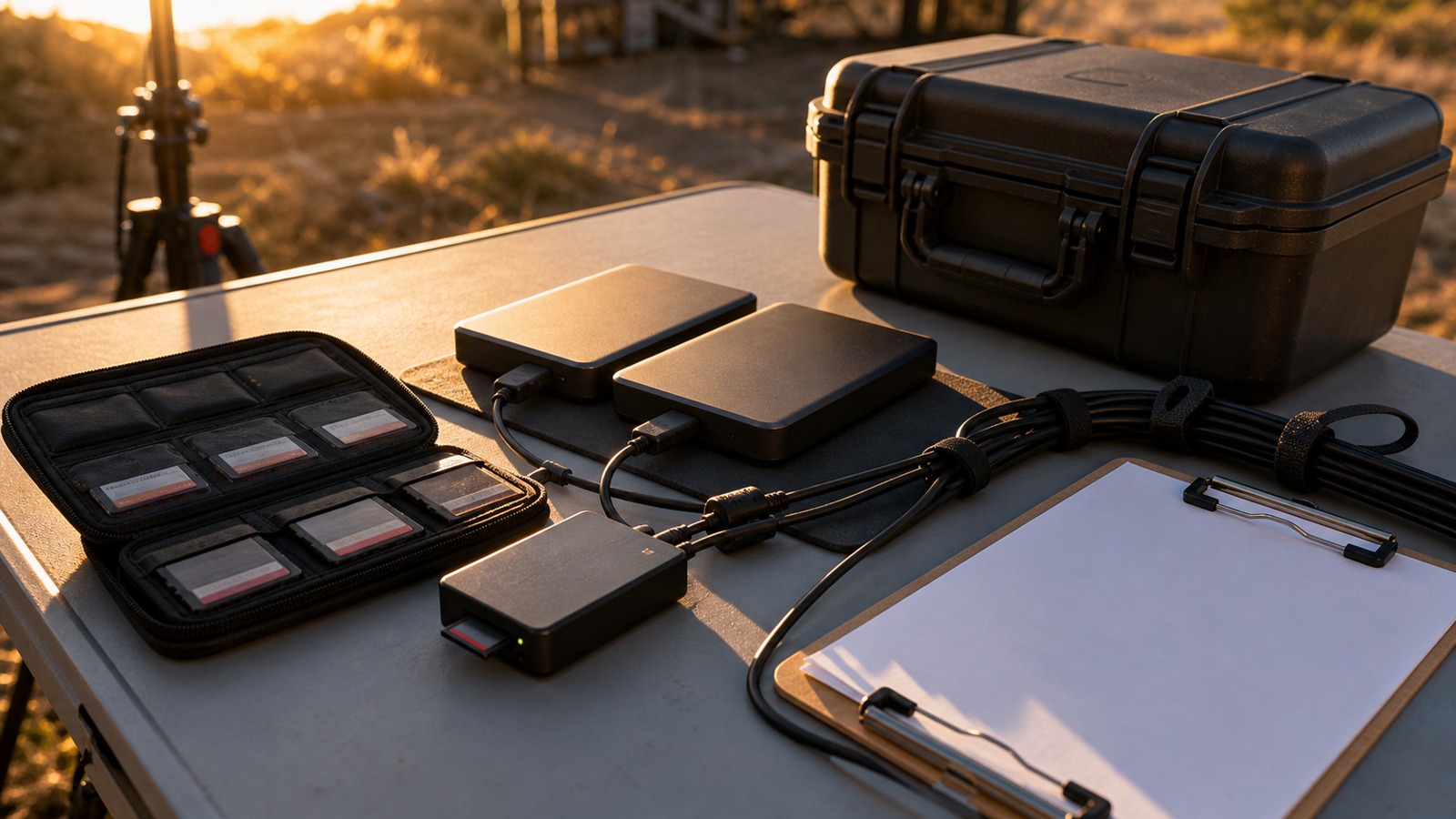
A field workflow beats a faster card
The safest routine is boring: record, stop, remove or disconnect media, copy to a primary drive, copy to a second location, verify file sizes and playable clips, then clear cards only after the copy is confirmed. A team that cannot perform that routine under event pressure does not have a storage solution yet.
TVG has also covered NAS versus rugged SSD field backups. The same principle applies here. Storage media are only useful when they fit the whole chain from capture to archive.
TVG Take
Choose microSD or SD when the camera requires it and the data rate is modest. Choose CFexpress when the camera genuinely needs high sustained throughput. Choose portable SSD recording only when the team can secure the cable, power the device reliably and verify compatibility before the event. In all cases, spend as much attention on readers, labels, backups and human routine as on the card itself.
Reader and host compatibility are hidden costs
A card that is fast inside a camera can still become slow or unreliable during offload if the reader, cable or host port is mismatched. Teams should buy and label the reader as part of the media system, then test a full card copy before the first event. That test should include the same laptop and power source the team expects to use in the field.
For shared school kits, the best workflow is also teachable. Students should know where blank media lives, where exposed media goes, which drive receives the first copy, and who confirms the backup before cards are reused. The procedure reduces accidental erasure more than any single storage format can.
Related TVG reading
For more engineering-first context, continue with these related TVG Report pieces:
- USB4 v2 Cable and Dock Checklist for Field-Media Maker Teams
- NAS or Rugged SSD for Creator Field Backups? A Buyer Evaluation for Maker Labs
- Portable SSD or Memory Card Reader? A Field Backup Buyer Evaluation



