
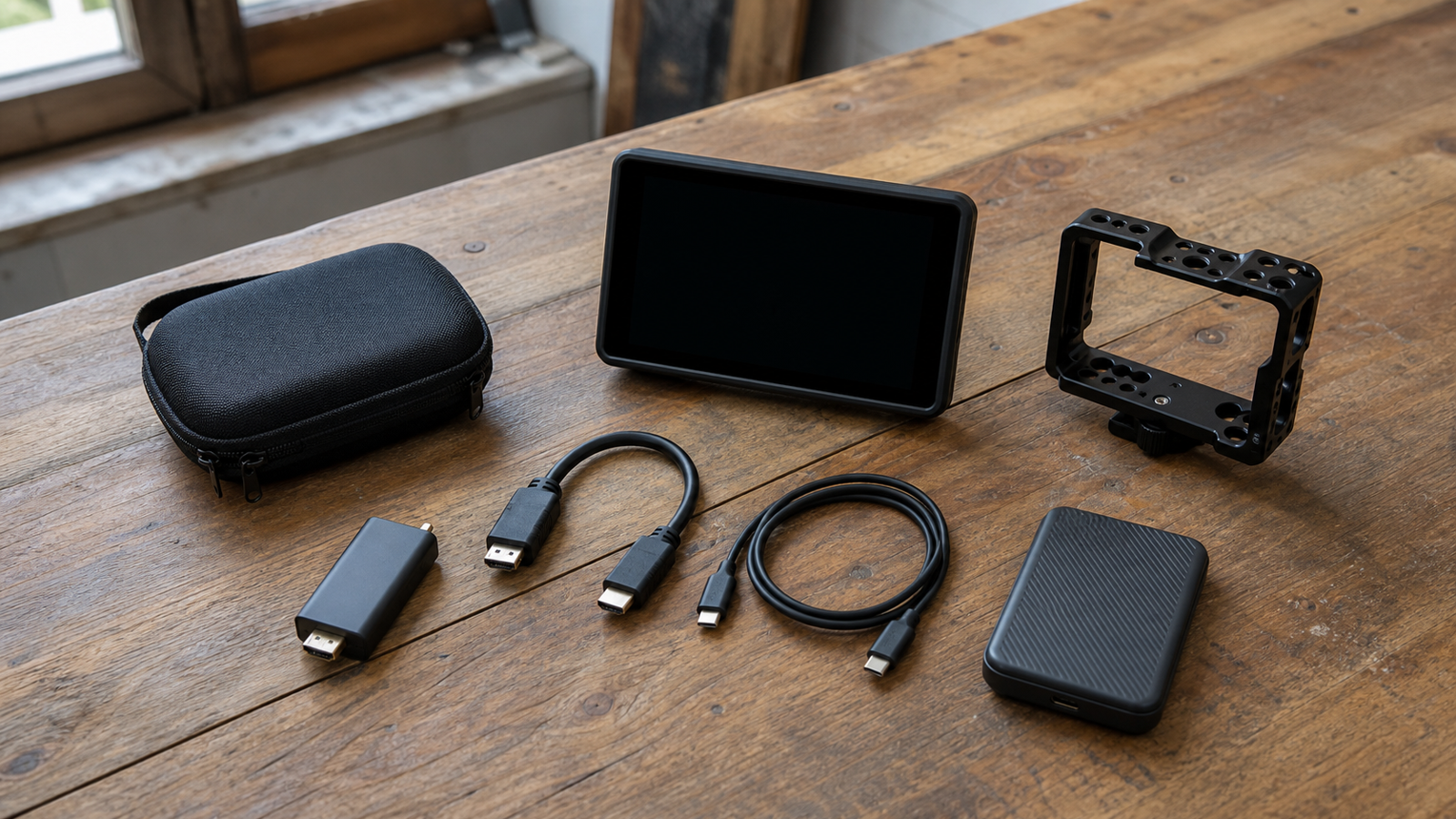
A cheap HDMI capture dongle can be enough for a classroom demo. It can also be the weak link in a robot practice stream, field test recording or maker-lab documentation setup. The difference usually is not the marketing resolution printed on the box. It is the capture path: camera output, HDMI cable, capture interface, USB connection, host software, power and heat.
This is a guide, not a hands-on review of a specific product. The goal is to give robot teams, school labs and creator-builders a checklist before they depend on a capture device at an event.
Start with the actual job
For a robot team, field video may have three different jobs. It can document driver practice, record debugging evidence, or feed a live stream for parents and sponsors. Those uses do not need the same kit. A debugging recording may need stable timestamped footage more than perfect color. A live stream may care more about audio sync and USB compatibility. A scouting or build-documentation camera may only need clean capture at a reliable frame rate.
OBS Studio’s quick-start documentation is a useful baseline because it treats video capture as a source inside a broader scene and recording pipeline. That is how teams should think too: the capture card is only one part of the path.
UVC support is the easy mode
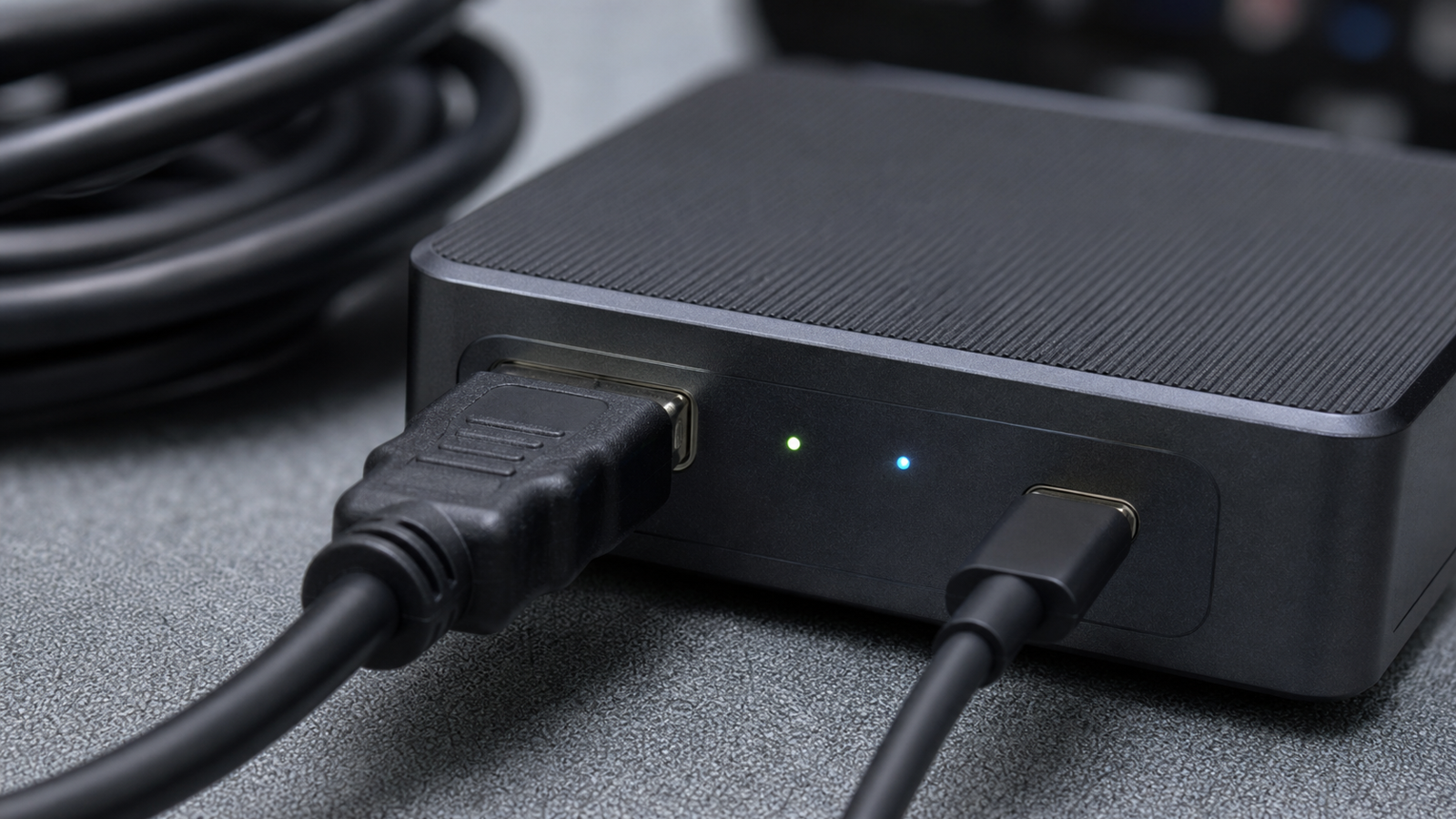
Many simple capture cards present themselves as UVC video devices, which means the computer can see them like a webcam without a custom driver. That is often the right default for labs using borrowed laptops or mixed operating systems. Driver-free does not mean problem-free, but it reduces one failure category.
Teams should test the exact laptop, cable and software before the event. Open the capture device in OBS, record several minutes, unplug and reconnect it, then repeat after the device has warmed up. If the device disappears, shifts resolution unexpectedly or loses audio sync, that is a sign to simplify the setup or carry a backup.
Resolution is not the whole spec
HDMI Licensing’s specification pages explain that HDMI versions and features can vary widely by device and cable. For maker teams, the practical question is narrower: what signal does the camera output, what signal does the capture card accept, and what format can the host computer record reliably?
A team shooting a robot practice session usually benefits more from stable 1080p capture than from an unreliable high-resolution path. If the host laptop is old, the USB port is congested or the capture card runs hot, a conservative setting can produce better evidence than a headline resolution.
Power, heat and cable discipline
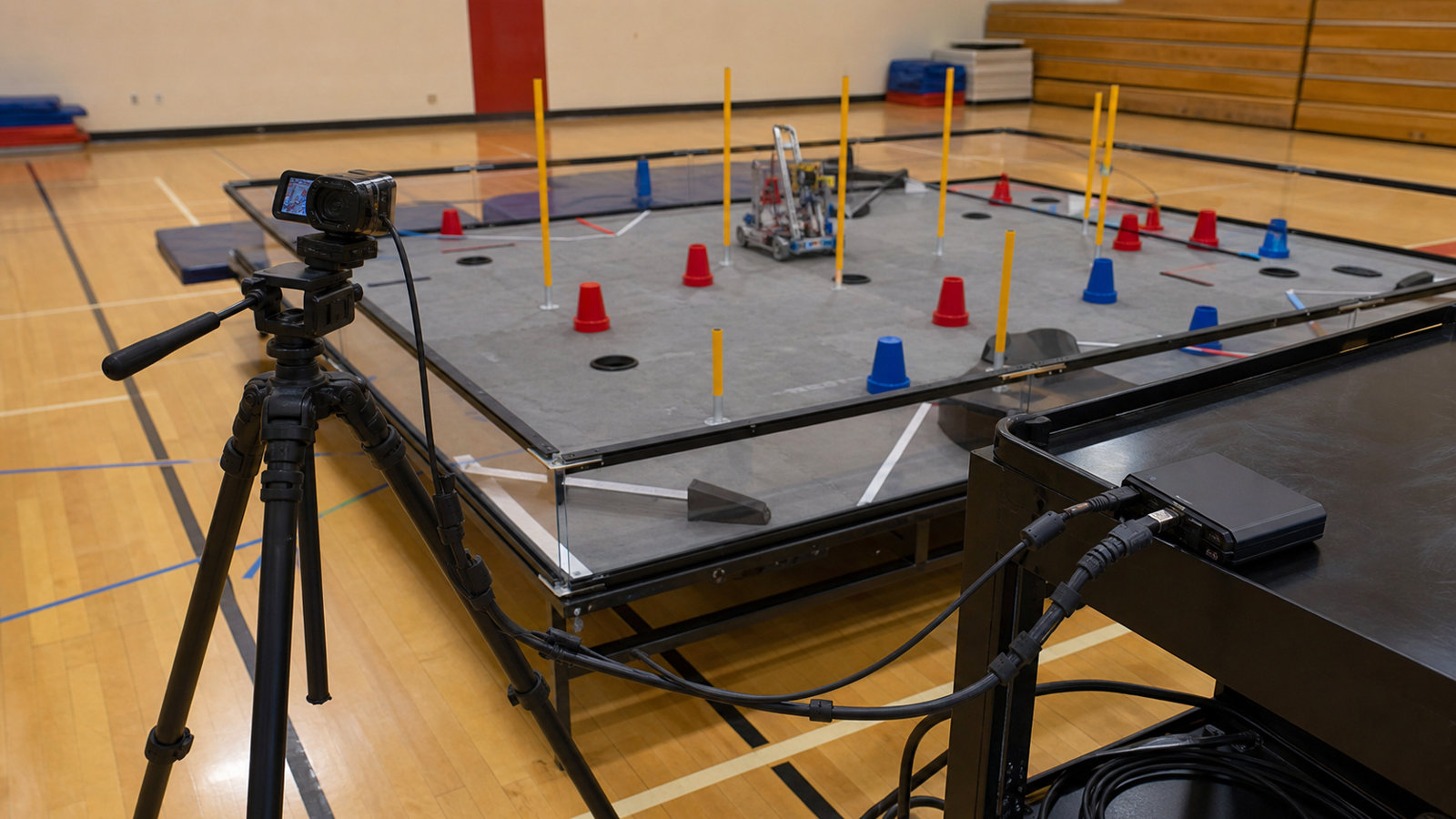
The USB-IF document library is a reminder that USB is a real electrical and protocol ecosystem, not just a plug shape. Capture cards that rely on USB power can behave differently across hubs, adapters and ports. Long cable runs, loose HDMI connectors and unsupported USB-C adapters are common field failures.
Build a kit with short known-good cables, a labeled spare, a small strain-relief plan and a way to keep the capture card from dangling off the computer. Avoid running video cables where students step over them. If the camera must be far from the laptop, test the full distance in advance instead of assuming a cable purchased online will work.
TVG Take
The best HDMI capture card for a maker or robot team is the one that survives the boring test: same camera, same cable, same laptop, same software, same recording settings, repeated after the hardware warms up. Treat the purchase like a small system-integration problem, not a gadget accessory.
For related field documentation choices, see TVG’s guide to action cameras, 360 cameras and drones for robot teams. Capture cards belong in that same documentation toolkit, but only when the team controls the full signal path.
Related TVG reading
For more engineering-first context, continue with these related TVG Report pieces:
- Portable Monitor Specs for Field Dashboards: What Robotics and Creator Teams Should Check
- Memory Card Specs for Drones and Action Cameras: What Field Teams Should Check
- CFexpress or SD Cards for Field Capture? A Maker Lab Storage Guide



