
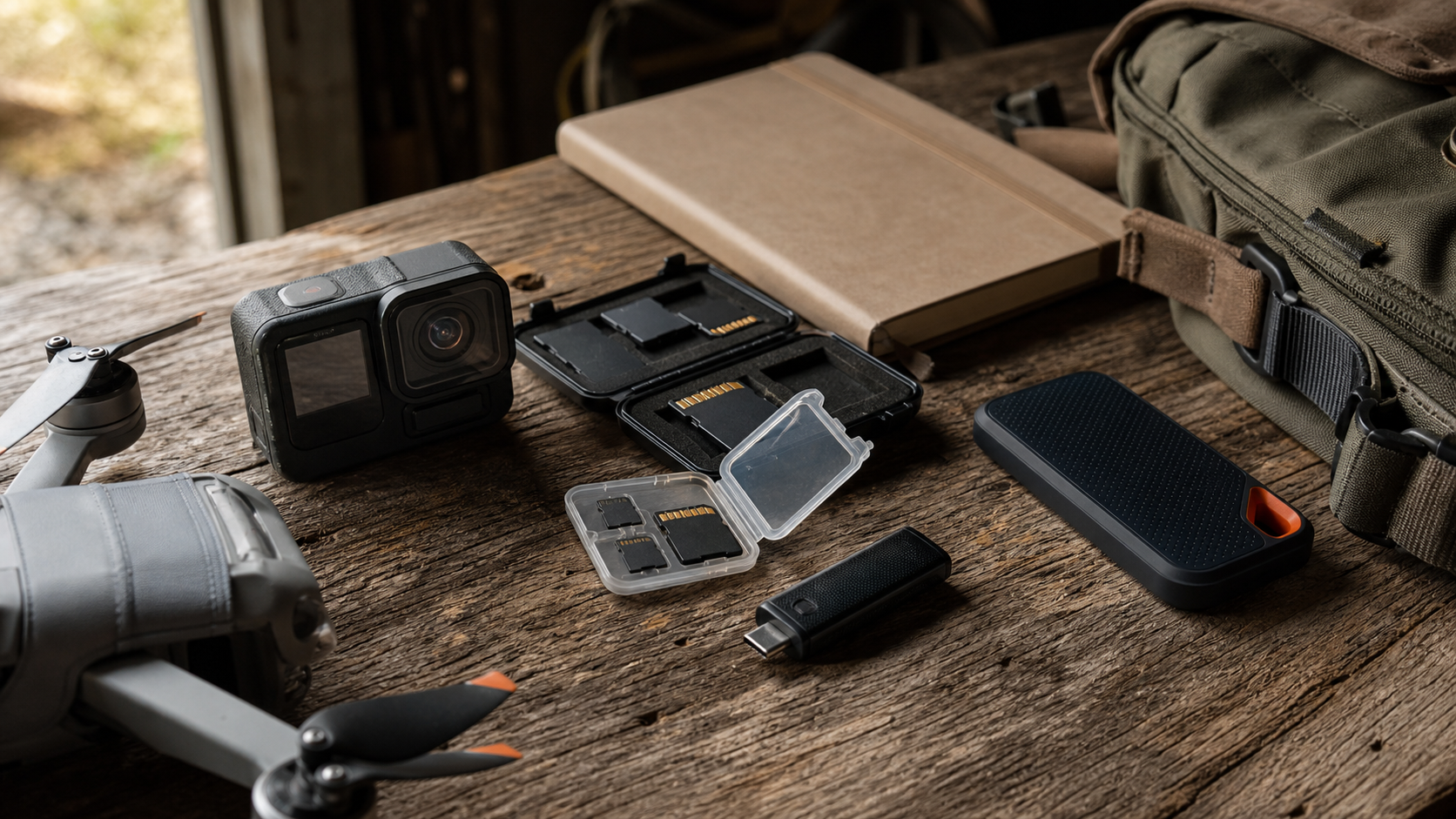
For action cameras, drones, 360 cameras, 3D scanners, and field-documentation rigs, the memory card is not a cheap afterthought. It is part of the capture chain. A weak card can stop a recording, slow a transfer, corrupt a shoot, or make a robotics team waste the one clean test run they had all afternoon.
The confusing part is that memory-card packaging is crowded with labels: UHS-I, UHS-II, V30, V60, V90, A2, U3, read speed, write speed, and capacity. For TVG’s expanded creator-and-field-tech lane, the useful question is narrower: what specs actually protect a field workflow when the camera is bolted to a robot, flown on a drone, mounted on a helmet, or handed to a student team documenting a build?
This guide focuses on durable buying criteria rather than a brand ranking. It should pair well with TVG’s earlier action camera mounting guide for robotics and field teams, the drone photogrammetry field checklist, and the HDMI capture card spec guide.
Start with sustained write speed, not the biggest number
The largest number printed on many cards is usually a best-case read speed. Read speed matters when offloading footage, but it does not guarantee that the card can continuously accept video data during capture. The more important number for video work is sustained write performance.
The SD Association’s speed-class system is meant to make that easier. Video Speed Class labels such as V30, V60, and V90 indicate minimum sustained write speeds of 30 MB/s, 60 MB/s, and 90 MB/s respectively. That minimum is more useful than a burst write claim because cameras and drones do not record video as a single short burst. They stream data continuously until the clip ends, the battery dies, or the device overheats.
For 4K action-camera work, V30 is often the practical floor. For high-bitrate modes, long clips, high frame rates, 360 video, or multi-camera capture, V60 or V90 may be worth the cost if the device supports it. The right card is the one that clears the camera’s sustained-write requirement with margin, not the one with the biggest read-speed headline.
Match the card bus to the device
UHS-I and UHS-II are bus-interface labels. UHS-II cards add a second row of contacts and can move data faster in compatible cameras and readers. But a UHS-II card in a UHS-I-only action camera will not magically make that camera write at UHS-II speeds. The extra speed may still help later if the same card is offloaded through a UHS-II reader, but the capture side is limited by the device.
That distinction matters for teams buying a shared kit. If the field cameras are UHS-I devices but the edit station has a fast UHS-II reader, buying UHS-II cards may reduce transfer time while offering little capture-side benefit. If the cameras themselves support UHS-II or use CFexpress, the calculation changes. Before buying a fleet of cards, check the camera spec sheet, the recommended-media list, and the exact recording modes used in the field.
Capacity is a reliability choice
Large cards reduce swaps, but they also concentrate risk. A single 1 TB card in an action camera may hold a full day of footage, yet losing or corrupting that one card is a bigger operational failure than losing a shorter segment. Smaller cards encourage natural offload breaks and make it easier to separate test sessions, locations, or student teams.
For robotics documentation, a useful pattern is to size cards around the job, not around the largest available capacity. A field team might use separate cards for morning calibration, competition runs, and post-run interviews. A maker lab might assign cards by project so footage and scan data do not become a mystery folder at the end of the semester. That workflow discipline is as important as the speed label.
Endurance matters when cameras loop or ride hard
Standard consumer cards are often fine for normal capture, but constant overwrite cycles are harder on flash memory. Dashcams, security cameras, robot-mounted logging rigs, and lab time-lapse stations can write continuously for hours or days. In those roles, high-endurance cards may be a better fit than the fastest creator card.
Physical handling also matters. Drones, action cameras, and field scanners expose cards to heat, vibration, dust, moisture, rushed swaps, and pocket storage. A waterproof or temperature-rated claim does not remove the need for good habits: use cases, avoid loose cards in tool bags, label media, and retire cards that begin to show errors. The cheapest card in the kit should not be the one capturing the only take.
Reader speed can bottleneck the whole workflow
A fast card paired with a weak USB reader turns offload into a waiting game. This is especially painful for creator teams and STEM labs where the same workstation may need to ingest video, copy scanner files, back up drone imagery, and edit clips before the next session. For a field kit, the reader deserves its own spec line: USB generation, UHS-I or UHS-II support, cable quality, heat behavior, and whether it can handle simultaneous cards without throttling.
This is also where NAS and external SSD decisions connect to card buying. A fast card does not solve anything if the offload path lands on a slow USB hub or an unorganized drive. TVG’s NAS vs external SSD workflow guide covers that next step in more detail.
A field-kit checklist
- Confirm camera requirements: use the official spec sheet and recommended-media list for each camera, drone, scanner, or recorder.
- Buy for sustained write: treat V30 as an entry point for many 4K workflows; consider V60 or V90 for higher-bitrate and longer-form capture when supported.
- Match interface to device: do not pay for UHS-II capture speed if the device only writes at UHS-I speeds, unless faster offload still justifies it.
- Plan capacity by session: choose card sizes that support backup habits and reduce all-day single-card risk.
- Use the right reader: pair fast cards with a reader and storage path that can actually move the data.
- Retire suspect media: repeated write errors, unexplained missing clips, or camera warnings are enough reason to pull a card from active field use.
TVG Take
The best memory-card purchase is rarely the most expensive card on the shelf. It is the card that matches the camera’s real recording mode, keeps enough sustained-write margin, survives the environment, and fits a backup workflow that people will actually follow. For field teams, the memory card is part of the test bench. Buy it with the same discipline as a battery, mount, cable, or sensor.



