
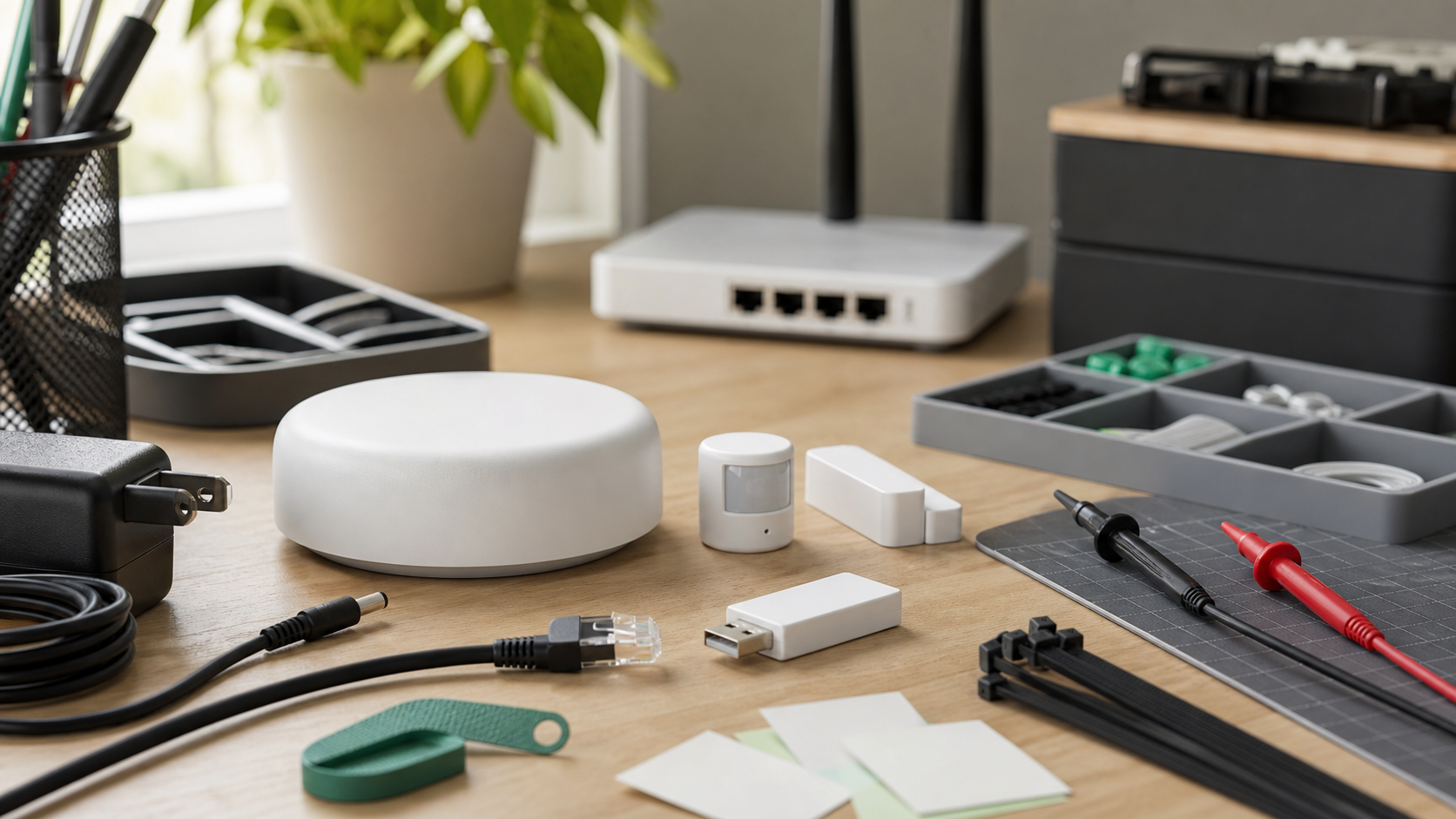
Matter and Thread have made smart-home interoperability more credible, but a reliable smart-home setup is still not automatic. For maker labs, classrooms, small studios, and technical hobbyists, the question is not whether a device has the Matter logo. The better question is whether the whole control path will remain understandable when a hub updates, a router reboots, a phone leaves the building, or a sensor gets moved to the edge of the mesh.
This is a review-style buyer evaluation, not a hands-on test of one hub. TVG has not tested every current hub in a controlled lab for this article. Instead, the goal is to define what we would inspect before trusting a Matter-and-Thread setup for workshop lighting, storage-room sensors, environmental monitoring, classroom demos, or home-lab automation. It pairs with TVG’s Wi-Fi 7 home-lab router guide and our broader deployment risk checklist mindset: reliability depends on the system, not just the label.
The buyer angle is timely because Matter 1.4 and Thread 1.4 are aimed at some of the pain points that early Matter users noticed: commissioning, multi-admin behavior, border-router coordination, and more capable device categories. The Connectivity Standards Alliance describes Matter 1.4 as a release that expands the standard’s smart-home capabilities. Espressif’s Thread credential-sharing explainer highlights why Thread 1.4 border-router behavior matters for real interoperability rather than just box-label compatibility.
What Matter solves — and what it does not
Matter is an application-layer standard. It gives devices and controllers a shared way to describe capabilities, commission devices, and work across ecosystems. That is valuable because it reduces the number of one-off cloud integrations and vendor-specific bridges needed for basic control.
But Matter does not guarantee that every automation will behave identically in every app. Ecosystems may expose different advanced settings, firmware updates may arrive on different timelines, and some devices still depend on a vendor app for full configuration. Buyers should treat Matter as a compatibility baseline, not a promise that every feature will be portable forever.
Thread border routers are the real deployment question
Thread is a low-power IPv6 mesh networking technology often used by battery sensors, plugs, switches, and small smart-home devices. A Thread border router connects that mesh to the rest of the IP network. In practical terms, the border router is where many confusing failures begin: devices may be paired in one app, visible in another, or stuck on a separate Thread network depending on how routers share credentials and how ecosystems implement support.
Thread 1.4’s credential-sharing work is important because it is meant to reduce the problem of rival hubs building separate islands. Espressif notes that credential sharing is mandatory for Thread 1.4 border routers, which should help certified routers participate in a common network rather than splitting the house or lab into hidden meshes. That does not mean every older hub improves overnight. It means buyers should ask what version is supported, whether updates are available, and how the vendor documents multi-router behavior.
The hub checklist TVG would use
- Controller role: Can the device act as a Matter controller, a Thread border router, both, or neither?
- Thread version support: Does the vendor document Thread 1.4 behavior, credential sharing, and update availability?
- Multi-admin behavior: Can devices be shared cleanly with Apple Home, Google Home, Alexa, Home Assistant, or another controller without rebuilding the setup?
- Local control path: What still works if the internet connection is down but the LAN and Thread mesh remain active?
- Firmware policy: How are updates delivered, and can they be scheduled or delayed in a lab environment?
- Diagnostics: Can the user see signal quality, route health, device firmware, and failed commissioning reasons?
- Power and placement: Is the border router always powered, centrally located, and connected through a stable network path?
Home Assistant changes the evaluation
Home Assistant’s June 2026 Matter update is a useful signal because it shows the open-source controller side getting faster and more capable. The project says the update improves Matter support and stability, which matters for technical users who want better visibility and local control. A Home Assistant setup is not the simplest path for every household, but for a lab, classroom, or technically managed home, it can provide the diagnostic layer that consumer apps often hide.
That does not make Home Assistant a universal recommendation. It adds an operating responsibility. Someone has to maintain the server, backups, add-ons, radio hardware, and update cadence. For a small studio or maker space, that responsibility may be acceptable. For a nontechnical home, a mainstream hub with less visibility may still be easier to support.
What we would test before buying a fleet
A serious evaluation should not stop after pairing one smart plug. TVG would stage a small test mesh with at least two border routers, battery sensors, a plug or bulb, one intentionally weak location, and two controlling ecosystems. Then we would test device commissioning, multi-admin sharing, local control during WAN outage, recovery after a router reboot, firmware-update behavior, and whether diagnostics explain failures in plain enough terms for the operator.
We would also test physical placement. Border routers hidden behind televisions, metal shelving, or rack gear may perform worse than their spec sheets imply. A lab or workshop with power tools, cabinets, and moving carts is not a clean suburban living room. Reliability depends on both protocol support and radio planning.
Buyer guidance
If you are buying for a maker lab or classroom, prioritize boring reliability over novelty. Choose hubs and devices with clear Matter and Thread documentation, visible update history, and a community or vendor support channel that answers practical failure cases. Avoid building the whole system around a single low-cost hub with unclear update commitments. If local control is important, make that a purchase requirement rather than a feature you hope appears later.
For small studios and home labs, the best setup may be mixed: a mainstream ecosystem for simple everyday control, plus Home Assistant or a similar controller for diagnostics, automations, and backups. That arrangement only works if the team documents ownership: who updates it, who restores it, and what happens when one controller disappears.
TVG Take
Matter and Thread are moving in the right direction, but the reliable smart-home purchase is still a system decision. The hub, border router, radio placement, firmware policy, diagnostics, and backup plan all matter. For technical buyers, the winning setup is not the one with the most badges. It is the one whose failure modes can be seen, explained, and recovered without rebuilding the whole network.



