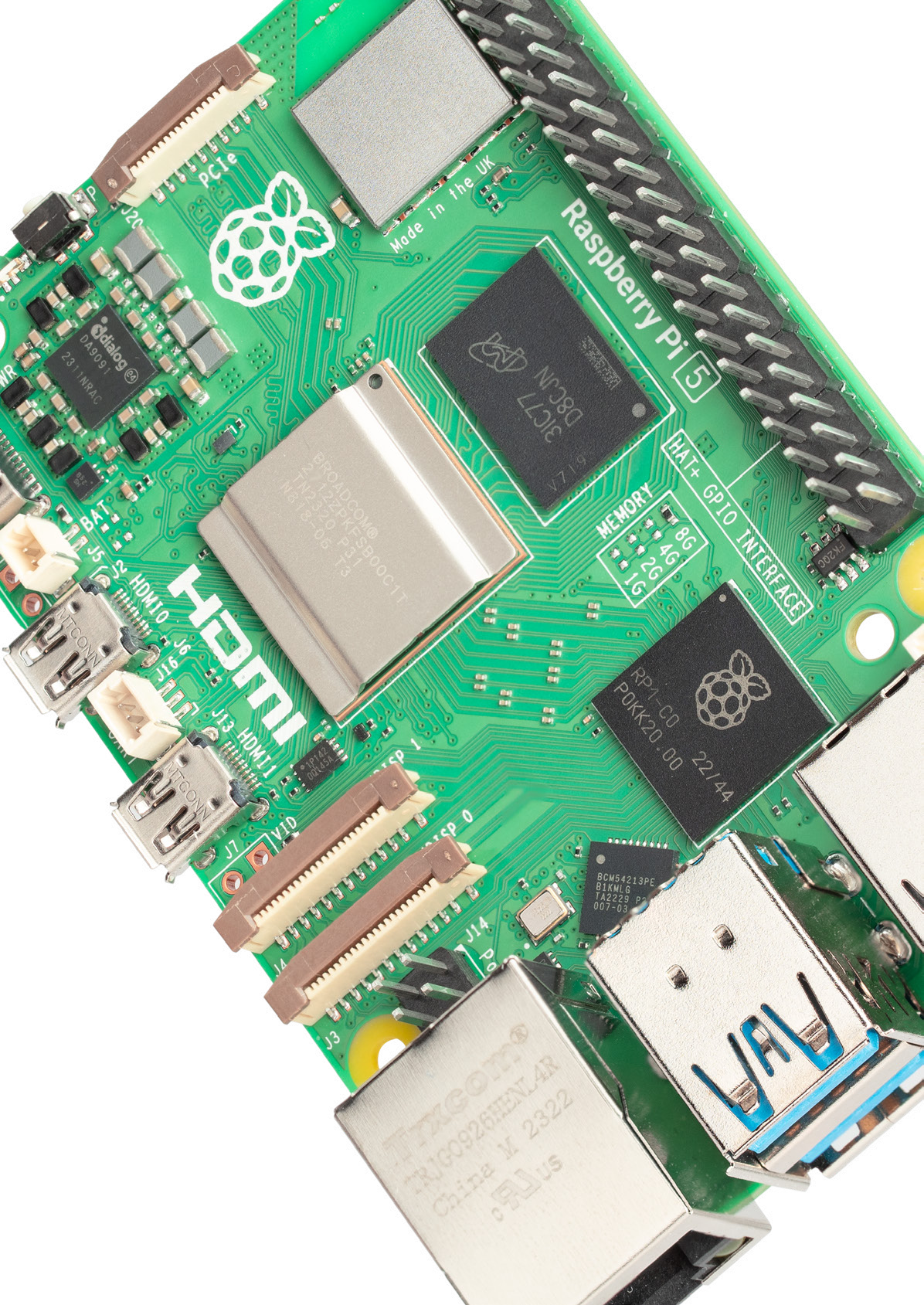
For Raspberry Pi 5, choose a supply that supports your peripherals, then add active cooling for sustained work. A high-wattage laptop charger can still lack the required high-current profile. Keep a good 5V/3A supply for light builds; choose detected 5V/5A power for USB storage or heavier accessory loads.
Key facts before you buy
- 5V/3A power leaves a 600mA aggregate downstream USB allowance.
- Detected 5V/5A raises the shared allowance to 1.6A, including the fan header.
- Charger wattage alone does not prove support for the optional 5V/5A profile.
- Active cooling tackles sustained heat, not inadequate power.
| Build | Power choice | Cooling choice |
|---|---|---|
| Light desktop or headless service | Good 5V/3A; low-draw peripherals. | Assess sustained load first. |
| USB SSD or multiple USB devices | Detected 5V/5A; powered hub if needed. | Match processor activity. |
| M.2 HAT+, camera or HAT stack | Budget each accessory separately. | Check stack clearance. |
| Sustained compile, AI or media work | Include simultaneous peripheral demand. | Plan active cooling. |
| Enclosed build | Check supply and cable. | Keep airflow and cable routes clear. |
Buy the power profile, not the wattage label
USB Power Delivery, or USB-PD, lets the board request a voltage-and-current combination. Raspberry Pi’s power-delivery white paper says Pi 5 requests only 5V profiles; its preferred high-current option is not mandatory on every charger. Check the adapter’s output list and cable capability before buying.
The official Raspberry Pi 27W USB-C Power Supply removes that profile guesswork. Tom’s Hardware’s launch reporting described seeing firmware detect this supply and raise the USB limit. For another adapter, check its specifications rather than assuming equivalent compatibility.

Cable quality matters even with the correct profile. Raspberry Pi’s setup guidance specifies voltage at the plug, after cable losses. An undervoltage warning calls for checking the supply and cable, not adding a fan.
Budget USB devices together; count other accessories separately
The hardware documentation sets the shared USB/fan limits listed above: they are not per-port allowances. For a USB solid-state drive, or SSD, include the enclosure and other connected devices, allowing for startup demand. Use externally powered storage or a powered hub when their combined requirements exceed the allowance.
The Raspberry Pi M.2 HAT+ connects storage through PCI Express, not downstream USB, but its drive still draws from the overall supply. Check camera and HAT add-on board requirements individually. Motor-driven projects need a separate load plan; TVG’s servo power-path guide explains movement-related resets.
Accessory peaks depend on the exact hardware. Obtain device specifications, then check the busiest combination of storage, camera and add-on activity before settling on a supply.
Use active cooling for sustained work, with room for airflow
Raspberry Pi’s cooling guidance distinguishes normal use from heavy continuous loads. Its documented 80–85°C throttling boundary means the processor slows to control heat. Plan active cooling for long compiles, continuously busy AI tasks or sustained media processing; constant uptime alone is not the deciding factor.
The Active Cooler combines a heatsink and temperature-controlled blower. For an enclosure, the official Raspberry Pi 5 Case includes a fan and small heatsink. Choose the arrangement that fits your build rather than automatically buying both.

Standard M.2 HAT+ mounting hardware accommodates the Active Cooler; Compact leaves space for the official case fan. Check ribbon routing and clearance before assembly. For media servers, TVG’s Jellyfin playback-mode guide helps distinguish streaming from processing that keeps the computer busy.

Isolate power warnings before chasing heat
- A limited-power or USB-boot warning calls for checking supply detection; bypassing a current limit cannot increase electrical capacity.
- Disconnect nonessential USB devices, then reconnect them individually.
- During the real workload, check
vcgencmd measure_temp, fan operation and unobstructed airflow.
Follow Raspberry Pi’s power and temperature checks with the intended accessories attached. Resolve warnings or throttling before leaving the completed build unattended.