
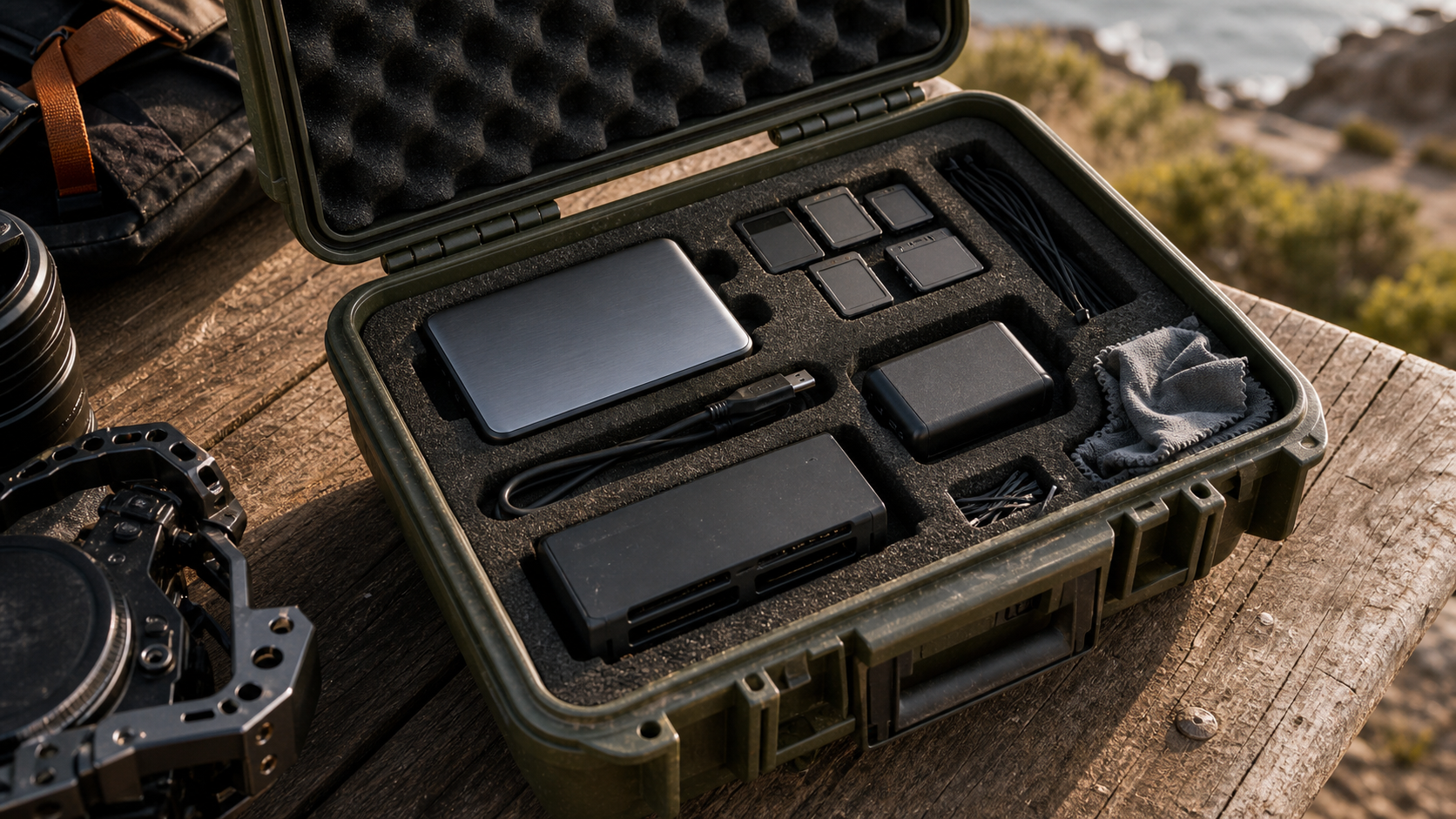
A field backup kit looks boring until the day a robotics test, drone survey, student competition, field interview, or creator shoot depends on it. The buyer question is not simply “portable SSD or memory-card reader?” It is whether the team can get media off the capture device, verify it, protect it from heat and power failures, and still keep shooting.
This is a spec-based buyer evaluation, not a hands-on review of a specific drive or reader. TVG has not tested the products discussed here in a controlled lab. The goal is to help maker teams, field creators, and small technical crews decide what they would need to test before trusting a backup workflow. For related TVG coverage, see our guides to memory card specs for drones and action cameras and Thunderbolt 5 versus USB4 for creator and maker storage.
The two jobs are different
A memory-card reader is an ingest tool. It moves data from camera, drone, action camera, audio recorder, scanner, or embedded logger media into another device. A portable SSD is the storage target. Some teams treat the SSD as the primary working drive; others treat it as the first field copy before a NAS or workstation import later.
The most reliable kit usually combines both. A fast reader without a trustworthy storage target just moves the bottleneck. A fast SSD without a stable reader and cable cannot ingest camera cards at the rate the spec sheet suggests. If a team shoots with multiple card types, the reader also becomes a compatibility and failure-point decision.
Start with the card standard, not the advertised peak speed
The SD Association describes speed classes as minimum sequential card-access performance under defined conditions, which is why video teams pay attention to V30, V60, V90, and newer SD Express speed classes. Those marks are more useful for sustained capture than a large peak-read number printed on packaging.
For cameras and drones, the risk is usually sustained write failure during capture. For field backup, the risk shifts to sustained read performance, reader thermals, cable stability, and whether the copy process verifies the data. A card that records correctly can still be copied through a poor reader, a loose cable, or a bus-powered SSD that throttles in a hot case.
Portable SSD specs that matter in the field
Sandisk’s 2026 portable SSD portfolio announcement shows how vendors now market drives around larger file sizes, AI-developed content, and demanding creative workflows. The company lists up to 2,000MB/s read speeds for its Extreme Portable SSD and up to 4,000MB/s for the Extreme PRO Portable SSD, while also noting that performance can be lower depending on host device, interface, usage conditions, and other factors.
That caveat is the field-workflow reality. A 4,000MB/s-capable drive is only useful if the host port, cable, enclosure thermals, file system, and reader chain can keep up. If the team is copying from V60 SD cards, the card and reader may be the limiting factors. If the team is moving high-bitrate video from CFexpress or backing up multiple cards at once, the SSD and host port become more important.
Where a dedicated reader still wins
A good reader gives the team flexibility. It can support UHS-II SD cards, microSD cards used in action cameras and drones, CFexpress cards used in cinema and still cameras, or a mix of formats. It also makes failure isolation easier: if one reader stops working, the storage drive may still be fine; if one cable is flaky, the team can swap it without changing the entire backup plan.
The reader decision should include physical details: card-slot durability, heat, cable retention, bus power, and whether the reader exposes cards consistently to the host system. Multi-card readers can be convenient, but a team that regularly shoots mission-critical work may prefer two simpler readers so a single damaged slot does not stop the whole ingest process.
Where a portable SSD still wins
The SSD is where the field copy becomes useful. Capacity, sustained write behavior, drop resistance, water and dust claims, enclosure heat, and compatibility with the host computer matter more than a short benchmark burst. A rugged external drive that overheats during a multi-card dump can be worse than a slower drive that finishes verified copies every time.
Teams should also check the destination format. A drive used across macOS, Windows, Linux, iPadOS, and Android devices can run into file-system and permission issues. The safest field kit is the one the crew has rehearsed with the exact host devices, cameras, card readers, cables, and verification software it will use on location.
A practical field-backup test
- Copy test: Fill representative cards with real camera or test data, then copy them through the planned reader to the planned SSD.
- Verify test: Use checksum or verification-capable copy software, not just drag-and-drop confidence.
- Heat test: Repeat the copy in a closed field case or warm room to see whether the reader or SSD throttles.
- Cable test: Move the kit gently during transfer to expose loose connectors before the field day.
- Power test: Confirm whether the host can power the reader and SSD reliably, especially from tablets or compact laptops.
- Recovery test: Simulate a failed copy and confirm the crew knows which copy is authoritative.
TVG Take
For most creator and technical field teams, the right answer is not portable SSD versus memory-card reader. It is a verified chain: known-good card, reliable reader, stable cable, adequately fast host port, portable SSD with enough sustained performance, and a repeatable copy-and-check process. The fastest published number in that chain is less important than the weakest link under heat, dust, hurry, and low battery.
If the budget only allows one upgrade, choose the part that removes the current failure point. Teams dropping frames should examine card speed class and camera requirements. Teams waiting on imports should examine reader, port, and SSD sustained-write behavior. Teams losing files should fix verification and naming before buying faster hardware.




I’ve found SSDs really simplify things when I need to quickly grab files for a shoot – the speed difference is noticeable.
Thanks for sharing that — speed is a real advantage when the handoff needs to happen on-site. We still like card readers for lean kits and quick ingest, but a good portable SSD can make the whole field-backup workflow feel much less fragile.