
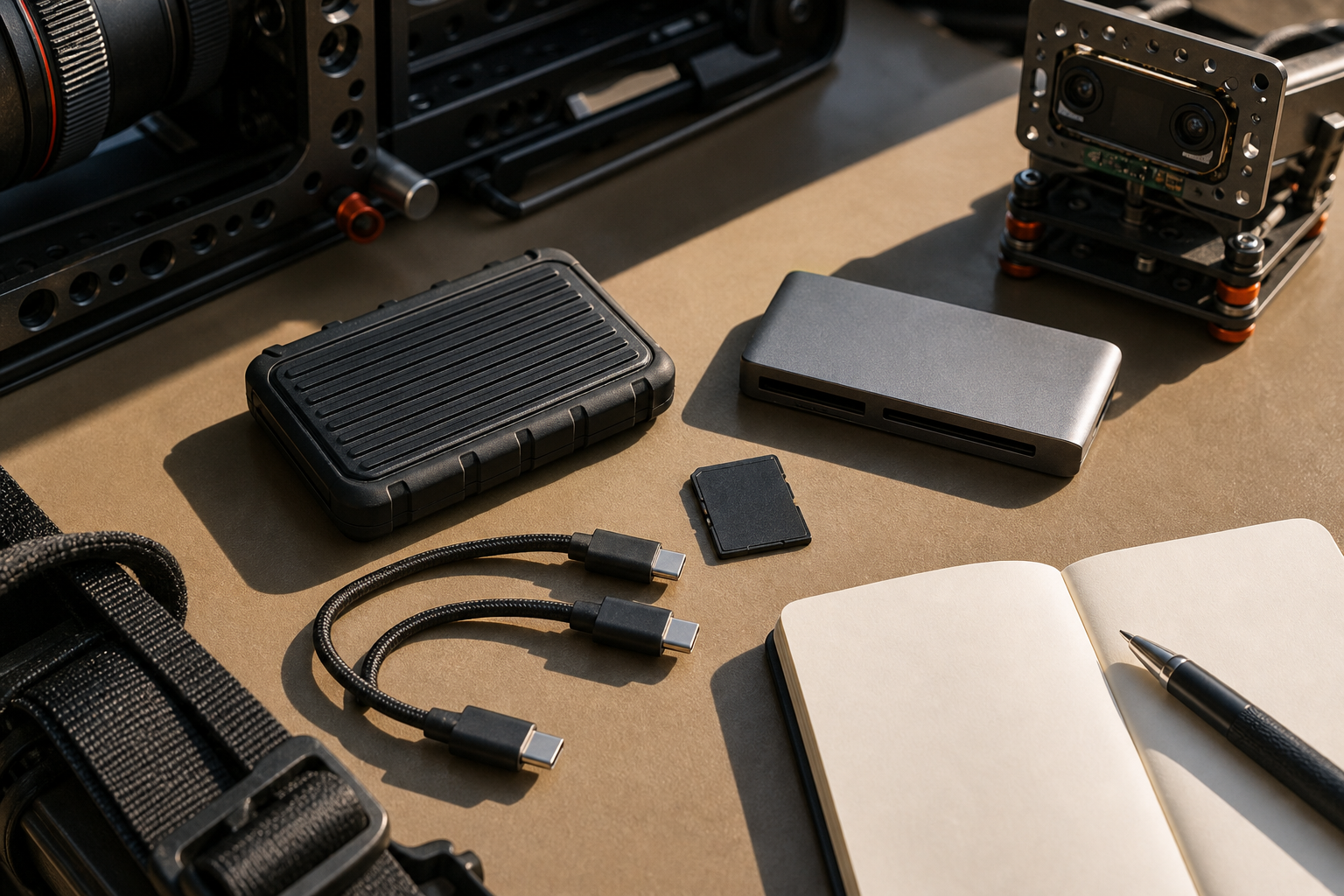
USB-C made the connector look simple. The data workflow behind it is still not simple. For creators, robotics teams, field researchers, and school media labs, the difference between a fast-looking cable and a dependable storage chain can decide whether a shoot, robot log, drone mapping run, or classroom project survives the day.
This guide is not about buying the cable with the biggest number on the box. It is about matching Thunderbolt 5, USB4, older Thunderbolt ports, external SSDs, card readers, hubs, and power behavior to the work you actually do.
The short version
Choose the workflow before choosing the port. If you edit multi-camera video directly from an external drive, ingest large camera cards on deadline, or run a portable workstation with displays and storage on one dock, Thunderbolt 5 may be worth paying for when the host computer, dock, cable, and drive all support it. If the job is backups, robot logs, CAD files, still photos, or single-stream field footage, a well-labeled USB4 or Thunderbolt 4 setup may be more cost-effective.
USB-IF describes USB4 as a major update to USB architecture that builds on USB 3.2 and USB 2.0 while using USB Type-C. Intel’s Thunderbolt material positions Thunderbolt 5 around higher bandwidth, display support, and demanding creator workflows. The detail that matters in the field is that the slowest piece in the chain still wins.
Start with the bottleneck you can prove
Before upgrading ports, run a basic audit. What is the largest file set you move in one session? How quickly does it need to move? Are you waiting on a camera card, a card reader, an SSD controller, a cable, the host port, antivirus scanning, the editing app, or a network backup target?
TVG’s NAS vs external SSD workflow guide makes the same point from the backup side: storage choices are workflow choices. A fast portable SSD can be the right field drive, while a NAS can be the right shared archive. Neither fixes a weak ingest process by itself.
What Thunderbolt 5 changes
Thunderbolt 5 is most interesting when several demanding tasks converge: high-resolution displays, fast external storage, capture devices, docks, and power delivery. That is common in small studios and mobile editing setups. It can also matter in maker labs where a compact workstation has to connect cameras, storage, sensors, and a display without turning into a cable nest.
The caveat is compatibility. A Thunderbolt 5 label on one device does not upgrade the whole chain. Host support, certified cable length, dock controller, drive enclosure, thermal design, and SSD inside the enclosure all shape the result. If the drive overheats after six minutes, the advertised bus bandwidth is not the real workflow speed.
Where USB4 is enough
USB4 can be a strong middle ground when you need modern Type-C behavior and high data rates without building a premium dock setup. For robotics teams, USB4 is often enough for moving logs, camera footage, CAD exports, firmware packages, and documentation files. For many creators, it is enough for travel backups and editing compressed footage from a portable SSD.
Use the money you save on the bus for a better storage plan: two drives, checksum copies, a labeled card wallet, and a known-good cable kit. TVG’s earlier microSD vs portable SSD field-camera guide is still relevant here. Small removable cards are convenient; external SSDs usually make better working drives once footage or robot logs leave the device.
Card readers are part of the system
Many field workflows fail at the card reader, not the drive. A high-speed SD or CFexpress card can only help if the reader, cable, host port, and destination drive can keep up. The SD Association’s speed-class material is a useful reminder that card markings describe different performance guarantees, and not all markings map cleanly to sustained real-world ingest.
For a small lab, the practical move is to standardize. Keep one primary reader model, one backup reader, short certified cables, and a written ingest procedure. If students or field operators swap random cables from a drawer, troubleshooting gets slow.
Power and heat are not footnotes
Bus-powered drives are convenient until the host port cannot deliver stable power or the enclosure throttles. Compact metal SSDs can become very warm during long transfers. Docks can add another heat source. If the drive is used for field capture, a rubberized enclosure may protect it from knocks but trap heat during sustained writes.
Test the exact workflow before trusting it. Copy a full card, verify the files, edit from the drive for 30 minutes, then repeat. Watch for disconnects, speed drops, and enclosure temperature. A one-minute benchmark is not enough.
Buyer checklist
- Confirm the host port: Thunderbolt 5, Thunderbolt 4, USB4, or USB 3.x over Type-C.
- Buy certified short cables and label them by capability.
- Match the SSD enclosure and internal drive to sustained workload, not just peak speed.
- Use a card reader that matches the camera cards used in the field.
- Keep a second copy path: external SSD plus NAS, or two separate SSDs when traveling.
- Run a full-session transfer test before a paid shoot, event, or competition.
TVG Take
Thunderbolt 5 is a good upgrade when a compact workstation must carry displays, fast storage, and capture gear at the same time. USB4 remains a practical choice when the work is file transfer, backups, robot logs, and moderate editing. The best field kit is not the one with the highest peak bandwidth; it is the one where every link in the chain has been tested, labeled, and backed up.



