Disclosure: This is a spec review and buyer evaluation, not a hands-on test. TVG has not measured a specific card, SSD, camera, or robot controller for this article. The goal is to define what teams should compare before buying storage for field cameras, drones, portable monitors, and robot logs.
Storage is easy to overlook until the moment a team loses a clip, fills a card, or waits half an hour to copy footage before the next practice block. For robotics and creator-field workflows, the useful comparison is not simply microSD versus portable SSD. It is capture media versus offload media, minimum sustained write speed versus peak marketing speed, and tiny convenience versus recoverable workflow.
Where microSD is still the right answer
MicroSD wins when the device requires it. Action cameras, many drones, small data loggers, SBC projects, and compact field gadgets are built around removable flash cards. The format is tiny, cheap enough to rotate, and easy to carry in multiples. For short clips, telemetry exports, and quick documentation, it is the natural capture medium.
The catch is that not every fast-looking card is appropriate for video or sustained logging. The SD Association publishes speed-class families so buyers can understand minimum write-speed expectations. For video work, the “V” class is more meaningful than a large peak read number printed on a package. A camera that records high-bitrate 4K or 5.3K footage needs sustained write behavior, not a card that only performs well for a burst.
Robotics teams should also consider handling. MicroSD cards are easy to drop, hard to label, and easy to mix up during events. A card wallet, rotation plan, and immediate offload habit are not optional if the footage matters. Treat each card like a field notebook: assigned, checked, copied, and verified.
Where a portable SSD changes the workflow
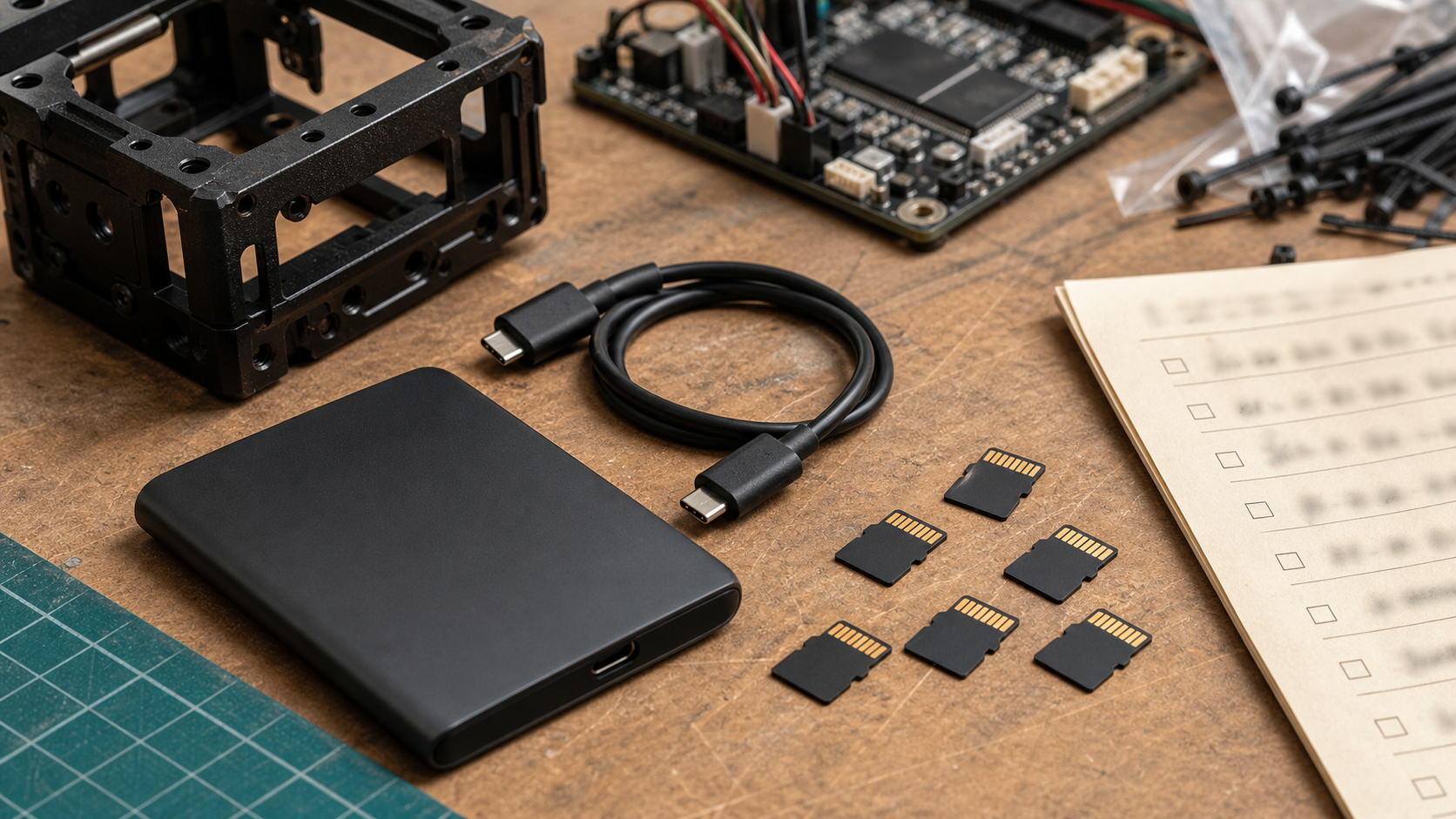
A portable SSD is usually not the capture medium inside a small action camera, but it can be the better field library. After a match, inspection run, drone flight, or documentation session, the team can offload cards to a larger drive, organize folders by date and run number, and free capture media for the next session. USB-IF’s USB4 material is a reminder that the cable and host port also matter: high-speed storage only helps when the whole link supports the expected transfer path.
For teams using laptops or portable monitors in the pit, an SSD can also hold CAD references, firmware backups, camera clips, and exported logs. TVG’s portable monitor guide for maker labs and field teams stressed the value of a practical workstation. Storage is part of that workstation. A display is less useful if the files are scattered across five cards and three student laptops.
The failure modes are different
MicroSD failure is often about small-object management, counterfeit risk, slow sustained writes, file corruption after power loss, and physical loss. Portable SSD failure is more often about cable strain, drop damage, enclosure heat, filesystem compatibility, and accidental deletion during bulk organization. Neither format is automatically safe. The right approach is redundancy.
For important field work, copy footage to at least two places before formatting cards. For team events, one person should own ingestion and another should verify the file count. If a run matters, do not rely on a single tiny card in a backpack pocket. The same logic applies to robot logs and 3D scan datasets; TVG’s 3D scanner accuracy guide noted that repeatability depends on preserving the conditions and data around the capture, not just the final file.
What we would test before recommending products
- Sustained write: Can the card handle the camera’s highest realistic bitrate for a full session?
- Thermal behavior: Does the SSD slow down during a large copy on a warm field table?
- Cable retention: Does the USB-C cable stay connected when the laptop is moved?
- Filesystem support: Can school laptops, tablets, and team machines all read the drive?
- Recovery workflow: Can students identify which card contains which run?
- Offload time: How long does it take to copy a full card before the next match or practice block?
Buying guidance
For most robotics and creator teams, the balanced setup is simple: use high-quality microSD cards that meet the camera’s documented video requirements, carry enough cards to rotate without rushing, and offload to a portable SSD after each session. Buy fewer mystery cards and more verified workflow. A midrange card with the right sustained rating and a clean labeling system often beats a pile of bargain cards with confusing markings.
If the team records long high-bitrate sessions, drones, or multi-camera footage, the SSD becomes more important. Pick a rugged-enough enclosure, short cable, and clear folder structure. For classroom programs, add a laminated ingestion checklist so every student follows the same process.
Best fit by workflow
Use microSD when the camera or embedded device records directly to removable media and the recording session is short enough to verify quickly. Use the SSD when the job becomes a library: several cameras, multiple practice runs, drone passes, inspection clips, and logs that need to be reviewed on a laptop later. If the work involves students or volunteers, the SSD also creates a clearer handoff point. One person can collect cards, another can copy folders, and a third can review clips without passing the only original around the room.
The weak setup is a single large card that stays in the camera for weeks. It feels convenient until the device is lost, the filesystem corrupts, or nobody remembers which run contains the failure. Smaller rotations, verified copies, and a written erase rule are safer than maximum capacity alone.
TVG Take
MicroSD is the capture tool; a portable SSD is the field archive. Treating them as competitors misses the point. The reliable workflow uses both: cards sized and rated for the device, then fast offload, verification, and redundant storage before anything is erased. That is not glamorous, but it is exactly the kind of boring system that keeps engineering evidence available when a robot, drone, or camera run finally reveals the bug.