
Editorial mode: Template B — Analysis / Guide.
USB4 v2 sounds simple: more bandwidth through the USB-C connector. In the field, it is rarely that simple. A transfer chain is only as reliable as its weakest cable, dock, SSD enclosure, power path and display mode.
USB-IF materials describe USB4 as a high-performance USB-C-based architecture, and the USB4 Version 2.0 specification raises the ceiling for supported links. For field-media teams, the question is not whether the spec is impressive. It is whether the exact cable and dock in the bag can sustain the job without thermal throttling, mode confusion or silent fallback.
Check the whole chain, not one label
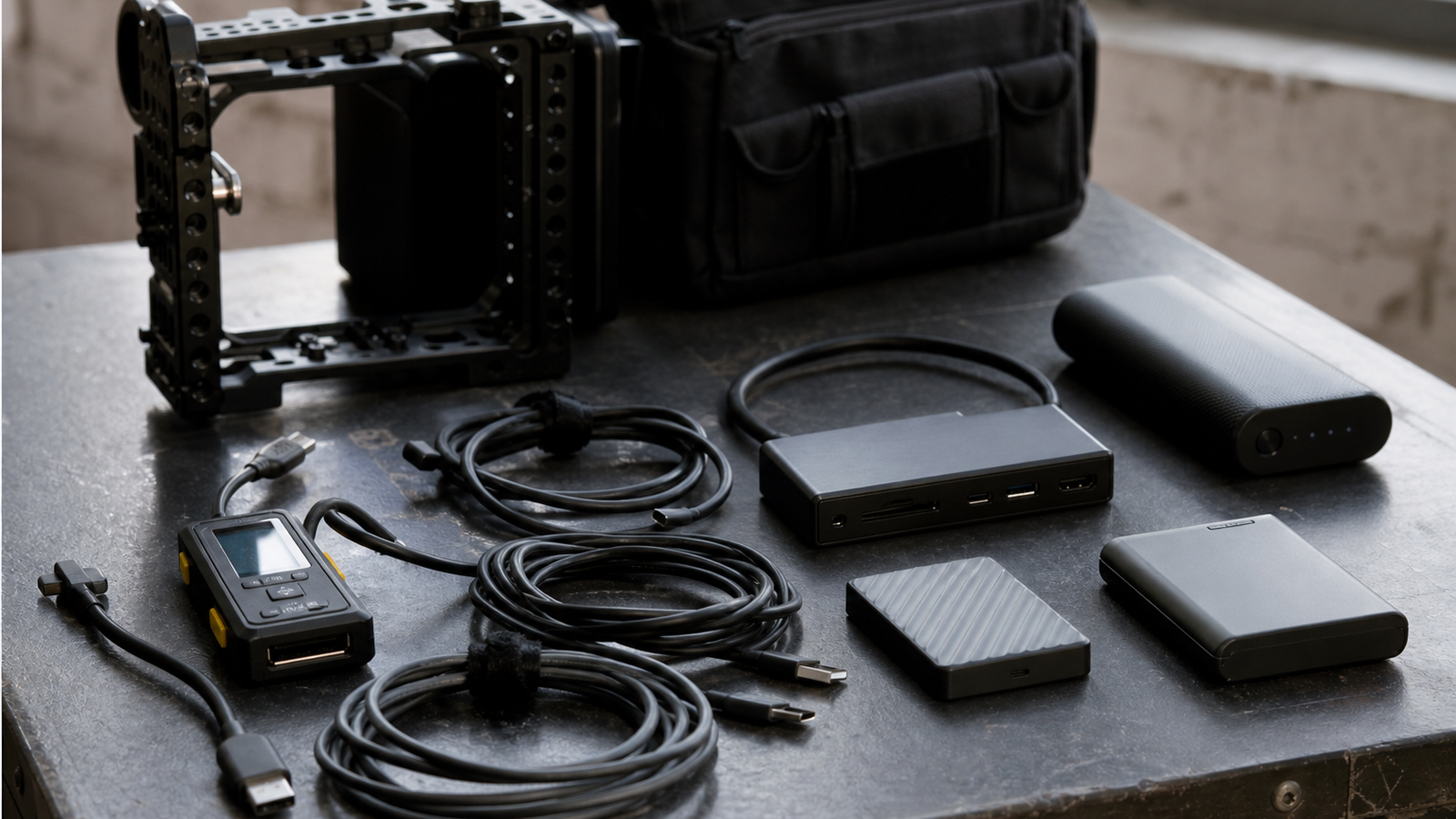
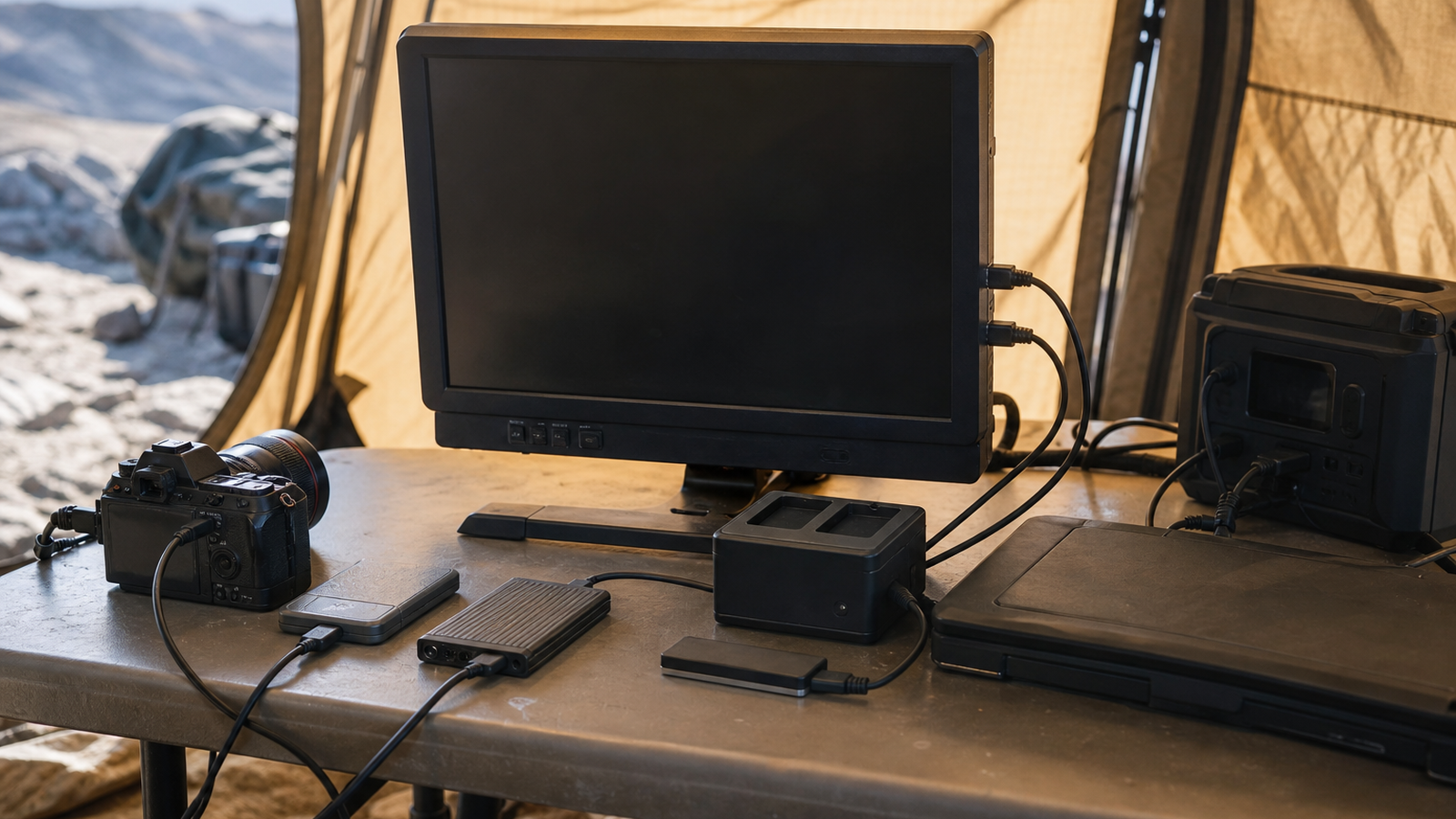
A camera team or robotics documentation crew may connect a card reader, portable SSD, monitor, battery, capture device and laptop through one dock. Every link negotiates. If one cable supports less bandwidth, one enclosure overheats, or one port shares lanes with another function, the real workflow can fall below expectations.
Start with the actual job: offload media, review footage, run a monitor, power the laptop, copy project files or capture HDMI. Then map each device in the chain. A cable that is fine for charging may be wrong for storage. A dock that works at a desk may run hot in a summer field tent.
Buyer checklist
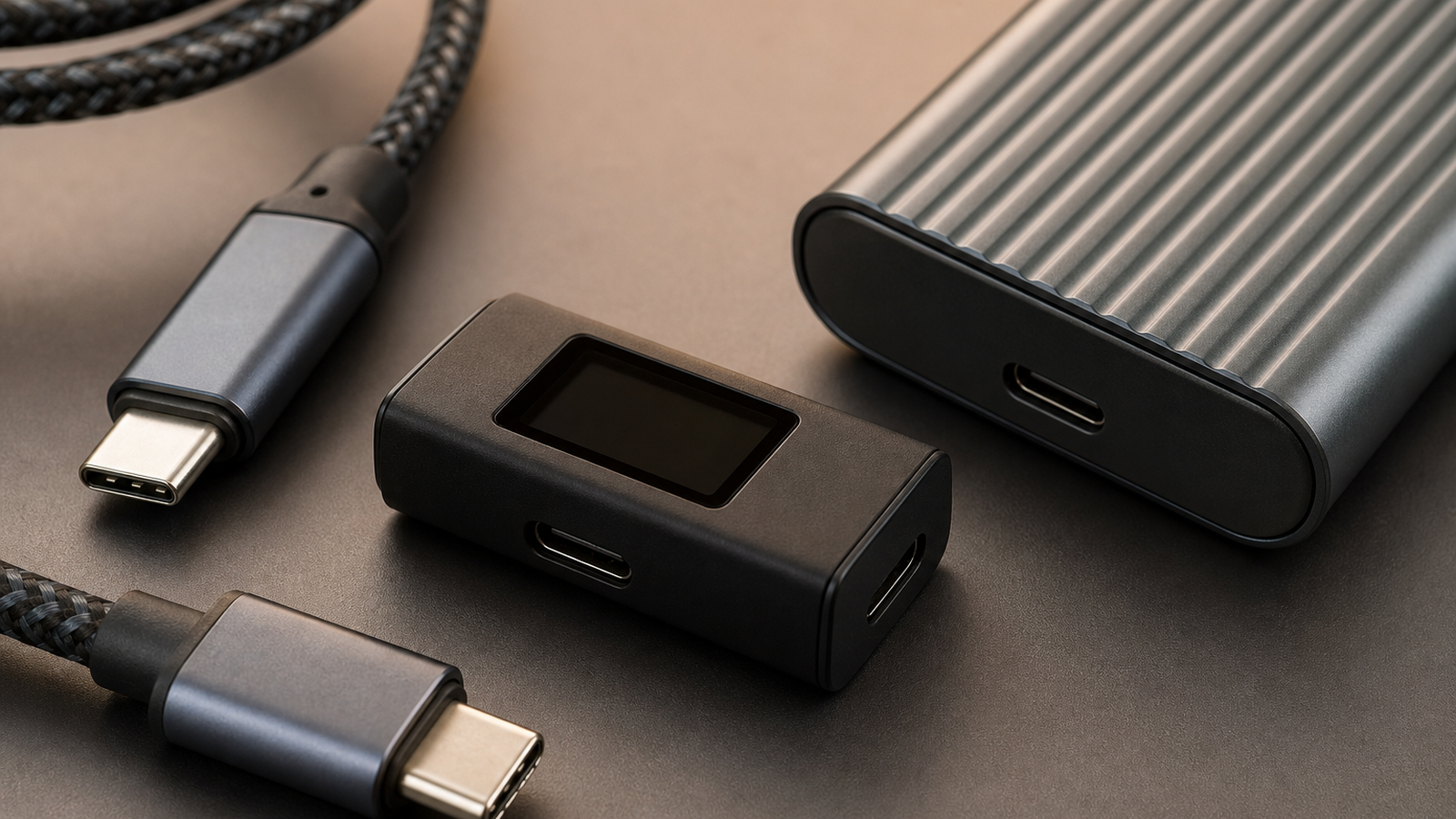
- Bandwidth marking: look for clear USB-certified markings rather than vague “fast charging” language.
- Cable length: shorter certified cables are easier to trust for high-speed links.
- Power Delivery: confirm wattage for the laptop and peripherals together, not just the charger.
- Display mode: verify the dock can run the monitor resolution and refresh rate while storage is active.
- Thermals: SSD enclosures and compact docks should be tested during a full offload, not a quick copy.
- Fallback behavior: know what happens when the system negotiates a lower mode.
Why field teams should care
In a studio, a failed transfer costs time. In the field, it can cost the only clean copy of a flight, match, inspection or robot run. Cable discipline is cheap insurance. Label known-good cables, keep slow charge-only cables out of the capture bag, and test the exact dock-and-drive combination before travel.
This guide pairs with TVG’s microSD, CFexpress and portable SSD field-media buyer evaluation. The storage medium matters, but the cable and dock layer decides whether that storage performs when the team is tired and the clock is running.
TVG Take
USB4 v2 should be treated as a system promise, not a sticker. Buy certified cables, test under sustained load, avoid unmarked adapters in mission bags, and document which ports on the laptop and dock were actually validated.
Build a known-good kit
Field teams should create a small known-good kit instead of trusting every USB-C cable in the drawer. Include one certified high-speed cable for storage, one clearly marked high-wattage charging cable, a compact reader, a spare short cable and a label card that says which combinations were tested. Keep novelty adapters and unknown promotional cables out of the bag.
Thermal behavior deserves its own check. Copy a large folder for long enough to warm the SSD enclosure and dock. Touch temperature is not a scientific measurement, but it is a useful warning. If performance collapses after a few minutes, the problem may be enclosure cooling rather than the card, drive or laptop.
Spec sheets are only the start
USB-C combines data, display and power in ways that can be confusing even for technical users. A dock may advertise a high number while sharing lanes across ports. A laptop may support different modes on left and right ports. A monitor path may reduce storage bandwidth. Before an event, test the exact port, cable, dock and drive that will be used under pressure.
Finally, keep a slow but reliable fallback. A field kit with one boring USB 3.x reader, one spare cable and enough battery capacity can save a shoot when a high-speed dock behaves badly. The goal is not to own the newest connector; it is to protect the media and keep the team moving.



