
Editorial mode: Template B — Analysis / Guide.
Wi-Fi 7 is easy to oversell in a garage lab. The standard brings wider channels, 4096-QAM modulation and Multi-Link Operation in certified products, according to Wi-Fi Alliance materials. Those features can improve throughput and latency, but only when the radio environment, clients and backhaul support the plan.
For maker teams, the practical goal is not a speed-test screenshot. It is stable control, clean camera feeds, predictable file transfer and enough margin that a robot does not lose telemetry because someone started moving video files from a workstation.
Start with the jobs on the network
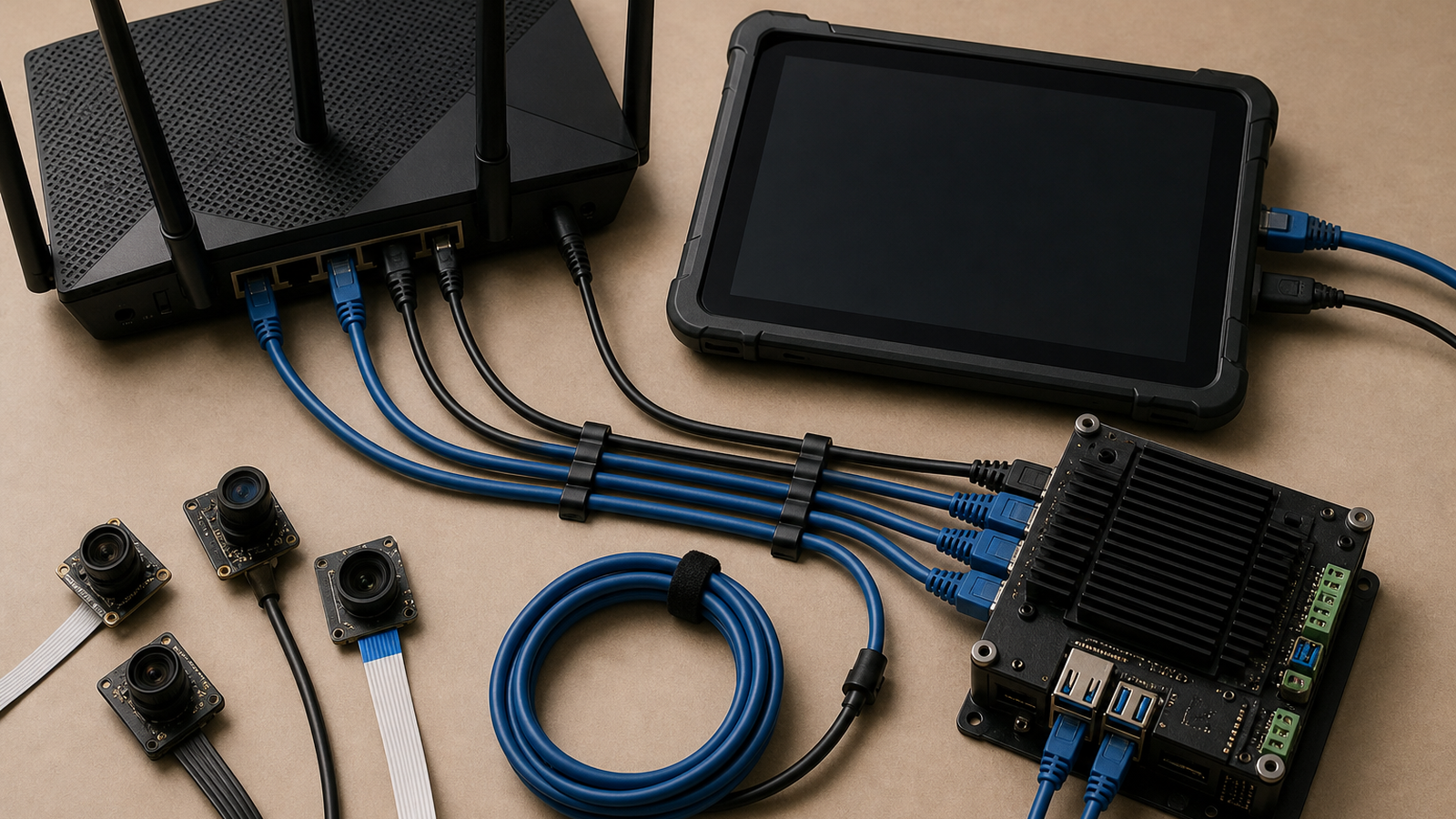
Split lab traffic into jobs. Robot command and telemetry need consistency. Camera monitoring needs sustained bandwidth. CAD downloads and model checkpoints need bulk transfer. Firmware updates and shared drives can be scheduled. Once those jobs are separated, the Wi-Fi decision becomes clearer.
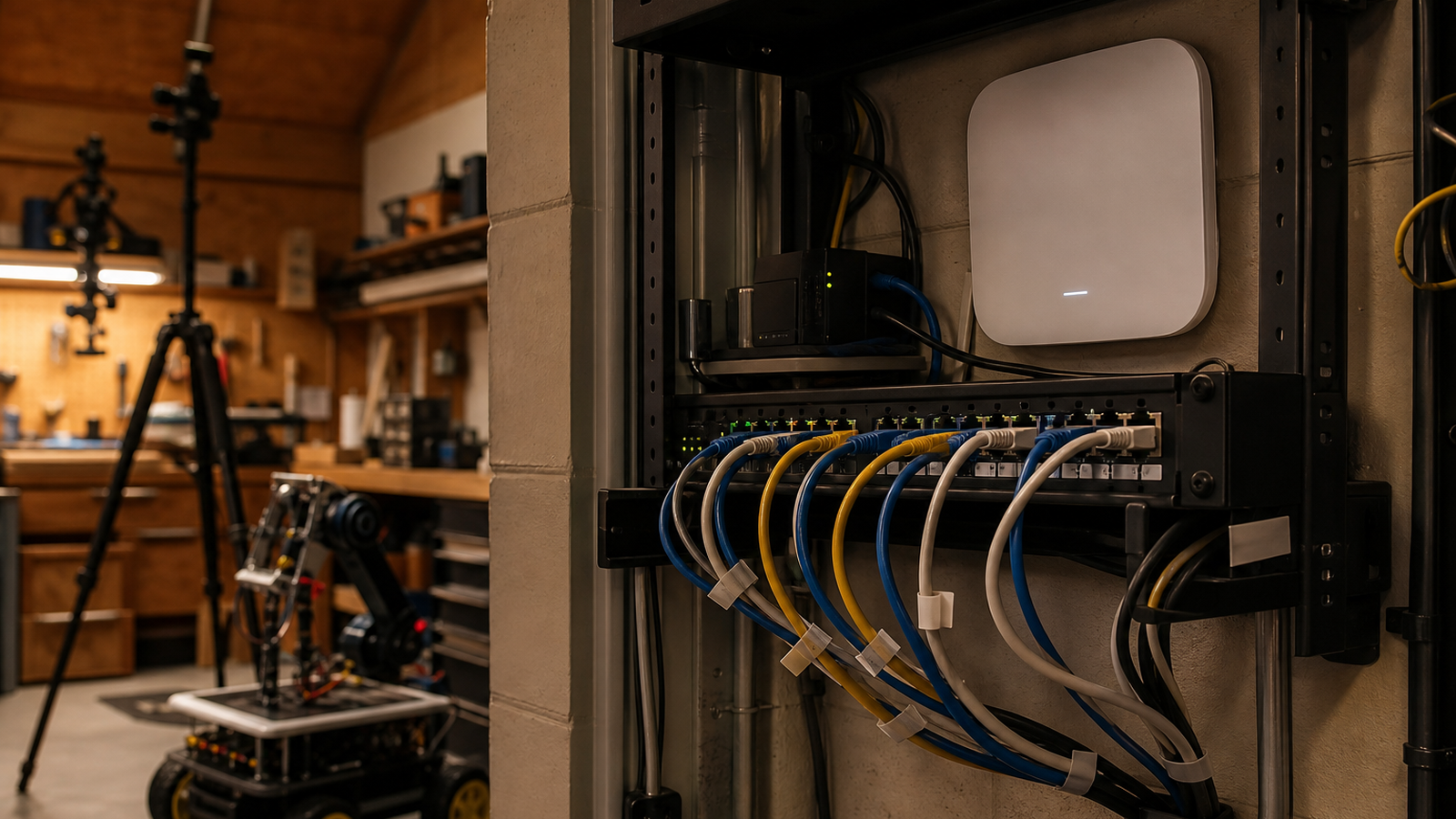
A camera-heavy lab may benefit from Wi-Fi 7 clients, but the most important camera may still deserve Ethernet. A robot that moves near metal shelving may need a conservative 5 GHz plan instead of an impressive 6 GHz-only setup. A workstation can often use wired backhaul even when phones and tablets stay wireless.
Do not make every channel as wide as possible
Wi-Fi 7 products can support very wide channels in the 6 GHz band, but wider is not always better in a cluttered lab. A wide channel can be fast in clean air and fragile when interference, range or client mix changes. For a robotics bench, the best setting is the one that remains boring during a demo, not the one that wins a one-room benchmark.
Use the widest channel only where the environment supports it. Keep a fallback plan for older clients. If the lab has multiple access points, avoid overlapping wide channels just because the setup menu allows it.
Where MLO helps
Multi-Link Operation is one of Wi-Fi 7’s most interesting features for labs because a compatible device can use more than one band or link. In theory, that can improve resilience when one band gets noisy. In practice, the benefit depends on client support, router firmware and the specific traffic pattern.
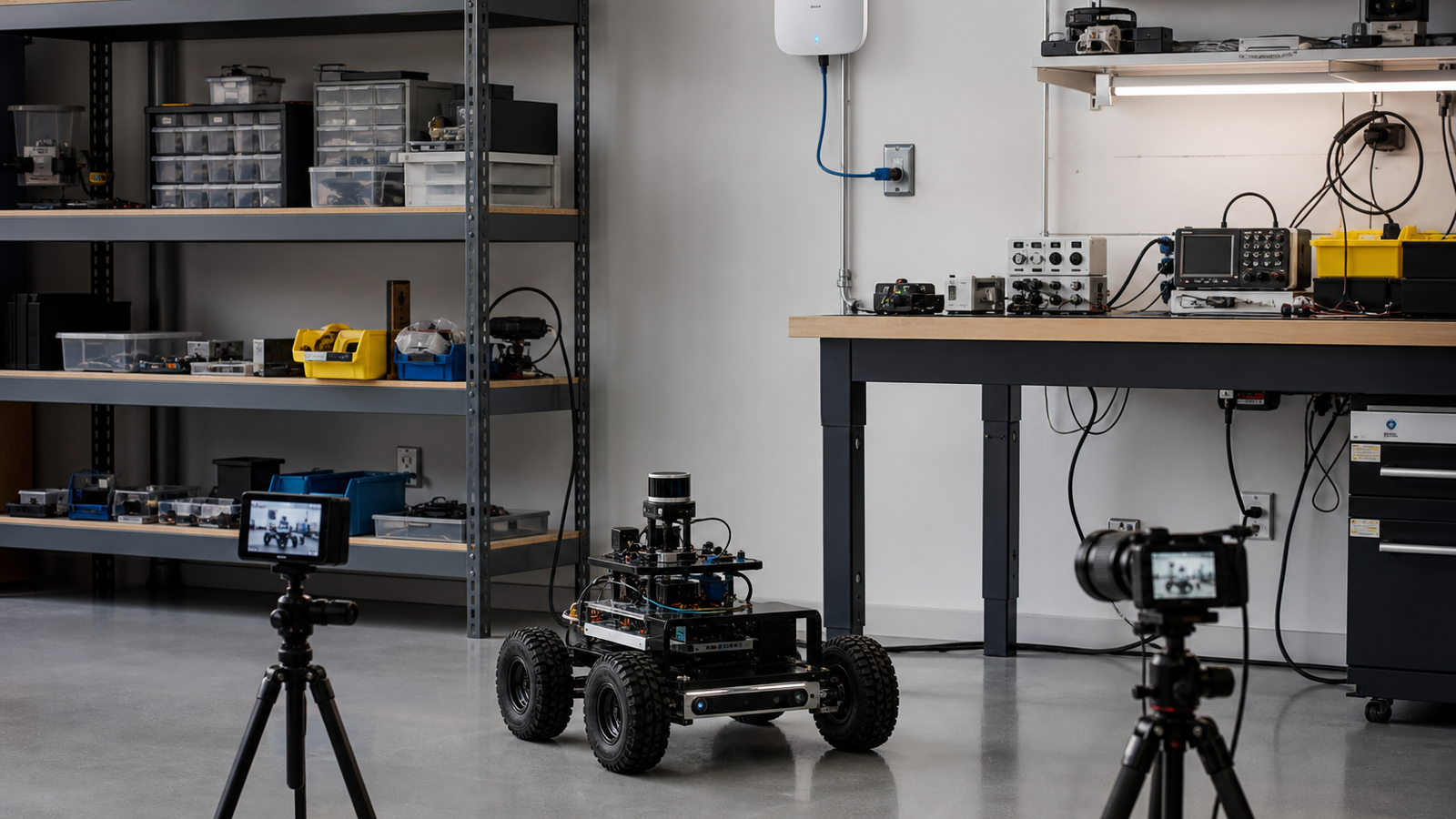
For TVG readers, the right test is simple: run the robot, camera feed and file-transfer workload together. Watch latency, dropped frames and reconnection behavior, not just peak throughput. If MLO helps the worst five minutes of a session, it matters. If it only improves a headline number, it is less important.
TVG Take
Wi-Fi 7 is a useful upgrade for a serious maker lab, but it should be planned like a control-system component. Place access points high, wire the backhaul when possible, reserve Ethernet for fixed high-value devices, and validate the network under the same load the lab will actually use.
For broader setup context, TVG’s earlier guide on Wi-Fi 7 mesh versus wired backhaul for robots and cameras remains the starting point. This channel-planning layer is the next step after deciding where the access points and cables go.
A practical test plan
Run a rehearsal before calling the network finished. Put the robot in its worst corner of the room, stream from the camera, copy a large file from the workstation, and keep a tablet connected as an operator display. Then repeat the test with the garage door open, with people standing between the device and access point, and with battery-powered equipment running nearby.
Write down the settings that worked. A lab network changes over time as teams add cameras, printers, NAS boxes and smart plugs. Without a record of channel width, SSID separation, access-point placement and wired links, the next troubleshooting session starts from memory instead of evidence.
When to skip wireless
Some links should stay wired. Fixed cameras over a build table, NAS connections, firmware flashing stations and competition-driver practice stations often deserve Ethernet. Wi-Fi is best saved for devices that move, temporary tablets and situations where cable drag creates a safety or reliability problem.



