Wi-Fi 7 brings important wireless upgrades, including wider channels, 4K QAM and Multi-Link Operation as described by the Wi-Fi Alliance. For home-lab robots, cameras and automation dashboards, though, the buying question is not simply whether Wi-Fi 7 is faster. The question is which parts of the lab need predictable backhaul and which can tolerate wireless variation.
A mobile robot, a smart-home camera, a local AI box and a NAS do not stress the network in the same way. Peak throughput helps with file copies and bursts, but latency, interference, roaming behavior and backhaul design decide whether video streams and control dashboards stay usable.
Where Wi-Fi 7 helps
Wi-Fi 7 is most interesting for dense homes and labs where several devices need more capacity at once. Multi-Link Operation can help compatible devices use links more flexibly, while wider channels increase peak potential in clean spectrum. That can improve a mixed lab where tablets, cameras and laptops are all active during a test session.
TVG’s smart-home lab coverage, including the recent PoE power-budget guide, points to the same operational lesson: the system fails at shared assumptions. Power, switching, wireless and storage all need to be planned together.
Where wired backhaul still wins
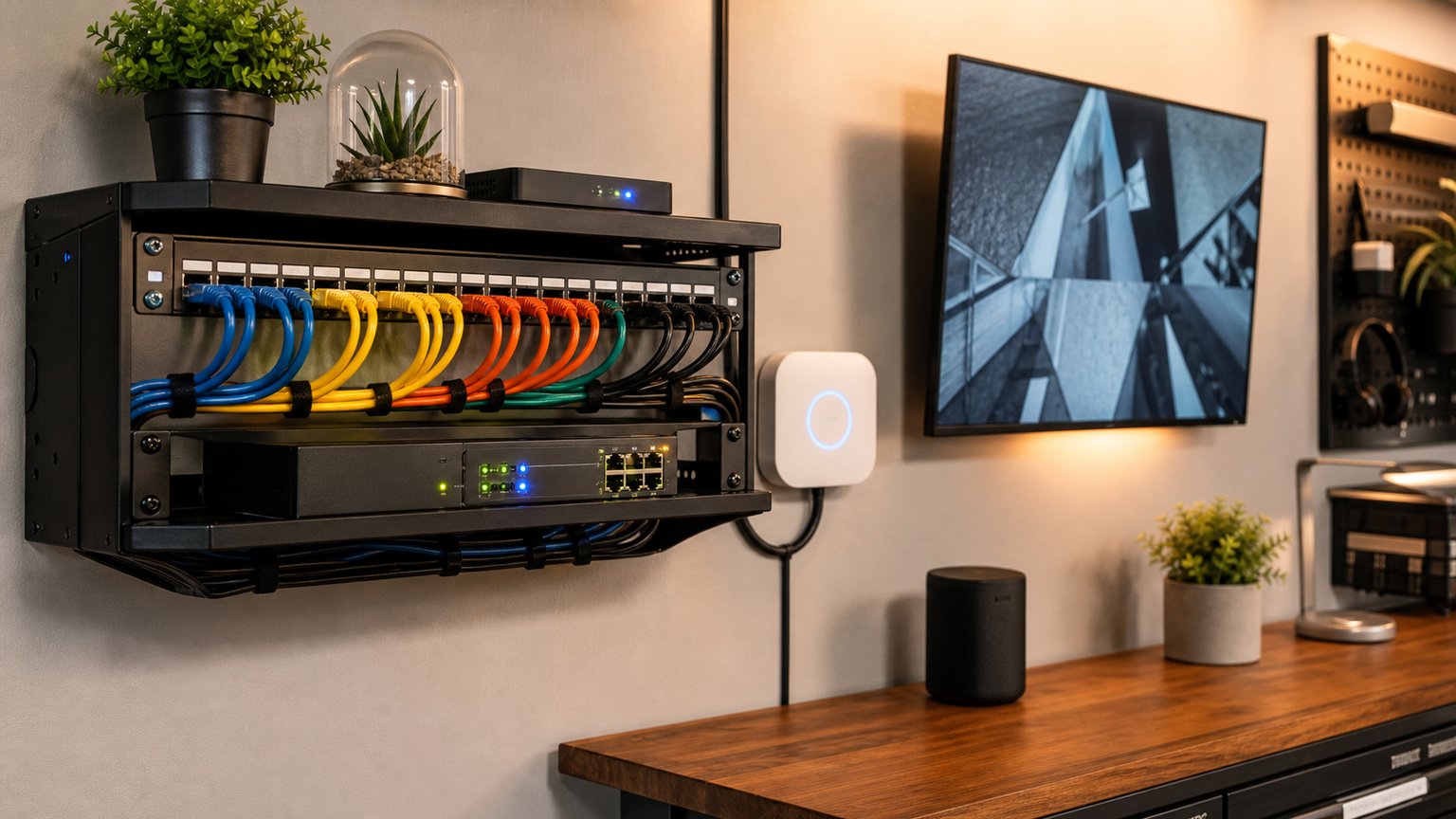
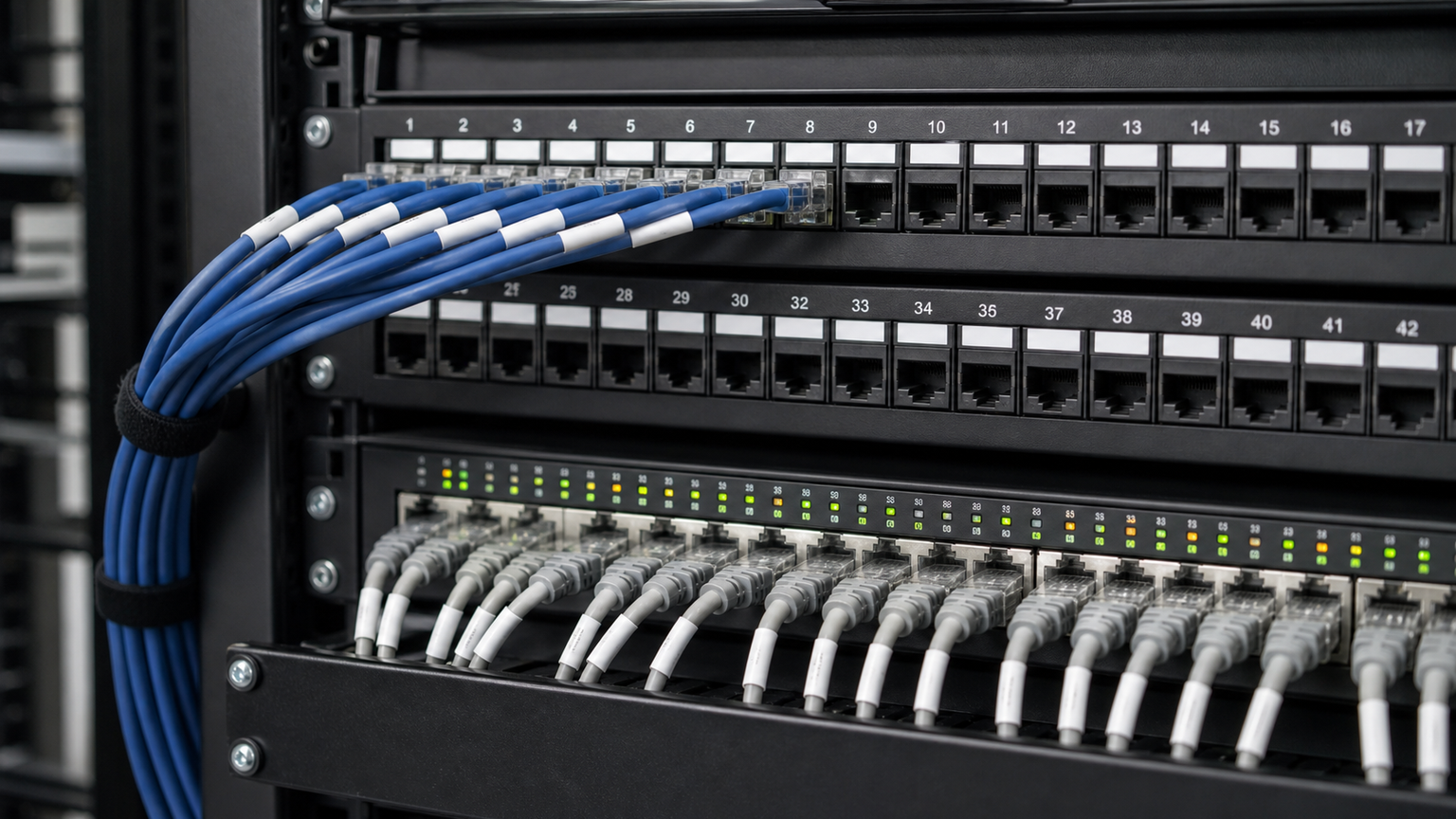
Fixed cameras, NAS boxes, Home Assistant servers, NVRs and AI workstations are strong candidates for Ethernet. Wired backhaul removes one variable from troubleshooting and leaves wireless capacity for devices that actually need to move. It also makes power planning easier when PoE cameras or access points are part of the setup.
A practical evaluation
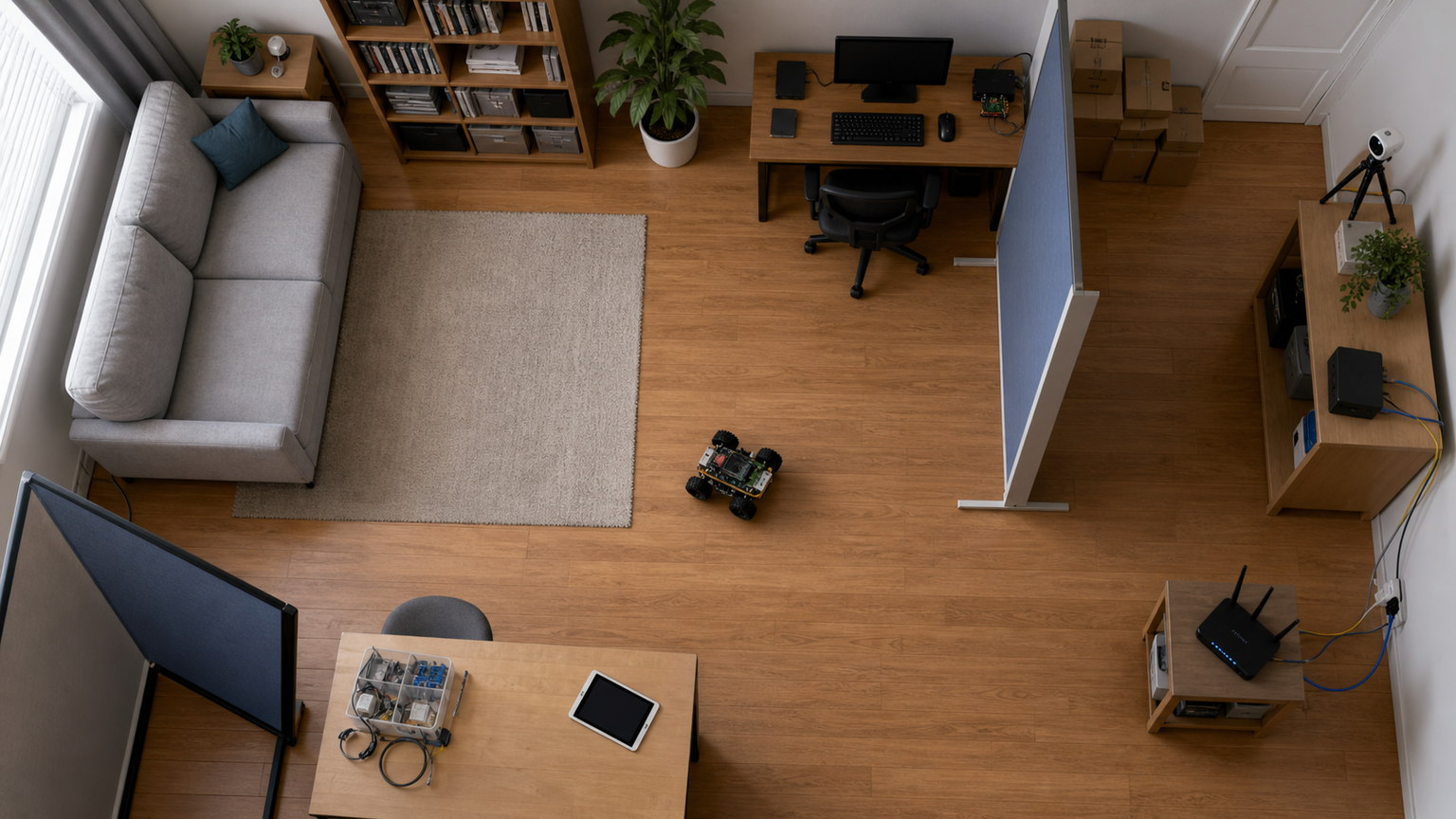
Before replacing a mesh system, draw the lab as a traffic map. Put fixed high-bandwidth devices on cable where possible. Give the robot and tablet the cleanest wireless path. Test during the actual operating condition: camera streaming, robot moving, NAS backup running and smart-home devices active.
TVG Take: Wi-Fi 7 is a useful upgrade path, but it should not be treated as a substitute for topology. Use wired backhaul for fixed services, then let Wi-Fi 7 improve the mobile and hard-to-wire parts of the lab.
Roaming and placement matter
Mesh marketing often treats coverage as a single number, but robots and cameras care about the path through the room. A robot crossing between nodes may briefly hit a weak link. A camera mounted near metal shelving may look fine during setup and then drop frames when people and equipment move around it.
Place access points so the most important wireless path is simple. Avoid hiding nodes behind monitors, tool cabinets or racks full of cabling. If a mesh node has to serve a camera cluster, give that node wired backhaul before blaming the camera or the Wi-Fi standard.
Separate control from bulk data
A good home-lab network separates low-latency control traffic from bulk transfers when possible. Robot control, telemetry and live video should not compete with a NAS backup or a large model download if the lab can avoid it. VLANs, SSIDs and wired connections can help, but the first step is simpler: know which devices create continuous traffic.
Wi-Fi 7 can improve total capacity, especially with compatible devices, but older cameras, tablets and IoT devices will still behave like older radios. A mixed lab needs testing with the actual devices, not a speed-test result from one flagship phone.
Backhaul can be the hidden bottleneck
A mesh node that talks wirelessly to another mesh node while also serving cameras has to share airtime. That can be fine for browsing and intermittent smart-home traffic, but it becomes more fragile when multiple video streams, control dashboards and file transfers arrive at the same time. Ethernet backhaul gives each access point a more predictable path back to the switch.
A small test plan
Run three tests before committing to a layout. First, stream the robot camera while moving through the intended path. Second, copy a large file to the NAS while that stream is active. Third, repeat the test with doors closed and other smart-home devices online. If the lab fails only during the combined test, the problem is system design rather than a single bad device.