
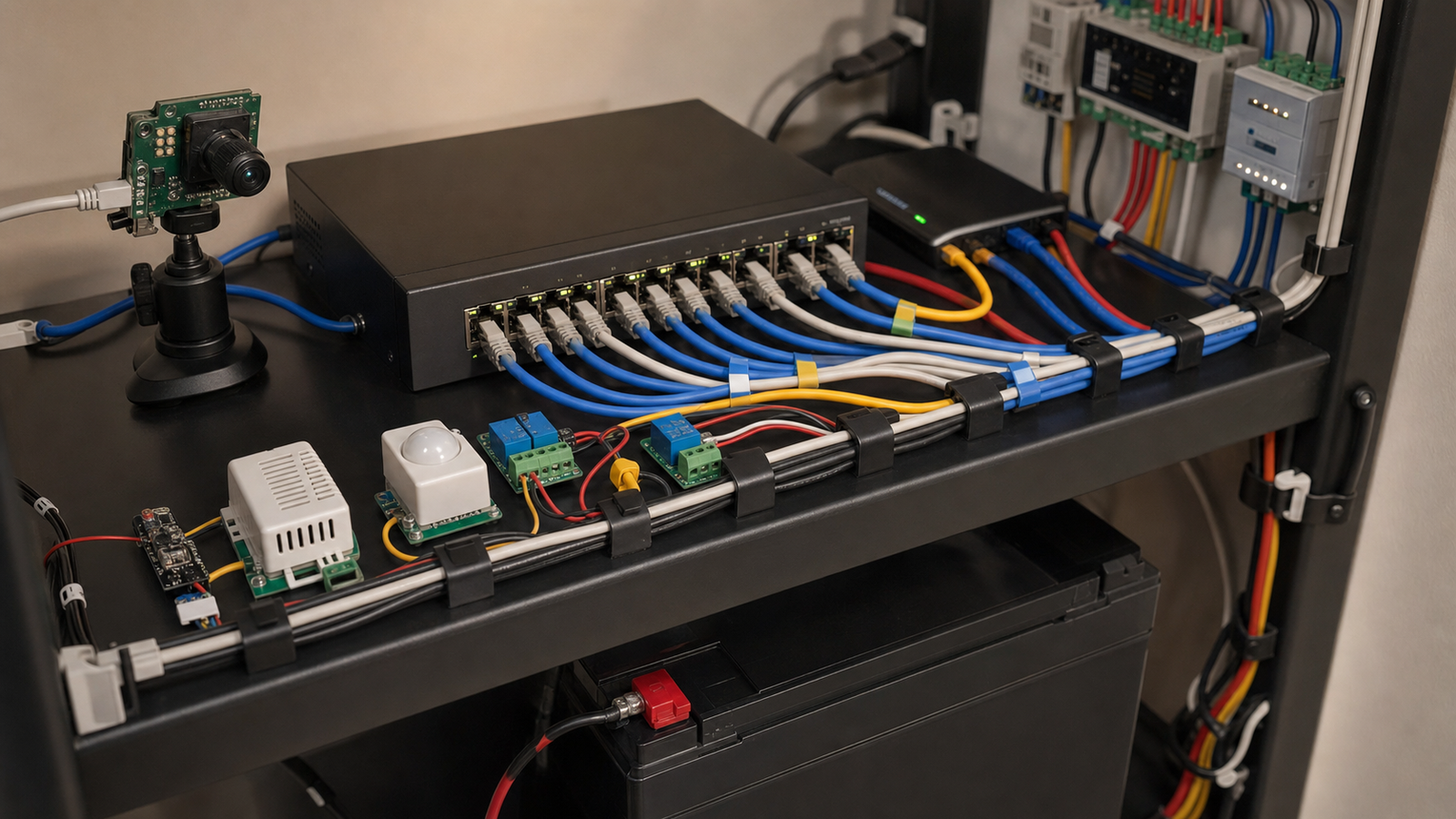
Power over Ethernet makes smart-home labs cleaner, but it can also hide a reliability problem. A camera, access point or sensor works during setup, then resets at night when infrared LEDs turn on, a cable run gets longer, or the switch runs out of power budget.
This guide is for smart-home and home-lab builders planning PoE cameras, sensors, access points, microcontroller bridges and small network shelves. The goal is not to overspec everything. It is to stop treating PoE as “Ethernet with free power.”
Quick answer
Add up the real PoE load by device, leave headroom for peak behavior, check per-port limits and total switch wattage, account for cable length and heat, and decide which devices belong on a UPS. Port count is not the same as power capacity.
Why PoE budgets get missed
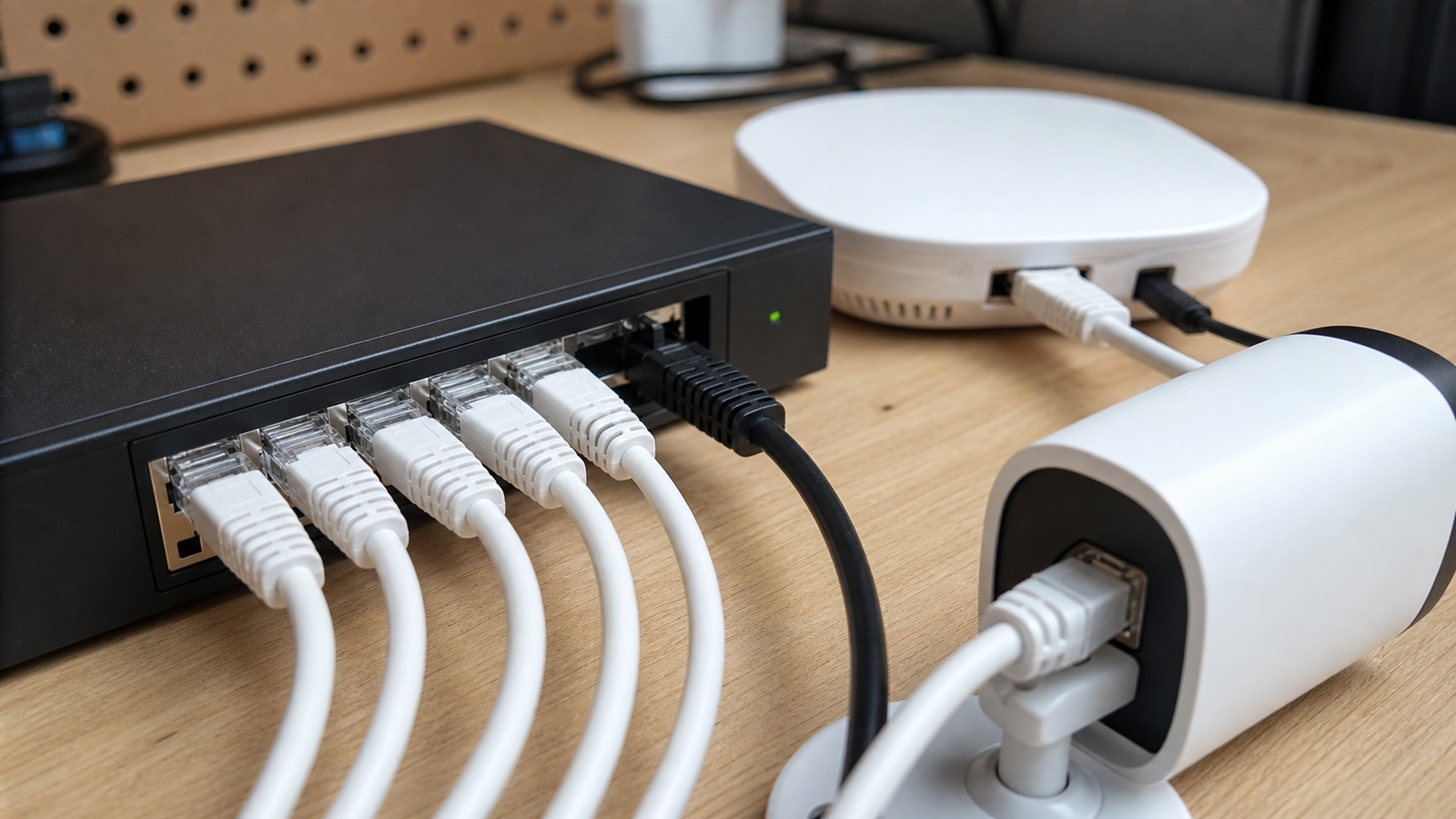
PoE is attractive because one cable can carry network and power. Ubiquiti’s PoE introduction frames the appeal clearly: simpler deployment for devices such as cameras, access points and phones. PoE Texas provides a calculator-style approach for planning power needs. Both point to the same practical issue: power has to be budgeted, not assumed.
A switch may have eight PoE ports but not enough total wattage to drive eight high-draw devices at once. A device may draw more power when heaters, IR illumination, radios or motors activate. A cable run may be acceptable for data but still contribute to voltage and heat concerns.
Per-port limit versus total budget
Every PoE plan has two checks. The first is whether each port can supply what its device needs. The second is whether the whole switch can supply the combined load. A 30-watt device on a port that only supports lower power will be unstable. Several modest devices on one switch can still exceed the total budget.
For smart-home labs, common loads include cameras, Wi-Fi access points, door controllers, Raspberry Pi-class bridges with PoE hats, networked sensors and small NVR or controller gear. Treat manufacturer maximum draw as a planning number, then measure if the setup matters.
Cable runs and heat
Longer cable runs and bundled cables deserve attention. A neat bundle can trap heat, and a marginal cable can turn a stable bench setup into an intermittent installed system. For a small lab, the practical fix is simple: use known-good cable, keep high-draw runs documented, and avoid burying the switch in a closed cabinet without checking temperature after the devices have been active for a while.
UPS planning
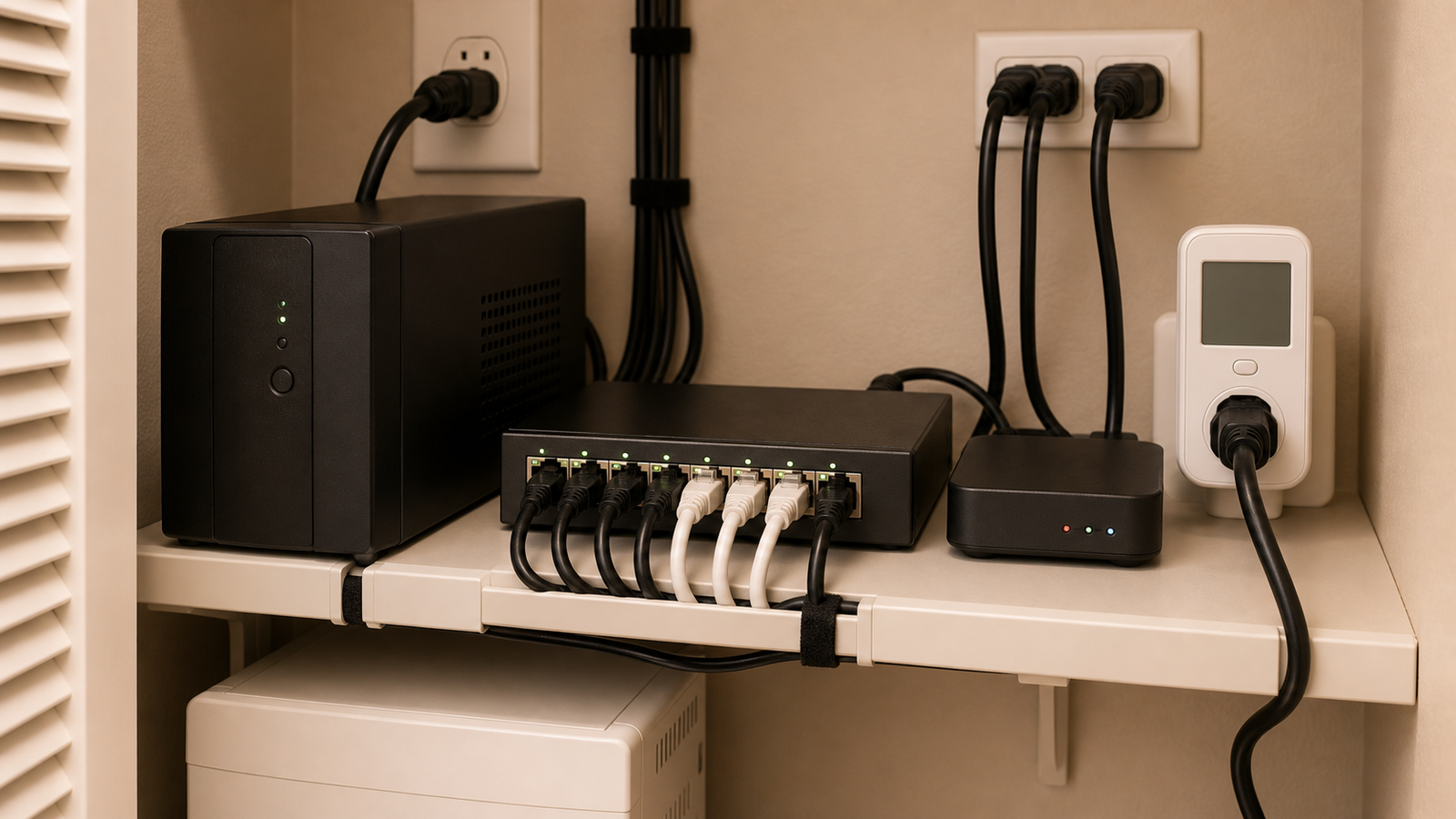
A UPS changes the reliability question. If the goal is to keep cameras and controllers alive during a short outage, the UPS must support the switch, router, modem, controller and any storage device needed for recording. Powering only the PoE switch may not help if the router or Home Assistant box shuts down.
TVG’s Matter, Thread and Home Assistant reliability guide made the same point from the smart-home side: hubs and controllers are part of a system. TVG’s Wi-Fi 7 versus wired 2.5GbE guide also emphasized that wired links reduce one class of problems while exposing power and cabling decisions.
Checklist for a small lab
- List every PoE device and its maximum draw.
- Check per-port PoE class or wattage support.
- Check total switch PoE budget with at least 20 percent headroom.
- Consider night mode, heaters, radios and startup peaks.
- Keep high-draw devices on known-good cable runs.
- Measure switch temperature in the actual cabinet or shelf.
- Put the router, switch and controller on the same UPS plan when uptime matters.
TVG Take
PoE is one of the best upgrades for smart-home labs because it reduces wall warts and makes cameras or access points easier to place. It becomes unreliable when builders buy by port count alone. Treat PoE like a small power system: load list, headroom, cable plan, thermal check and UPS scope. The result is less glamorous than a new camera, but it is what keeps the camera online.




That’s a really thorough breakdown. Considering UPS planning for all those devices makes a huge difference in overall system stability, doesn’t it?