
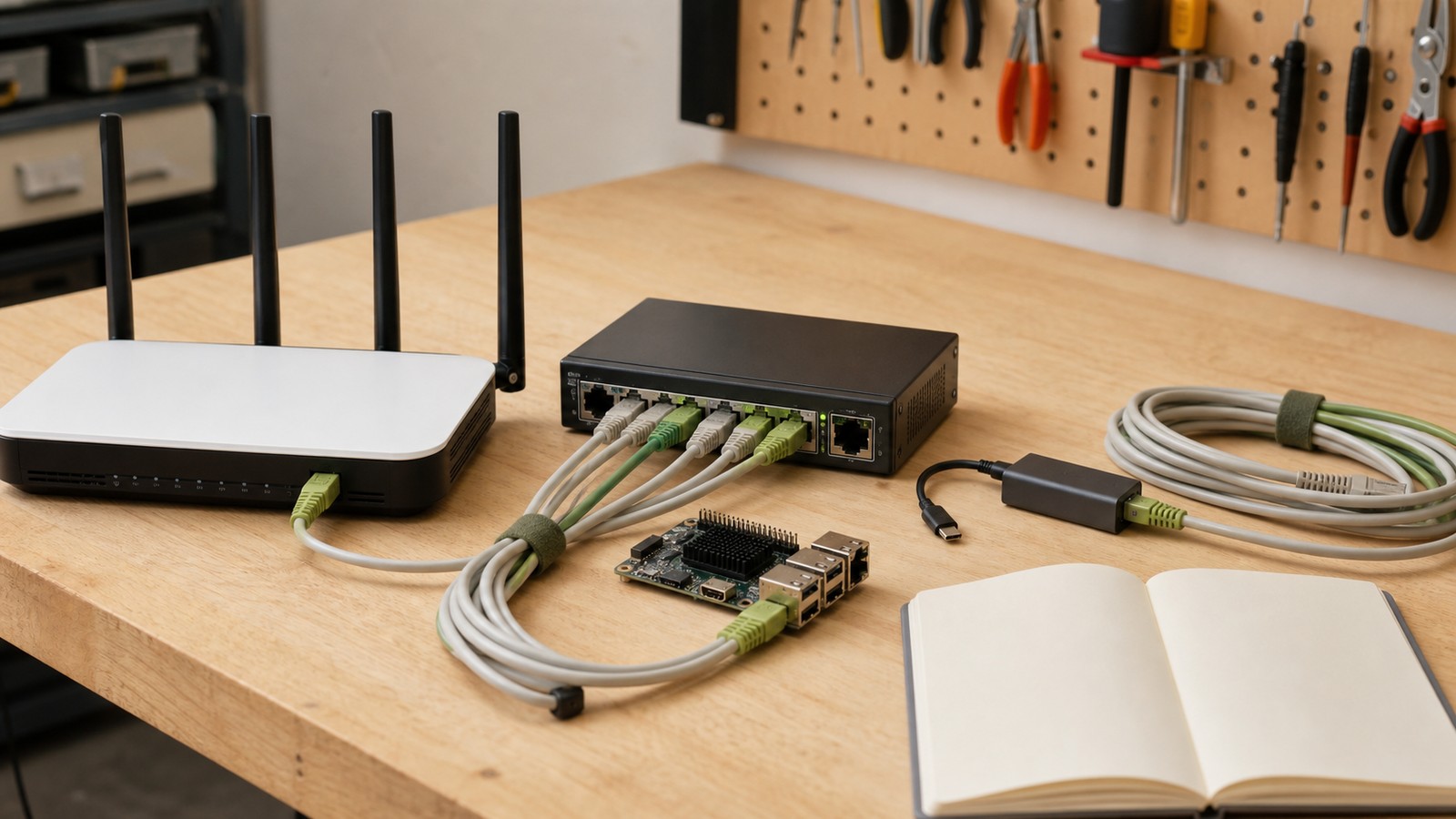
Wi-Fi 7 is tempting for maker labs because it promises higher throughput, lower latency, and better use of the 6 GHz band. For classrooms, robotics clubs, small studios, and home labs, the upgrade question is more specific: where should wireless be trusted, and where should a wired 2.5GbE link still carry the work?
The short answer: use Wi-Fi 7 for mobile devices, tablets, phones, e-readers, laptops, and casual file movement. Use wired 2.5GbE for fixed workstations, NAS boxes, media ingest stations, robot-demo streaming computers, 3D-printer control stations, and any camera or sensor feed that has to survive an event day.
This guide is not a hands-on review of a specific router or switch. It is a buyer and setup checklist for labs deciding whether to spend on a Wi-Fi 7 access point, a 2.5GbE switch, USB-C Ethernet adapters, better cabling, or all of the above.
Quick answer
Upgrade the wired backbone first if the lab moves large video files, uses network storage, streams demos, or shares 3D scanning/photogrammetry assets. Add Wi-Fi 7 when mobile devices and dense wireless use are the bottleneck. Do not judge a network by headline gigabits alone. Judge it by repeatability under load: file transfer, camera feed, remote-control session, firmware update, and a classroom full of connected devices at the same time.
What Wi-Fi 7 actually improves
The Wi-Fi Alliance describes Wi-Fi 7 as a generation designed for higher throughput, lower latency, and greater reliability across 2.4 GHz, 5 GHz, and 6 GHz bands. It is a meaningful step for modern mobile workflows, especially when several devices are competing for airtime.
For a maker lab, that matters in four places. First, tablets and phones can move project photos, CAD references, and field notes faster. Second, wireless cameras and presenters may be less fragile if the access point and clients support the same features. Third, mixed classrooms can feel smoother when many devices join at once. Fourth, an upgraded access point may handle crowded spectrum better than an old router sitting under a desk.
But Wi-Fi is still shared radio. Walls, neighboring networks, metal benches, power supplies, people, and cheap client antennas all matter. A robot demo that works in an empty room can behave differently when an audience arrives with phones and hotspots.
Why 2.5GbE is often the better first upgrade
Wired 2.5GbE is not glamorous, but it solves common lab bottlenecks. It can give a NAS, mini PC, desktop workstation, or media ingest station more headroom than gigabit Ethernet without requiring the cost and heat of a full 10GbE setup. Many current mini PCs, motherboards, docks, and USB-C adapters already support 2.5GbE.
The practical benefit is predictability. If a robotics team records demo footage, backs up action-camera files, streams an OBS scene, and transfers CAD assets, a wired switch keeps the heaviest traffic off Wi-Fi. That leaves wireless for devices that actually need to move.
This is the same reliability logic TVG applies to video gear. In our NDI camera versus HDMI capture-card buyer evaluation, the key question was not which interface sounds more advanced. It was which path fails in fewer ways during a real demo. Networking deserves the same thinking.
Build the network around jobs, not specs
List the lab’s jobs before shopping:
- Robot demo streaming through OBS.
- NAS backup for video, CAD, 3D scan, and classroom files.
- Firmware downloads for printers, boards, cameras, and routers.
- Remote desktop or browser-based control of lab computers.
- Tablets or e-readers used as field manuals.
- Student devices joining during workshops.
Then mark each job as fixed or mobile. Fixed jobs should usually move toward Ethernet. Mobile jobs should get better Wi-Fi coverage, device onboarding, and clear rules for what network to use.
Minimum hardware checklist
A practical maker-lab network upgrade often looks like this:
- A small unmanaged or lightly managed 2.5GbE switch for the bench, NAS, main workstation, and demo computer.
- Cat 6 or better patch cables, labeled by destination.
- USB-C 2.5GbE adapters for laptops that handle ingest or OBS work.
- A Wi-Fi 7 access point or router placed in open air, not hidden behind metal shelves.
- A simple guest network for visitors and student devices.
- A documented fallback plan: which computer records locally if streaming fails?
If the lab uses Linux servers or custom networking, the Linux kernel networking documentation is a useful reminder that throughput depends on the whole stack, not only the cable plugged into a switch. CPU load, interrupt handling, drivers, and storage speed can all become bottlenecks.
Testing plan before standardizing
Run a boring test day before announcing the upgrade as solved. Move a 50 GB video folder between workstation and NAS. Record a 30-minute OBS session while transferring files. Update firmware on a printer or SBC. Connect a dozen phones or tablets to the guest network. Try a robot demo with the access point in its final location, not on a temporary table.
Also test failure recovery. Pull a cable. Reboot the access point. Fill the NAS nearly full. Run the camera feed while someone copies media from an action camera. If the lab cannot recover without the one networking expert in the room, the setup is not ready.
When Wi-Fi 7 is worth paying for
Wi-Fi 7 is worth prioritizing when the lab has many modern wireless clients, congested 5 GHz airspace, a need for 6 GHz support, or mobile workflows that cannot be moved to Ethernet. It is less urgent if the lab has two desktops, one printer, and a few older phones that do not support the newer standard.
For creator and field teams, Wi-Fi 7 can help with rough cuts, selects, and tablet review. It should not be the only path for original footage backups. TVG’s CFexpress and SD card field-capture guide made the same point about storage: workflow reliability depends on the chain, not one fast component.
TVG Take
The strongest maker-lab upgrade is usually hybrid. Put the heavy, fixed jobs on wired 2.5GbE. Use Wi-Fi 7 to improve mobile convenience and crowded-room behavior. Keep the setup understandable enough that a teacher, student lead, or event volunteer can troubleshoot it.
If the budget only covers one purchase, buy the switch and cables first when file transfer, video, NAS, or demo stability is the pain. Buy Wi-Fi 7 first when the pain is mobile-device density and weak coverage. Either way, test the network with the lab’s real jobs before trusting it on event day.



