Accessibility in STEM projects often starts with a simple question: can every student operate the project, not just watch it? For many labs, the answer improves when teams learn to design around switches, large buttons, scanning interfaces, mounts and clear feedback.
Switch access is not only a special-needs add-on. It is a control-design lesson. A switch input forces builders to think about state, timing, debounce, confirmation, ergonomics and failure recovery. Those are the same ideas behind better robots, kiosks and interactive exhibits.
TVG has been building a broader STEM Lab cluster around practical classroom reliability, including field-video lighting for robot teams and robot-demo streaming setups. Switch access belongs in that same lane because it turns participation into an engineering requirement.
Quick answer
For inclusive STEM projects, design at least one reliable switch-access path: a large physical switch or jack input, clear visual or audio feedback, adjustable mounting, software debounce, and a mode that does not require fast two-handed operation. Keep the standard controls too, but do not make them the only way to participate.
What switch access changes
The W3C Web Accessibility Initiative summarizes accessibility around principles such as perceivable, operable, understandable and robust. Those ideas apply beyond websites. A STEM robot, quiz game or classroom sensor demo should be operable by students with different movement, vision, processing speed and fatigue constraints.
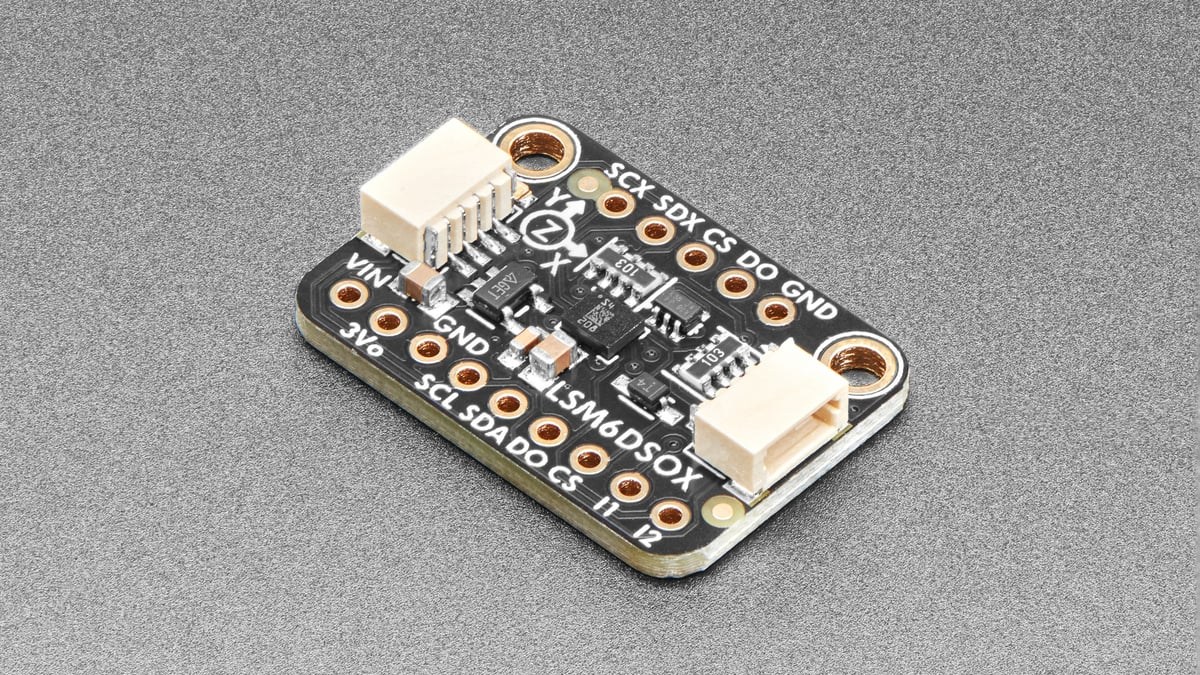
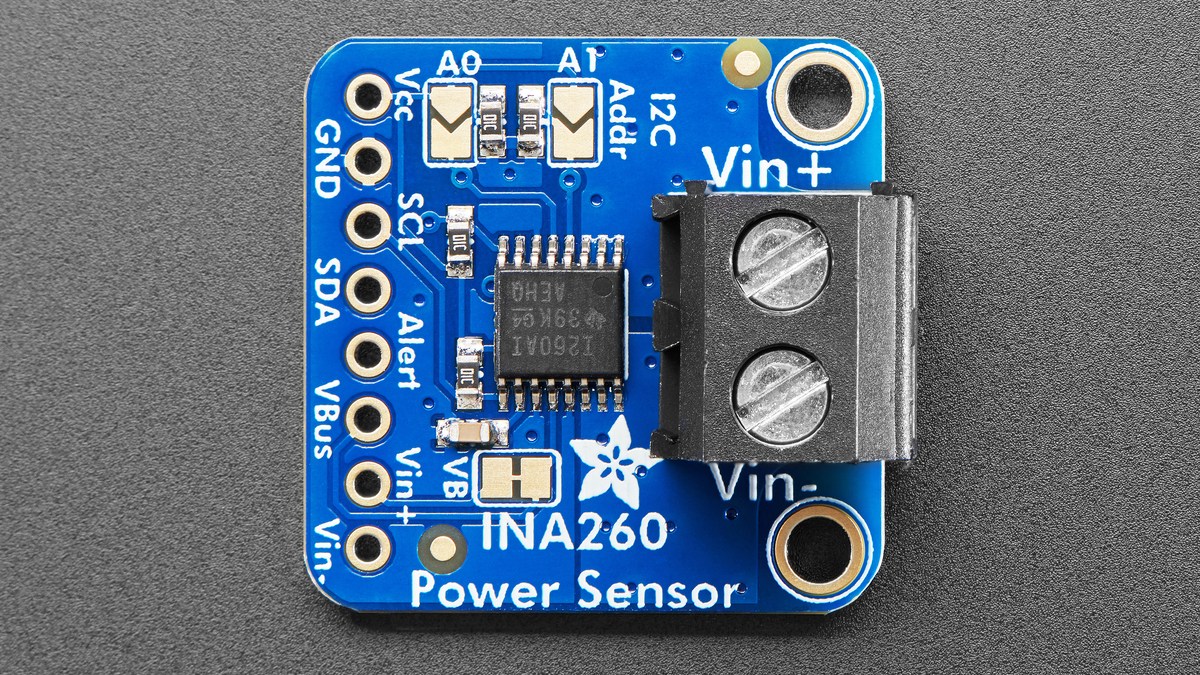
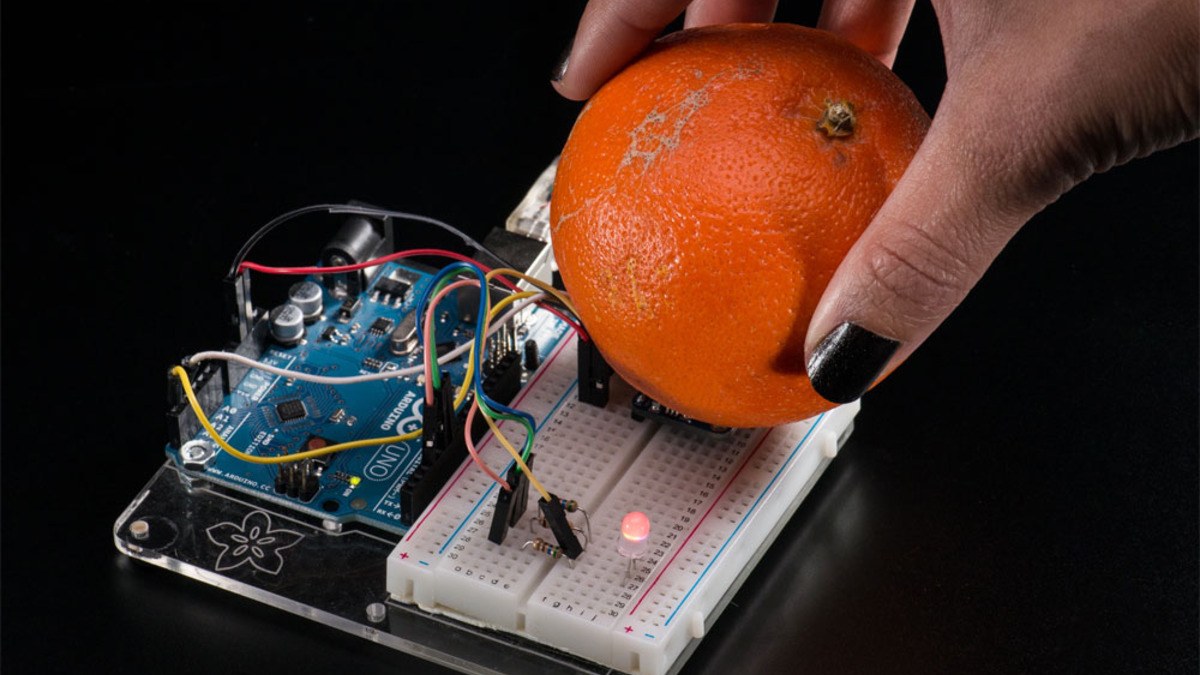
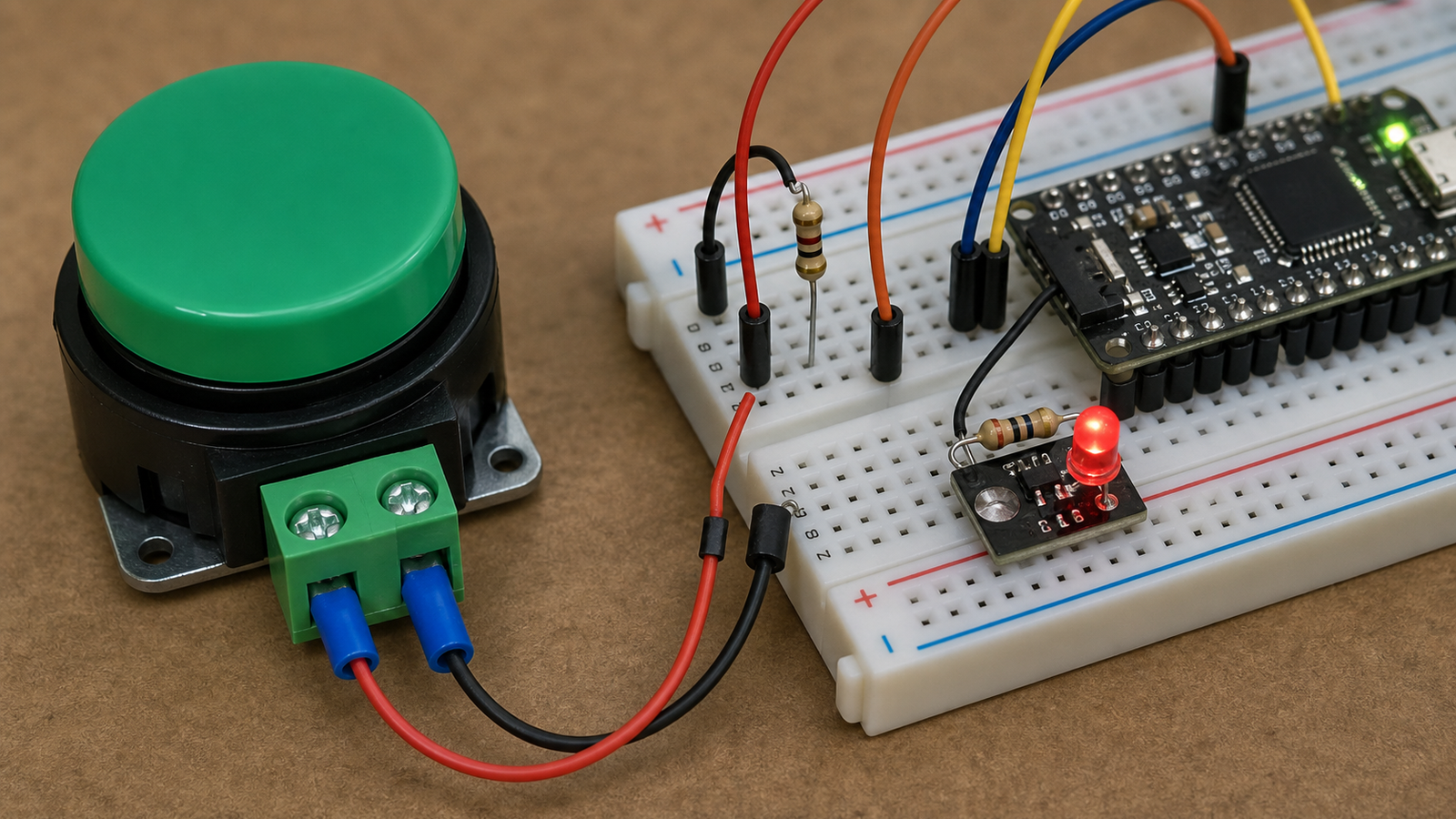
Adafruit’s learning projects show how simple digital inputs can become useful interactions. A button wired to a microcontroller input can trigger a light, motor, sound or cloud event. The engineering challenge is making that input dependable and comfortable, not merely proving that a pin can change state.
Hardware basics
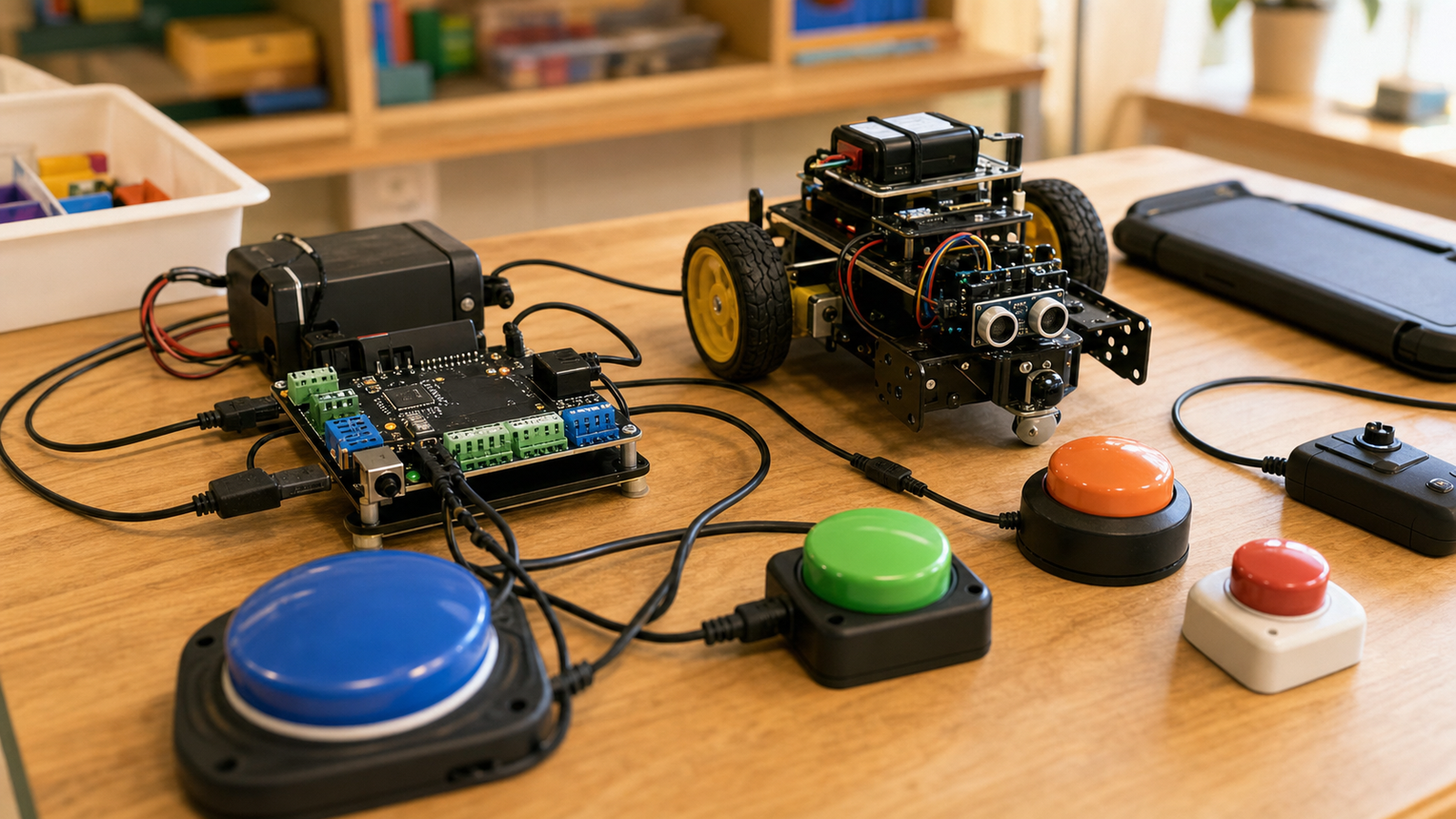
A good switch-access setup usually starts with a large button or external switch jack. The input should have a known electrical state through a pull-up or pull-down resistor, proper strain relief and a connector that can survive repeated use. The project should avoid exposed fragile jumper wires where students are expected to press, move or mount controls.
Software basics: debounce and scanning
Mechanical switches bounce. Without debounce, one press can register as several. That can make a robot start twice, skip a menu item or select the wrong option. Debounce can be handled in hardware, software or both, but it should be deliberate.
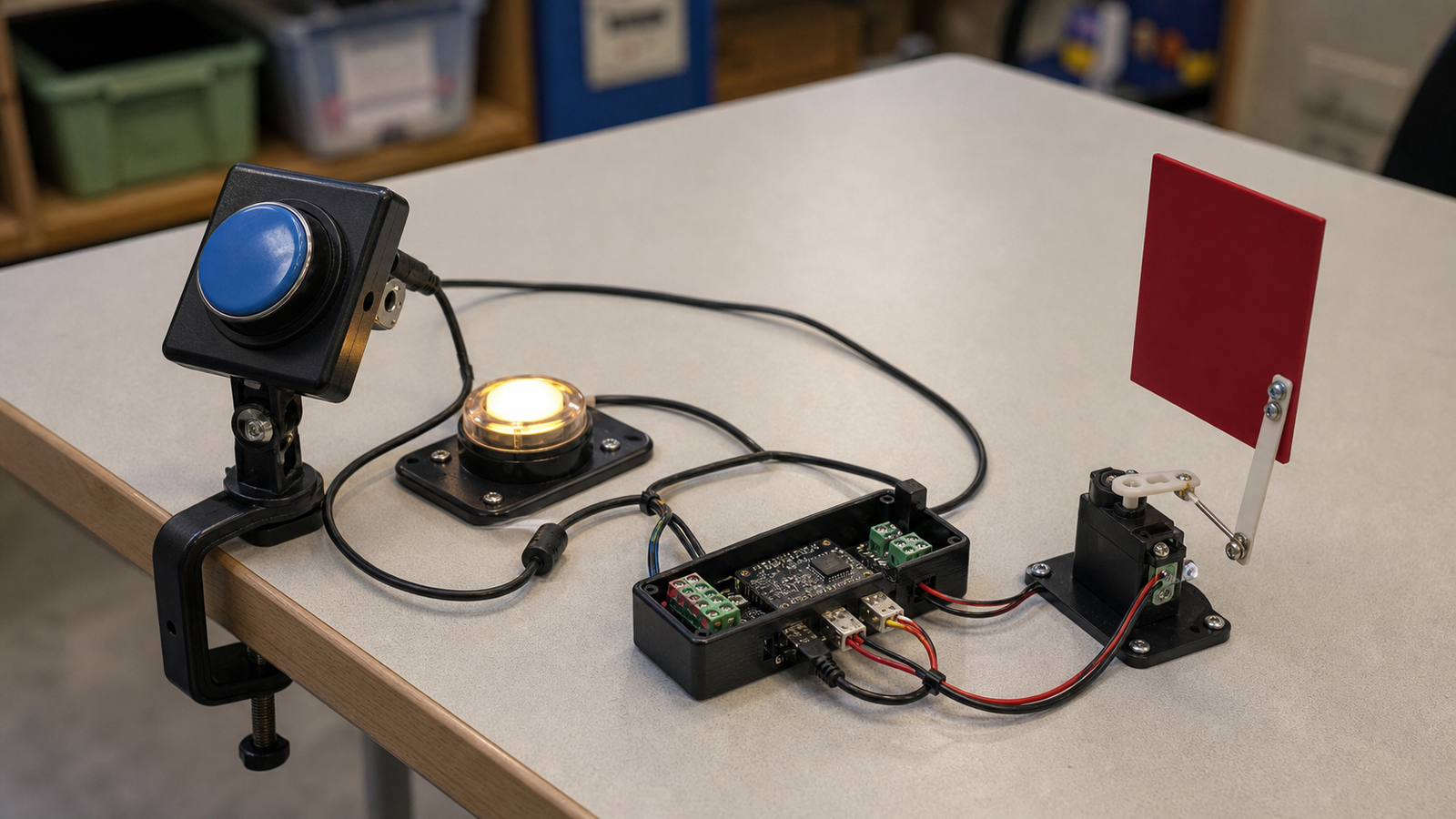
Scanning interfaces add another layer. Instead of requiring multiple buttons, the system highlights options one at a time and lets the user activate the desired option with a single switch. That makes timing, feedback and cancel behavior important. A too-fast scan can exclude the person it is meant to help.
Mounting is part of the design
A switch placed loosely on a table may not be accessible at all. Mounting determines whether a student can reach the control consistently. Labs should test table clamps, Velcro, 3D-printed brackets, adjustable arms or wheelchair-tray mounts when appropriate. The key is repeatability: if the switch moves during the activity, the interface has failed.
Teams should also document the interface as carefully as the code. A one-page setup note with switch position, sensitivity, scan speed and reset behavior can be the difference between a project that includes a student once and a project that remains inclusive after the original builder graduates.
Project ideas that fit the TVG lane
- A one-switch robot maze where each press advances a command sequence.
- A scanning menu that selects LED patterns, motor speeds or servo positions.
- A large-button sensor station for weather, plant or classroom data.
- A switch-operated camera trigger for documenting a build.
- A microcontroller project that compares button, touch, voice and switch inputs.
TVG Take
Switch access is one of the best ways to teach inclusive engineering because the lesson is concrete. Students can see when a control is too small, too fast, too vague or too fragile. Better accessibility makes the project stronger for everyone: clearer states, better feedback, less accidental activation and more resilient control logic.