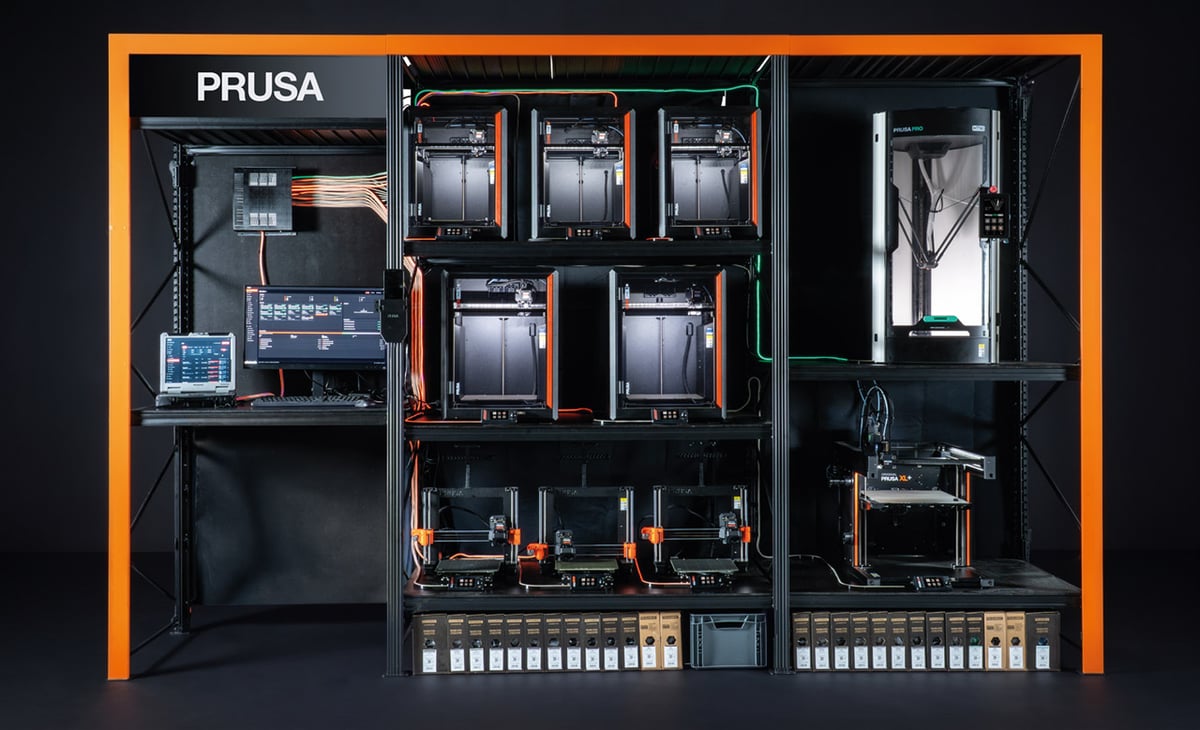
Prusa Connect Local puts printer management on a workshop’s own server. Available in public beta, it lets compatible printers connect directly to that machine, keeping print files, history, settings and user accounts under local control instead of relying on Prusa’s hosted service.
Photo: Prusa Research.
FabScene’s November 18 report ties the beta rollout to Formnext’s November 17 opening. Prusa’s current product page describes the local setup and its compatibility limits.
A browser dashboard, with a USB handoff
The documented setup starts with one downloadable file for the chosen host platform: Linux, Windows, macOS or Raspberry Pi. Run it and open the server’s address in a browser. Its “Add a printer” page generates a settings file that you transfer by USB and load on the printer, then approve using the code shown on its screen.
From there, the browser interface uploads G-code and starts, pauses, resumes or stops prints. Jobs retain their file, printing time and result. Users sign in through accounts on the server or a company identity provider; administrators can assign printers and permitted actions to users or groups.
Prusa specifies firmware 6.4.0 or newer for its listed supported models, including CORE One, MK4/MK4S, MK3.9/MK3.5 variants, XL and MINI/MINI+. Klipper machines connect through Moonraker using an example driver from the repository. Other printers require driver development, so a mixed workshop should distinguish supported connections from integration work.
Local replaces the cloud connection
A printer uses local Connect or cloud Connect one at a time. Switching means loading the other settings file, rather than keeping both services attached. Access from outside the workshop runs through your own VPN; it does not inherit the hosted service’s anywhere-access arrangement.
Prusa says printer-to-server connections need no internet. The server can still go online for its extension marketplace and update checks, both of which can be disabled. File retention and backups are also the server owner’s responsibility.
For automation, the page lists REST, MQTT, webhooks and live events. Extensions add functions around a small core, with server-side PrusaSlicer offered as one example. Treat those as optional additions to evaluate separately, rather than assuming every illustrated extension is bundled, free or production-ready.
Source available, with commercial limits
The public build needs no sign-up. Joining the separate beta program offers earlier releases and developer feedback channels.
The code uses Prusa’s Open Community License. Its published summary allows free noncommercial use and company use up to €1 million in annual revenue; shared changes stay under the same licence. Hackaday also highlights the restrictions, including paid use for larger enterprises. This is not unrestricted open-source licensing or free use for every business. Larger workshops need to check paid terms with Prusa; rates are not established here.
For a compatible workshop willing to run beta software, the choice is concrete: bring the dashboard and data in-house, while taking on the server, backups and remote-access setup.