Editorial mode: Template B — Analysis / Guide.
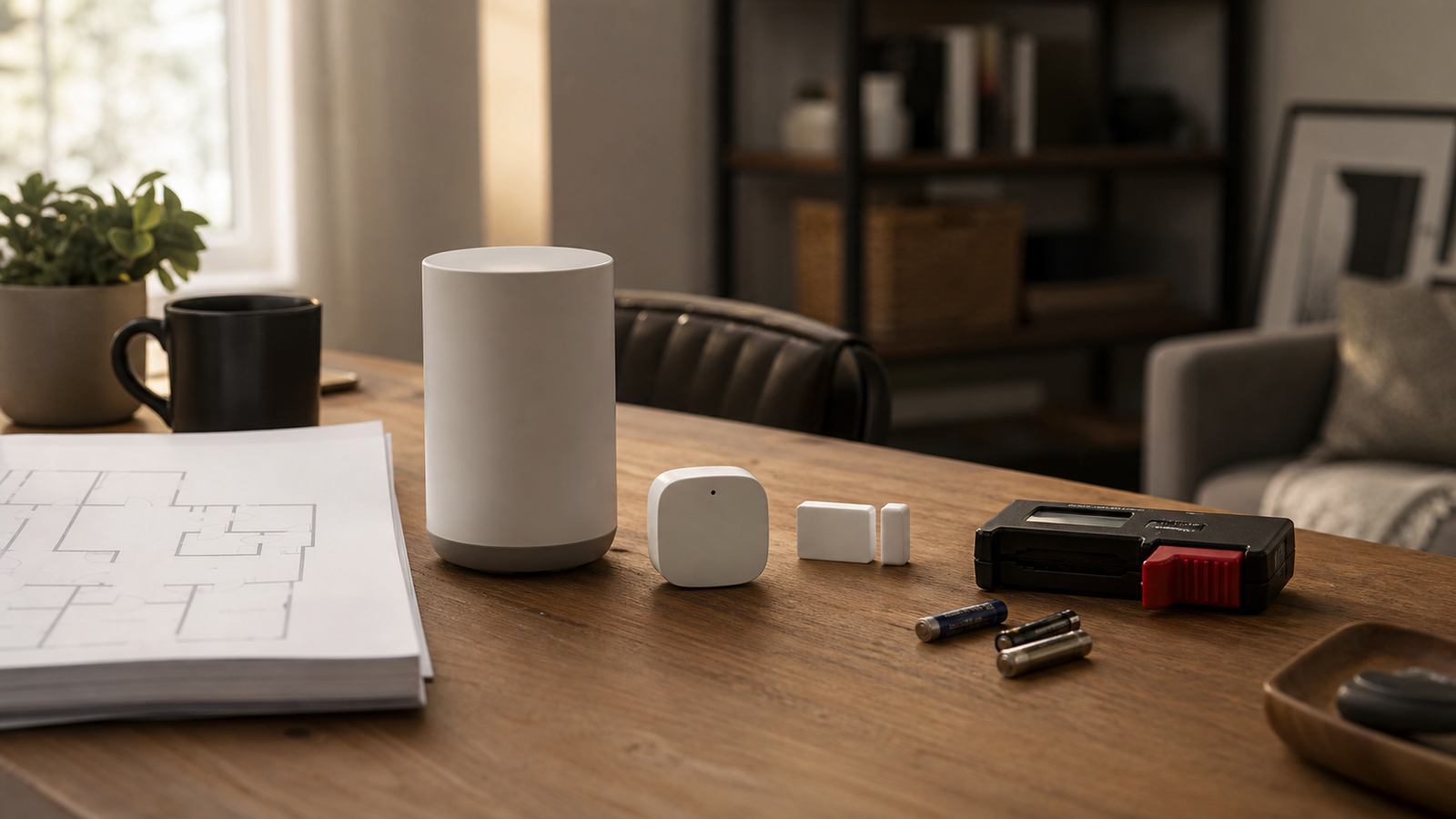
Matter and Thread can make smart-home devices easier to mix across ecosystems, but they do not remove physics. A battery sensor still has to reach the mesh. A border router still has to sit somewhere useful. A door sensor still has to survive mounting, distance, interference and firmware behavior.
The Connectivity Standards Alliance describes Matter as an interoperability standard, and the Thread Group describes Thread as an IPv6-based low-power mesh networking technology. Those standards help, but smart-home lab reliability still comes from placement and testing.
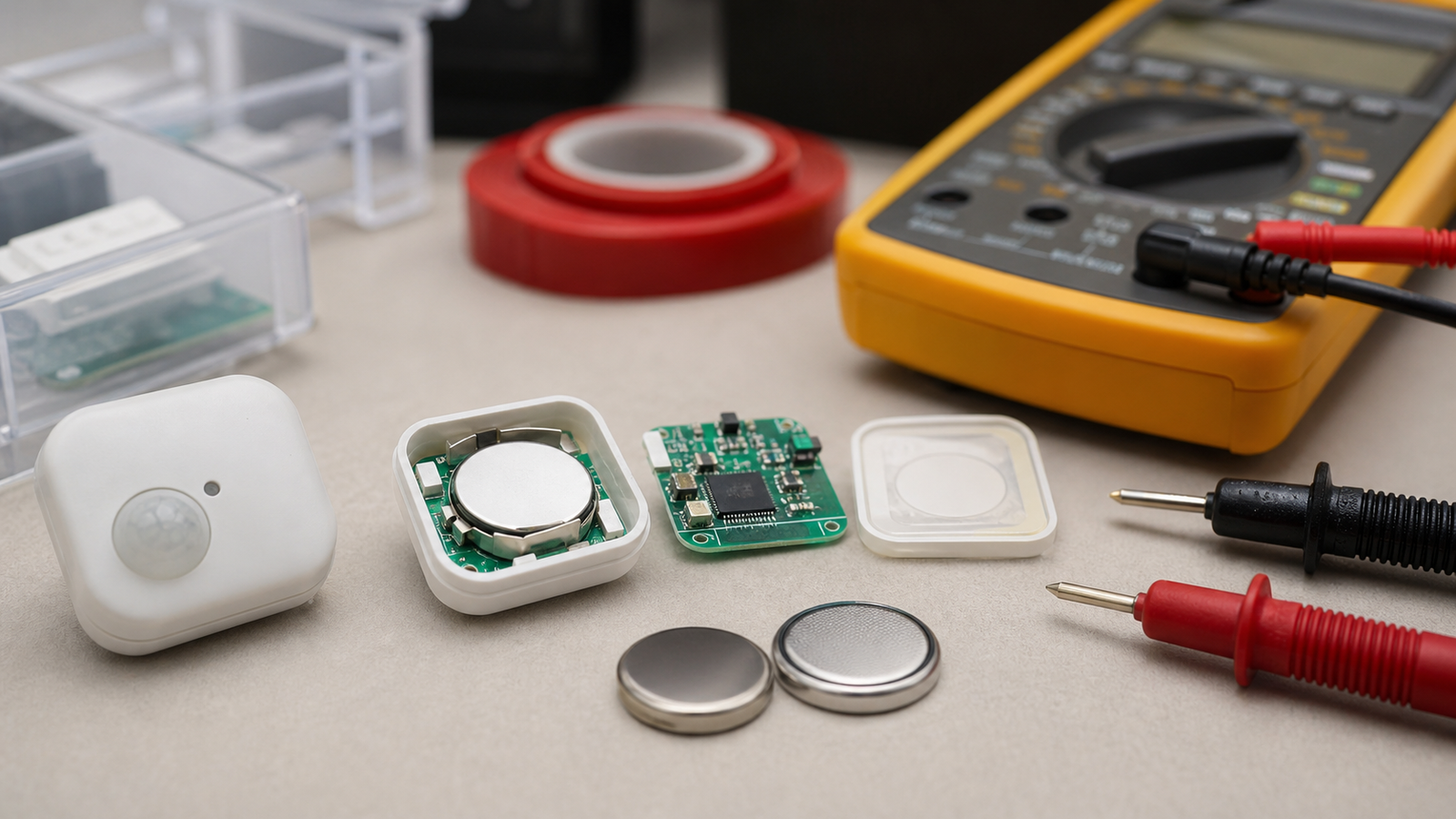
Map the mesh before blaming the device
When a sensor drops offline, the easy answer is to blame the app. The better first step is to map the physical setup. Where is the border router? Which devices are mains-powered and able to help the mesh? Which sensors are battery-powered endpoints? What walls, metal appliances or outdoor distances sit between them?
A simple floor plan can be enough. Mark the border routers, always-powered devices, battery sensors and failure locations. Then move one variable at a time. If several things change at once, the lab learns less from the test.
Battery devices need patience
Battery sensors may sleep aggressively to conserve power. That can make pairing, updates and status checks feel inconsistent even when the device is behaving as designed. A good smart-home lab keeps notes: install location, battery type, firmware version, signal symptoms and the time between failure reports.
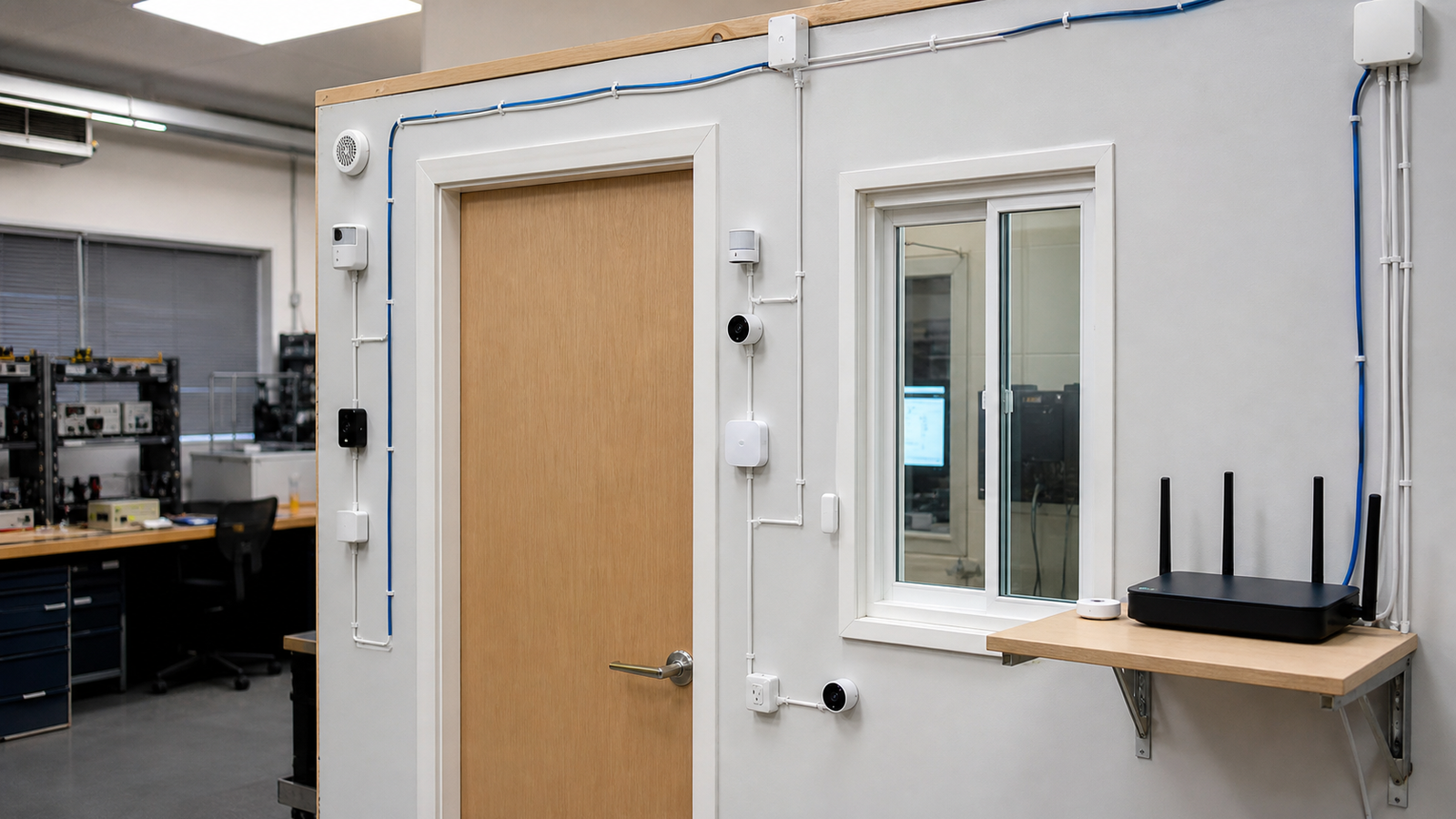
Mounting also matters. A contact sensor on a metal door, a temperature sensor in direct sun or a motion sensor behind glass can create misleading results. The network may be fine while the installation is wrong.
Lab troubleshooting checklist
- Place border routers intentionally, not wherever an outlet is empty.
- Separate pairing issues from range issues by testing near the router first.
- Use one change at a time when moving sensors or hubs.
- Log battery age so low-voltage behavior is not mistaken for mesh failure.
- Watch interference from metal, appliances and dense walls.
- Document automations so false triggers are traceable.
This strengthens TVG’s existing smart-home topic cluster, including the Thread sensor placement guide. Standards improve interoperability; placement discipline improves reliability.
Turn failures into data
A smart-home lab gets better when every failure creates a useful note. Record the sensor location, distance from the nearest powered node, battery state, firmware version, automation involved and time of day. Patterns often appear after a week that are invisible during a five-minute app check.
Students can also compare network choices without turning the lesson into brand preference. Put a sensor near the border router, then move it through harder locations and log behavior. Add a powered device and repeat. The result is a practical lesson in mesh networking, radio range and installation effects.
For readers building this cluster, TVG’s Thread sensor placement checklist and Matter, Thread and Home Assistant reliability guide provide the next steps.
Finally, keep automation logic separate from radio troubleshooting. A sensor that reports correctly but triggers the wrong scene is an automation design problem. A sensor that disappears from the network is a placement, battery or mesh problem. Separating those cases keeps the lab from chasing the wrong failure.
TVG Take
A Matter setup becomes a useful STEM lab when students and builders treat it like a networked sensor system. The app is only the control surface. The real lesson is measurement, placement and repeatable troubleshooting.
This is also a useful accessibility lesson. Reliable sensors can support reminders, lighting and environmental awareness, but only when the underlying network behaves predictably. A smart-home lab should test dependability before assuming an automation is ready for daily use.
Repeatable notes make the difference.