Editorial mode: Template B — Analysis / Guide.
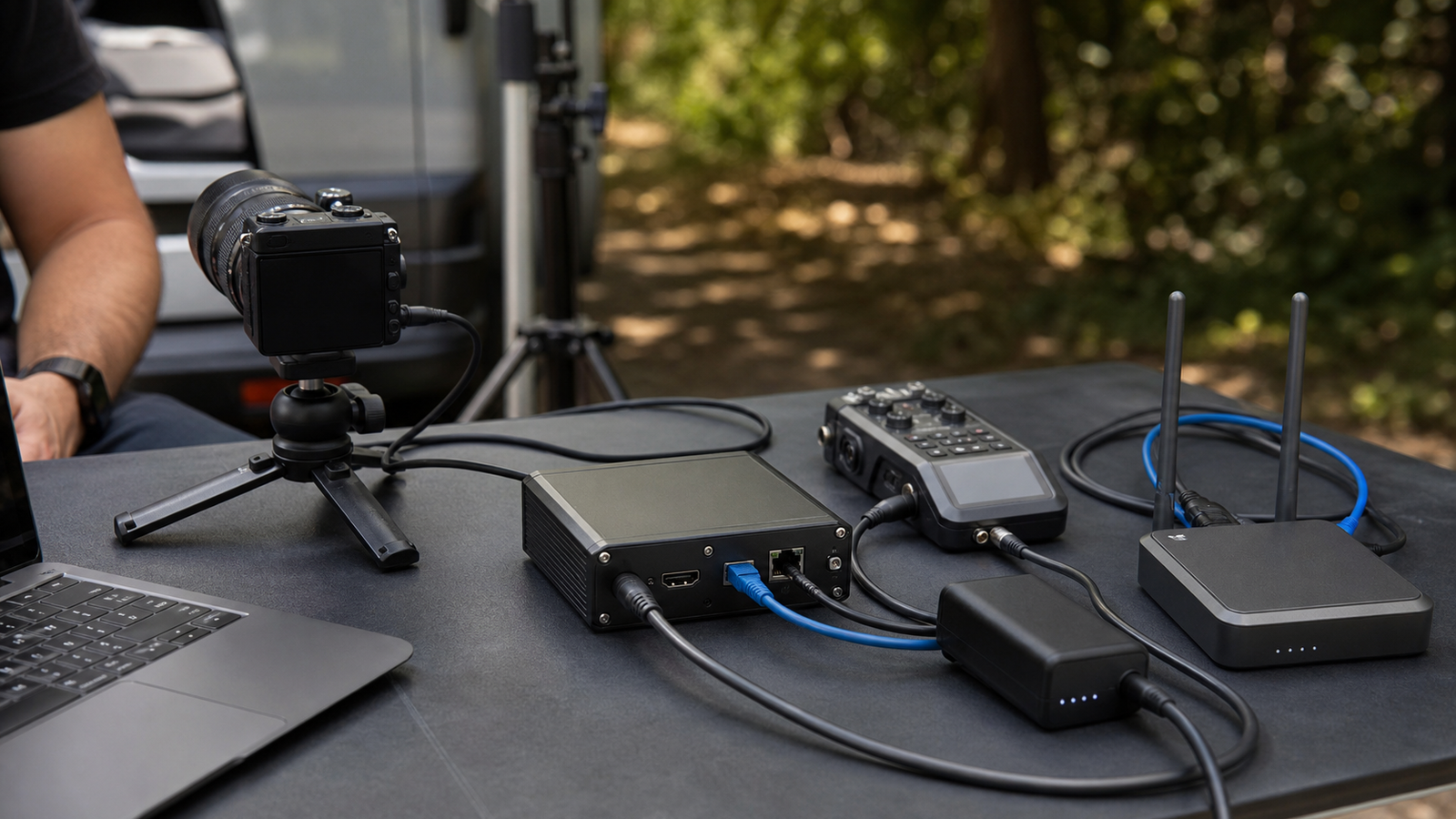
Portable SRT and NDI encoders are attractive because they promise fewer laptops and cleaner field production. Plug in a camera, connect the network, and send video to a remote producer or local switcher. The problem is that video does not care about marketing simplicity. It cares about bandwidth, latency, packet loss, heat, power and audio sync.
NDI’s documentation describes network video workflows, while Haivision’s SRT materials and OBS guidance explain why SRT is used for more reliable transport over unpredictable networks. For TVG, the useful question is not which acronym is fashionable. It is whether the field setup has a network plan before the camera rolls.
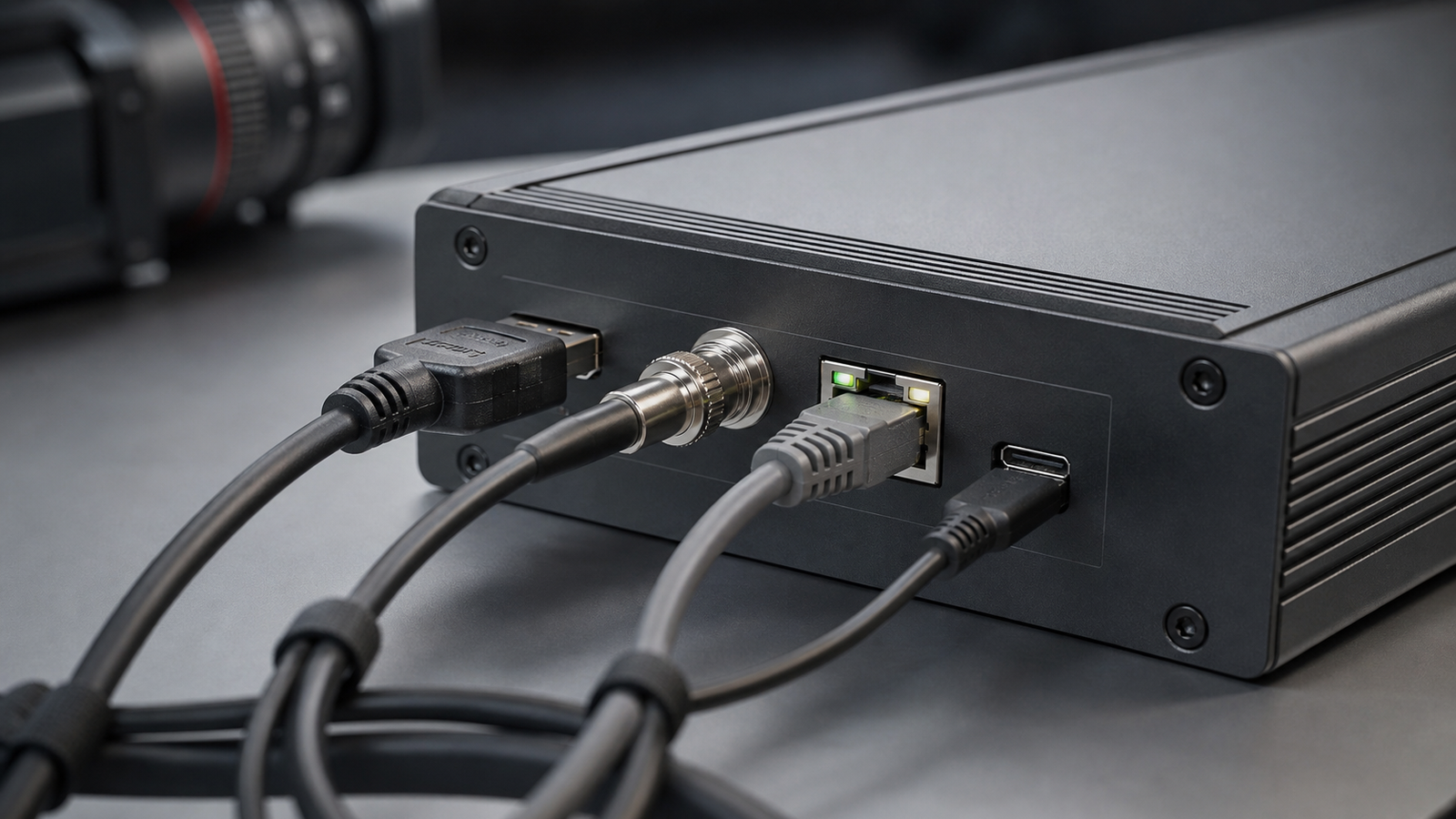
Start with the network path
NDI can be powerful on a controlled local network, especially inside a venue or studio. SRT is often useful when sending video across less predictable links. In both cases, the engineer or creator needs to know where the traffic goes, what else shares the network, and who can troubleshoot when packets start dropping.
A separate router or VLAN can keep production gear away from guest Wi-Fi chaos. For small teams, even a simple diagram of camera, encoder, router, uplink and receiving system can prevent confusion during setup.
Latency is a choice, not a mystery
Low latency is useful for live switching and interaction, but aggressive settings can make a weak connection fall apart. More buffering can protect the stream but makes conversation and cueing harder. Decide the acceptable delay before the event, then test it with the same network path and bitrate.
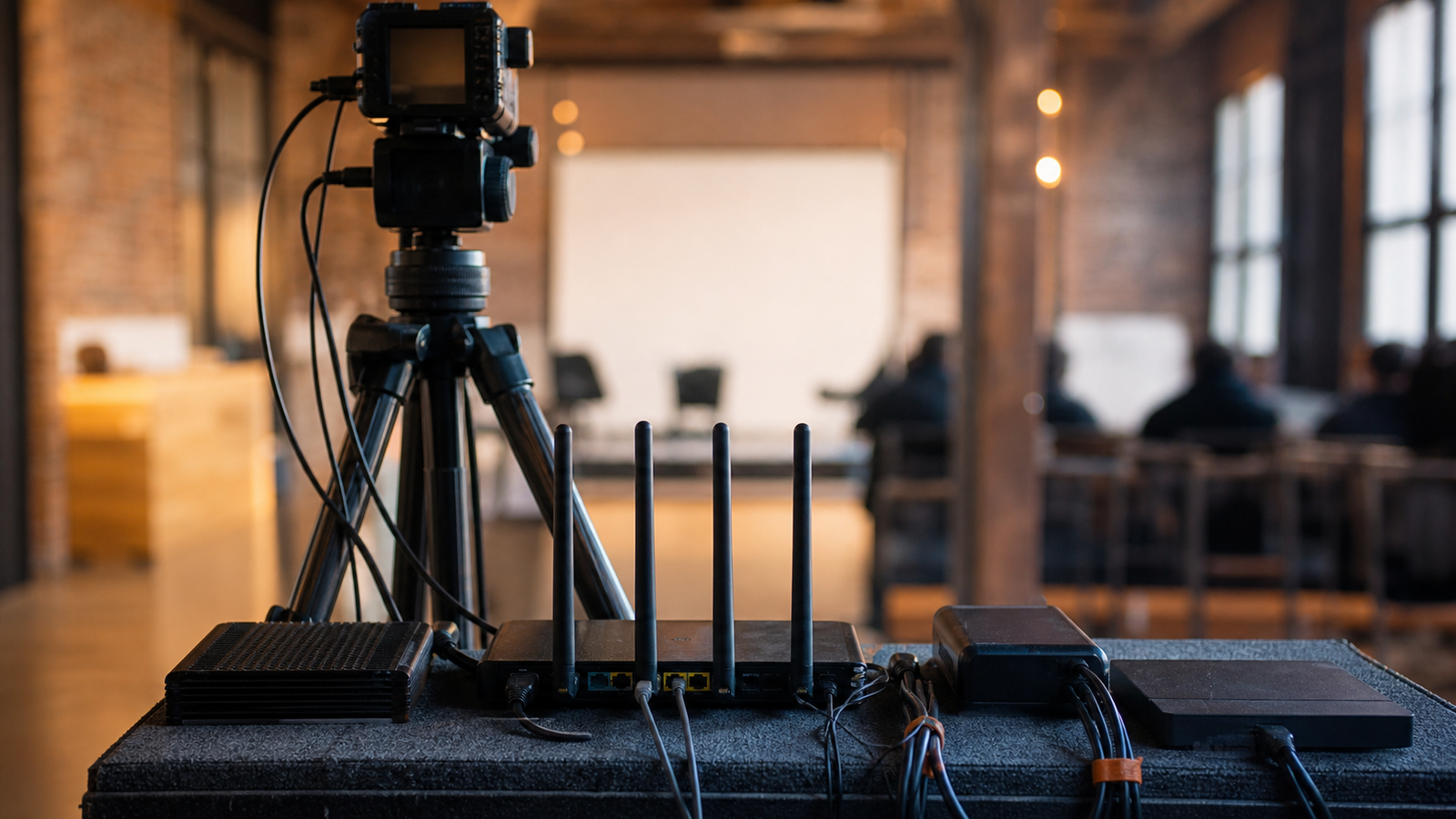
Audio deserves its own check. A stream that looks sharp but drifts out of sync is still broken. Test embedded audio, external mixers and backup recording before the real session starts.
Field checklist
- Bandwidth: test upload speed and stability, not only the peak result.
- Power: calculate encoder, camera, router and monitor runtime together.
- Heat: avoid sealing encoders in cases with no airflow.
- Cables: strain-relieve HDMI, Ethernet and power leads.
- Fallback: record locally even when the stream looks healthy.
- Monitoring: assign someone to watch stream health, not just the camera frame.
This complements TVG’s action-camera storage and heat guide. Field media reliability is a system problem, not a single-device spec.
Do not skip local recording
A reliable stream is still not an archive. The field kit should record locally at the camera, encoder, switcher or recorder whenever the production has lasting value. That local copy protects the team from uplink failure, platform glitches and accidental bitrate choices that look acceptable live but disappoint later.
Small crews should also assign roles. One person frames the shot, one watches audio, and someone checks transport health if the production is important enough to stream. When the same person tries to do all three, silent failures last longer.
This article extends TVG’s field-documentation cluster, including the action camera, 360 camera or phone buyer evaluation. Cameras capture the scene; network discipline decides whether remote viewers actually see it.
Security is part of the setup too. Default passwords, open control panels and shared venue networks can expose production gear at exactly the wrong moment. Even small crews should change credentials, know which devices are reachable, and avoid leaving control interfaces on networks they do not manage.
TVG Take
Portable encoders are most useful when they make the workflow simpler without hiding the failure modes. Treat the network like production equipment, not background plumbing.
Document the final working settings after every successful production: bitrate, resolution, frame rate, latency buffer, network path, power source and audio path. The next event will start faster when the team has a known-good baseline instead of rebuilding the stream from memory.