For robot demos, drone mapping tests and maker videos, the memory-card decision is often treated as an accessory purchase. It should be treated as part of the data path. UHS-II SD cards and CFexpress cards can both be excellent, but they solve different field problems.
The SD Association describes SD standards as covering capacity, bus interface speed and speed classes for video recording. The CompactFlash Association’s CFexpress standard is built around PCIe and NVMe-style storage behavior. That difference is why a camera body, recorder or field computer may support one format for casual capture and another for high-bitrate or high-frame-rate work.
Start with sustained write speed
Peak read speed is useful when copying files back at the desk. In the field, sustained write behavior matters more. A robot demonstration camera that drops frames during a long run can lose the only useful recording of a failure. An action camera pointed at a mechanism may record smoothly for short clips but overheat or throttle during extended work.
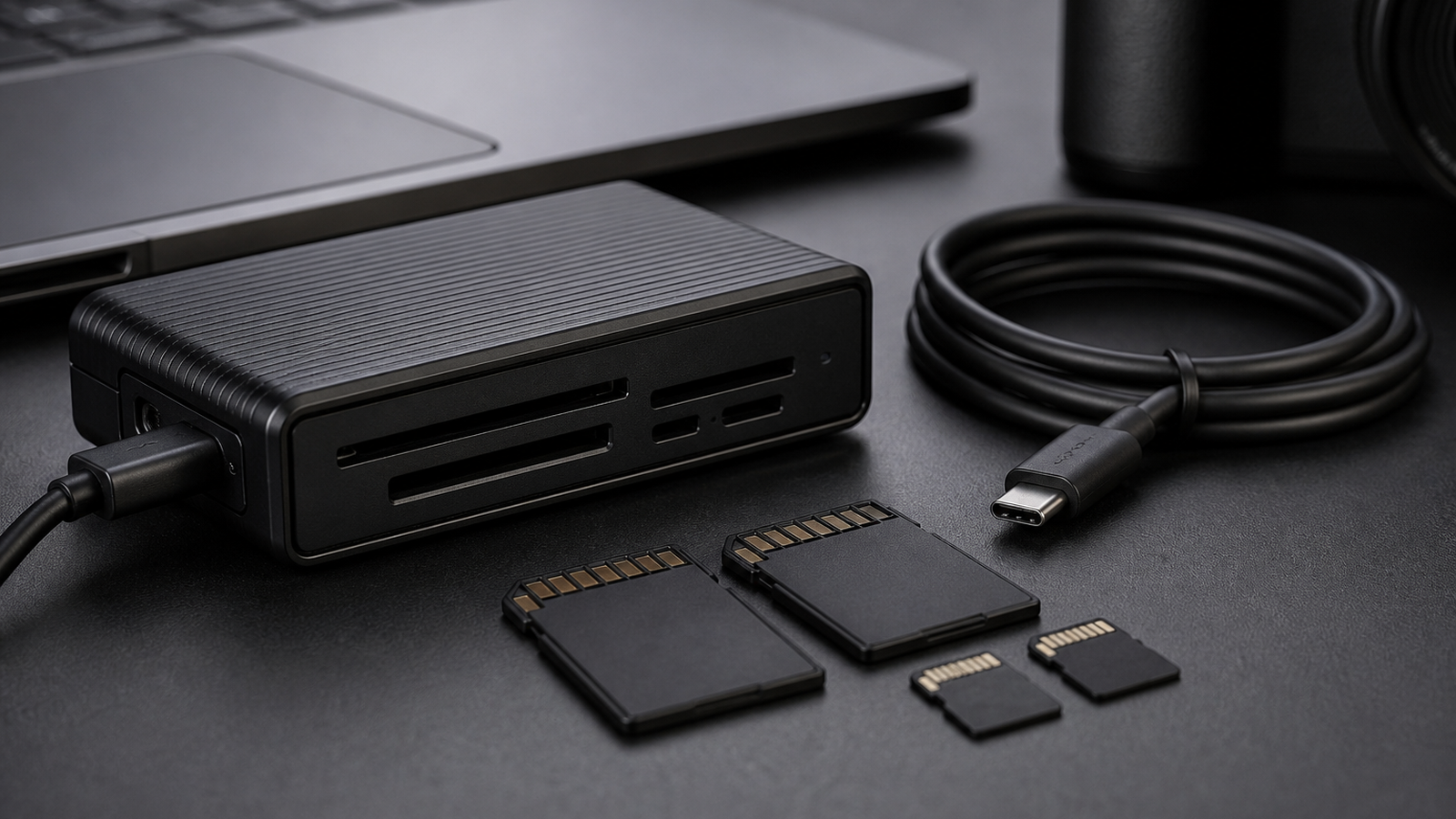
UHS-II can be the right choice for many mirrorless cameras, audio recorders and compact field kits because SD cards are common, small and widely supported. CFexpress becomes more attractive when the device records high-bitrate video, burst stills, RAW video or repeated long takes where buffer clearing matters.
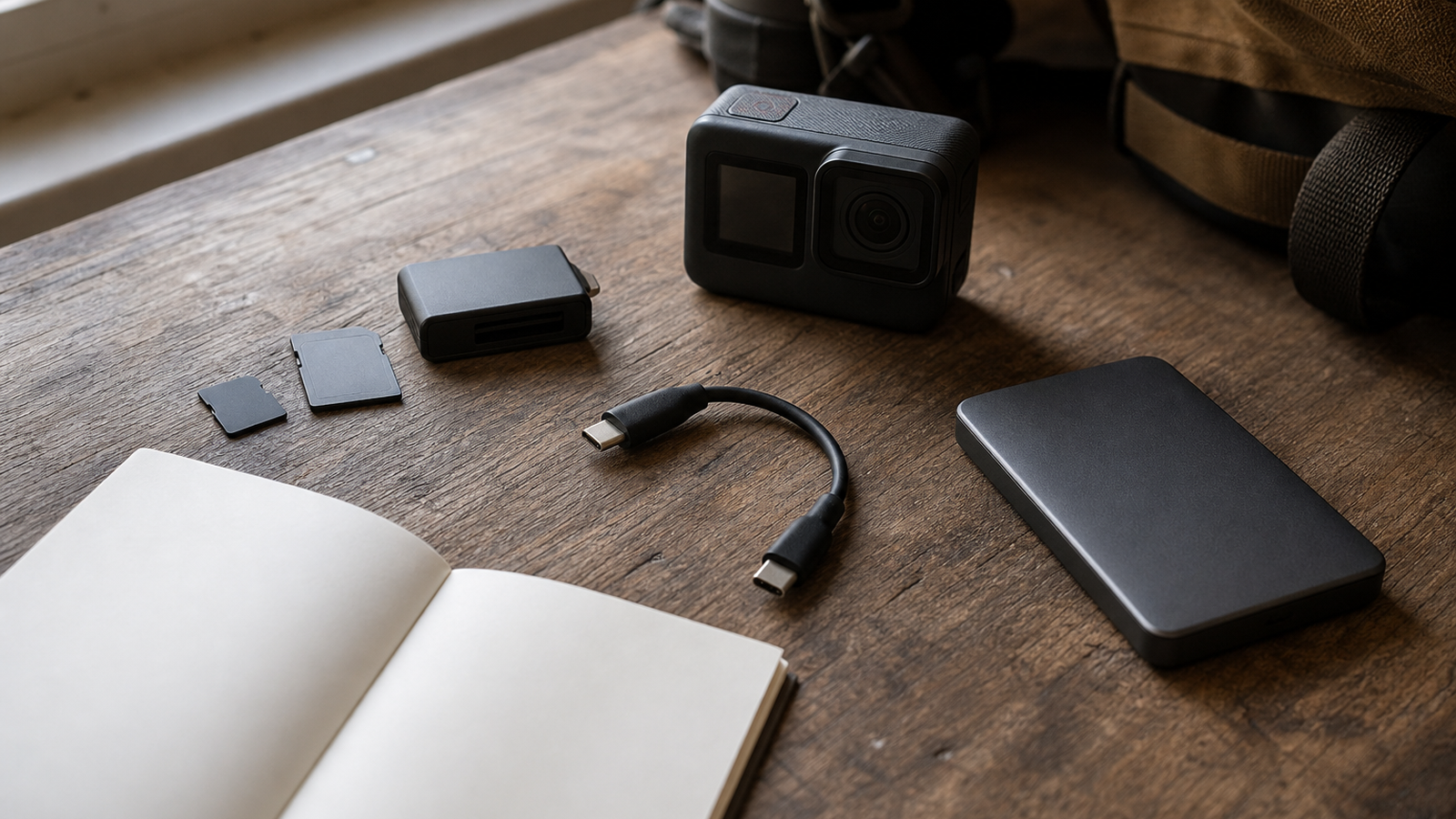
The practical difference shows up after the first clip. A field team may need to record, copy, verify and reformat media several times in a day. If the card is fast but the reader, cable or backup drive is slow, the operator still ends up waiting at the table while the robot or camera crew is ready to move. Treat the card, reader and destination drive as one chain.
Field checklist
- Match the device spec: do not buy a faster card than the camera or reader can actually use.
- Check video class requirements: use the device maker’s supported media list for critical jobs.
- Plan the reader: a fast card with a slow USB reader still creates a slow backup workflow.
- Label cards: mark capacity, format, owner and last verified date.
- Retire questionable media: one intermittent card can waste a day of testing.
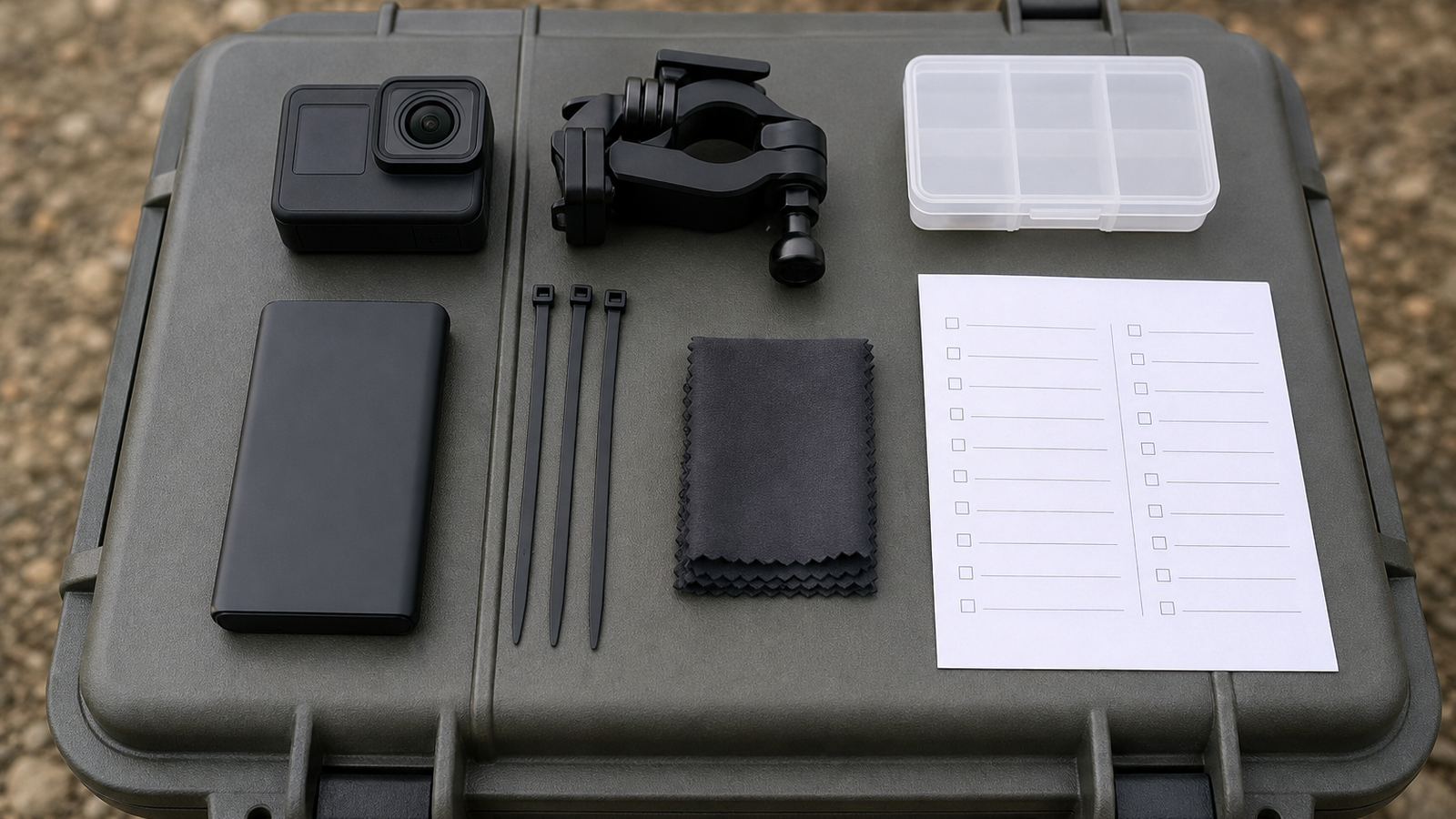
TVG also recommends a verification habit: after copying, open a representative clip or checksum the folder before wiping the card. That step feels slow until the first time a corrupted copy or bad cable destroys the only useful record of a mechanism failure. For student teams and small creator crews, discipline beats buying the most expensive card in the case.
TVG Take
Buy the storage path, not the marketing number. For a student robot team, a reliable UHS-II workflow may beat a faster but poorly supported card type. For high-bitrate cameras, CFexpress can be worth the cost if the whole chain — camera, card, reader, cable and backup drive — can sustain the workload. The best field kit is the one that records every failure and gets the files home intact.