Editorial mode: Template B — Analysis / Guide.
A robot failure that cannot be replayed is hard to debug. ROS 2 bag recording gives student teams a way to capture topic data, replay experiments and compare behavior across code changes. The official ROS 2 documentation describes rosbag workflows for recording and playback, and the rosbag2 project maintains the tooling behind that workflow.
The trap is assuming “record everything” is a plan. It is usually a storage problem, a timing problem and sometimes a privacy problem. A good bag file starts before the robot moves.
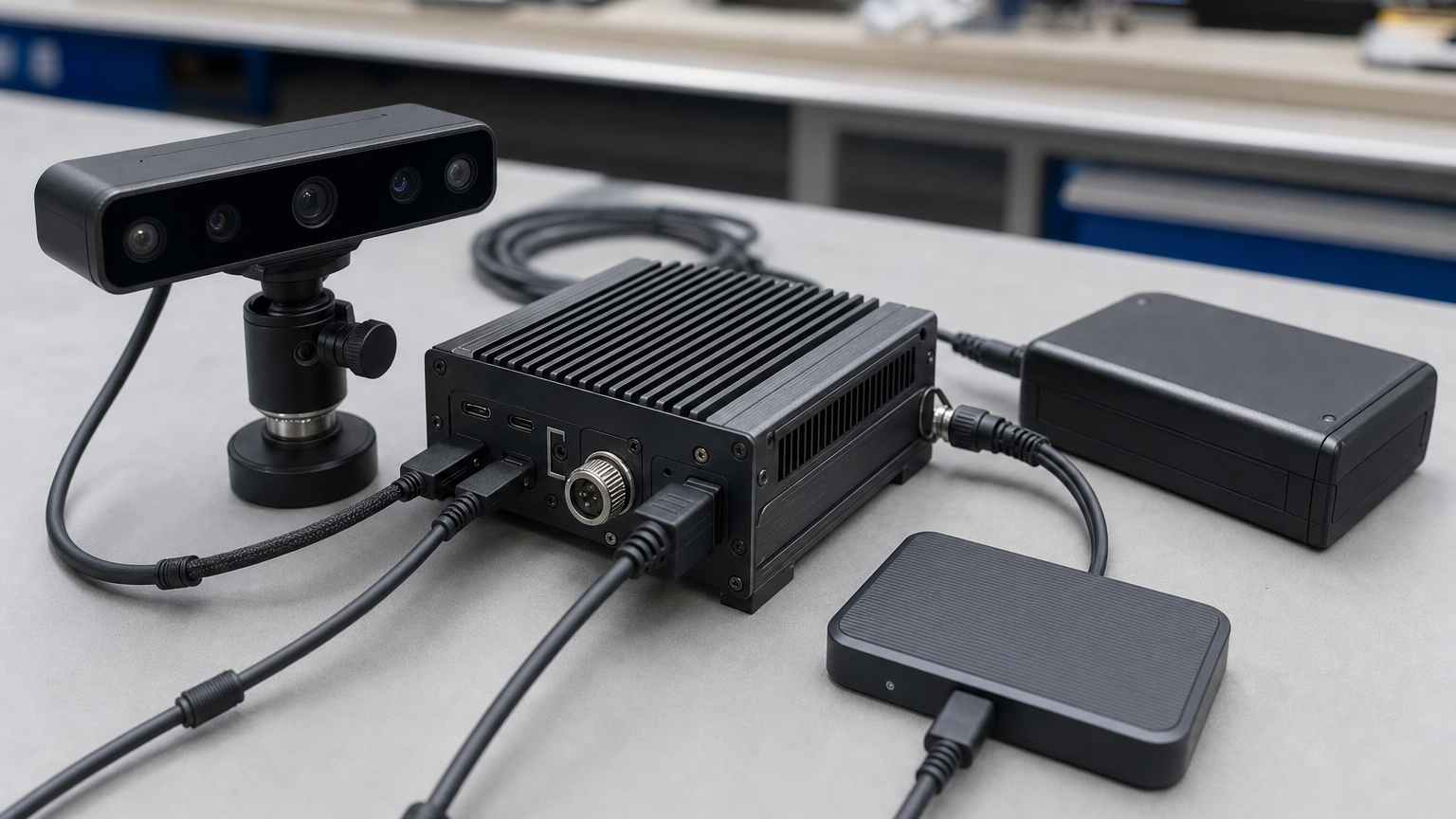
Choose topics on purpose
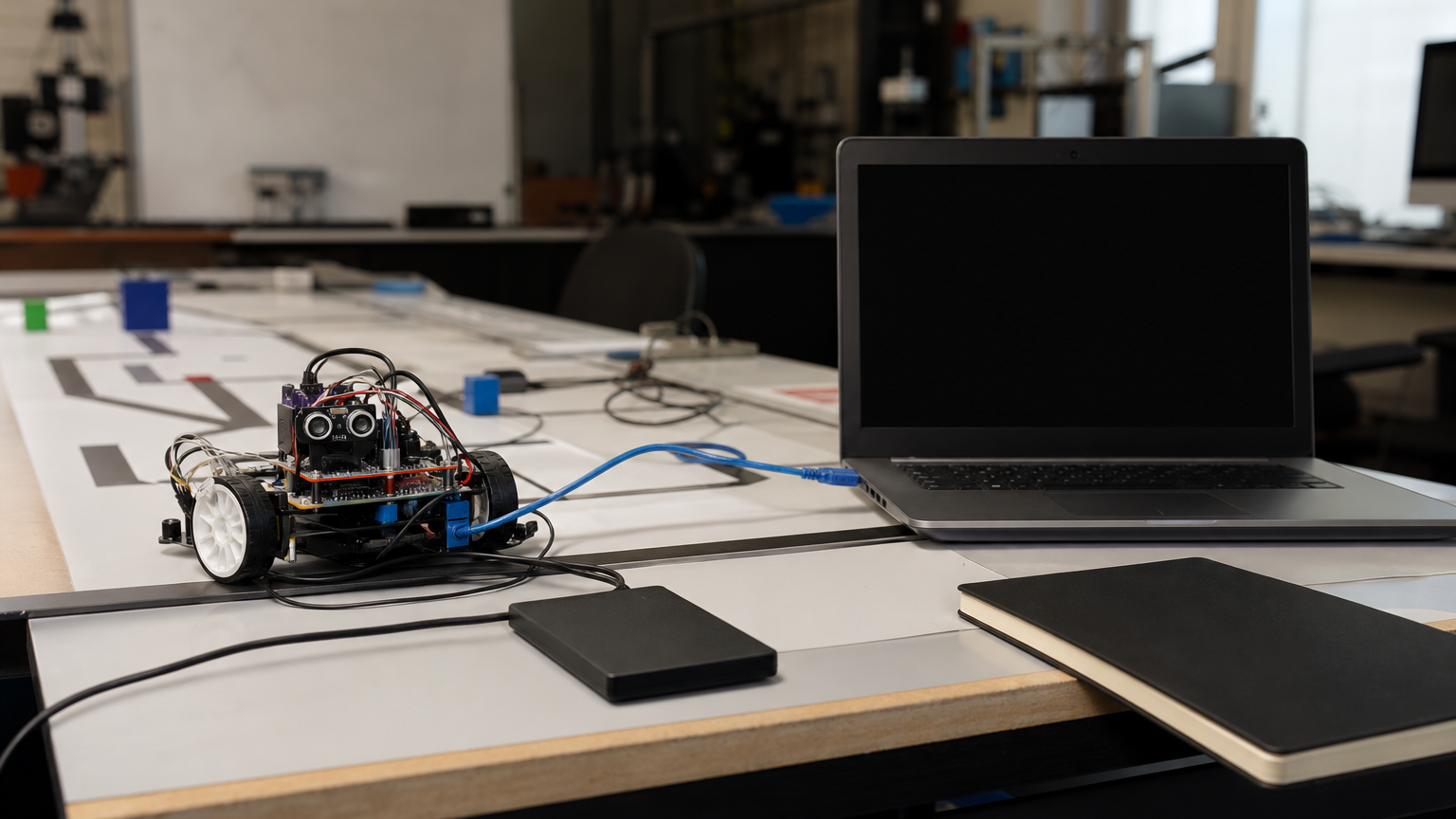
Start with the failure modes the team expects to debug. A line-following robot may need camera frames, processed line position, motor commands, battery voltage and key state-machine transitions. A mobile robot using fiducial markers may need camera info, detected poses, odometry, transforms and command velocity. Recording every high-rate topic can make the bag too large to move or replay on student laptops.
Make two profiles: a lightweight default profile for every run and a heavy diagnostic profile for selected tests. The default profile should be small enough that nobody hesitates to use it.
Give the profiles names the whole team understands. “driver-practice-light,” “vision-debug-heavy” and “competition-run-minimum” are more useful than a folder full of mystery commands. Put the commands in the repository or team wiki so recording does not depend on one student remembering the flags.
Also decide where bag files go after the run. A laptop desktop full of unlabeled recordings is not a dataset. Use date, robot name, code branch and test purpose in the folder name, then move important bags to shared storage before the next meeting.
Checklist before the run
- Topic list: write down the exact topics and why each one is needed.
- QoS compatibility: confirm recording works with the publishers the robot actually uses.
- Clock source: know whether simulation time, system time or synchronized clocks are involved.
- Storage speed: test the drive before a camera-heavy run.
- Run metadata: record code version, robot configuration, battery state and field conditions.
- Replay test: confirm the bag can be replayed before deleting the real-world setup.
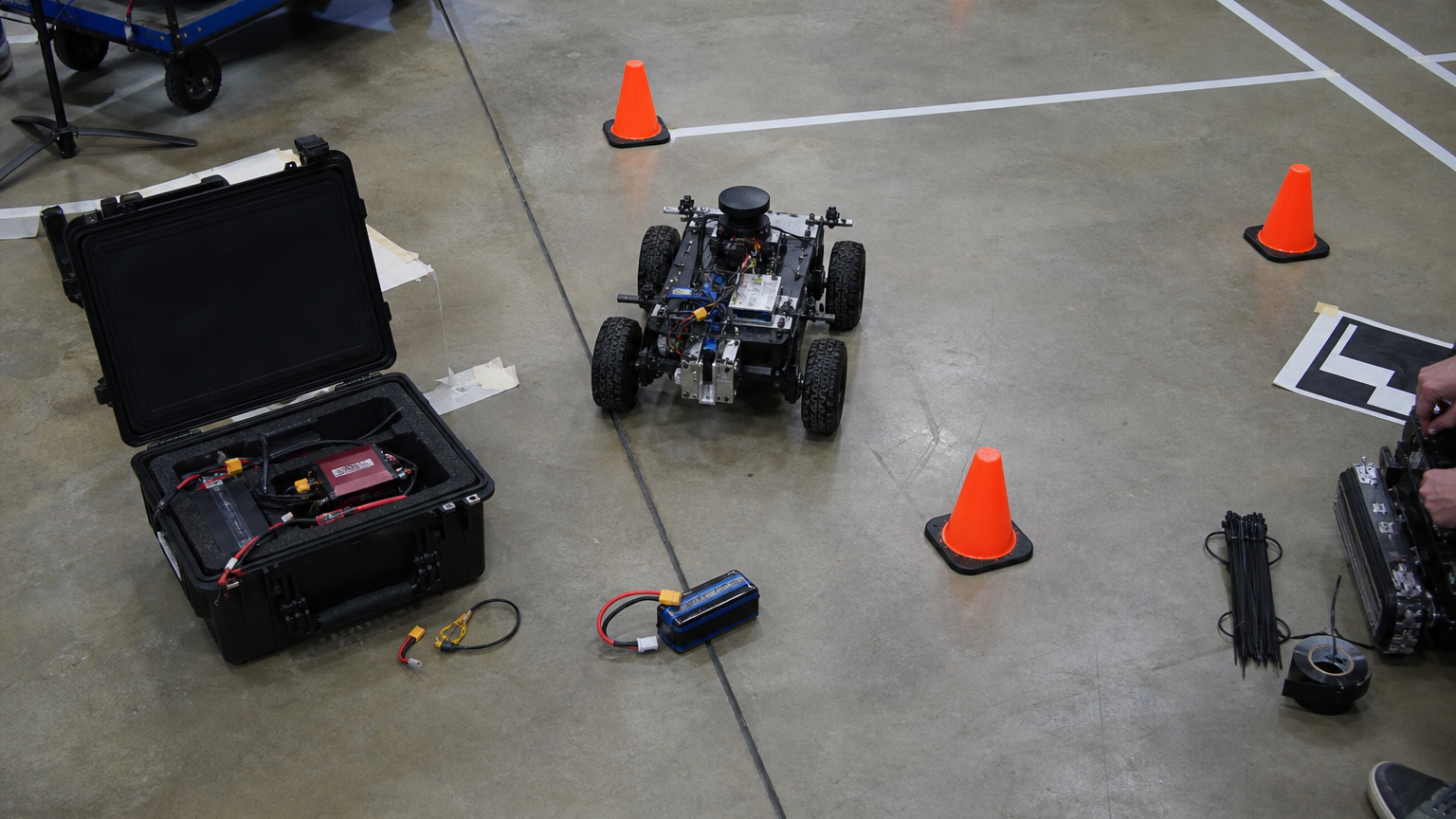
Camera data needs restraint
Camera topics can dominate storage. If the team only needs detections, recording processed output plus occasional stills may be enough. If the team is debugging perception, raw or compressed image topics may be necessary, but the storage plan has to match the data rate.
This connects directly to calibration discipline. TVG’s robot camera calibration lighting checklist explains why clean inputs matter; bag recording is how teams preserve those inputs for later analysis.
After the run
Write a short note while the test is still fresh: what changed, what failed, what looked normal and which bag file matters. That note can live beside the recording or in the issue tracker. Without it, the team may have data but no memory of why it exists.
Replay should be part of the habit. If a bag cannot be replayed on a second machine, the team should find out immediately, not during the night before a competition or classroom presentation.
Storage budgeting should be visible too. If the diagnostic profile writes several gigabytes per minute, say that in the team notes and bring the right drive. Running out of disk space halfway through the one useful failure is one of the easiest recording mistakes to prevent.
The same plan helps mentors review progress without rerunning every experiment from scratch.
TVG Take
ROS 2 bag recording is not just a command to run after something breaks. Treat it like a test instrument. Pick the signals, verify the recording, attach metadata, and replay the result while the team still remembers what happened. That habit can turn a frustrating robot day into a repeatable engineering lesson.