
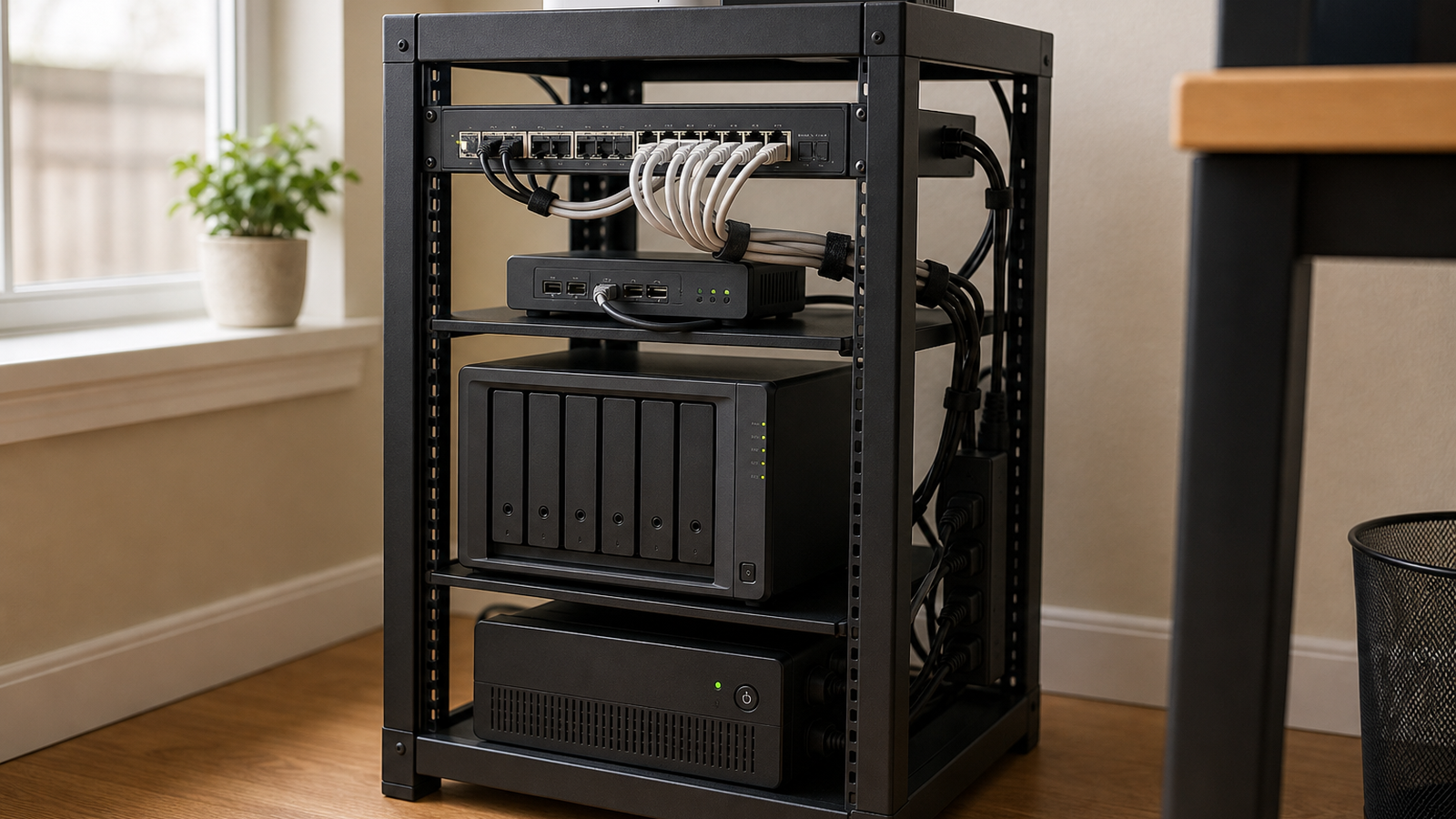
A UPS and a portable power station solve different home-lab problems. For a NAS or mini-server, clean shutdown signaling often matters more than long runtime.
Quick answer
- Choose a UPS: when the NAS/server needs automatic shutdown and predictable transfer behavior.
- Choose a power station: when longer runtime matters and manual operation is acceptable.
- Do not buy by watt-hours alone: check USB/serial shutdown support, inverter behavior, recharge time, and load limits.
Quick answer
Choose a conventional UPS when the NAS or server needs reliable power-loss detection and automatic shutdown. Consider a portable power station when longer runtime matters and the equipment can tolerate the station’s transfer behavior, output waveform and charging design. For many home labs, the safest setup is still a NAS-compatible UPS sized for clean shutdown, not the biggest battery available.
Where a UPS wins
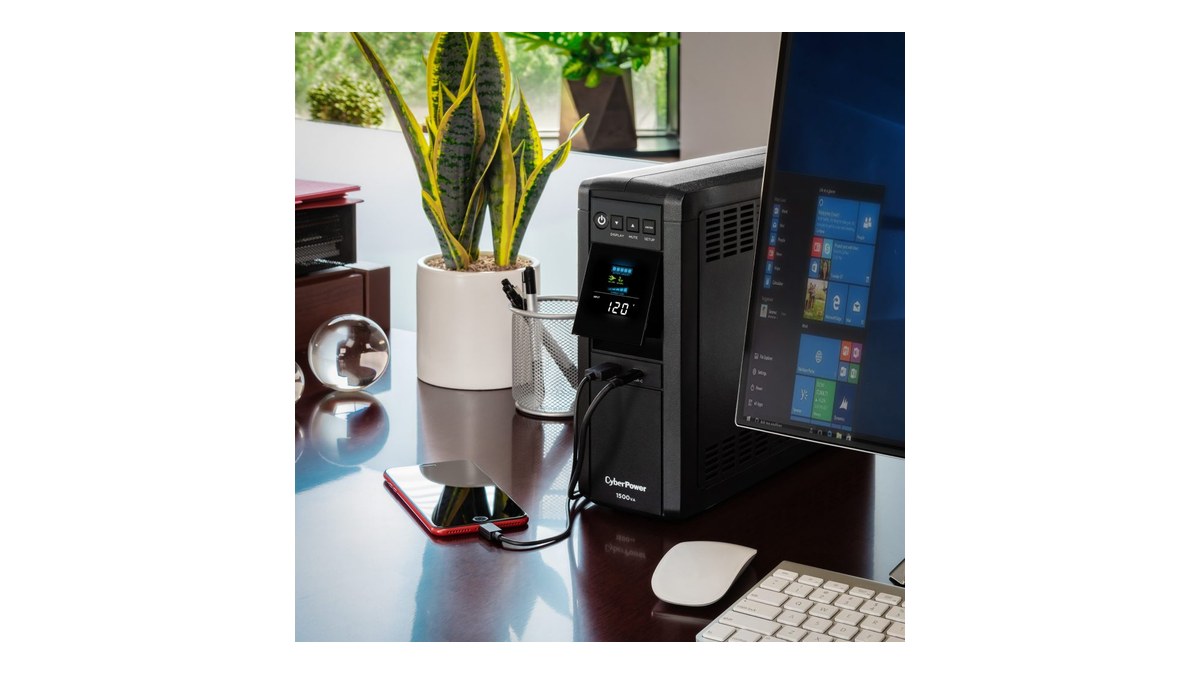
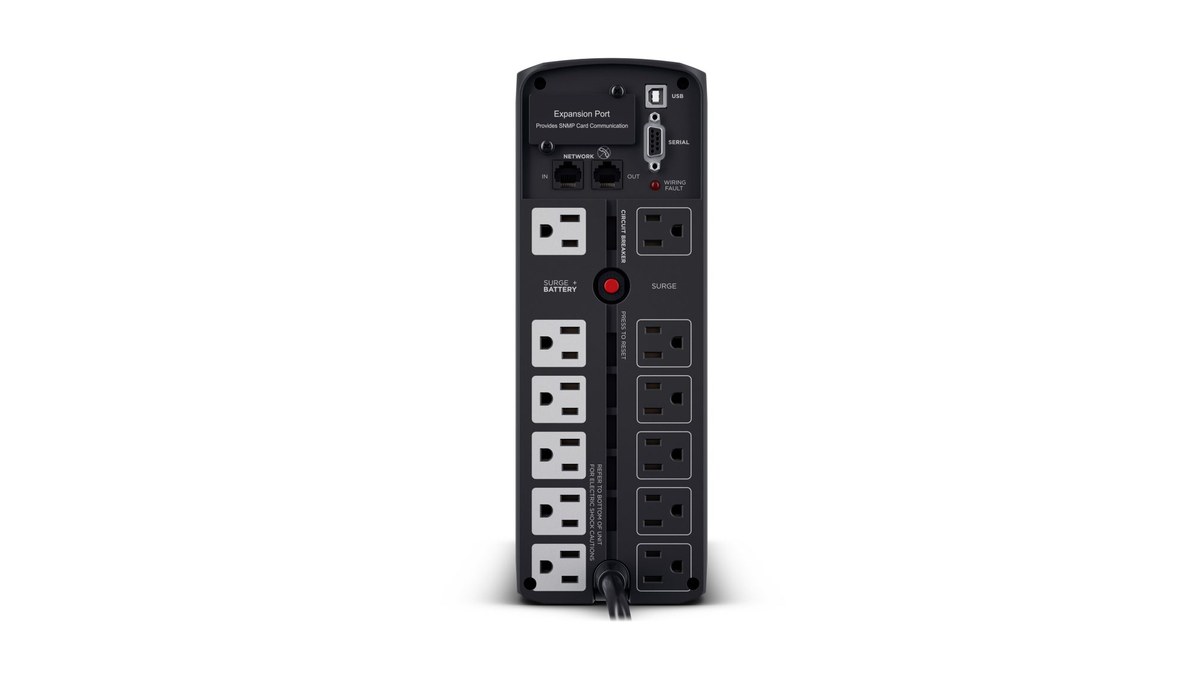
UPS vendors and NAS makers focus on a narrow job: keep equipment alive through a short sag or outage, report battery state over USB or network, and trigger safe shutdown before the battery is exhausted. Synology publishes UPS compatibility information, and Network UPS Tools exists because shutdown signaling is a real systems problem across many devices.
A UPS also tends to be designed for always-connected standby behavior. That matters in a closet, garage lab or network shelf where nobody is watching the screen. The system should not depend on a human noticing that power has failed.
Where a power station can help
Portable power stations can provide much longer runtime for selected loads, and some are useful during field work, maker events or planned outages. The tradeoff is that not every model behaves like a UPS. Transfer time, pass-through charging, inverter waveform, fan behavior, battery chemistry and firmware all matter.
Buyer checklist
- Confirm the NAS or server can receive shutdown signals from the UPS model or from a network UPS service.
- Measure actual load in watts instead of sizing from nameplate guesses.
- Check transfer time and output waveform for sensitive power supplies.
- Plan what happens to the router and switch; a NAS cannot send alerts if the network dies first.
- Replace or maintain batteries on a calendar, not only after failure.
- Test recovery after shutdown so services, shares and backup jobs return cleanly.
TVG’s Wi-Fi 7 versus wired backhaul guide makes the same reliability point for networking: headline performance matters less when the recovery path is vague. Storage power is no different.
Test the failure, not just the battery
A good backup-power plan includes a controlled outage drill. Unplug utility power, watch whether the NAS receives the event, confirm that notifications work, and let the system shut down before the battery is nearly empty. Then restore power and check whether shared folders, containers, backup jobs and network services return without manual repair.
This matters because many home labs grow one device at a time. A NAS, switch, router and mini PC may be spread across different outlets or shelves. If only the NAS is protected, the shutdown message may fail when the switch loses power. If only the network gear is protected, a storage device may keep writing until it drops. The wiring diagram should match the shutdown plan.
TVG Take
If the protected device stores data, buy for shutdown confidence first and extra runtime second. A portable power station can be part of a broader outage kit, but a NAS that never receives the power-loss event is still at risk. The better home-lab power plan is boring, tested and documented.



