
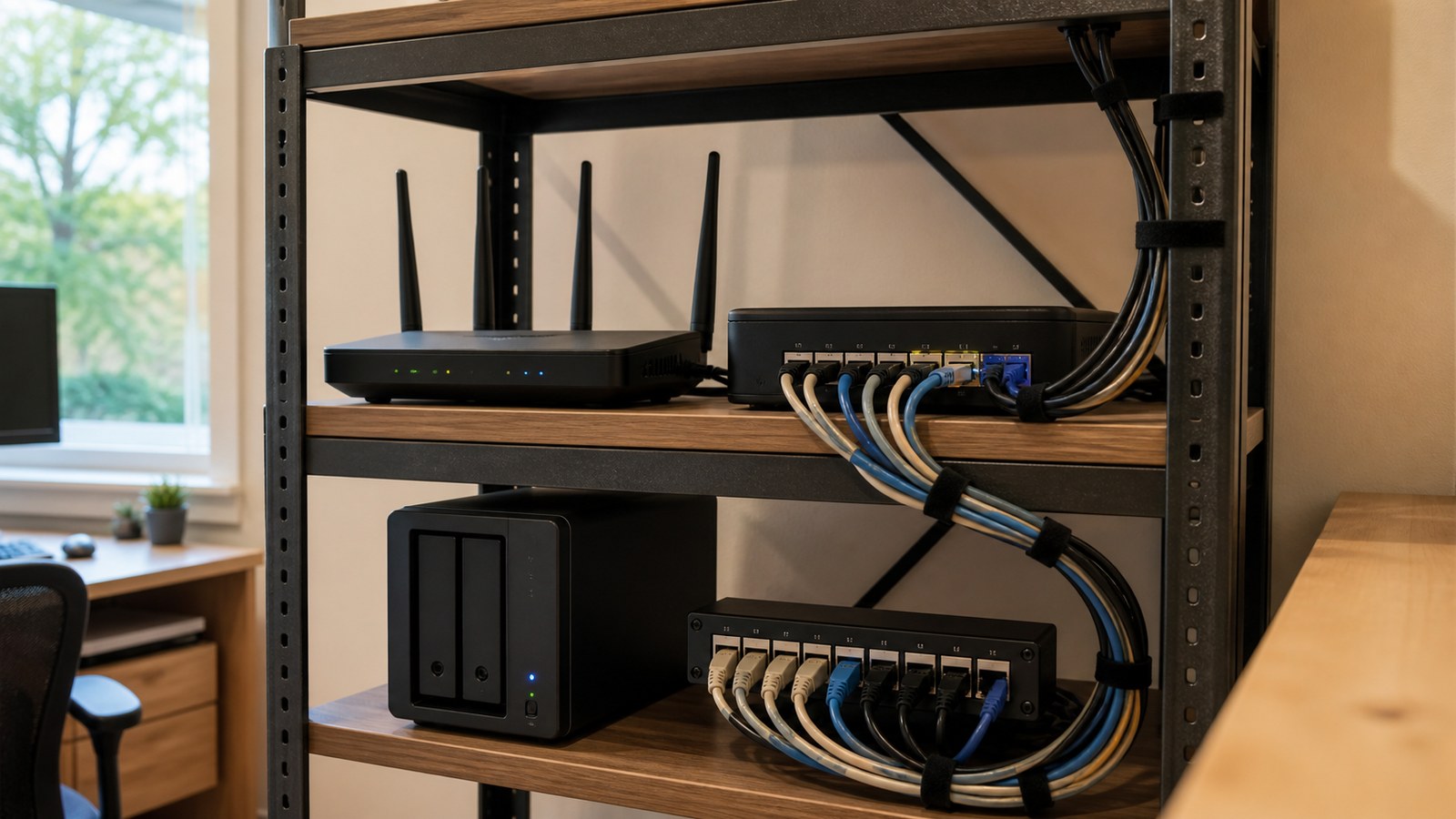
A Wi-Fi 7 router can raise wireless capacity, but a wired backhaul usually fixes the failure mode that hurts home labs most: unstable links between desks, cameras, NAS boxes, and access points.
The better question is where the network fails: between a camera and access point, between a mesh node and router, between a NAS and switch, or when several devices are active at once. A faster wireless standard can help, but it does not remove the need for a backhaul plan.
Quick answer
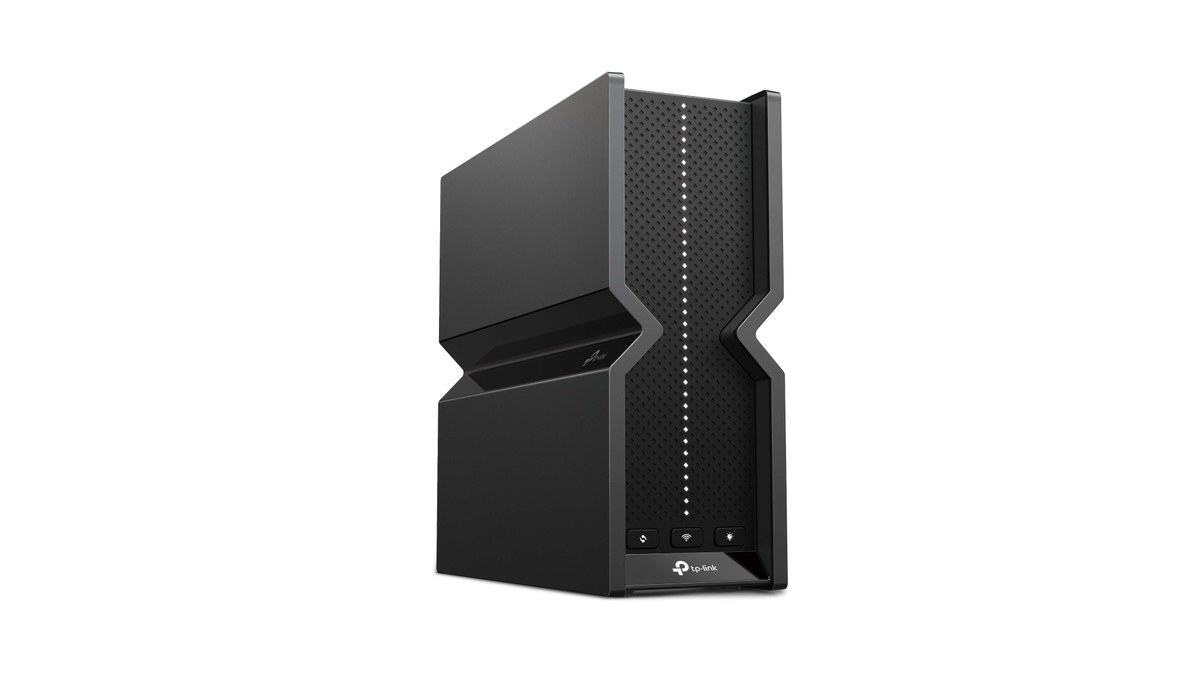
Buy a Wi-Fi 7 router when wireless clients, channel width, and placement are the actual bottleneck. Choose wired backhaul, Ethernet drops, or a better switch when the problem is mesh-node congestion, NAS traffic, robot-camera streaming, or unreliable links between rooms.
What Wi-Fi 7 changes
Wi-Fi Alliance describes Wi-Fi CERTIFIED 7 as the certification program for the latest generation of Wi-Fi based on IEEE 802.11be. The headline capabilities include wider channels, higher-order modulation, and multi-link operation where supported by devices and access points.
Those features can matter in dense homes, creator studios, and labs with modern client devices. But they are not magic. Walls, antenna placement, interference, client support, and uplink congestion still decide whether a camera stream or file transfer is reliable.
Where wired backhaul wins
Wired backhaul is boring in the best way. If a mesh node can send traffic to the main router over Ethernet, it does not have to spend wireless airtime relaying every packet. That can help cameras, 3D printers, Home Assistant dashboards, NAS backups, and robot telemetry stay predictable.
For TVG readers, the decision is often not router versus cable. It is router plus enough wired structure that the expensive radio is not doing every job. A small managed switch, one Ethernet run to a workshop, and a clean PoE plan may improve reliability more than replacing every access point.
Decision matrix
If the lab problem is weak signal in one room, start with access-point placement before replacing every device. If the problem is large file transfers from a NAS, prioritize Ethernet, switch capacity, and storage throughput. If the problem is camera reliability, separate the camera path from guest devices and media streaming. If the problem is a busy household with many modern phones and laptops, then a Wi-Fi 7 router or mesh system may be the right upgrade.
The key is to name the bottleneck. Without that step, a router purchase can hide the problem for a week and then fail again when the same backhaul or switch limit returns under load.
Buyer checklist
- Count real Wi-Fi 7 clients. A router cannot give Wi-Fi 7 features to devices that only support older standards.
- Map heavy traffic. NAS backups, camera streams, and media editing deserve a path review before a router purchase.
- Separate control and bulk traffic. Smart-home sensors and robots do not need to share every bottleneck with large file transfers.
- Check ports. A fast wireless link is wasted if the router has too few multi-gig Ethernet ports for the lab.
- Plan placement. A better access point in the right place can beat a flagship router in the wrong room.
This supports TVG’s existing smart-home and home-lab cluster, including Matter-over-Thread sensor placement and NAS versus mini-PC backup planning.

Test before replacing gear
Before buying, run a simple wired-versus-wireless test from the same laptop or mini PC. Copy a large file to the NAS over Ethernet, then repeat over Wi-Fi from the problem room. Watch for speed, dropouts, and latency spikes while a camera stream or video call is active. If Ethernet is stable and Wi-Fi is not, radio placement matters. If both paths struggle, the router may not be the root cause.
TVG Take
Wi-Fi 7 is worth considering when the rest of the network is ready for it. If the lab has unknown cables, overloaded mesh nodes, weak switch capacity, or unlabeled camera runs, fix those first. Reliable networks are built from paths, not just radios.



