GitHub now lets repository administrators choose where Dependabot version and security updates run for each private or internal repository. The September 29 change adds three repository-level controls—runner type, an optional custom label and an optional runner group—so a repository no longer has to inherit one organization-wide runner choice.
Featured image: GitHub.
What changed at repository level
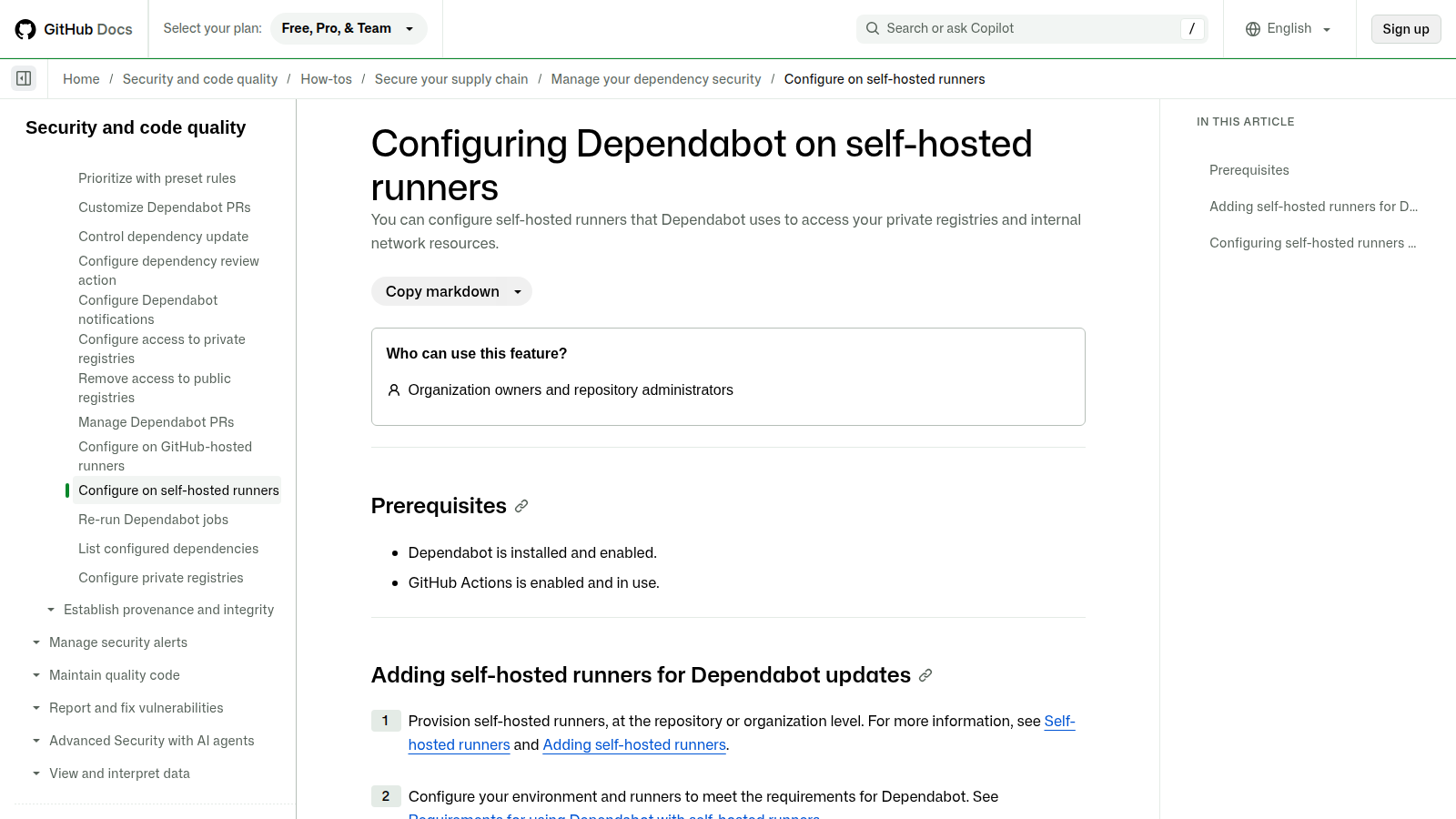
The setting appears under Settings → Advanced Security → Dependency scanning → Dependabot version updates → Runner type. An administrator can select a labeled runner, enter a runner group and label, or return the job to GitHub’s standard hosted environment. If the label field is left empty, GitHub uses dependabot.
The scope is narrower than the headline might suggest. GitHub says the controls are available only to private and internal repositories on GitHub.com. They are hidden for public repositories and for GitHub Enterprise Server. Security configurations also do not currently enforce these runner settings, so teams should not assume that applying a security configuration will reproduce the repository’s runner placement.
The operational reason to use a labeled runner
A self-hosted runner can place the Dependabot job inside a network path that can reach an internal package registry or another private dependency source. The repository-level selector also allows an exception: one codebase can use a specialized environment while neighboring repositories continue on the standard GitHub-hosted runner.
Placement creates a security boundary, not just a performance choice. A runner with access to an internal registry should have only the network routes and credentials required for dependency resolution. Giving the Dependabot job a broadly trusted runner merely to solve one blocked package fetch expands the effect of a compromised dependency, install script or misconfiguration.
Four checks before saving the selection
- Confirm the label exists on a ready runner. GitHub’s documentation warns that the label must already be assigned. If a runner group is specified, that group must exist and the repository must be allowed to use it.
- Verify the runner can reach every required registry. Test DNS, TLS trust, proxy routing and package-manager authentication from the runner environment rather than from an administrator laptop.
- Keep the default permissions boundary visible. GitHub documents a separate option for workflows triggered by Dependabot to receive more than read-only permissions or ordinary secrets. Choosing a runner does not by itself grant those permissions.
- Trigger a job after the change. Changing the runner setting does not start a new Dependabot run. Use the next scheduled run or manually re-run a job, then inspect its logs to confirm the expected runner handled it.
Label and group are different controls
A label describes a runner capability or intended workload, while a runner group controls which repositories may use a pool. Using both is useful when a label such as dependabot-private-registry appears on several machines but only approved repositories should dispatch work to that pool. The group limits eligibility; the label selects a matching runner within the permitted set.
GitHub’s new repository control therefore improves exception handling, but it also makes configuration drift easier. An organization that uses the feature across many repositories should inventory the chosen group and label through its normal configuration review process, because GitHub notes that security configurations do not enforce the selection today.
What remains to verify
GitHub has not published a migration benchmark or a reliability comparison between repository-selected self-hosted runners and the standard hosted environment. The practical acceptance test is simpler: the next Dependabot job should land on the intended runner, resolve the same dependency sources and create the expected pull request without exposing broader network access than the job requires.