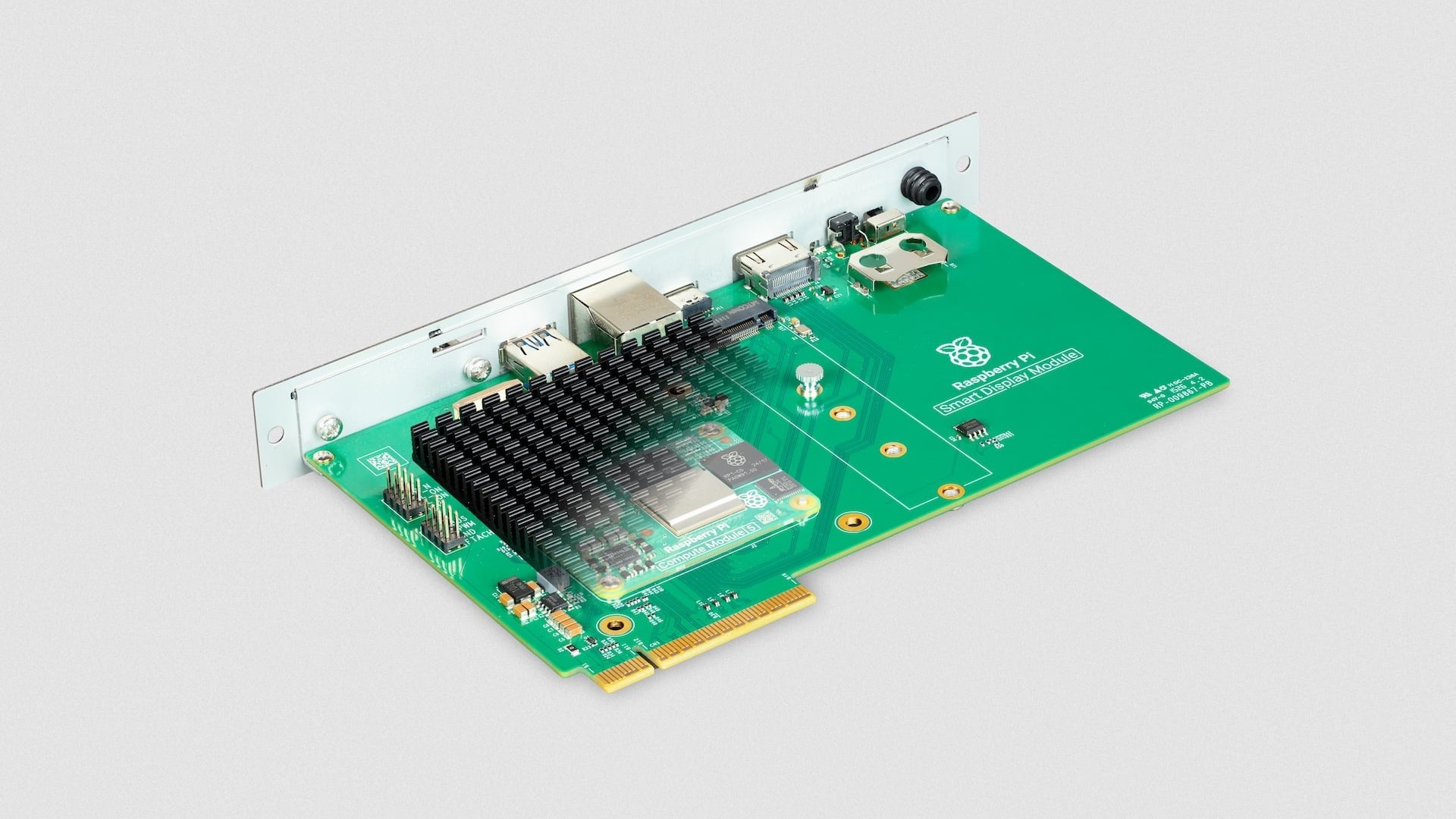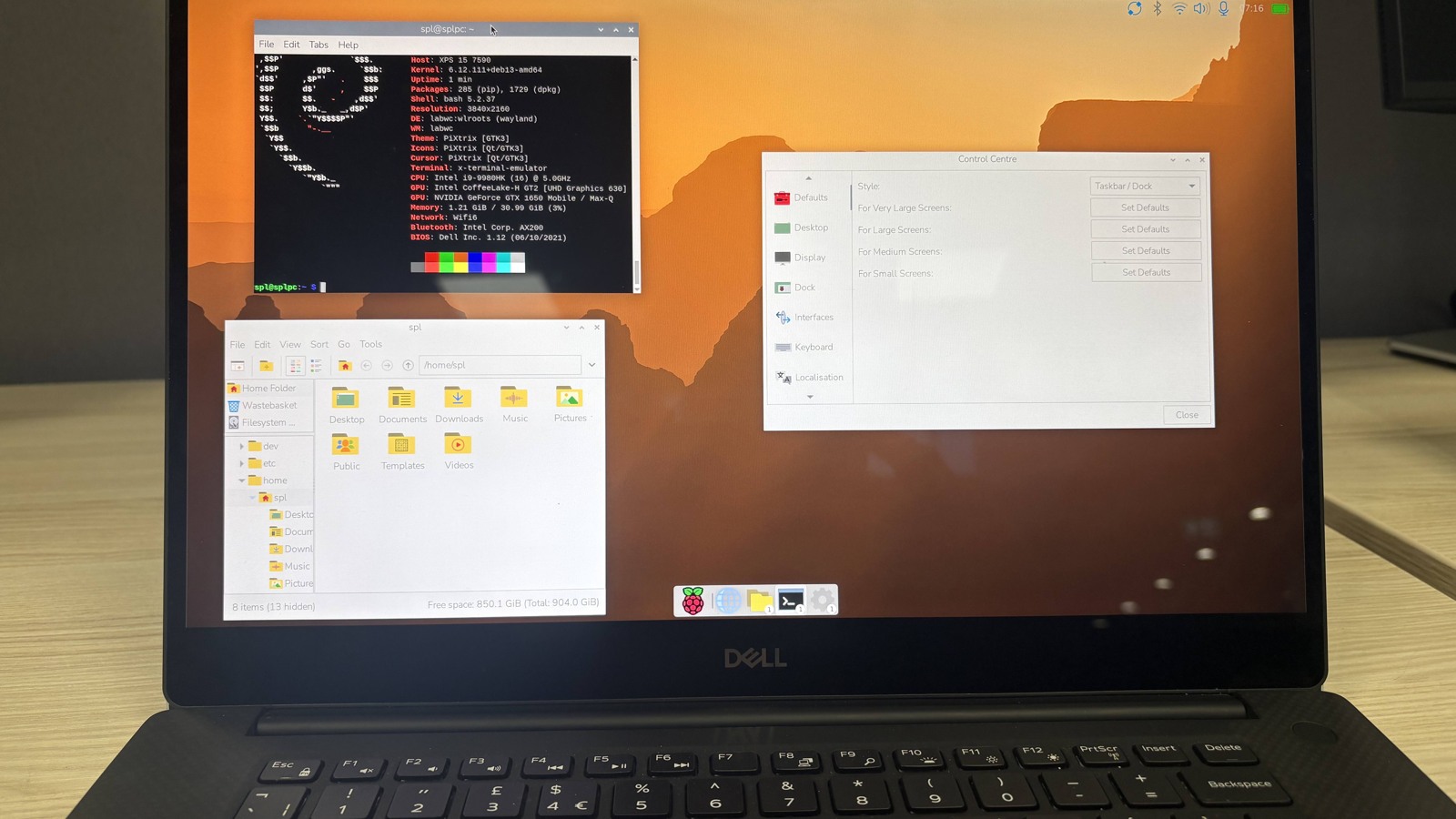
Raspberry Pi released a new Raspberry Pi Desktop image for PCs and Macs on October 6, moving the distribution to 64-bit Debian 13 “Trixie.” The amd64 build targets ordinary 64-bit PCs and Intel-based Macs; Apple Silicon remains outside the supported hardware boundary.
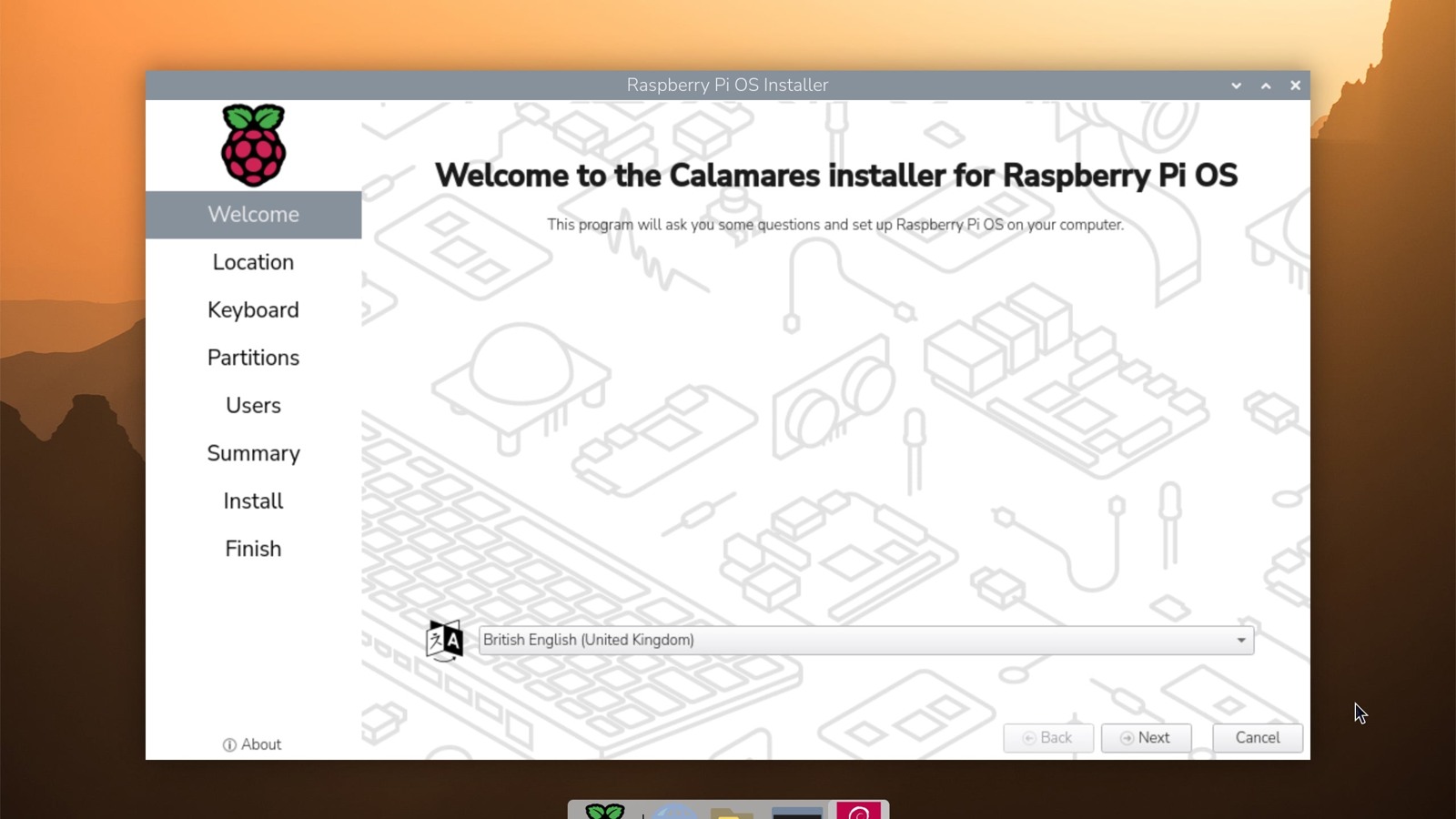
The release announcement also adds the Raspberry Pi Connect client and preserves two deployment paths: boot the ISO from USB with persistence, or launch the Calamares installer and place the system on an internal drive.
The architecture change ends 32-bit PC support
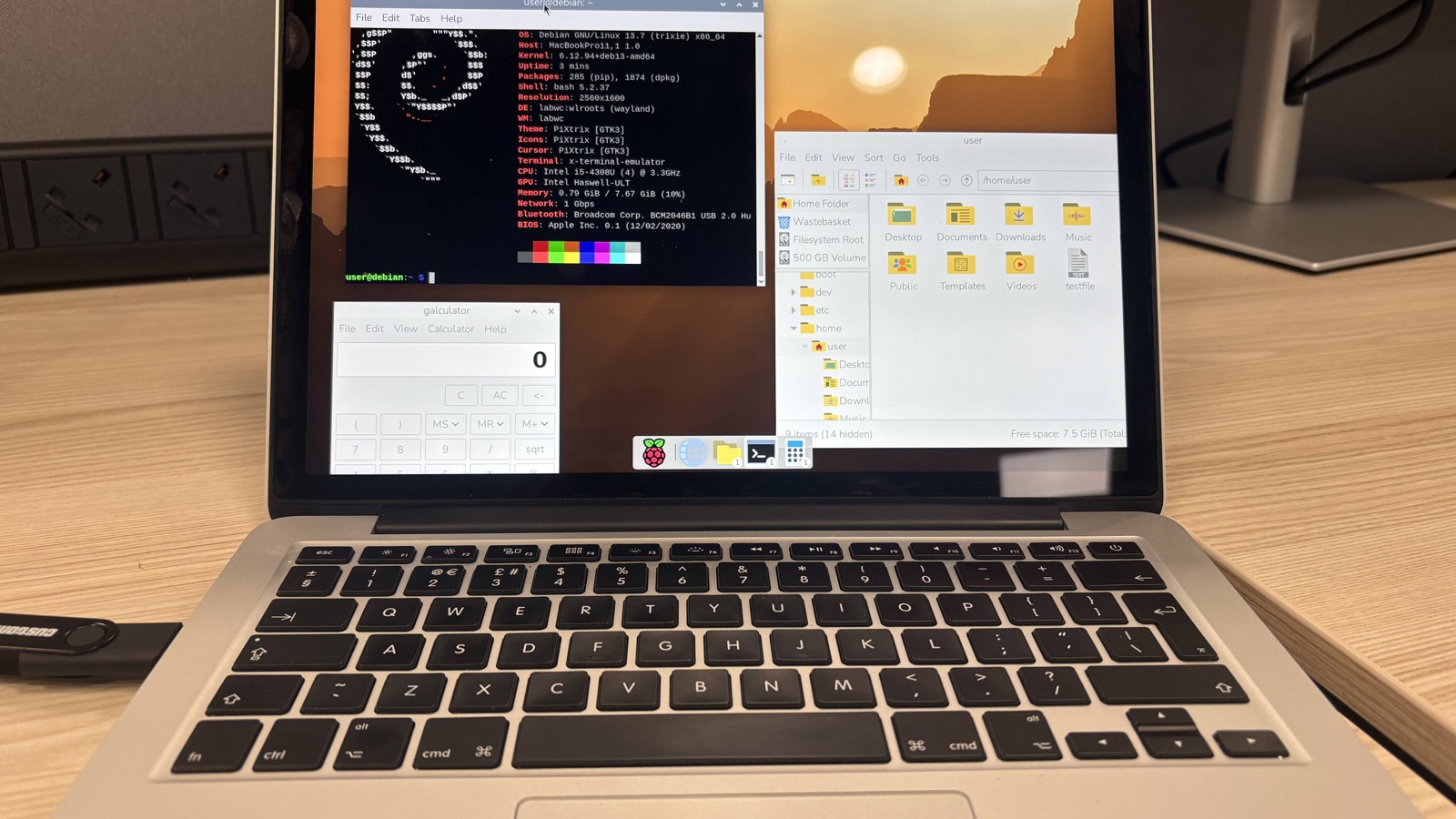
The previous PC edition used a 32-bit base. Raspberry Pi says the new image uses Debian’s amd64 architecture because Debian no longer supports 32-bit PC releases. Most PCs made within roughly the past 15 years should run the image, as should most Intel Macs, but that broad age estimate does not replace checking a machine’s CPU and boot firmware.
Apple Silicon Macs use Arm processors, not amd64. Raspberry Pi says Debian support there is still experimental, so M-series Macs are not supported by this release. The image is also distinct from Raspberry Pi OS images built for Raspberry Pi boards.
Persistent USB mode and installation solve different jobs
The downloadable ISO can boot as a live system from a USB drive. Selecting run with persistence writes changes back to that drive, allowing files and settings to survive a reboot. A separate reset-persistence option erases those changes and returns the USB environment to its original state.
For a permanent deployment, the desktop exposes Debian’s Calamares installer through a desktop shortcut and the System Tools menu. Installation changes the computer’s storage, unlike a live boot, so the live session is the safer place to check Wi-Fi, graphics, audio and input support before committing a drive.
Connect treats a PC as a named device
Raspberry Pi Connect provides screen sharing and remote terminal access from the Connect website. A Raspberry Pi can identify itself through a unique hardware ID; a PC or Mac instead asks the user to assign a device name during setup. That name becomes the entry shown in the remote-device list.
The release also carries the current Raspberry Pi desktop changes, including Control Centre and the new dock. Raspberry Pi’s download listing identifies the PC/Mac edition as a 64-bit Debian Trixie image. The decisive limit is processor architecture: Intel Macs and amd64 PCs are the intended systems, while current Apple Silicon hardware is not.