Editorial mode: Template B — Analysis / Guide.
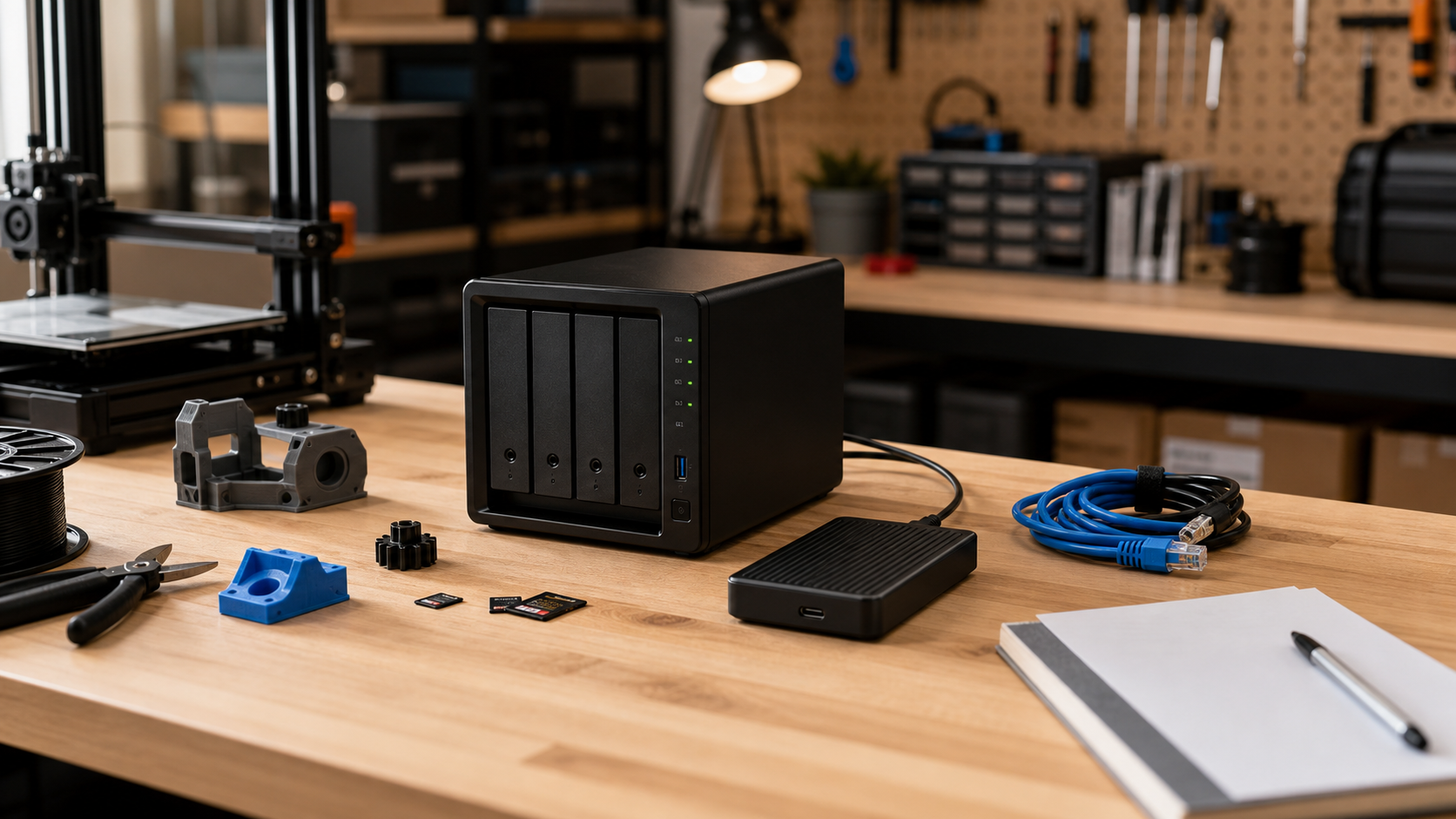
A maker lab does not usually lose project files in one dramatic disaster. More often, a CAD folder is overwritten, a slicer profile is changed, a camera-card dump is synced to the wrong place, or a shared robotics notebook disappears because two people edited the same directory from different machines.
NAS snapshots are built for that kind of ordinary failure. OpenZFS documents snapshots as point-in-time copies of datasets, while Synology and QNAP both position snapshots as a way to record earlier states of shared storage. The key TVG point is simple: a snapshot is a recovery tool, not a complete backup strategy by itself.
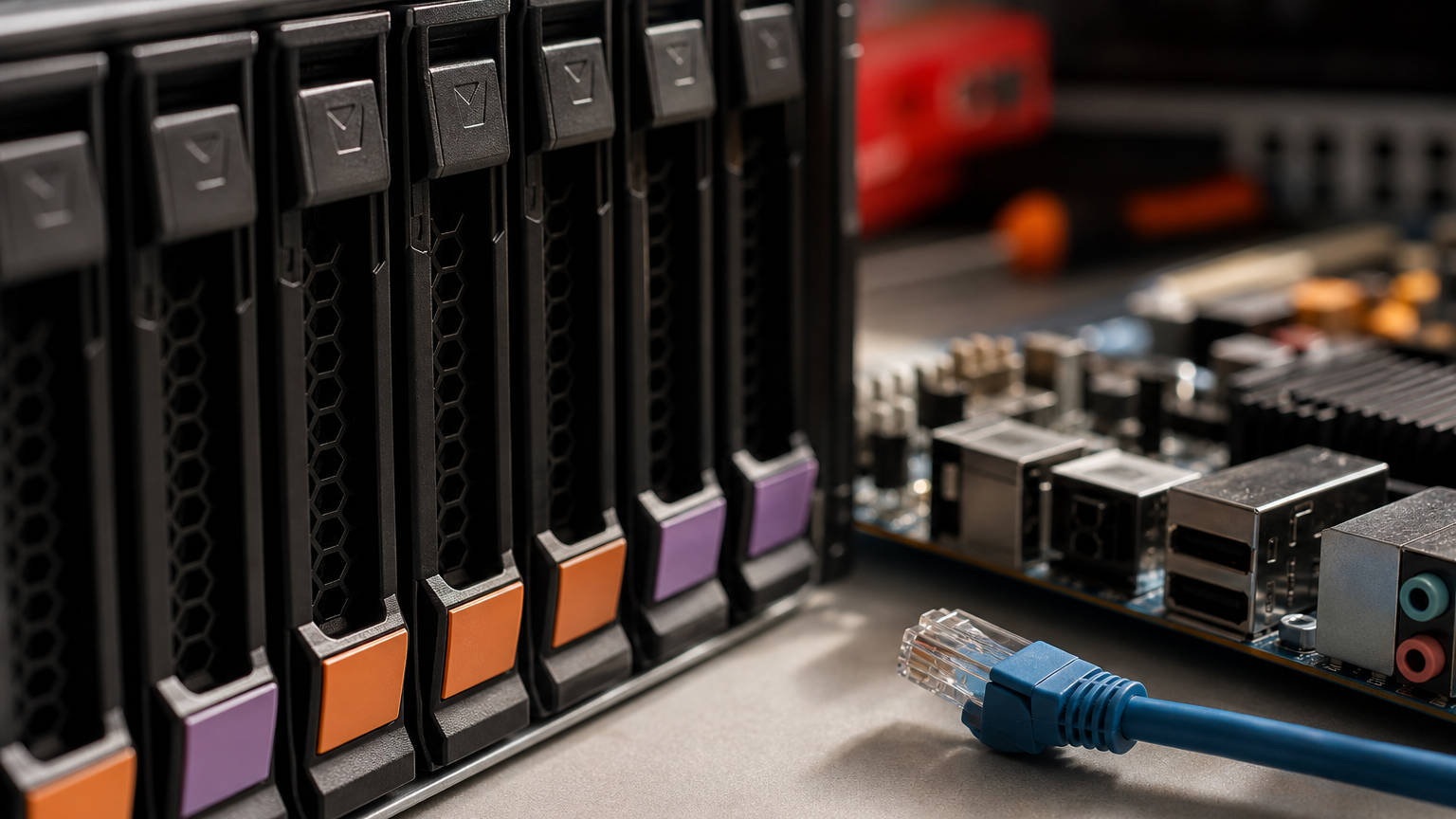
What snapshots are good at
Snapshots help when the storage system itself is still available and the lab needs to roll back a file, folder or dataset to an earlier state. That is useful for shared CAD folders, robot configuration files, training datasets, classroom handouts, camera footage, firmware archives and project documentation.
They are especially helpful against fast mistakes. If a student deletes a directory, a sync tool overwrites files, or a workstation writes corrupted output, a recent snapshot can shorten the repair from “rebuild the project” to “restore the folder.”
What snapshots do not solve
A local snapshot does not protect the lab if the NAS fails, is stolen, is destroyed, or loses all disks. It also may not help if ransomware or a compromised admin account can delete snapshots. That is why snapshot planning must sit beside replication, offline copies, cloud or off-site backup, account controls and tested restore procedures.
CISA’s StopRansomware guidance emphasizes preparation, backups and recovery planning. For a small lab, the practical translation is to keep at least one copy that is not always writable by the same machines that edit the projects.
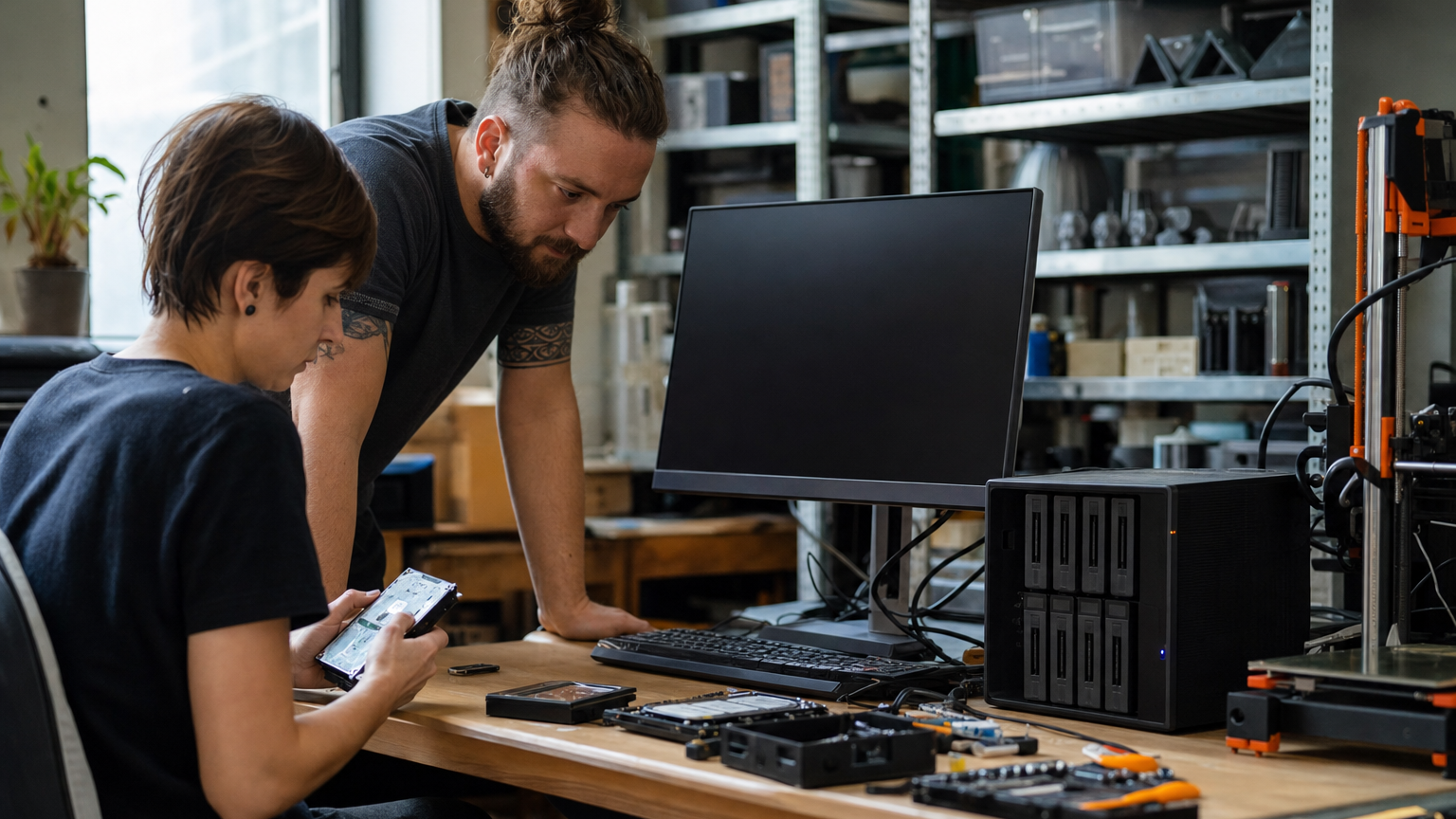
A practical retention plan
- Hourly snapshots for active project folders during lab hours.
- Daily snapshots for one to four weeks, depending on storage capacity.
- Weekly snapshots for term projects, competition seasons or long builds.
- Replication to another device when the lab cannot afford downtime.
- Off-box backup for irreplaceable files, media and documentation.
Do not retain every snapshot forever. A NAS filled by immutable old snapshots can become its own failure mode. Retention should match how the lab actually works: fast rollback for mistakes, longer retention for semester projects, and separate backup for true disaster recovery.
Test restores before the emergency
A snapshot plan that has never been restored is still an assumption. Once a month, pick a harmless project folder, restore it to a temporary location and confirm that CAD files, slicer profiles, source code and media open correctly. This also teaches new lab members where recovery lives before they are under pressure.
Permissions deserve the same attention. The account used by daily workstations should not necessarily be able to delete every snapshot or replication target. A small lab may not have enterprise identity tools, but it can still separate normal file access from storage administration.
Common lab mistakes
The most common mistake is protecting only finished files. Design history, firmware versions, calibration images, printer profiles and reference photos are often just as important when a project has to be rebuilt. Put them in protected folders too.
The second mistake is relying on sync as if it were backup. Sync keeps folders aligned; it can also synchronize a bad delete very quickly. Snapshots, replication and off-box backup exist because alignment and recovery are different jobs.
TVG Take
Snapshots are most valuable when they are boring and automatic. For a robotics, 3D printing or media-heavy maker lab, the right question is not “do we have a NAS?” It is “can we restore yesterday’s known-good project folder in five minutes, and do we still have a copy if the NAS itself dies?”
This storage discipline supports TVG’s earlier field-media storage coverage, including the microSD, CFexpress and portable SSD buyer evaluation. Fast storage gets attention; recoverable storage keeps projects alive.