A limit switch is one of the simplest sensors on a robot. It is also one of the easiest to misdiagnose. A mechanism hits the switch, the input flickers, the code reacts twice, and the team blames the motor controller, the scheduler or the student who touched the wiring last.
Input debouncing is not glamorous, but it is part of robot reliability. A switch is a physical object, not a perfect digital event. Contacts bounce, wires pick up noise, pull-ups may be missing, and software may treat every edge as a command. This guide is for maker and student teams that want fewer mystery triggers.
What bouncing actually means
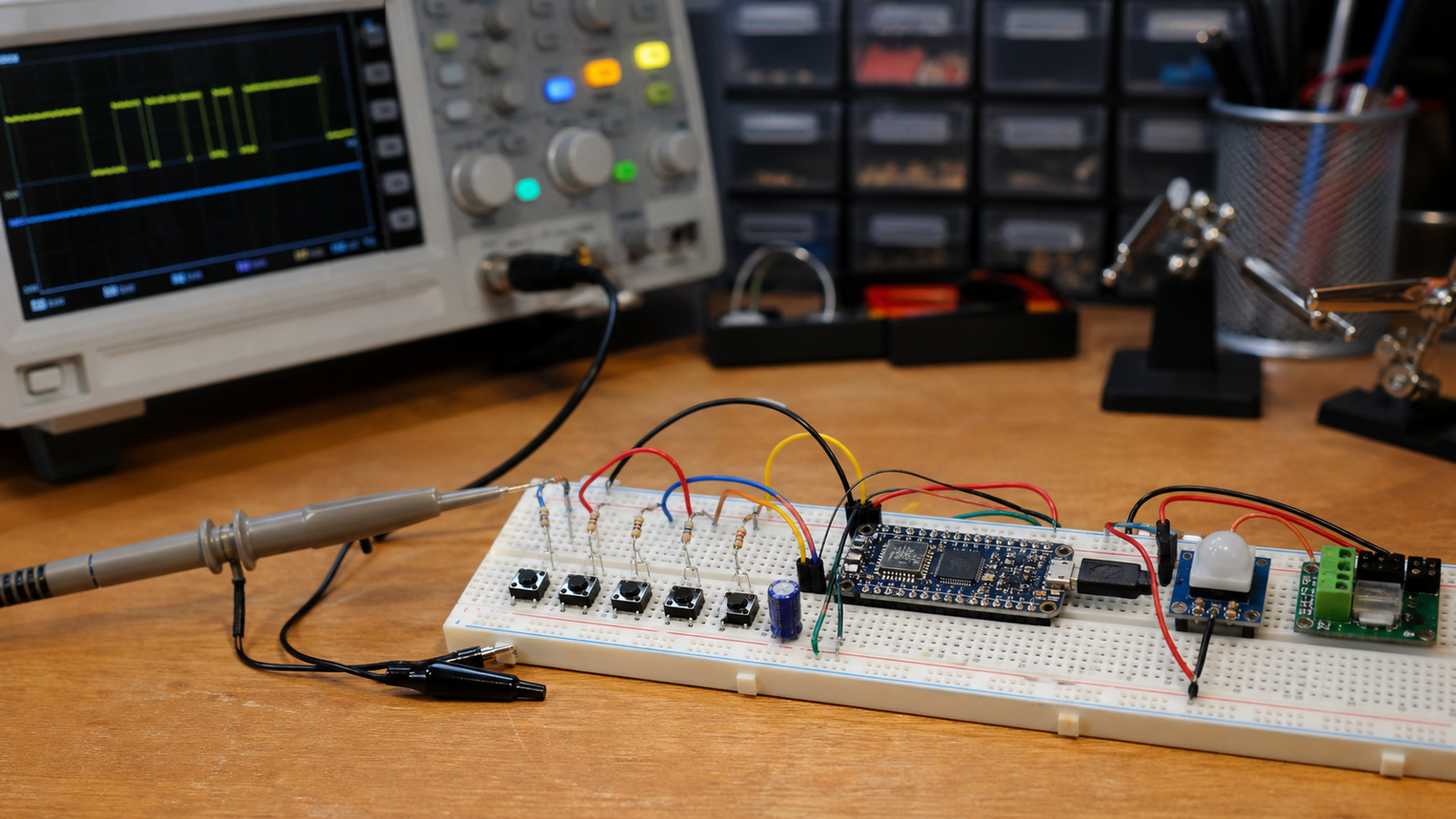
Arduino’s official debounce example explains the core problem: a pushbutton or switch can change state multiple times during a short mechanical transition. If software reads the input too literally, one press can become several events.
On a robot, that can become a real behavior problem. An elevator homing switch may stop and restart. A claw button may toggle twice. A drivetrain mode selector may enter and exit the mode before the driver knows what happened.
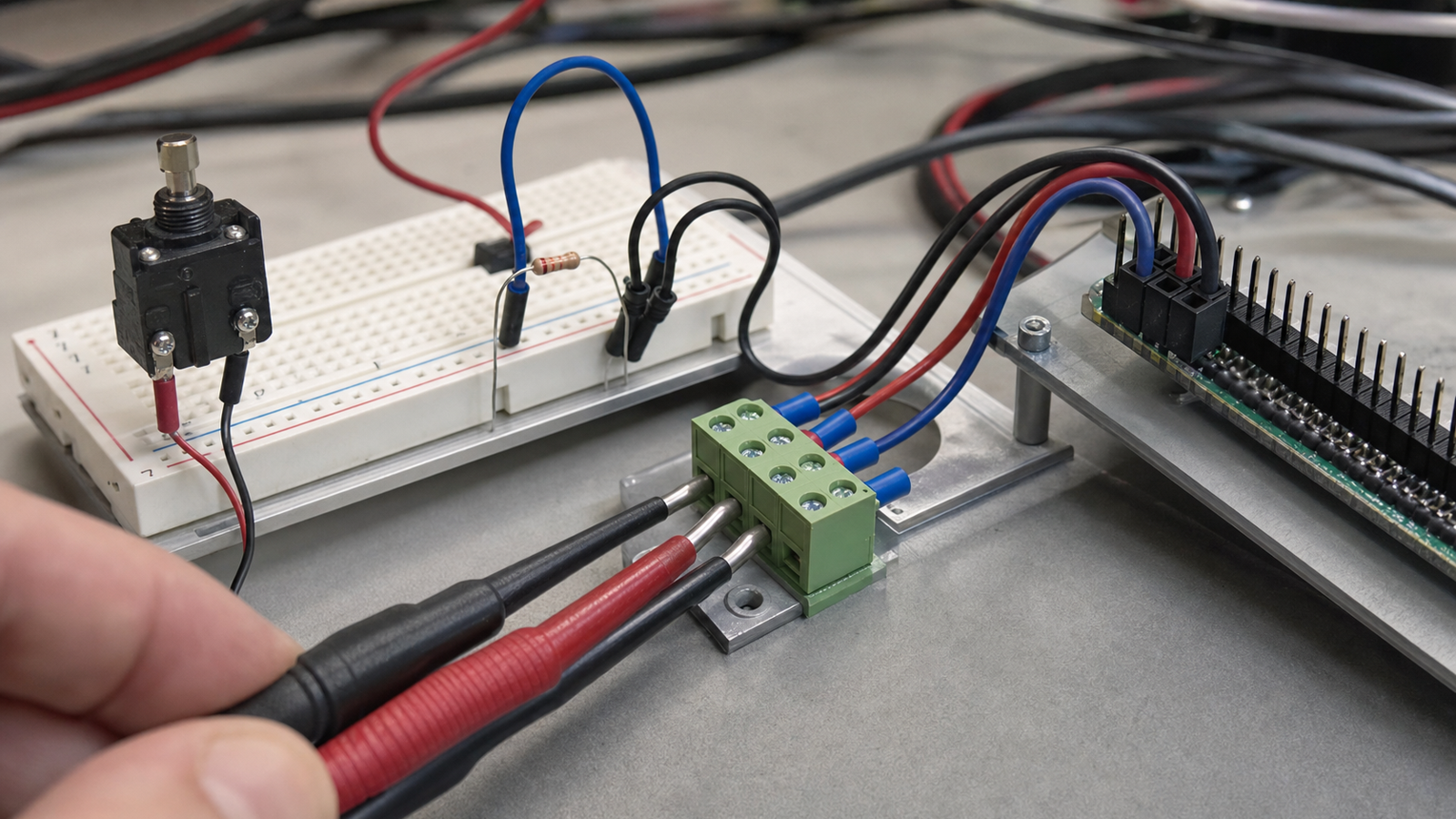
Fix wiring before blaming code
Debouncing in software helps, but it should not hide bad wiring. Teams should confirm the switch has a defined electrical state, the cable is not loose, the connector is not under strain and the input is not floating. Raspberry Pi documentation, for example, emphasizes GPIO configuration and the need to understand pin behavior before connecting external circuits.
For FRC-style robots, WPILib’s documentation covers limit switches as digital inputs and reminds teams that code must read the hardware state correctly. The same principle applies to Arduino, Raspberry Pi, ESP32 and custom boards: the software can only interpret the signal it receives.
TVG has covered related reliability issues in I2C sensor wiring and robot power connectors and voltage drop. Inputs deserve the same physical checklist.
Use a state machine, not a pile of if statements
The cleanest input handling usually separates raw input, filtered input and robot behavior. First read the pin. Then debounce or filter it. Then feed the confirmed event into a state machine. That prevents a noisy transition from directly commanding a mechanism.
A basic rule is to require an input state to remain stable for a short interval before accepting it. The exact interval depends on the hardware and the job. Too short, and bounce leaks through. Too long, and the robot feels sluggish. The right value should be tested with the actual switch, wiring and loop timing.
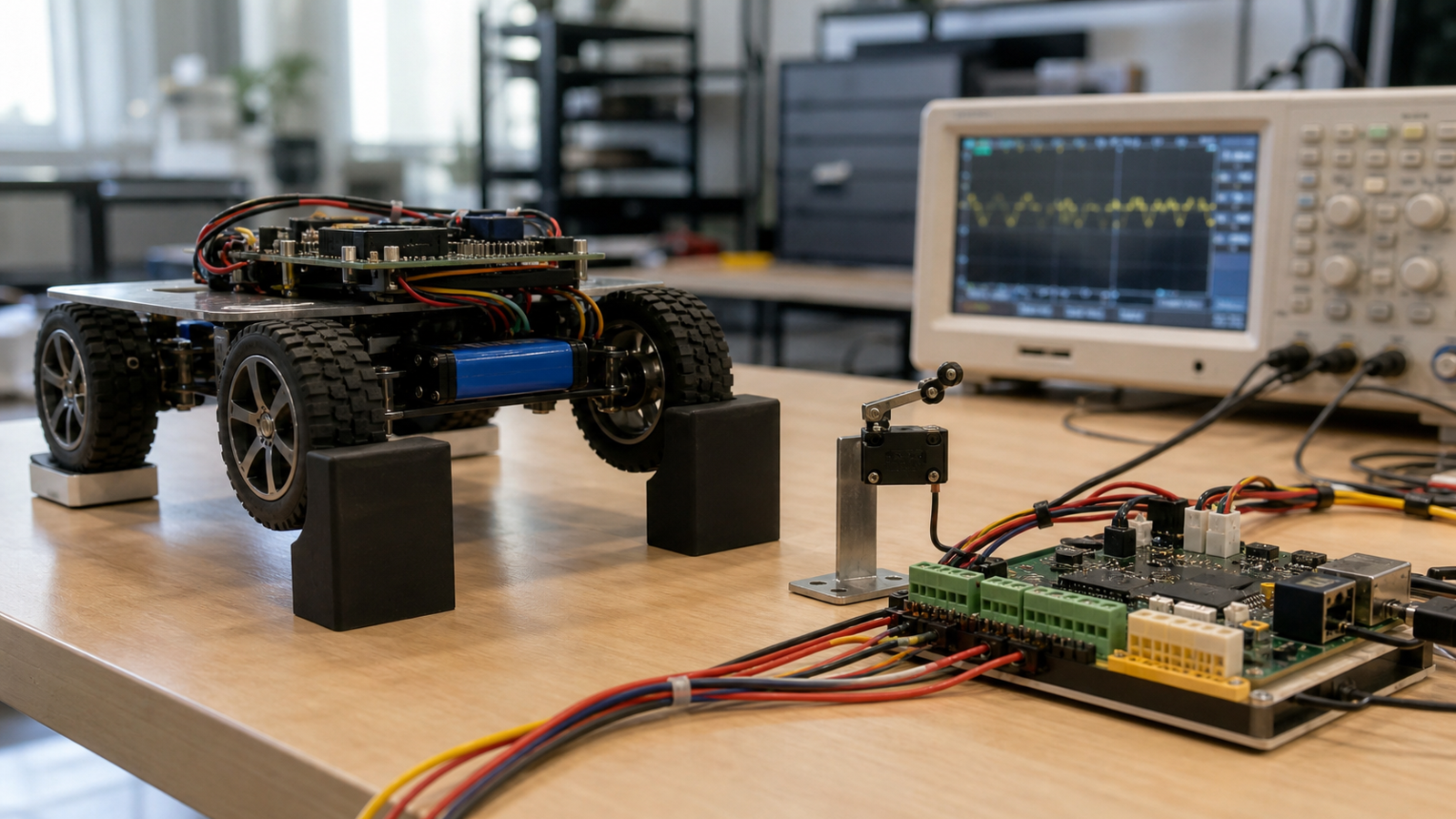
Test like the robot will be bumped
Bench tests are useful, but a robot shakes. After a switch works on the table, test it with the mechanism moving, the robot disabled and enabled as appropriate, and the drivetrain safely raised when needed. Watch logs. Count edges. Wiggle the cable gently. If the input changes when nothing touches the switch, the problem is not solved.
Teams should also decide what the robot does if the input fails. A homing switch stuck active is different from a switch stuck inactive. Safe default behavior should be part of the design, not a surprise at competition.
TVG Take
Robot input debouncing is a small topic that teaches a larger engineering habit: do not let raw physical signals drive behavior without validation. Clean wiring, defined electrical states, debounced software and a state-machine boundary make simple switches trustworthy enough for real mechanisms.
If a team can explain how it handles a bouncing limit switch, it is also learning the discipline needed for encoders, camera triggers and more complex sensors.
Logging makes debouncing visible
Teams should log raw transitions, debounced transitions and robot actions separately during debugging. If the raw input chatters but the debounced event is stable, the software filter is doing its job. If the debounced event still chatters, the timing window, wiring or state-machine logic needs attention.
Good logs also keep students from guessing. Instead of arguing about whether a mechanism failed mechanically or electrically, the team can compare timestamps, switch states and commands. That habit scales from a single button to more complex autonomous routines.
Related TVG reading
For more engineering-first context, continue with these related TVG Report pieces:
- ROS 2 Bag Recording Checklist for Student Robot Teams
- PoE or USB-C for Robot Cameras? A Test-Bench Buyer Evaluation
- Robot Camera Calibration Needs a Lighting Checklist, Not Just a Checkerboard