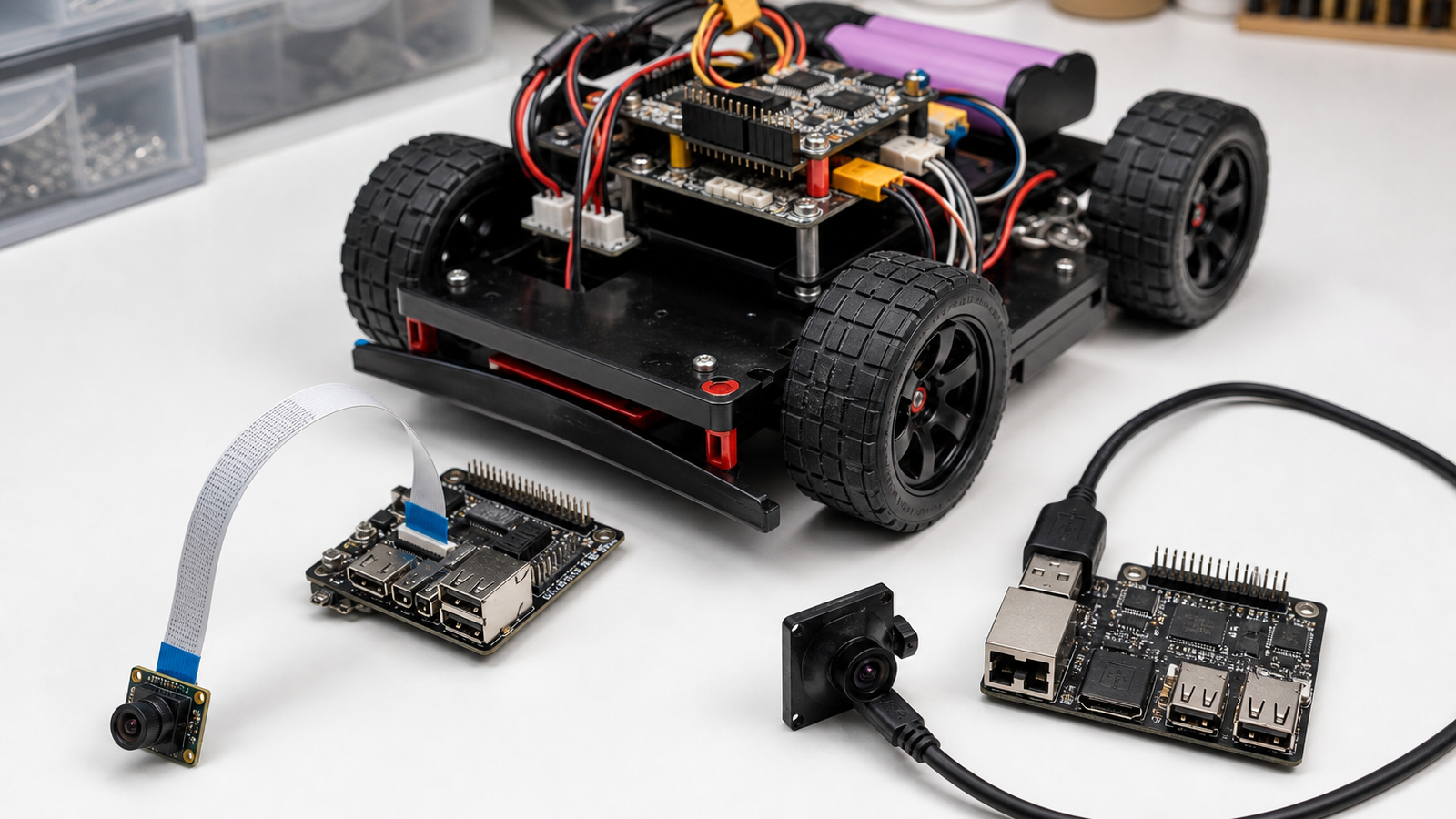
Robot builders often choose a camera by resolution, lens angle or price. The interface should come first. A MIPI CSI camera and a USB camera can both feed computer vision, but they create different constraints for cable length, driver support, mounting, power and debugging.
Raspberry Pi’s camera documentation shows the appeal of board-level camera modules that connect directly to supported hardware. USB, meanwhile, remains the common plug-and-play path for webcams, capture devices and many industrial-style modules. Linux’s V4L2 documentation is a reminder that camera support also depends on driver behavior and userspace tooling, not just the sensor.
Where MIPI CSI works best
MIPI CSI-style camera modules are strongest when the camera sits close to the computer board and the build can protect the ribbon cable. That can be ideal for compact robots, fixed front cameras and educational builds where the board, camera and enclosure are designed together.
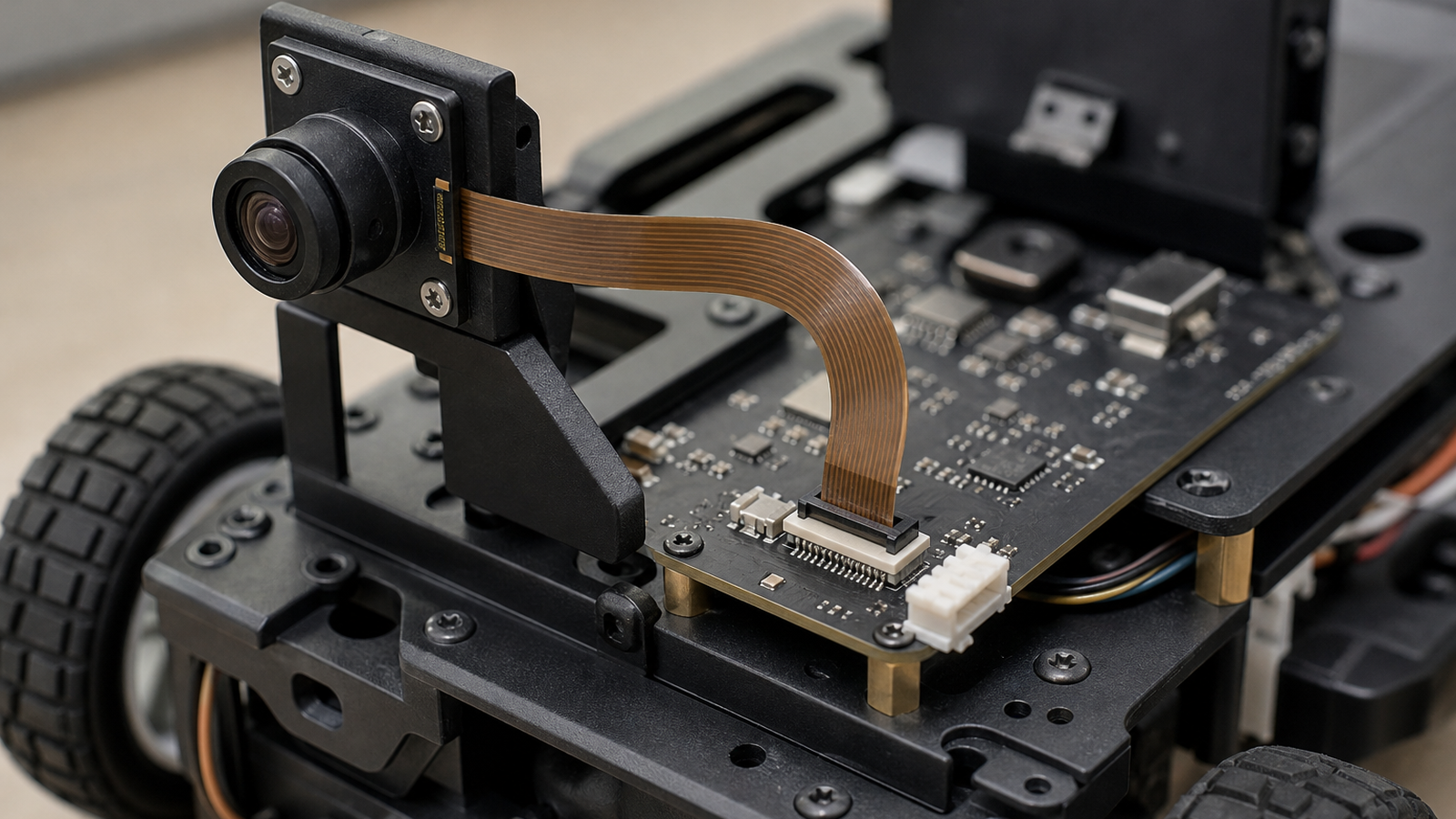
The weakness is mechanical tolerance. Ribbon cables can be awkward around moving joints, quick repairs and student handling. If the robot needs the camera on a mast, arm or removable module, the cable path may become the real design problem.
Where USB works best
USB cameras are often easier to swap, extend and debug. A team can move the camera to another computer, test with standard tools and replace a cable quickly. USB also works well for lab cameras, driver views and quick prototypes that do not justify a custom enclosure.
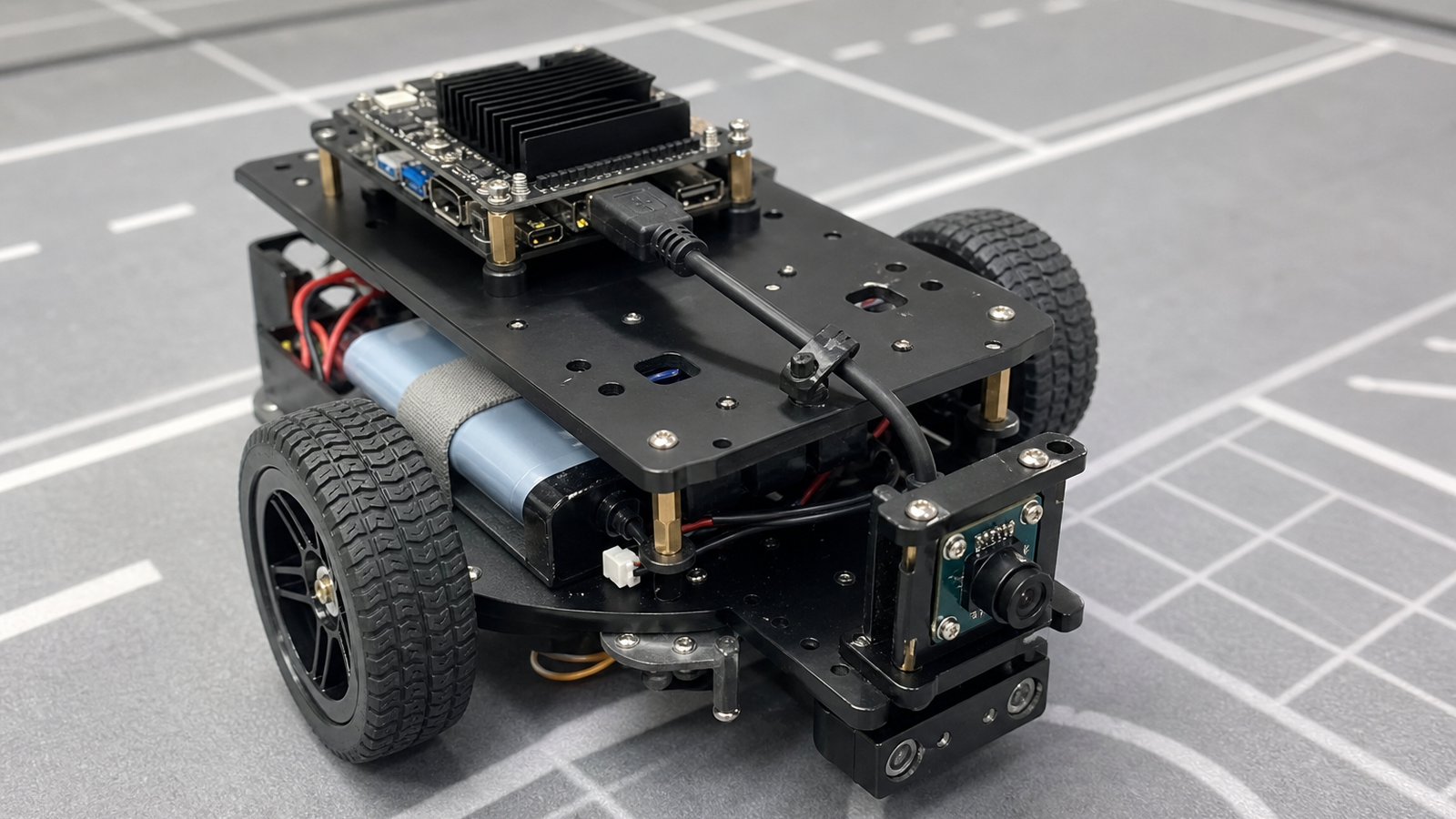
- Choose CSI for compact integration: short cable, known board support and controlled enclosure.
- Choose USB for serviceability: longer routing, fast swaps and easier bench testing.
- Check latency: measure the actual vision pipeline, not only the camera spec sheet.
- Plan power: USB hubs, cable quality and brownouts can cause intermittent failures.
- Log frames: record dropped frames, exposure changes and disconnects during robot motion.
Debugging changes the answer
Camera choice also affects how a team debugs failures. With USB, it is often possible to move the camera to another computer, test it with a common capture tool and decide whether the fault follows the camera, cable or robot computer. With a board-level ribbon camera, the debugging path may be more tied to one platform and one enclosure. That can be fine for a finished robot, but it is less forgiving in a classroom where many students handle the same hardware.
Latency is another reason to test the whole path. A low-latency sensor can still produce a slow robot response if exposure settings, compression, driver buffering or the vision code add delay. The right benchmark is not only frames per second; it is time from the scene changing to the robot making a safe decision.
For competitions or demos, teams should keep a spare cable and a known-good camera in the kit. Swapping one variable at a time is still the fastest way to separate a software bug from a connector problem.
That spare-parts habit is cheap insurance.
TVG Take
The best robot camera interface is the one the team can mount, power, service and debug repeatedly. CSI can be elegant inside a compact robot. USB can be more forgiving for classrooms and field repairs. Pick the interface before the lens, then design the cable path like a moving robot part.
Related TVG reading: PoE camera cable planning for student robot labs.