
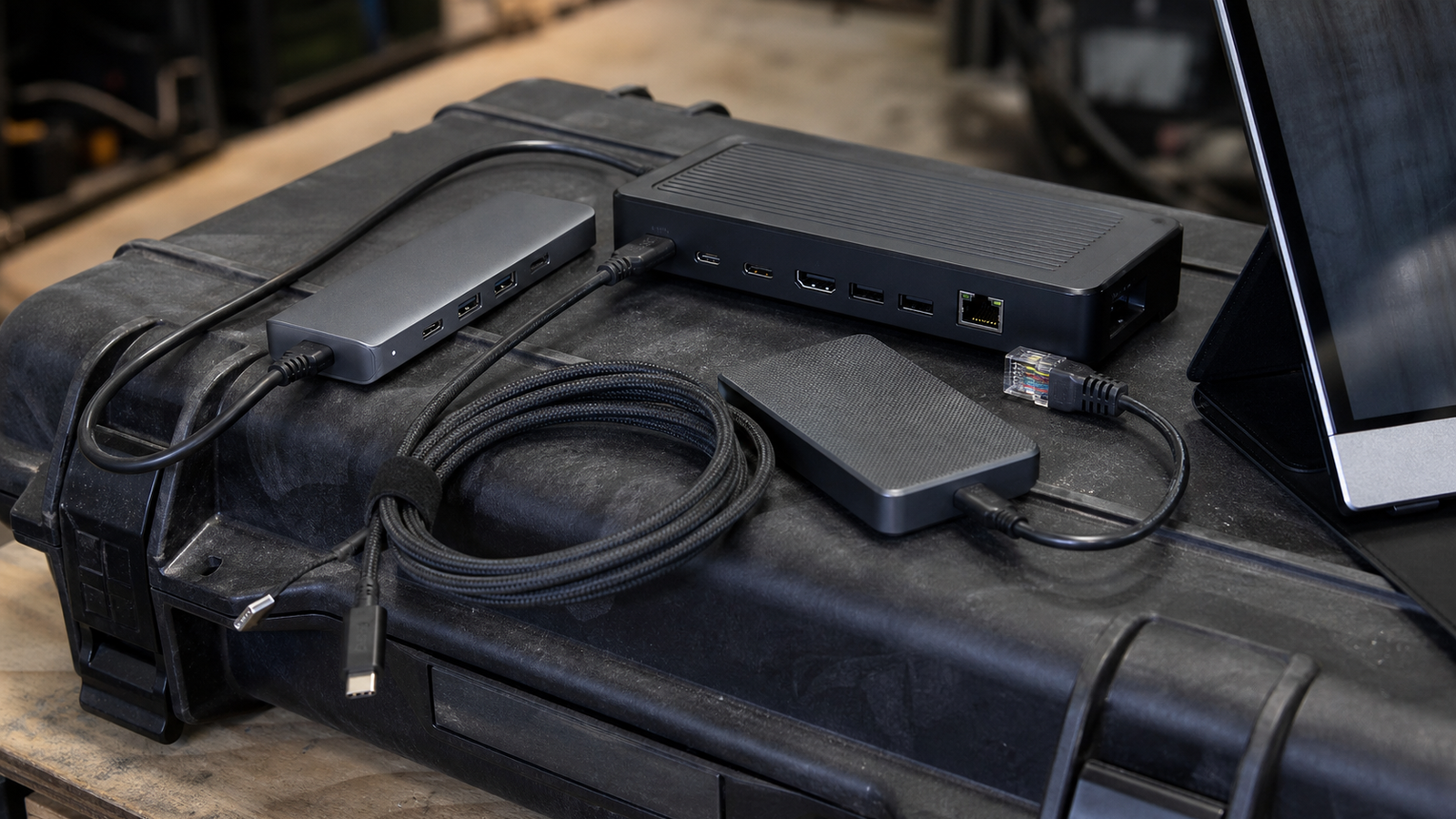
A USB-C hub and a Thunderbolt dock can look similar in a product photo. In a field kit, they behave very differently. One is usually a compact adapter for travel. The other is closer to a workstation port expander, with stricter expectations around bandwidth, displays, power, and attached storage.
This matters for TVG readers because field workflows are getting denser. A robotics mentor may need a portable monitor, Ethernet, a camera feed, and a code laptop. A creator may need card readers, SSDs, audio interfaces, and power delivery. A technician may need reliable USB devices while logging data from equipment. The dock becomes part of the toolchain, not just an accessory.
Start with the job, not the connector shape
USB-C describes a connector. It does not guarantee the same speed, display support, charging behavior, or compatibility across devices. The USB-IF USB4 overview and Thunderbolt technology materials show why the labels matter: bandwidth and feature support depend on the host, cable, device, and dock.
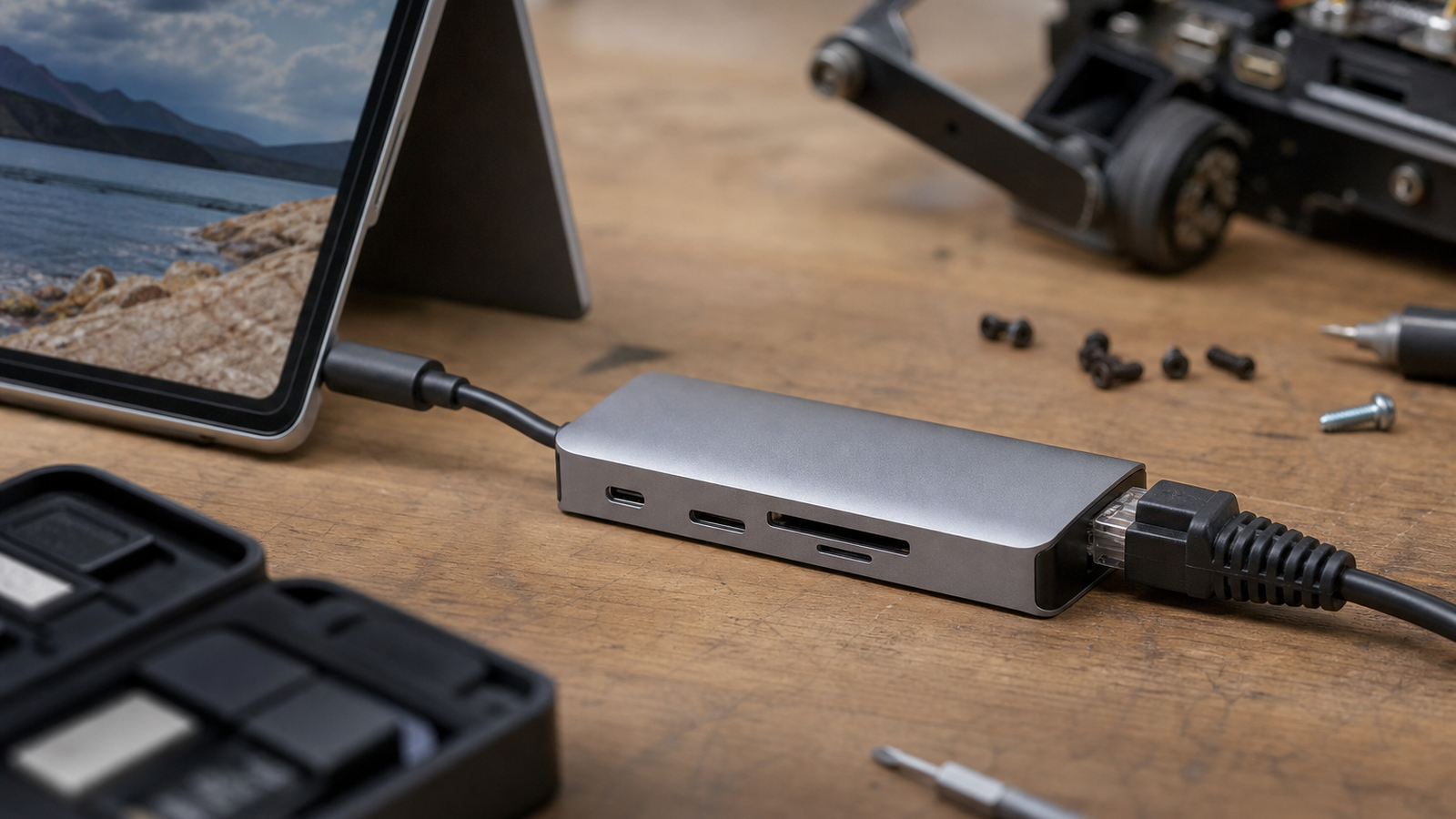
For a simple travel kit, a compact USB-C hub may be enough. If the job is one HDMI display, one card reader, and one USB mouse, the smaller device is easier to pack and cheaper to replace. The risk is assuming it will also handle fast external storage, multiple displays, stable Ethernet, and pass-through charging without tradeoffs.
When a Thunderbolt dock makes sense
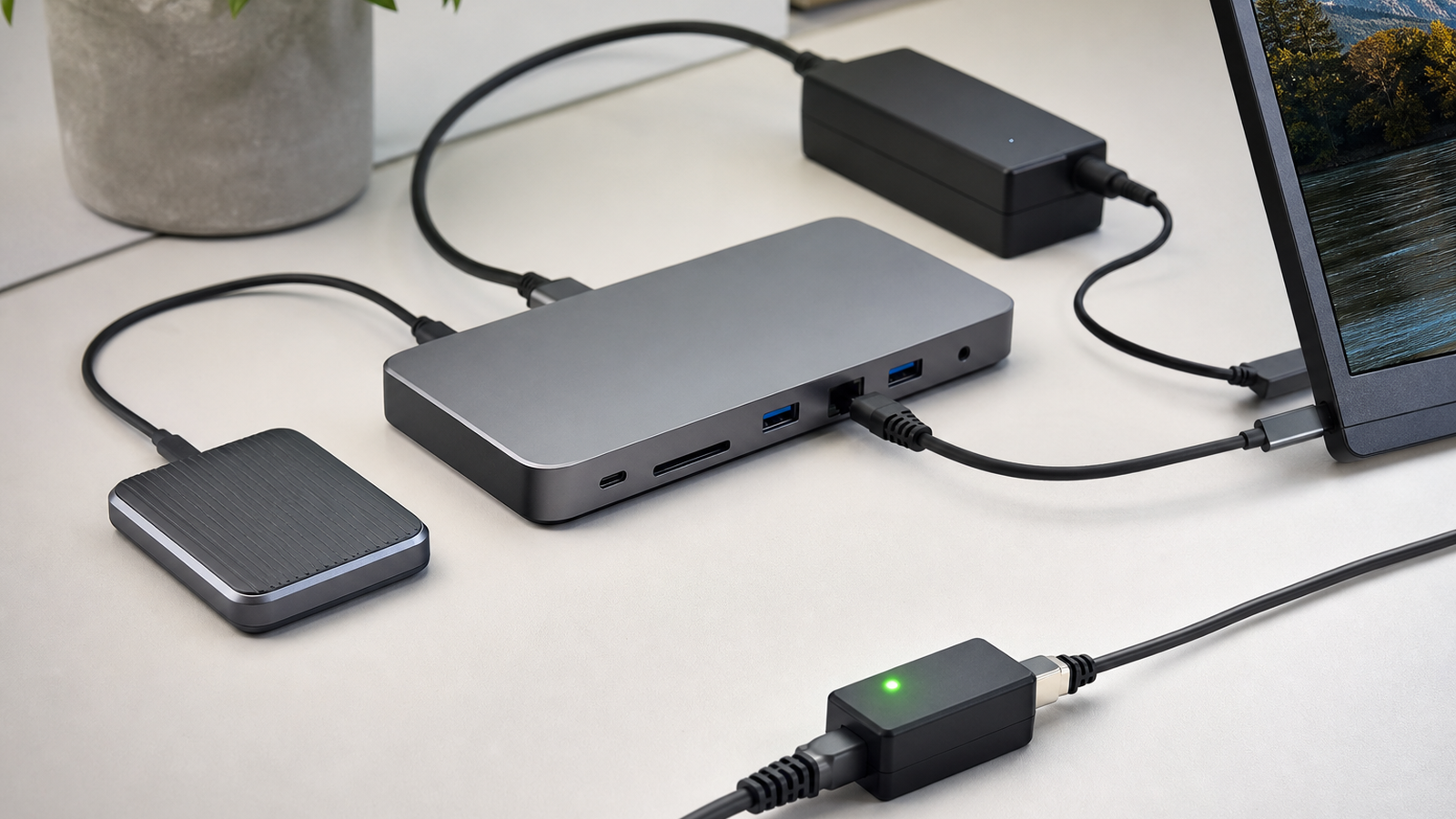
A Thunderbolt dock makes more sense when the field setup starts to resemble a desk: multiple high-speed devices, external displays, fast SSDs, wired networking, and enough power delivery to keep the laptop from draining during work. It is especially useful when a team wants one known-good setup that can be plugged in repeatedly during testing.
The downside is size, cost, and dependency. A dock may need its own power brick. Some features depend on the host computer. Cables matter. A cheap or incorrect cable can make a good dock behave like a bad one. For a field day, that means the dock kit should include the exact tested cable, not a random spare pulled from a drawer.
Decision checklist
- Display needs: one basic display favors a hub; multiple or high-resolution displays favor a dock if the host supports them.
- Storage speed: fast SSD ingest and backups need verified bandwidth, not just a blue port.
- Power: check pass-through charging wattage and whether the dock needs its own supply.
- Ethernet: wired networking is often worth prioritizing for robot dashboards and field uploads.
- Cable control: label the tested cable and keep it with the kit.
- Failure recovery: pack a small fallback hub even when the main dock is better.
TVG recommendation
For most field kits, start with a reliable USB-C hub for lightweight jobs and a separate card reader if media ingest matters. Choose a Thunderbolt dock when the kit repeatedly supports displays, wired network, power delivery, and fast storage at the same time.
The best buying test is not the spec sheet alone. Assemble the exact laptop, cable, display, SSD, charger, and network path before the trip. Then copy real files, run the display, and watch whether the setup stays stable for an hour. If it only works on the bench with one cable, it is not a field-ready kit.
Related TVG reading
- V30, V60, or V90? A Field Video Memory Card Buying Guide for Makers
- Action Camera or 360 Camera? A Field Documentation Buying Guide for Makers
- Thunderbolt 5 Dock or USB4 Hub? A Field Workflow Readiness Check



