
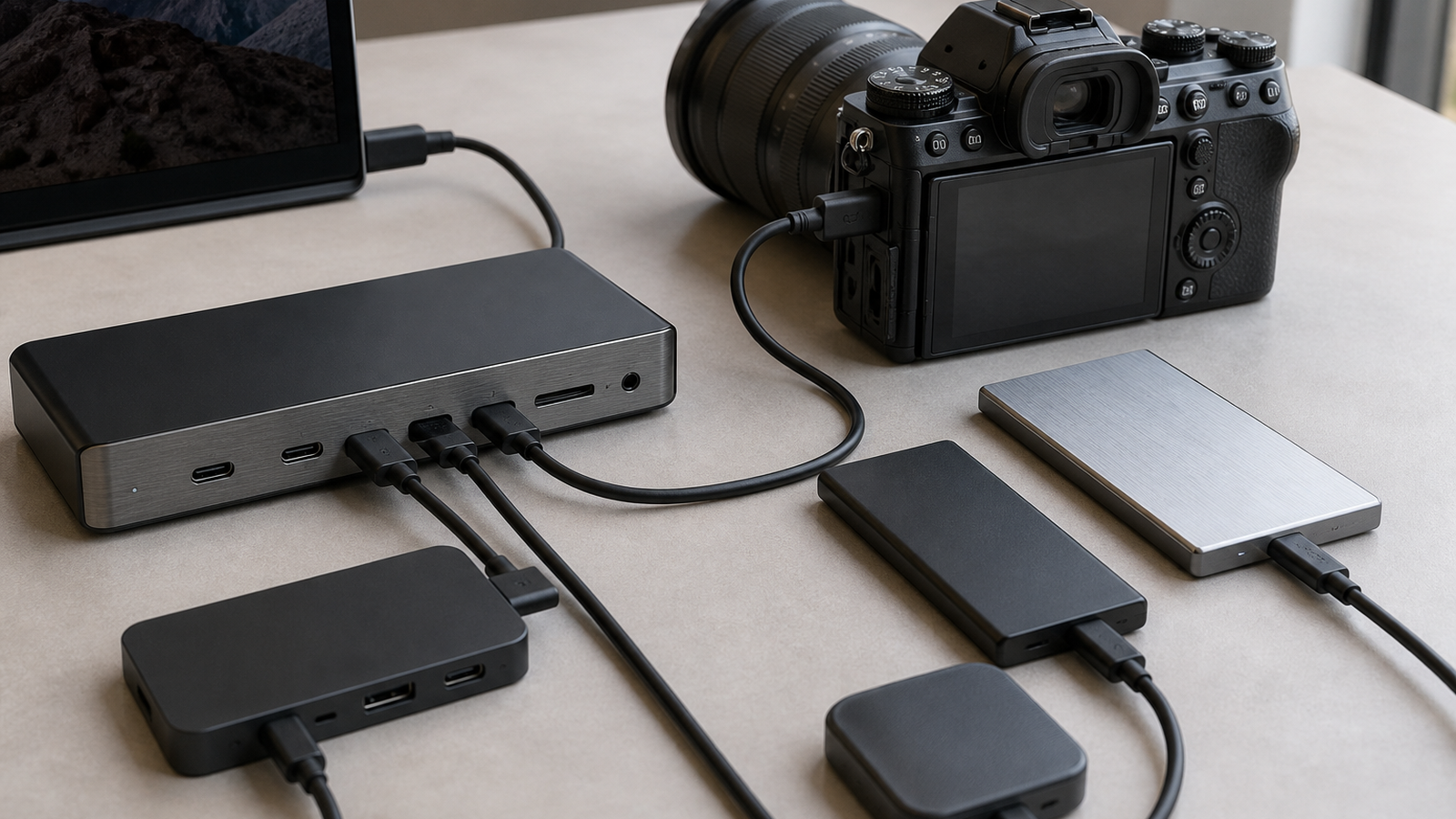
Thunderbolt 5 and USB4 are easy to compare badly. The label on the box suggests a simple speed contest, but field workflows rarely fail because a spec sheet number is too small. They fail because one port is oversubscribed, one cable is passive when the job needed active, one display mode steals bandwidth from storage, or the dock cannot deliver enough power while the laptop is ingesting media.
This is a buyer-style readiness check, not a hands-on review. TVG has not tested a specific dock or hub for this article. The goal is to help robotics teams, field media crews, and maker labs read the spec sheet before buying hardware for capture cards, portable SSDs, monitors, and charging.
Quick answer
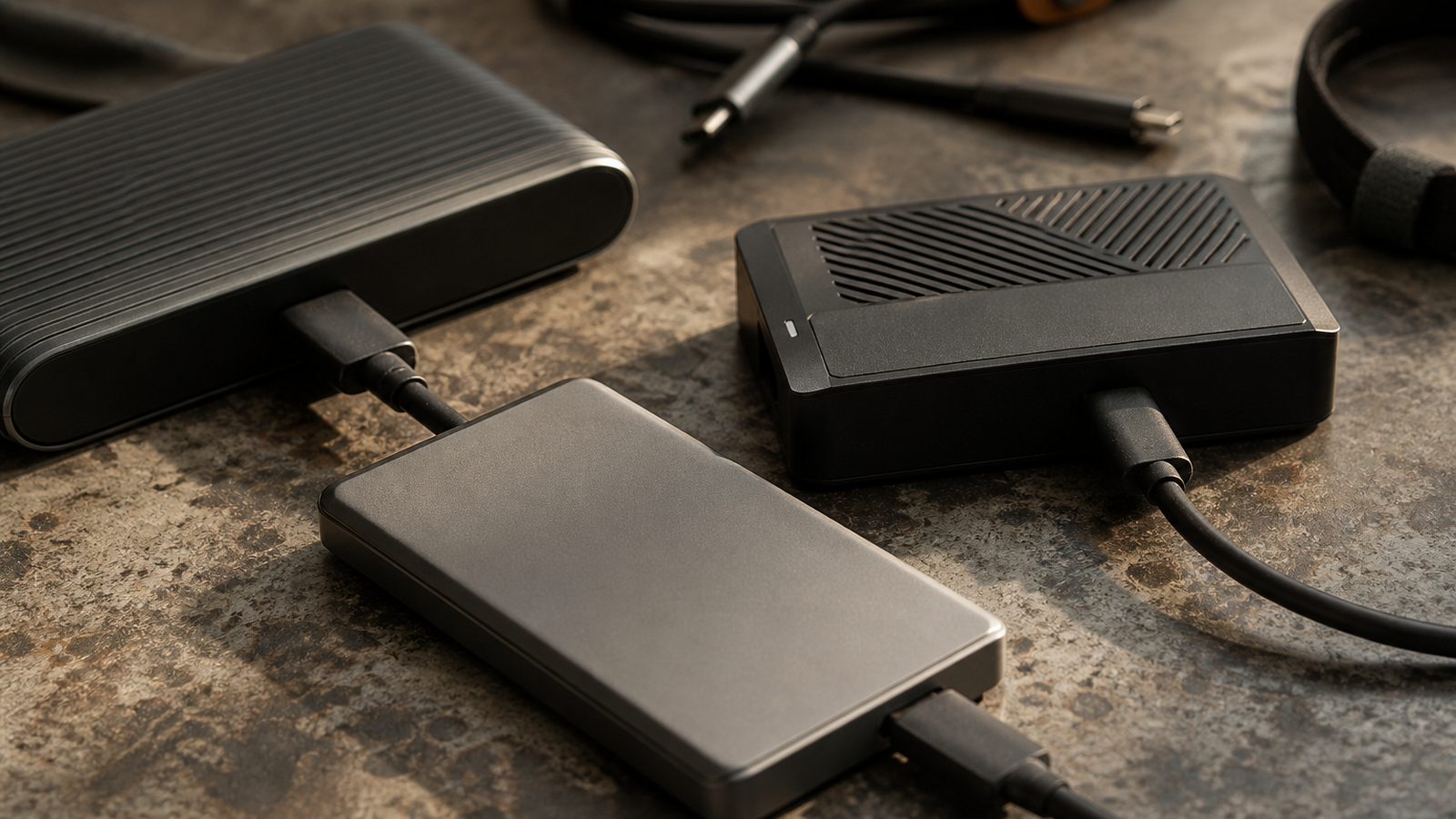
Choose a Thunderbolt 5 dock when the workflow combines high-resolution displays, fast external storage, capture hardware, and laptop charging at the same time. Choose a USB4 hub when the setup is simpler, the budget matters, and the team can verify the exact speed, power, and display modes it needs. In both cases, the cable rating and host computer support matter as much as the accessory.
What Thunderbolt 5 adds
Intel describes Thunderbolt 5 as offering up to 80 Gbps bidirectional bandwidth, with a bandwidth-boost mode that can provide up to 120 Gbps downstream for display-heavy use cases. The Thunderbolt 5 technology brief also emphasizes PCIe bandwidth improvements, external display support, and USB-C compatibility.
For a field kit, that matters when one connection is expected to feed a monitor, move camera footage to an SSD, attach a capture interface, and keep a laptop charged. A capable dock can make that workflow cleaner, but only when the host, dock, cable, and attached devices all support the needed modes.
Where USB4 hubs still fit
USB4 remains a strong choice for many maker and field setups. A small hub can be lighter, cheaper, and easier to carry than a desktop-class dock. If the workflow is one portable SSD, one card reader, and occasional display output, buying the most expensive Thunderbolt 5 dock may not improve the actual work.
The catch is product labeling. Some USB-C hubs lean on broad compatibility language while hiding the details a buyer needs: data rate, display mode, power delivery pass-through, thermal behavior, and whether simultaneous ports share the same upstream bandwidth.
Readiness checklist
- Host support: Confirm the laptop or mini PC supports the standard you are paying for.
- Cable rating: Use a cable rated for the intended data and power level, not a random charging cable.
- Display plan: Count real displays, resolution, refresh rate, and HDR needs before adding storage traffic.
- Storage chain: Check SSD enclosure limits, thermal throttling, and sustained write needs.
- Power delivery: Make sure charging pass-through leaves enough headroom for the laptop under load.
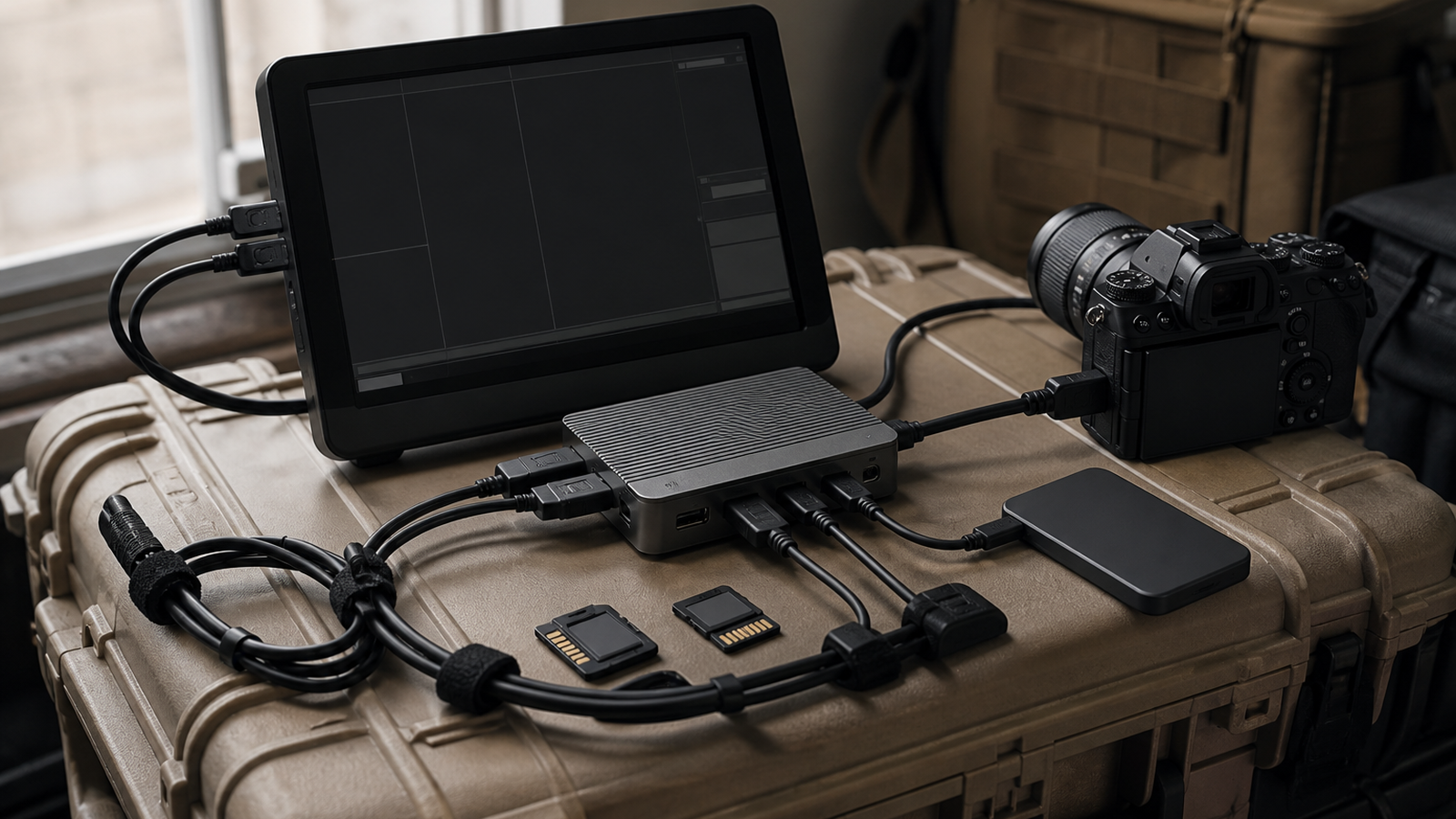
- Field repair: Prefer fewer specialized adapters if the kit has to work away from the lab.
TVG Take
The best dock is not the one with the loudest bandwidth claim. It is the one that matches the whole chain. For field robotics documentation, event media ingest, and maker-lab capture work, draw the workflow first: host, monitor, storage, capture device, charger, and cable. Then buy the smallest system that can run that chain without mystery modes.



