Robot teams often choose a camera connection by habit: Wi-Fi feels easy during prototyping, while Ethernet looks old-fashioned until the robot starts dropping frames. The better question is not which connection is more modern. It is which one keeps video, power, and troubleshooting predictable in the environment where the robot will actually run.
For many classroom, maker-lab, and inspection robots, Power over Ethernet and Wi-Fi solve different problems. PoE can carry power and data over one cable when the camera and switch support the right IEEE 802.3 power class. Wi-Fi removes the tether, but it also moves reliability into the radio environment, access-point placement, channel congestion, and battery planning.
Quick answer
Use PoE when the robot can tolerate a cable path, the camera is fixed or semi-fixed, and the project needs predictable power and video. Use Wi-Fi when the robot must move freely, the camera bandwidth is modest, and the team can control the access point, channel plan, and battery budget. For demos, competitions, and school labs, test both under real crowd and lighting conditions before treating either option as solved.
Where PoE is stronger
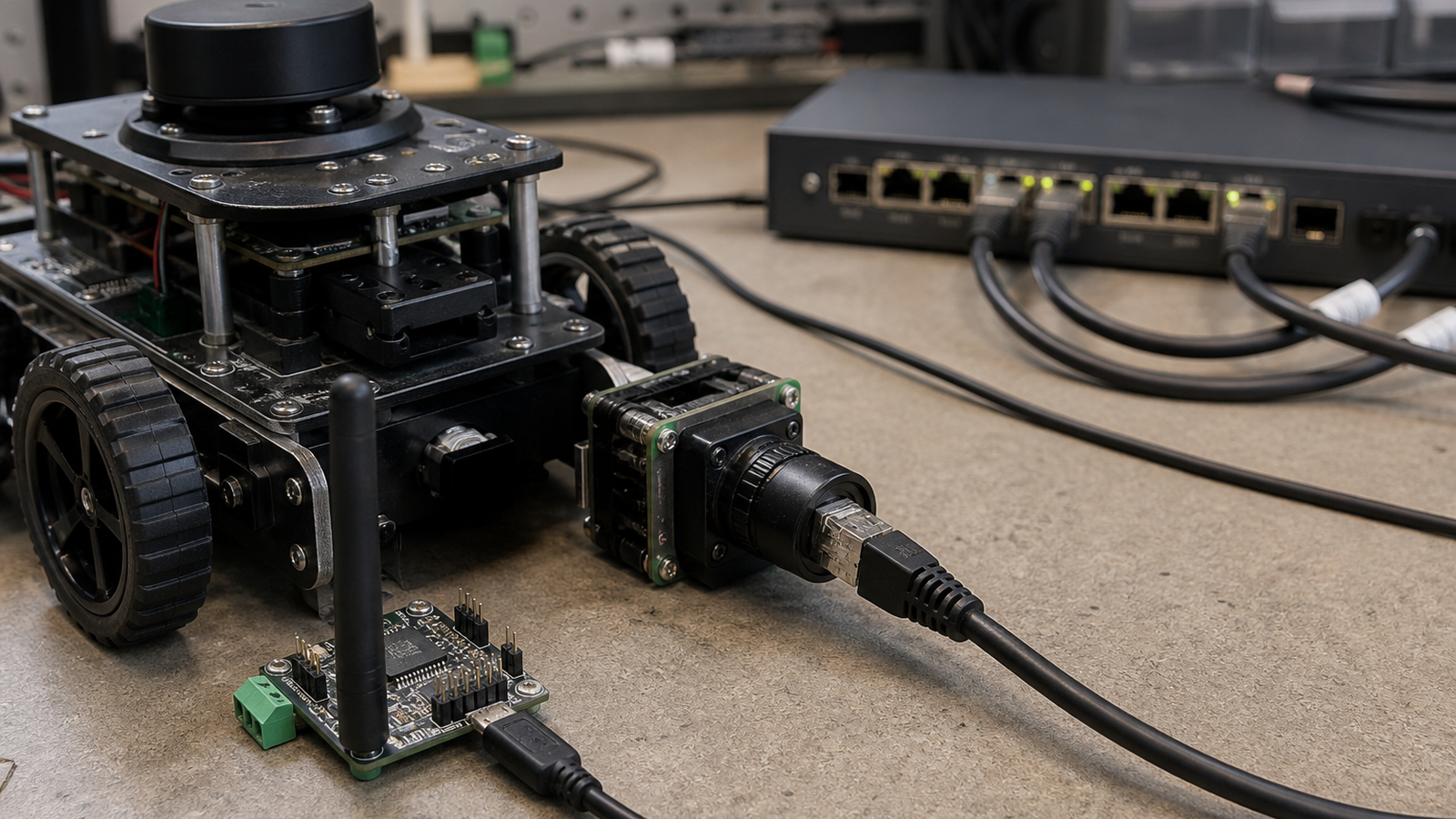
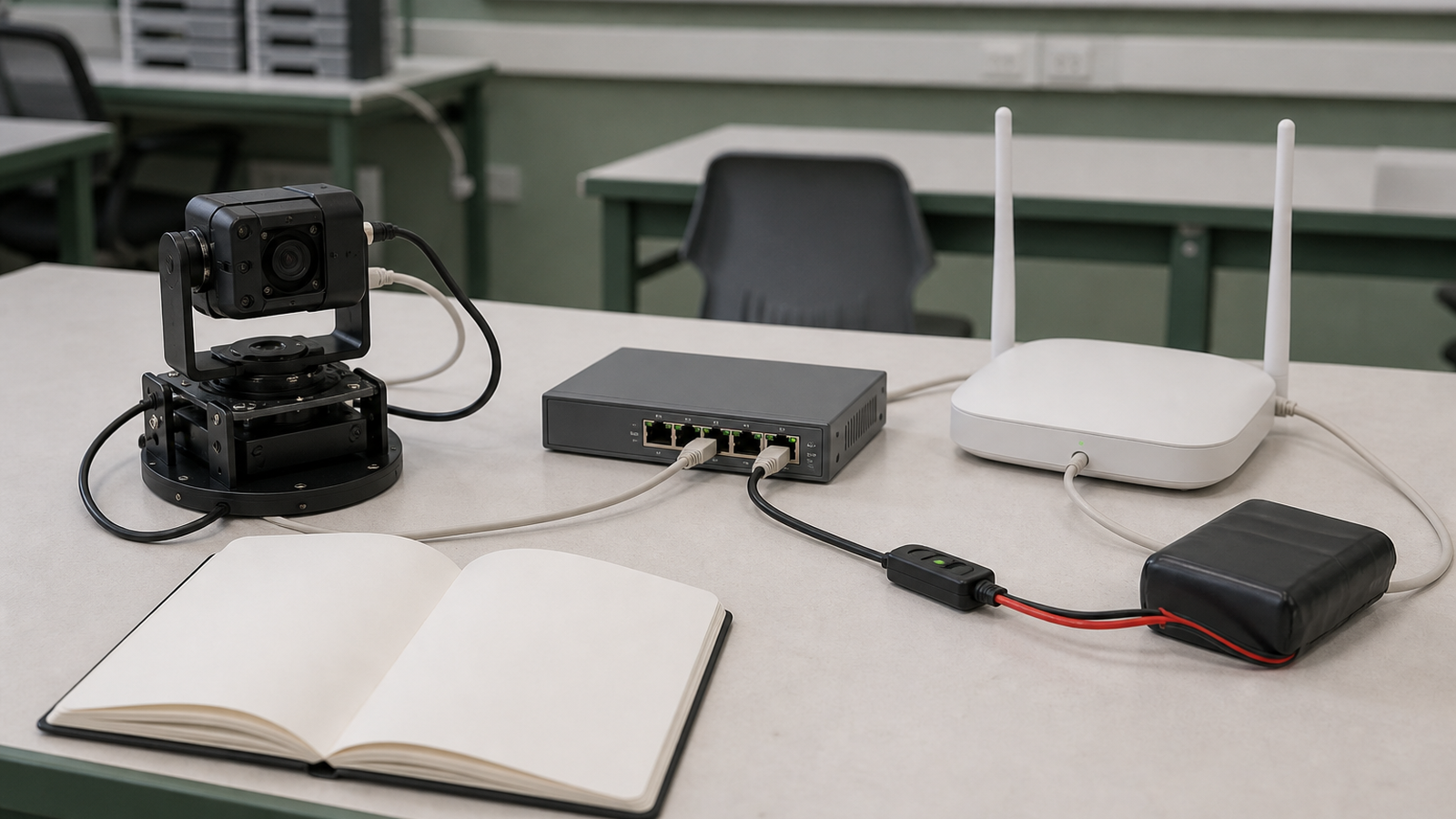
PoE is attractive because it removes a separate camera power adapter. A PoE camera or single-board computer add-on can be powered through the network run, which simplifies fixed inspection stations, overhead cameras, lab benches, and robots that move in a constrained area. It also makes rebooting and power control easier if the switch supports managed ports.
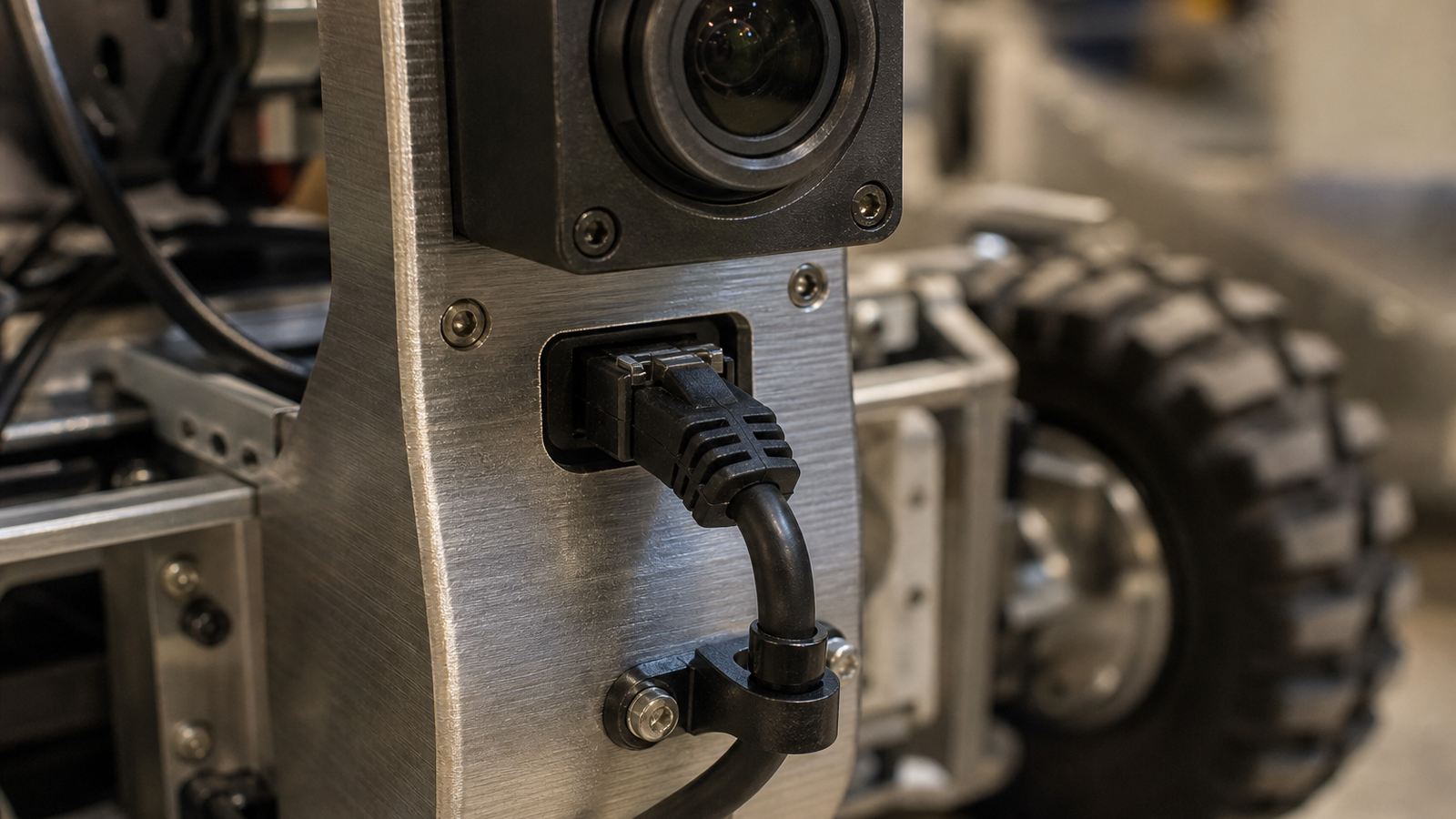
The tradeoff is mechanical. A cable can snag, fatigue, twist a small camera mount, or bias a lightweight robot’s steering. A classroom robot with a badly routed Ethernet cable may look like a software failure when the real problem is drag and strain relief. If the camera is on a pan-tilt mount, the cable loop needs enough slack and a safe bend radius.
Where Wi-Fi is stronger
Wi-Fi makes sense when the robot’s motion is the main requirement. It avoids a physical tether and keeps the robot easier to reset between runs. It also fits small carts, rover demos, and temporary field tests where running a cable is unrealistic.
The cost is variability. Video streaming stresses weak wireless setups quickly. A robot that works in an empty lab can stutter in a gym full of phones, tablets, and other teams. Wi-Fi reliability depends on access-point quality, channel planning, antenna placement, body shielding, battery voltage stability, and how much bandwidth the camera actually needs.
Engineering checklist
- Power budget: Confirm camera draw, switch power class, battery capacity, and peak current during boot.
- Latency tolerance: Decide whether delayed frames are annoying or mission-breaking.
- Mechanical risk: Add strain relief, route cables away from wheels, and test full steering travel.
- Radio environment: Test Wi-Fi in the same room, crowd size, and channel conditions expected on demo day.
- Failure mode: Make the robot’s software report camera disconnects clearly instead of failing silently.
TVG Take
PoE is not automatically “professional,” and Wi-Fi is not automatically “unreliable.” The right answer depends on motion, power, bandwidth, and how much control the team has over the room. The mistake is choosing by convenience during the first prototype and never revisiting the decision before the public demo.