
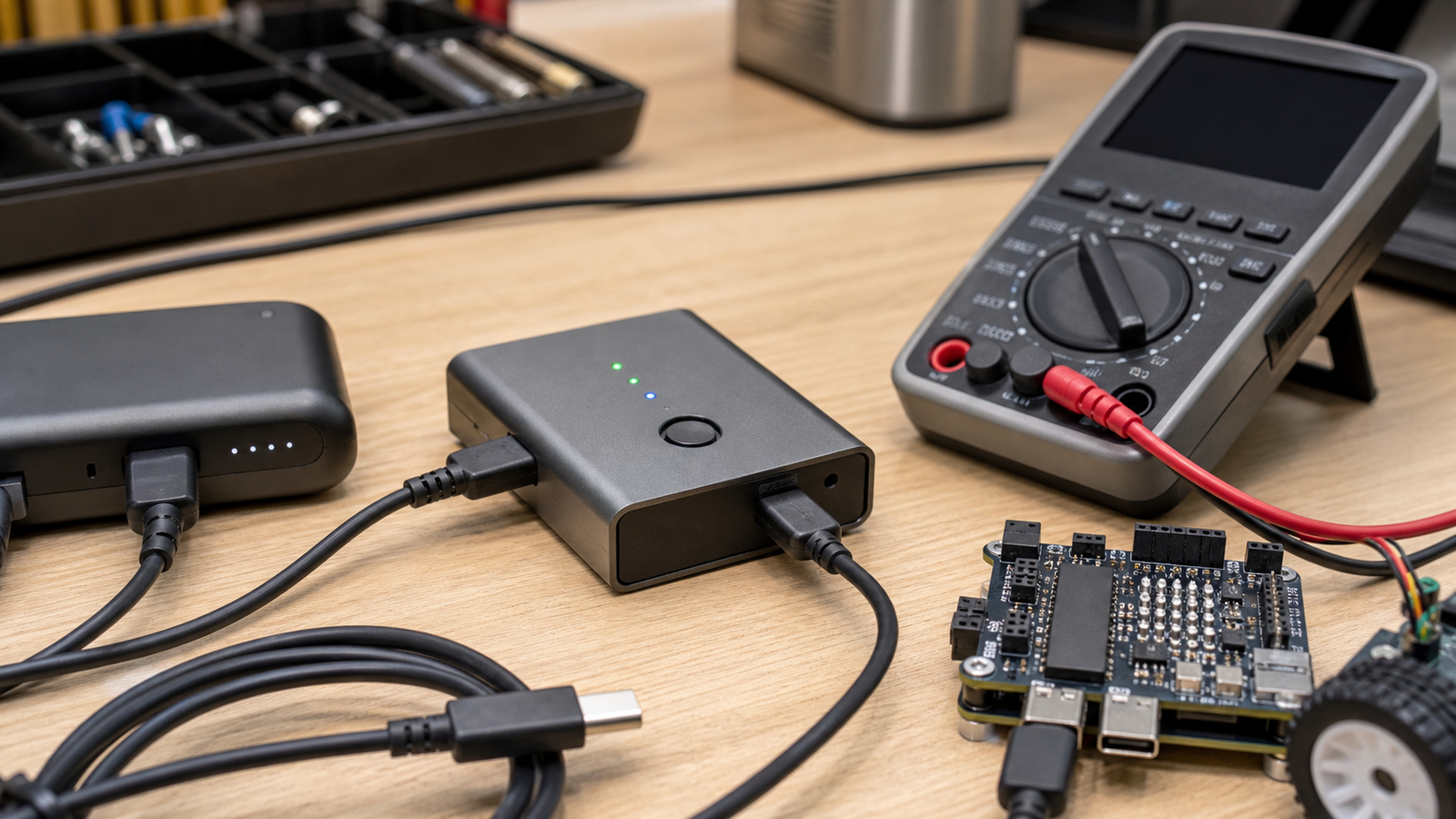
A USB-C cable tester and a multimeter are not substitutes. The tester tells you what the cable appears to support; the multimeter tells you what voltage, polarity, resistance, or load behavior is actually present.
Quick answer
- Use a cable tester: wiring, orientation, e-marker clues, and obvious cable faults.
- Use a multimeter: voltage, polarity, resistance, continuity, and real load-side checks.
- Carry both: USB-C failures can look like bad firmware, weak batteries, or broken robot hardware.
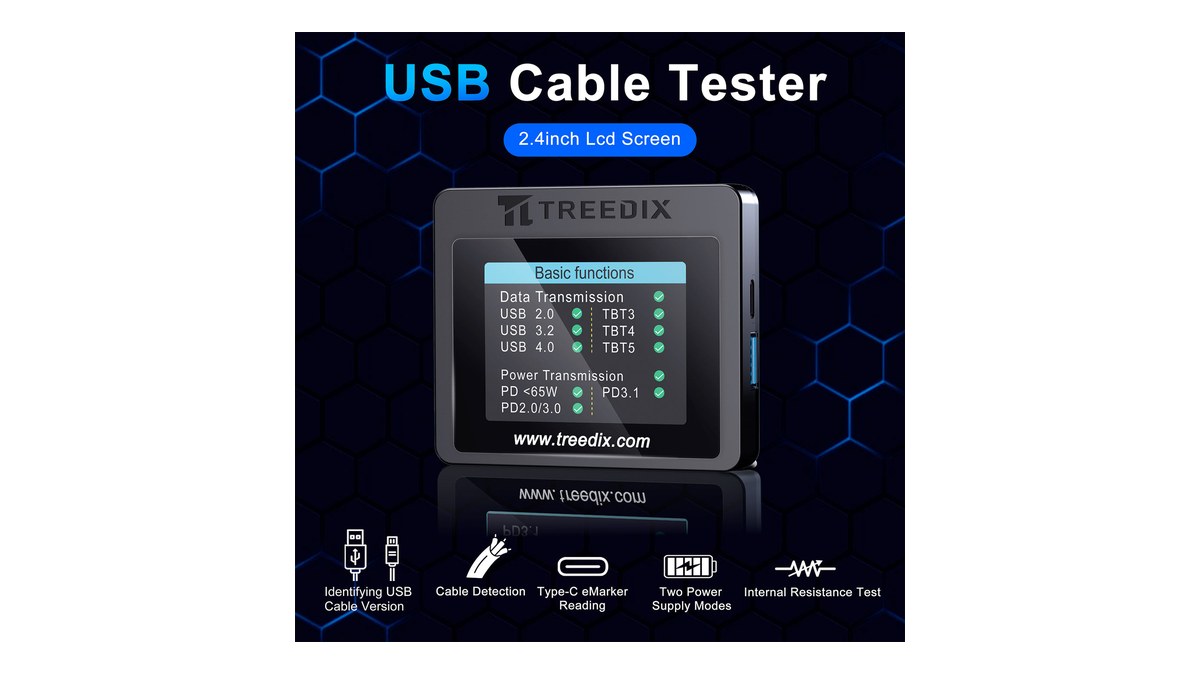
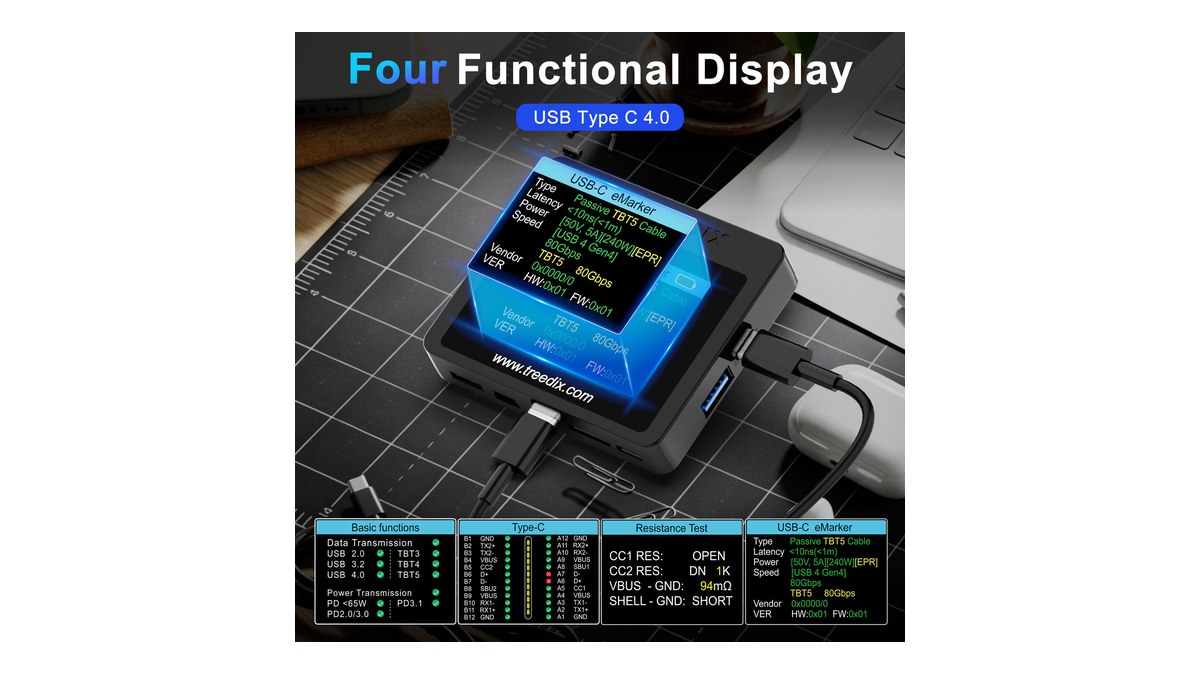
A tester may show missing conductors, orientation-specific faults, shield problems, or whether a cable reports a capability through an e-marker. That is useful when one cable charges a laptop but another only powers a microcontroller, or when a portable monitor works with one lead and not another.
The limitation is that a tester is not the whole system. It may not reproduce the exact load, charger, temperature, cable bend, or device negotiation that fails in the field.
What a multimeter can prove
A digital multimeter is still the basic sanity tool. Fluke’s multimeter guidance covers the ordinary measurements: voltage, resistance, continuity, and current depending on the meter and setup. Those measurements matter when a device is brownout-resetting, a barrel-jack adapter is wired wrong, or a power rail sags under load.
The limitation is that a multimeter is not a USB protocol analyzer. It will not tell you every Power Delivery profile, lane configuration, or cable identity detail. It can show that five volts is present; it cannot prove that the system negotiated the mode you expected.
TVG’s USB-C PD trigger-board guide is the practical companion here: forcing a voltage is not the same as proving the full device chain is safe and reliable.
Field-kit decision table
- Portable monitor does not light up: try a known-good full-feature cable, then use a tester for cable capability and a meter for supply voltage.
- Robot controller resets: measure voltage at the controller under load, then inspect cable strain and connector fit.
- Camera offload is slow: check whether the cable supports the needed data path before blaming the card reader.
- Power bank behaves oddly: test negotiation with the real load, not only an unloaded cable.
TVG Take
A cable tester is good at finding cable identity and wiring problems. A multimeter is good at proving electrical reality at a point in the circuit. Neither replaces a known-good spare cable or a written note about which cable belongs with which device.
For creator and robot field kits, label by function, keep spares short and rugged, and test the exact cable chain before leaving the bench. The cheapest failure is the one found before the field day starts.



