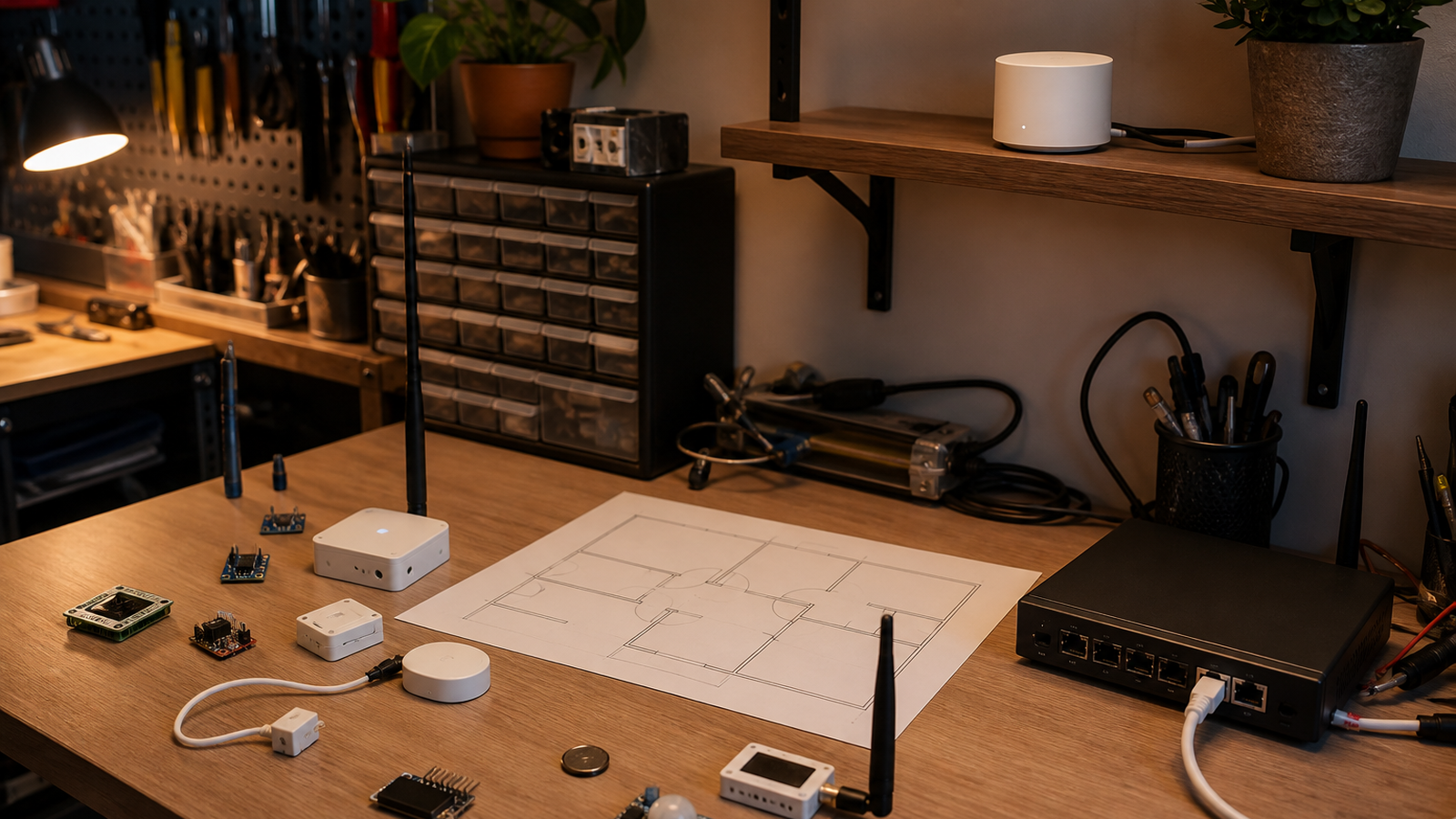
Thread is often described as a self-healing mesh for smart-home devices. That description is useful, but it can make maker labs too casual about placement.
A Thread network still depends on radio conditions, device roles, router density, border-router placement, firmware behavior, and how Matter controllers discover devices. For a home lab full of sensors, robots, 3D printers, chargers, and metal shelving, those details decide whether the network feels reliable.
Quick answer
Place Thread border routers where the low-power devices actually live, avoid burying them behind TVs or metal racks, keep at least one reliable powered Thread router near sensor clusters, and test device recovery after power loss. Do not assume a Matter logo proves the whole mesh will behave well in your specific room.
What Thread actually adds
The Thread Group describes Thread as an IP-based, low-power mesh networking technology. In practical terms, Thread gives smart-home and sensor devices a way to communicate without every device needing a power-hungry Wi-Fi radio. Matter, maintained through the Connectivity Standards Alliance, can use Thread as one of its network transports.
That combination is attractive for maker labs because many useful devices are small: door sensors, temperature probes, occupancy sensors, leak sensors, buttons, and low-power automation nodes. The problem is that a mesh is still a radio system. If the powered router devices are badly placed, the battery devices inherit the weakness.
Placement rules
- Start with clusters: map where sensors actually sit: garage door, printer cabinet, tool closet, hallway, or workbench.
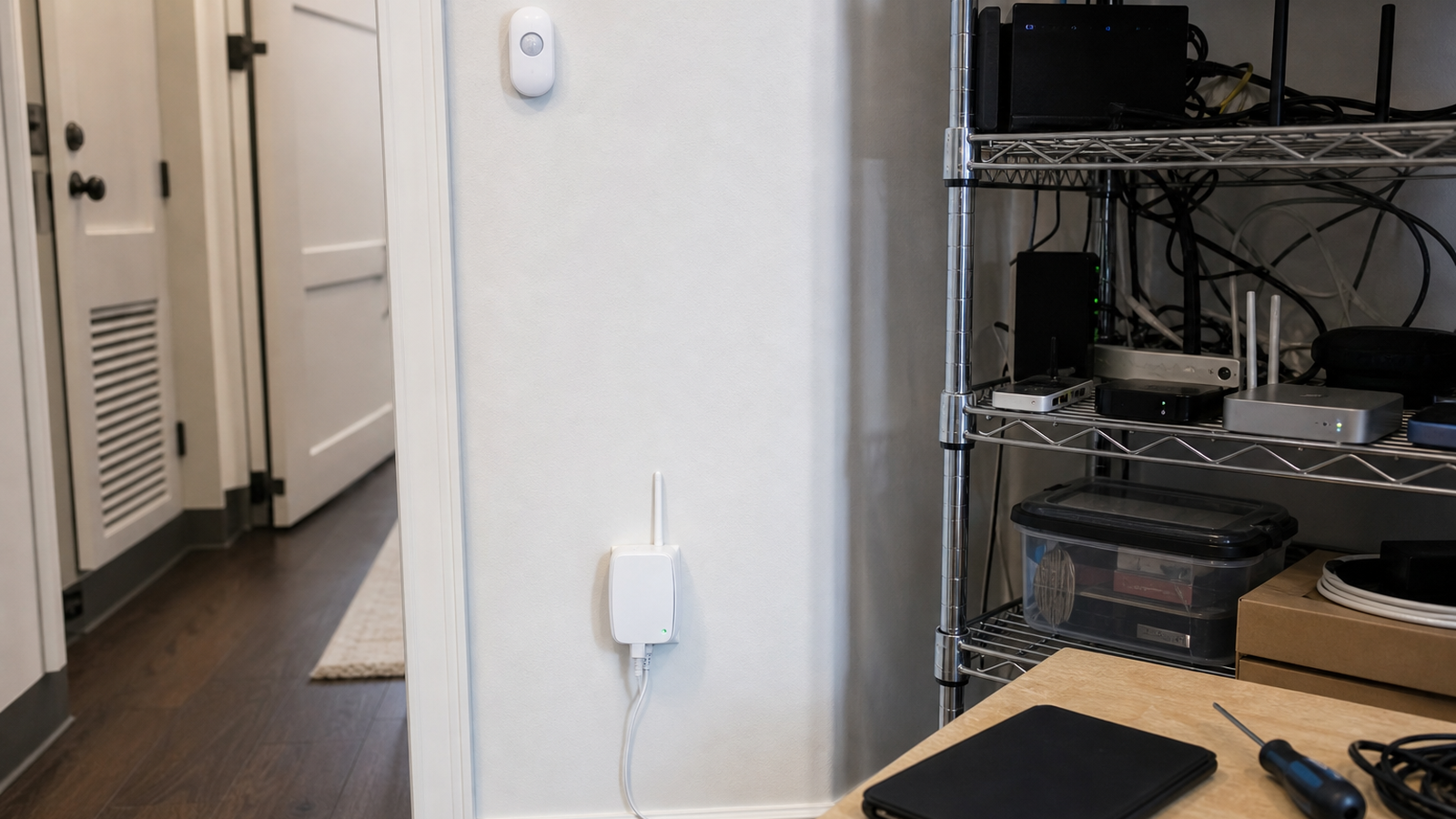
- Elevate border routers: avoid placing them low behind dense furniture or metal shelving.
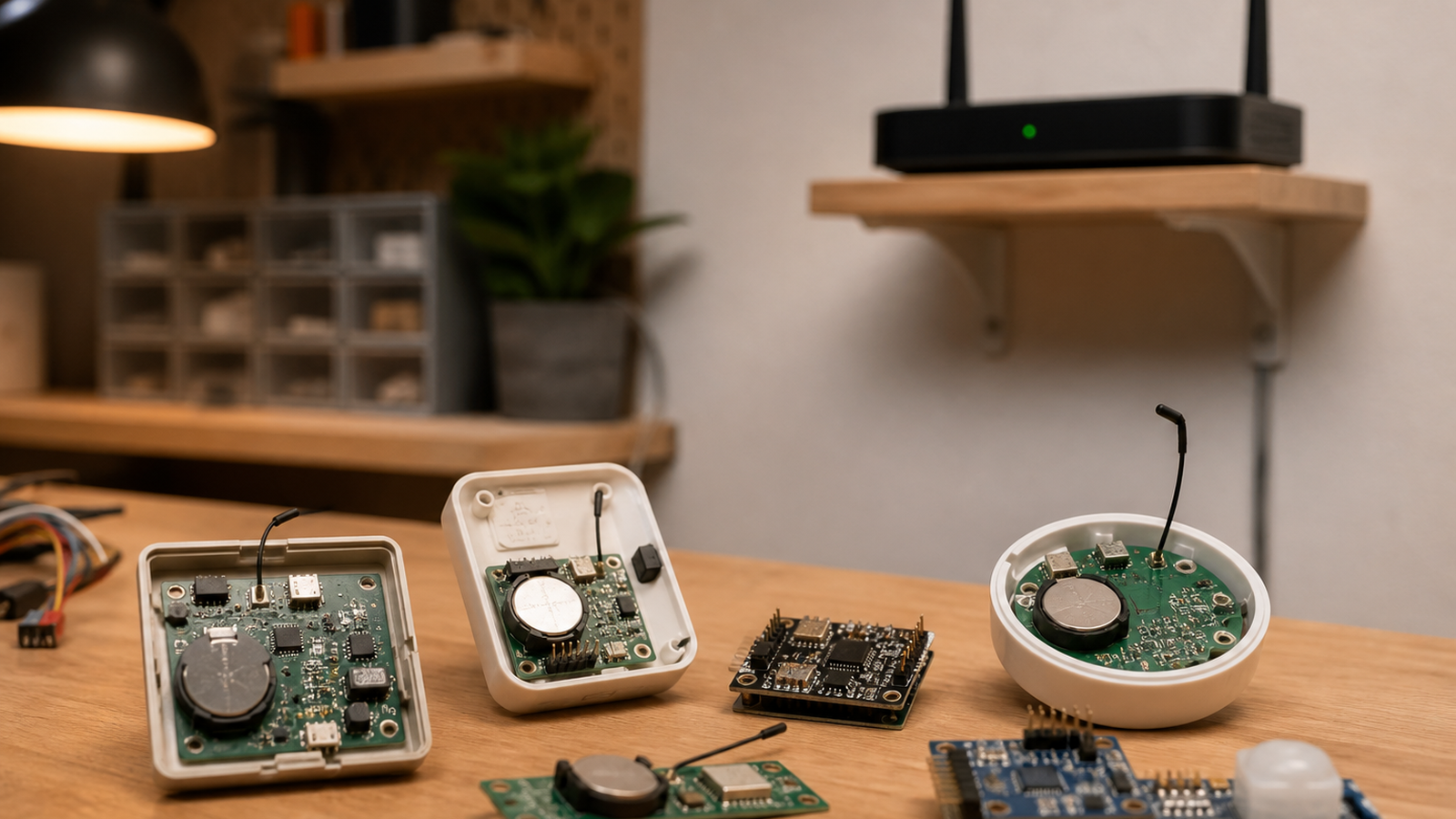
- Use powered routers strategically: battery endpoints are not the backbone; powered Thread devices usually matter more for mesh stability.
- Test power recovery: unplug a router, restart the controller, and see which devices return cleanly.
- Watch partition behavior: if parts of the mesh stop seeing each other, more devices may not fix the wrong placement.
Maker-lab interference
Home labs are noisy in ways normal smart-home rooms are not. Metal printer frames, NAS shelves, USB 3 cables, chargers, LED drivers, garage doors, and robot batteries can all change the RF picture. A sensor that works on a kitchen table may become flaky when attached to a metal enclosure beside a printer.
For TVG-style projects, the best test is operational: trigger the same automation while the printer, NAS backup, lights, and camera stream are active. Then repeat after a power cycle.
TVG Take
Thread is useful because it reduces the need to put Wi-Fi everywhere. The engineering mistake is treating mesh as a substitute for layout work. For a maker home lab, build the network from the sensor clusters outward, then document which devices are routers, which are endpoints, and what happens when the network is stressed.
A simple test plan
Build a map with three layers: border routers, powered Thread routers, and battery endpoints. Then record which devices recover after a router restart, which devices lag after a controller reboot, and which locations fail when the garage door, printer, NAS, or camera stream is active. The point is not to chase perfect signal everywhere. It is to know which automations are dependable and which are convenience-only.
For STEM rooms and shared maker spaces, keep the setup boring. Put a small note in the lab documentation listing the controller, border routers, firmware versions, and known weak spots. That record makes future troubleshooting much easier than rediscovering the mesh every time a sensor drops offline.
Related TVG reading
For readers building the same engineering context, these TVG Report pieces connect the current topic to practical hardware, field workflow, and maker-lab decisions:
- Matter-over-Thread Sensors Need Placement Discipline Before They Feel “Smart”
- Wi-Fi 7 Router or Wired Backhaul? Home Labs Should Buy for Failure Modes, Not Speed Claims
- Wi-Fi 7 Mesh Backhaul for Home Labs Still Needs Ethernet Discipline