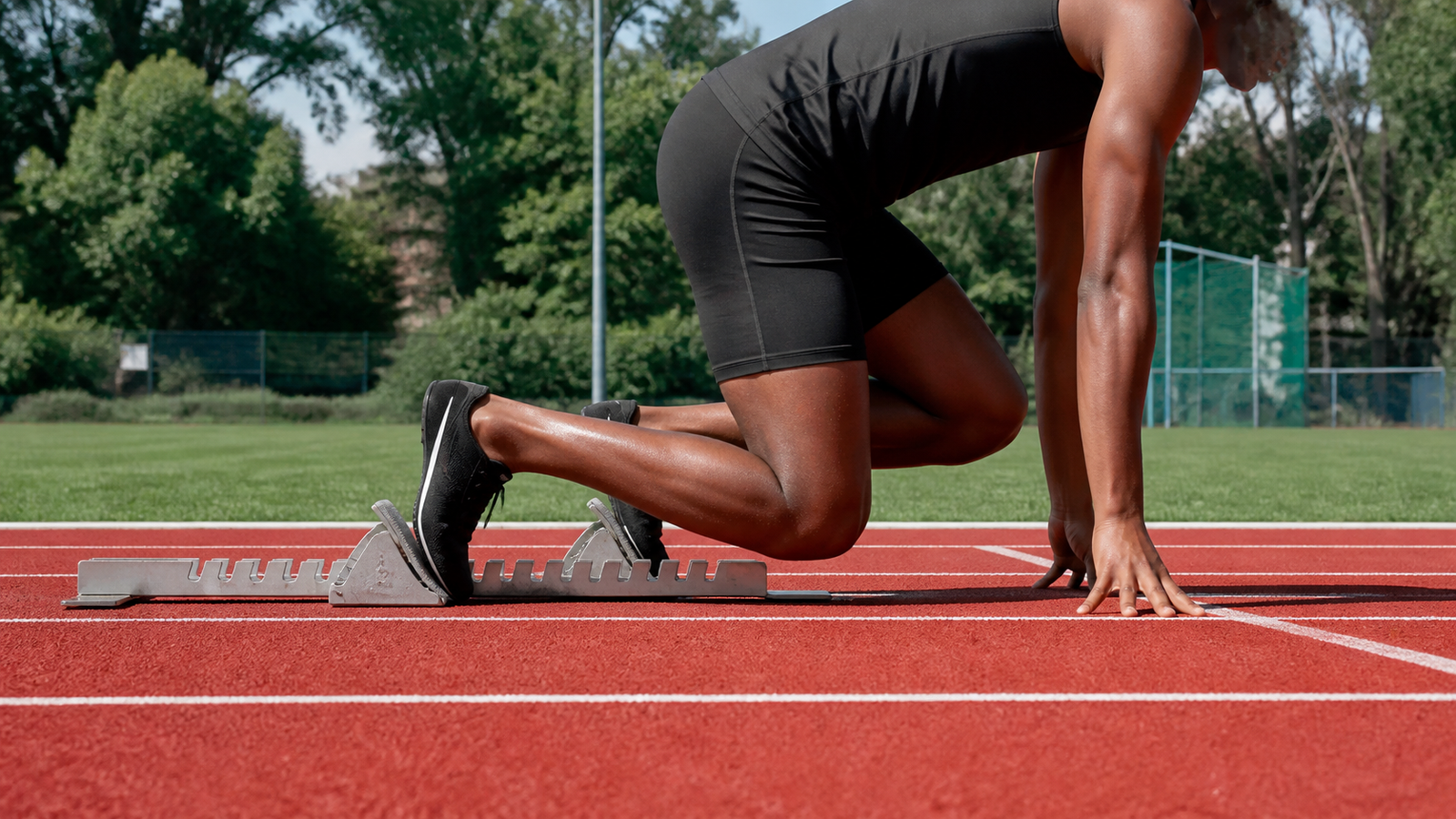
Phone video, an inertial measurement unit, and a timing gate answer different sprint questions. Video shows visible position and technique. An IMU records acceleration and rotation at the point where it is mounted. A timing gate gives a clean crossing time at a fixed location. The strongest STEM project begins by choosing one measurable question.
This is not coaching or medical guidance. It is an engineering guide for classroom and maker projects that compare sensors, sampling, calibration, and uncertainty.
Quick answer
- Use phone video for start posture, visible event timing, and frame-by-frame comparisons.
- Use an IMU for cadence-related patterns, rotation, and acceleration at a known body or equipment location.
- Use timing gates for repeatable segment or crossing times.
- Combine tools only after each clock, mount, and measurement rule works on its own.
Phone video is easier to audit
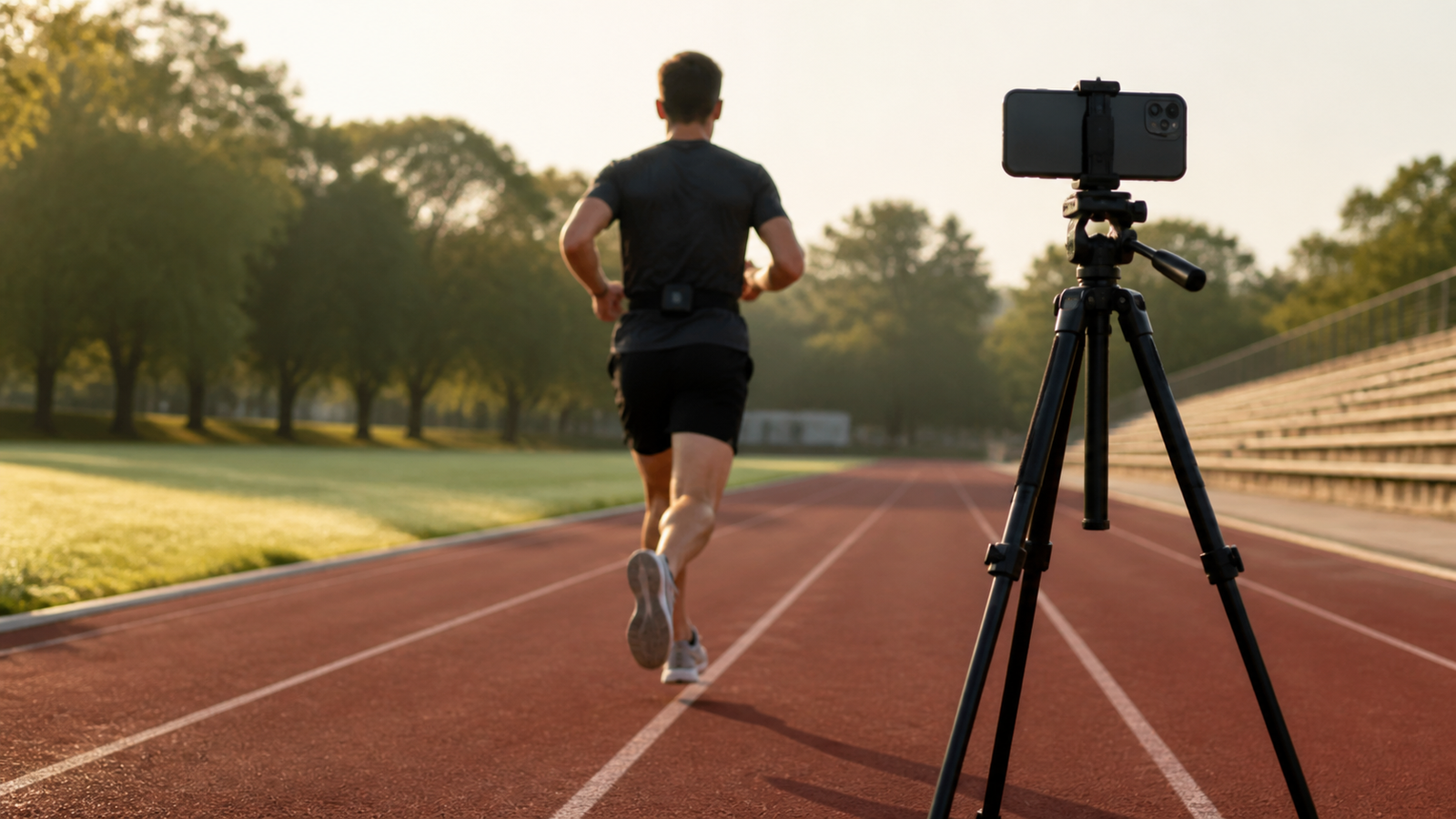
A fixed camera gives students a record they can inspect together. If the project asks when a foot leaves the ground or when a torso crosses a line, the team can define the event and identify a frame. Tools such as Kinovea support frame-by-frame motion analysis.
The limits are equally visible. Frame rate bounds timing resolution. Rolling shutter can distort fast motion. Automatic exposure may blur a foot, while perspective makes distances unreliable when the runner moves toward or away from the camera. A tripod, perpendicular view, bright light, and a scale in the motion plane improve repeatability.
An IMU measures the mount, not the whole athlete
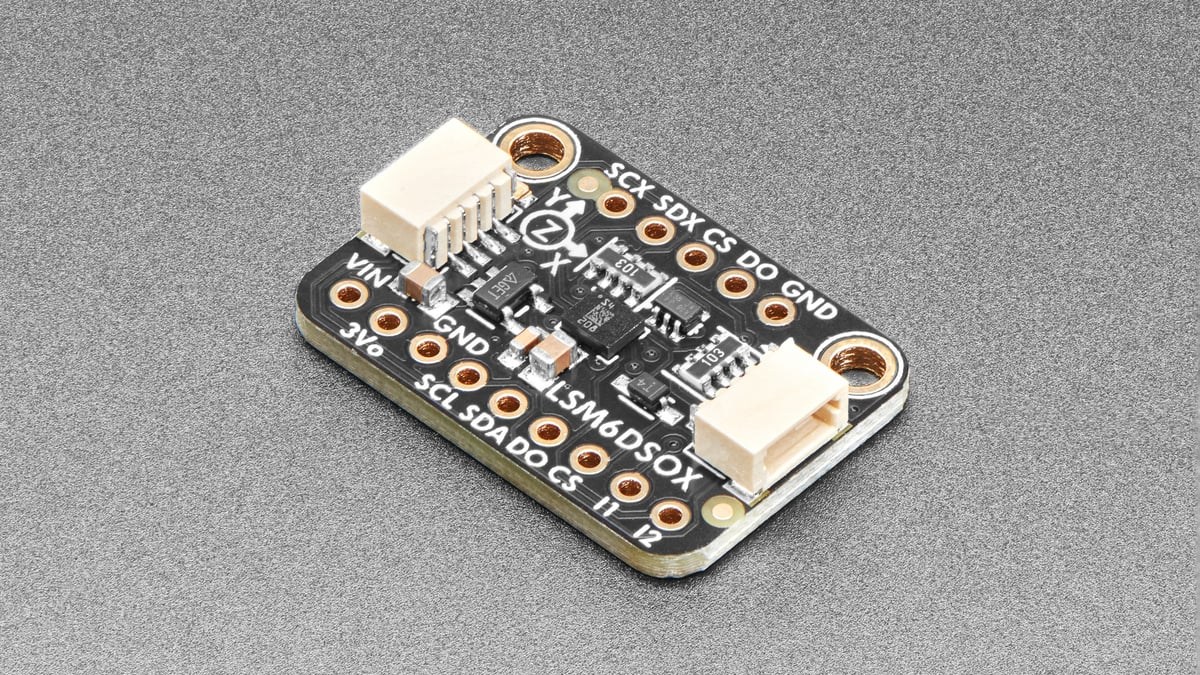
An IMU combines accelerometers and gyroscopes, and sometimes a magnetometer. Arduino’s accelerometer tutorial shows the basic data path available on a compact teaching board. Mounted securely, the sensor can reveal repeating acceleration and rotation patterns that are difficult to read from a distant camera.
Placement changes the signal. A sensor at the waist does not report the same motion as one on a shoe or wrist. Loose straps add their own oscillation. Orientation can shift between trials, and integrating acceleration to estimate speed or distance accumulates drift. Students should preserve raw timestamped data and avoid claiming position accuracy the sensor cannot support.
Synchronization is the real combined-system challenge
If video and IMU data are compared, their clocks need a shared event. A visible and measurable cue—such as a safe LED flash paired with a logged electrical transition—can create an alignment point. Starting two apps by hand is not accurate synchronization.
Camera geometry also deserves calibration when measurements extend beyond timing visible events. OpenCV’s camera-calibration guide explains how lens distortion affects image measurements. For a classroom sprint lane, keeping the measurement region near the image center and the camera fixed can reduce, but not eliminate, geometric errors.
A four-session STEM project
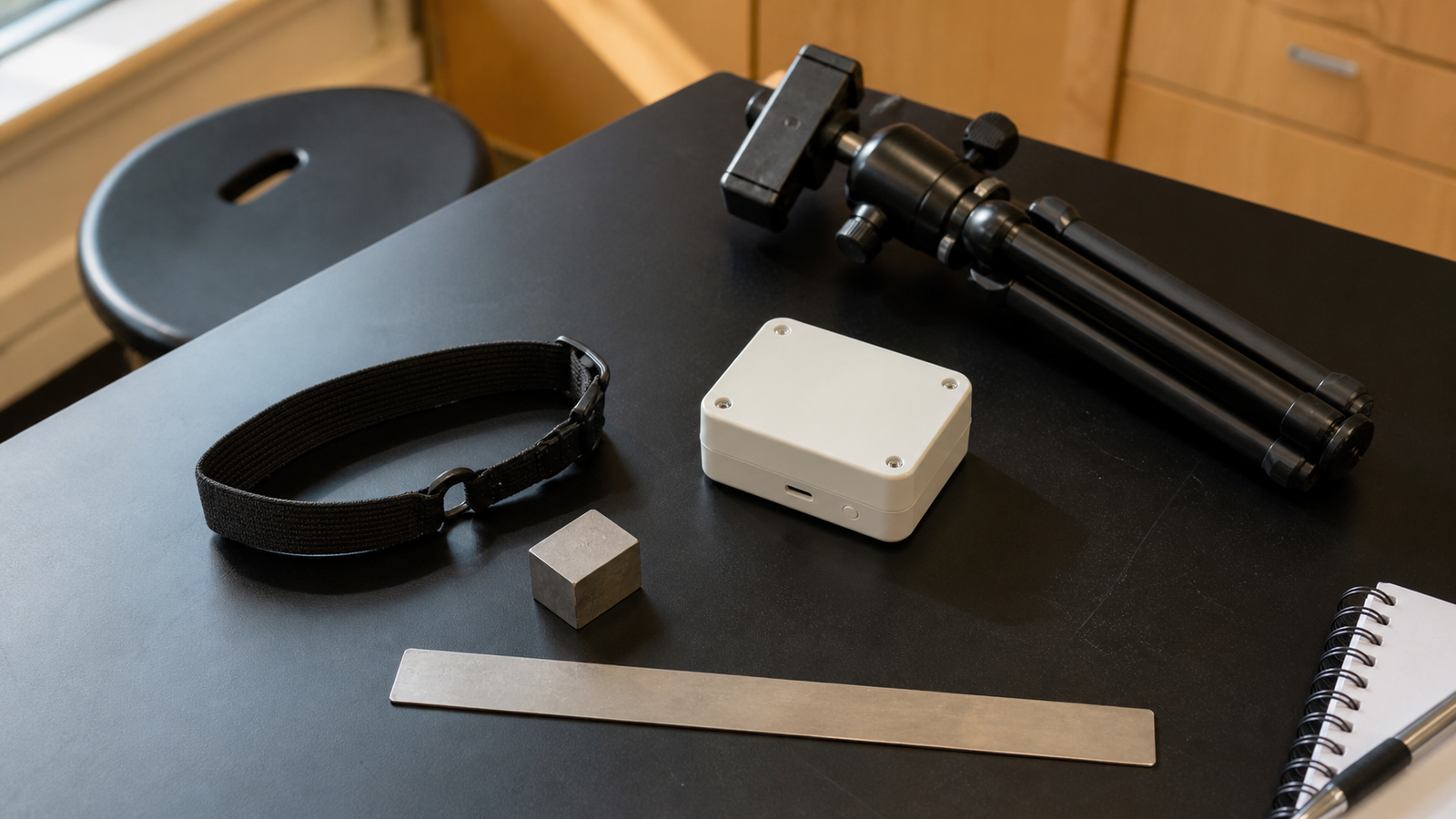
- Define one outcome. Choose five-meter time, first-motion time, step cadence, or another observable quantity.
- Validate one sensor. Record a stationary baseline and a simple repeatable movement before collecting sprint data.
- Repeat the setup. Mark camera position, sensor orientation, lane geometry, and mount tension.
- Report uncertainty. Include frame interval, trigger rule, missed samples, and trial-to-trial spread.
Keep participation voluntary, minimize collection of identifiable video, and obtain the permissions required by the school or program. Crop or delete faces when identity is not needed for the engineering question.
TVG Take
Phone video is the best first instrument for many student teams because the evidence is inspectable. Add an IMU when the question requires local acceleration or rotation, not because more sensors look more scientific. Use timing gates when crossing time is the real outcome.
TVG’s photogate versus phone-video guide provides the next step for teams focused on segment timing.