
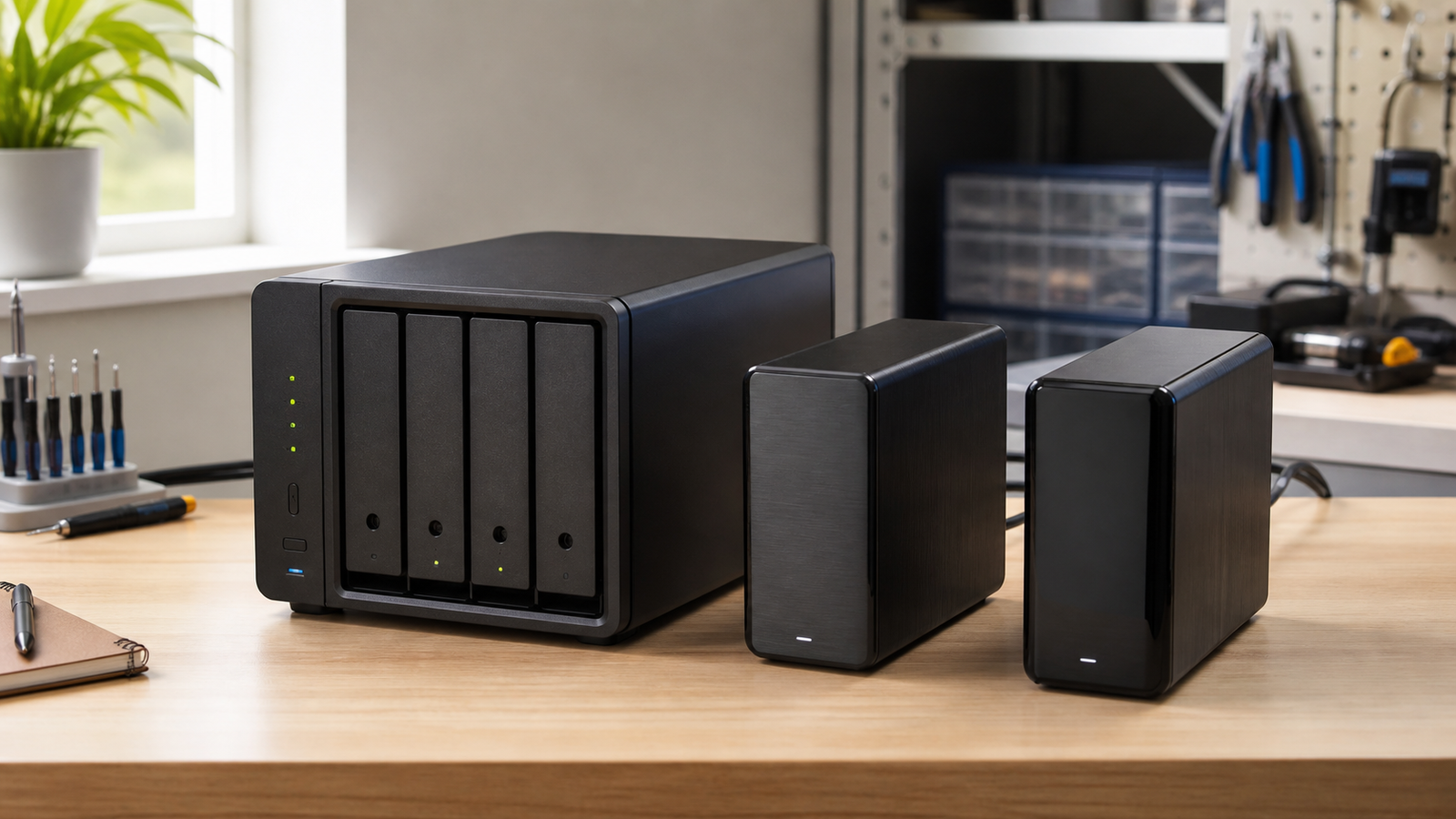
A NAS scrub, a SMART test, and a restore check are not three names for the same maintenance job. A scrub looks for consistency problems in stored data or parity. SMART reports what a drive’s controller knows about device health. A restore check answers the harder question: can you recover a useful file from the backup you expect to trust?
Maker labs and creator teams often enable one of these and assume storage is covered. That leaves blind spots. The better plan assigns each task a failure mode, a schedule, and an owner.
Quick answer
- Run data scrubs to find checksum or parity inconsistencies supported by the storage stack.
- Run SMART tests to collect drive-health signals and detect some device faults.
- Keep separate backups because a scrub does not protect against deletion, ransomware, theft, or a failed NAS.
- Test restores because a completed backup job is not evidence that the needed files can be recovered.
What a data scrub can prove
Synology’s documentation describes data scrubbing as a maintenance function for checking storage-pool consistency. The exact behavior depends on the file system and RAID implementation. In checksum-aware file systems, a scrub can read data, compare checksums, and use a redundant copy when one is available. RAID parity scrubbing instead checks whether data and parity agree.
A scrub is valuable because some errors are silent: the drive returns data without an obvious read failure, yet the bytes are wrong. But a scrub cannot reconstruct a good copy if no valid redundant copy exists. It also cannot recover a folder that a user intentionally deleted and the NAS faithfully removed.
What SMART can and cannot tell you
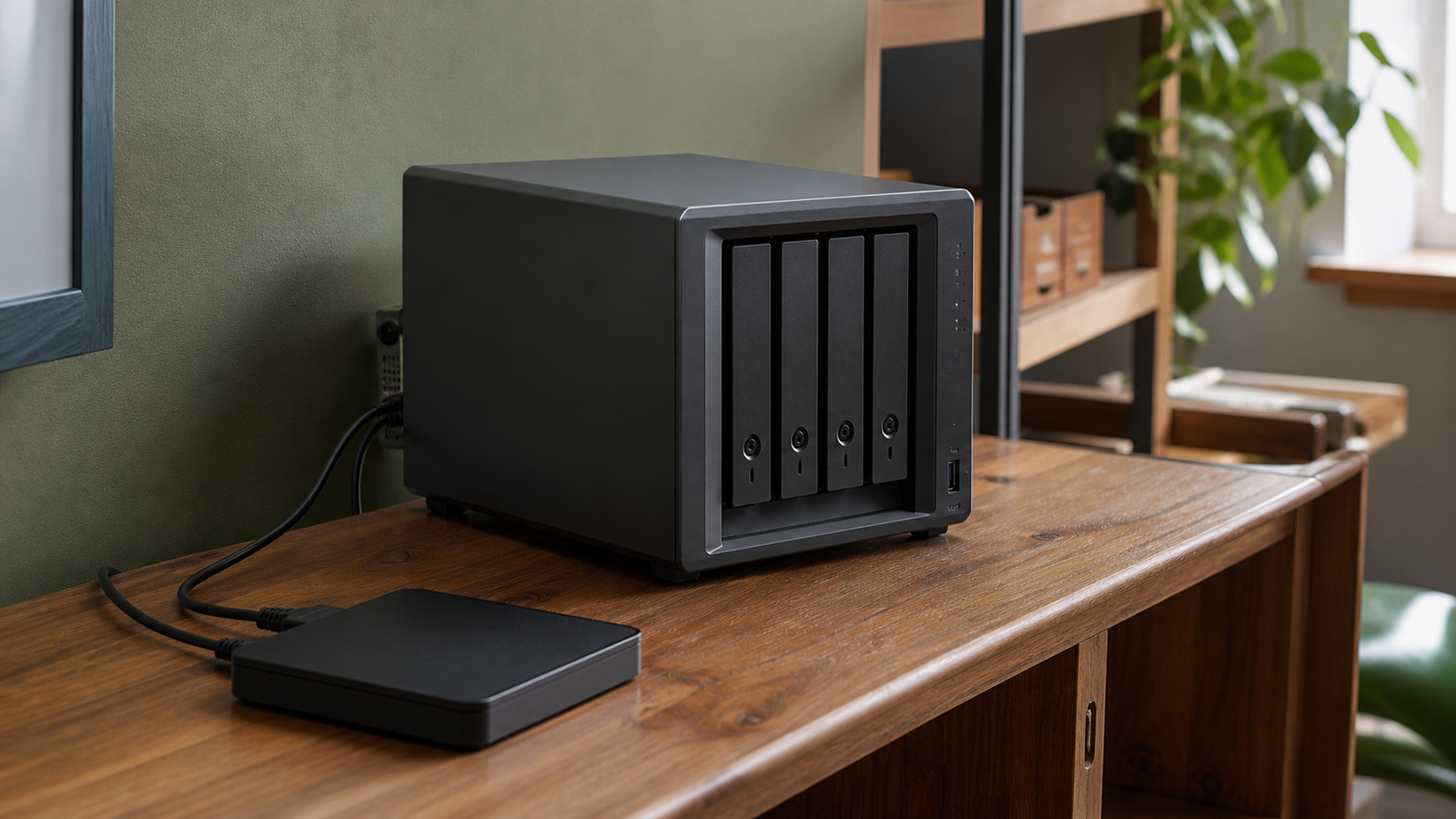
SMART is telemetry from the drive. Tools such as smartmontools can read attributes, error logs, and self-test results from supported disks. A long self-test asks the drive to scan its media; monitoring can also flag changes such as reallocated or pending sectors.
Those signals are useful, not prophetic. A drive may fail with little warning, while another can report an attribute change and keep working. Teams should alert on trends and failed tests, then combine that evidence with application errors, controller logs, temperature, and replacement planning.
Why restore checks belong in the same schedule
A backup can be incomplete, encrypted with a lost key, tied to a dead account, or stored in a format nobody on the team knows how to restore. The only direct test is to recover selected data into an isolated location and open it.
Choose a small but representative set: a CAD assembly with linked parts, a source repository with history, a camera project with sidecar files, and one database export. Record how long the restore took and which credentials were required. Do not overwrite the live copy during the test.
A workable maker-lab schedule
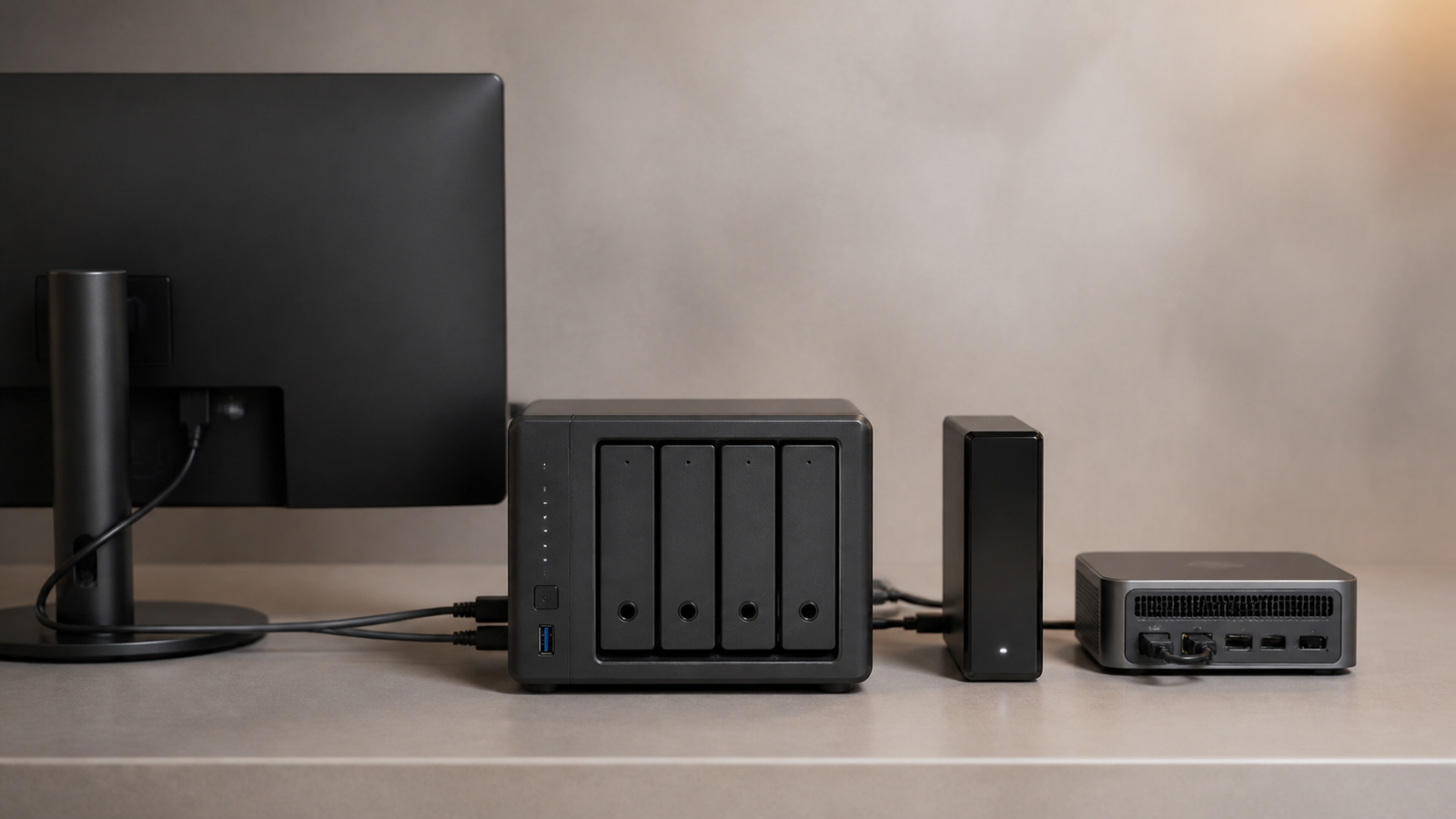
Start conservatively and adapt to the storage vendor’s guidance and workload. A monthly scrub may suit a lightly used array; large pools and heavy ingest workloads may need a different window because scrubbing consumes I/O and can raise drive temperatures. Schedule extended SMART tests so they do not collide with scrubs, rebuilds, or major imports.
Run a small restore check every month and a broader recovery exercise each quarter. Review alerts after every maintenance window. If a scrub reports uncorrectable data, a SMART test fails, or error counts rise, stop treating the event as routine and preserve the remaining copies before stressing the array further.
TVG Take
Storage maintenance works when each control has a narrow claim. Scrubs check consistency. SMART watches drives. Backups create another copy. Restore drills prove a recovery path. None replaces the others, and RAID is still not a backup.
TVG’s NAS snapshots and backup guide explains how local snapshots fit into the larger copy strategy. Pair that plan with a calendar that names the person who reviews the result, not just the software that runs the job.



