
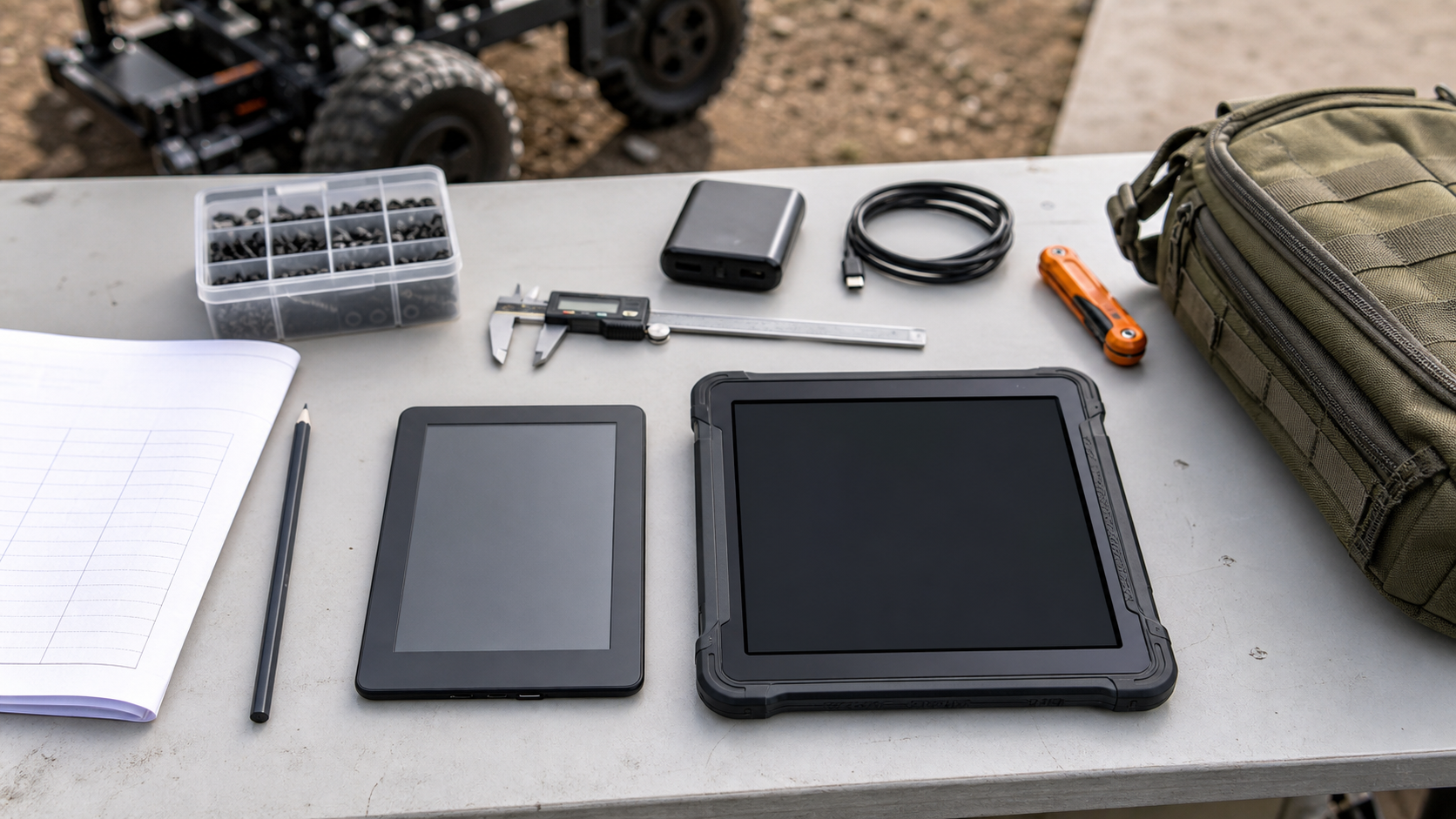
Robotics teams, maker labs, and field crews often treat documentation as a software problem: put the manual in a PDF, share a folder, and hope everyone can open it when the robot is on a practice field or the printer is down in a noisy workshop. The display hardware matters more than that plan admits.
An e-reader, a color e-paper note device, and a rugged tablet can all hold the same checklist. They do not behave the same way under sun, dust, long battery days, gloved use, annotation pressure, or fast troubleshooting. For teams that need field manuals, build sheets, wiring diagrams, calibration notes, or student training packets, the right choice depends on display physics and workflow fit—not gadget preference.
This guide builds on TVG’s earlier coverage of E-Ink dashboard specs for maker labs and portable monitor specs for field dashboards. Here the question is narrower: when should a lab use e-paper for reference material, and when is a tablet still the better tool?
Quick answer
Use an e-reader or e-paper notebook when the job is long-session reading, static checklists, low-power reference, outdoor readability, or distraction-free procedure review. Use a tablet when the job needs fast page turns, color-rich diagrams, video, live dashboards, web apps, camera capture, forms, or frequent markup sync. Use paper backups for safety-critical steps, classroom sign-off, or any procedure where a dead battery would stop the work.
Why reflective displays feel different
E-paper displays work by reflecting ambient light instead of constantly emitting it like LCD or OLED screens. That is why a monochrome e-reader can remain readable in bright light and run for a long time between charges. The same property makes it attractive for maker labs that want reference displays near printers, soldering benches, robotics pits, or storage shelves.
E Ink’s Kaleido 3 product information describes a color e-paper approach intended for color reading and note-taking devices, while E Ink Gallery 3 is positioned as a more advanced full-color e-paper technology. Those families matter because “color e-reader” is not a single capability. Some devices prioritize faster refresh and broad availability; others chase richer color at the cost of speed, cost, or product maturity.
For field manuals, that distinction is practical. A wiring diagram with red, yellow, and black conductors may be usable on one color e-paper screen and frustrating on another. A monochrome safety checklist may be perfect on a basic e-reader. A CAD screenshot or camera setup diagram may need a tablet.
Spec 1: sunlight readability
If the team works outside, in a gym lobby, at a competition pit, or near bright shop lighting, readability should be the first spec. Reflective e-paper usually wins for static documents in bright conditions because glare is often lower and the image does not wash out as aggressively as a dim tablet display.
Tablets can compensate with brighter backlights, anti-reflective glass, and matte screen protectors, but that has a battery and heat cost. In hot outdoor work, a tablet running at high brightness may throttle, dim, or drain faster than expected. For drone crews, field robotics teams, and outdoor maker events, a low-power reader can be a better place for procedures and checklists even if a tablet remains the live-control device.
Spec 2: refresh rate and navigation
E-paper is not ideal for fast navigation. Page turns, zooming, panning, search results, and web apps can feel slower than the same workflow on an iPad, Android tablet, or rugged Windows slate. That is tolerable for a build guide that moves one page at a time. It is frustrating for a wiring PDF that requires constant pinch-zooming between a pinout table and a board photo.
A good field-manual workflow reduces zoom pressure. Export pages in the actual screen size. Use large diagrams. Split long PDFs into sections. Create single-purpose checklists for inspection, calibration, travel packing, and recovery. If the manual still needs constant pan-and-zoom, the content is probably not ready for e-paper.
Spec 3: color and diagram fidelity
Color e-paper is improving, but it should not be treated as equivalent to a tablet display. A maker lab should test actual documents before buying devices in quantity. Look at resistor color bands, connector callouts, warning labels, CAD screenshots, heat maps, and camera menu photos. If the team depends on subtle color differences, a tablet or printed laminated sheet may still be safer.
For many procedural documents, the better fix is not a better display. It is better document design. Use shape, line style, labels, and section structure so the document works in grayscale. That makes the same manual more robust across e-readers, tablets, classroom printers, and low-quality photocopies.
Spec 4: annotation and version control
Annotation is where tablets still have a strong advantage. If a team needs signed inspections, photo attachments, cloud forms, or quick handoff notes, a tablet is usually more flexible. E-paper notebooks are useful for handwriting and review, but their sync behavior, app ecosystem, and export workflow vary widely.
For student robotics teams, version control matters as much as stylus feel. A checklist that lives on one device can become stale. A safer pattern is to keep the canonical manual in a shared folder or site, export stable PDFs for e-paper, and print the highest-risk checklists before travel. Device notes should feed back into the source document after the event, not become a second hidden manual.
Spec 5: power, ruggedness, and failure mode
E-readers are attractive because their failure mode is gentle. They can sit in a bag for days and still open a manual. Many are light, inexpensive compared with rugged tablets, and easy to assign to a pit box or classroom shelf. The tradeoff is durability. Consumer e-readers are not automatically shop tools. Screen fragility, water resistance, case protection, USB-C port strength, and repair options still matter.
Tablets handle active workflows better, especially with rugged cases, MDM tools, keyboards, barcode scanners, cameras, and offline-first apps. They also create more maintenance work: updates, app logins, storage cleanup, privacy settings, battery health, and charging discipline. That overhead is acceptable when the tablet is doing tablet work. It is wasteful if the job is simply “show the torque checklist.”
A practical buying checklist
- Document type: static PDF/checklist, interactive form, video, live dashboard, or mixed workflow?
- Lighting: indoor bench, bright gym, outdoor field, vehicle, or dim backstage area?
- Color need: decorative color, warning color, wiring color, or color-critical inspection?
- Navigation: one page at a time, frequent search, heavy zoom, or split-screen reference?
- Annotation: personal notes, team sign-off, photo capture, cloud sync, or no markup?
- Battery plan: full-day event, weekly shelf standby, powered cart, or classroom charging station?
- Failure tolerance: can work continue if the device dies, breaks, or loses Wi-Fi?
TVG Take
For maker labs, e-paper is best treated as a low-power reference layer, not a tablet replacement. Put stable manuals, checklists, wiring tables, and training packets on e-readers. Keep tablets for live tools, forms, camera capture, and fast diagram work. Design documents so they survive grayscale, low refresh, offline use, and printing. The winning system is rarely one screen; it is a small stack of display choices matched to the job.
That approach also helps teams avoid expensive overbuying. A $100–$200 e-reader can be the right device for a pit checklist, while a rugged tablet may be justified only for the few roles that need data entry, camera capture, and fast app switching. The test is simple: hand the device to the person doing the work, in the real lighting, with the real manual, and watch where the workflow slows down.



