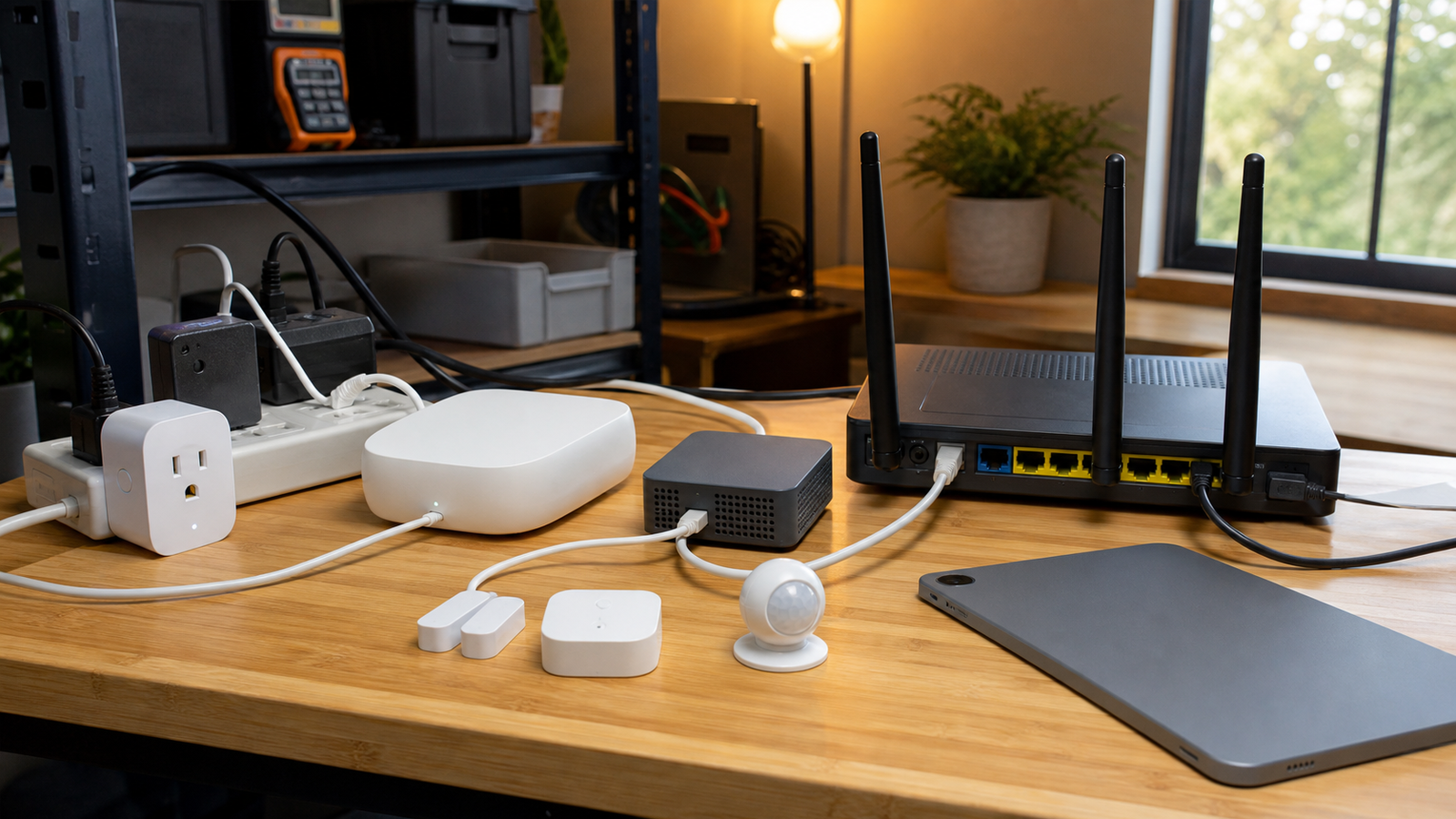
Editorial mode: Analysis / Guide. Smart-home gear is now interesting to maker labs because it combines radios, embedded firmware, cloud services, local automation and user-facing reliability in one small system. The buying question is not simply whether a device supports Matter. It is which box owns recovery when the network goes sideways.
The Connectivity Standards Alliance presents Matter as an interoperable smart-home standard, while the Thread Group describes Thread as a low-power IPv6 mesh networking technology for connected devices. Those two statements are compatible, but they answer different engineering questions. Matter is the application-layer promise. Thread is one possible network transport.
The quick answer
For a maker or STEM lab, use a mainstream Matter ecosystem hub for baseline compatibility, a known Thread border router when low-power sensors matter, and a Home Assistant-style local controller when you need deeper visibility and automation control. Do not assume one box solves every failure mode.
What each layer actually does
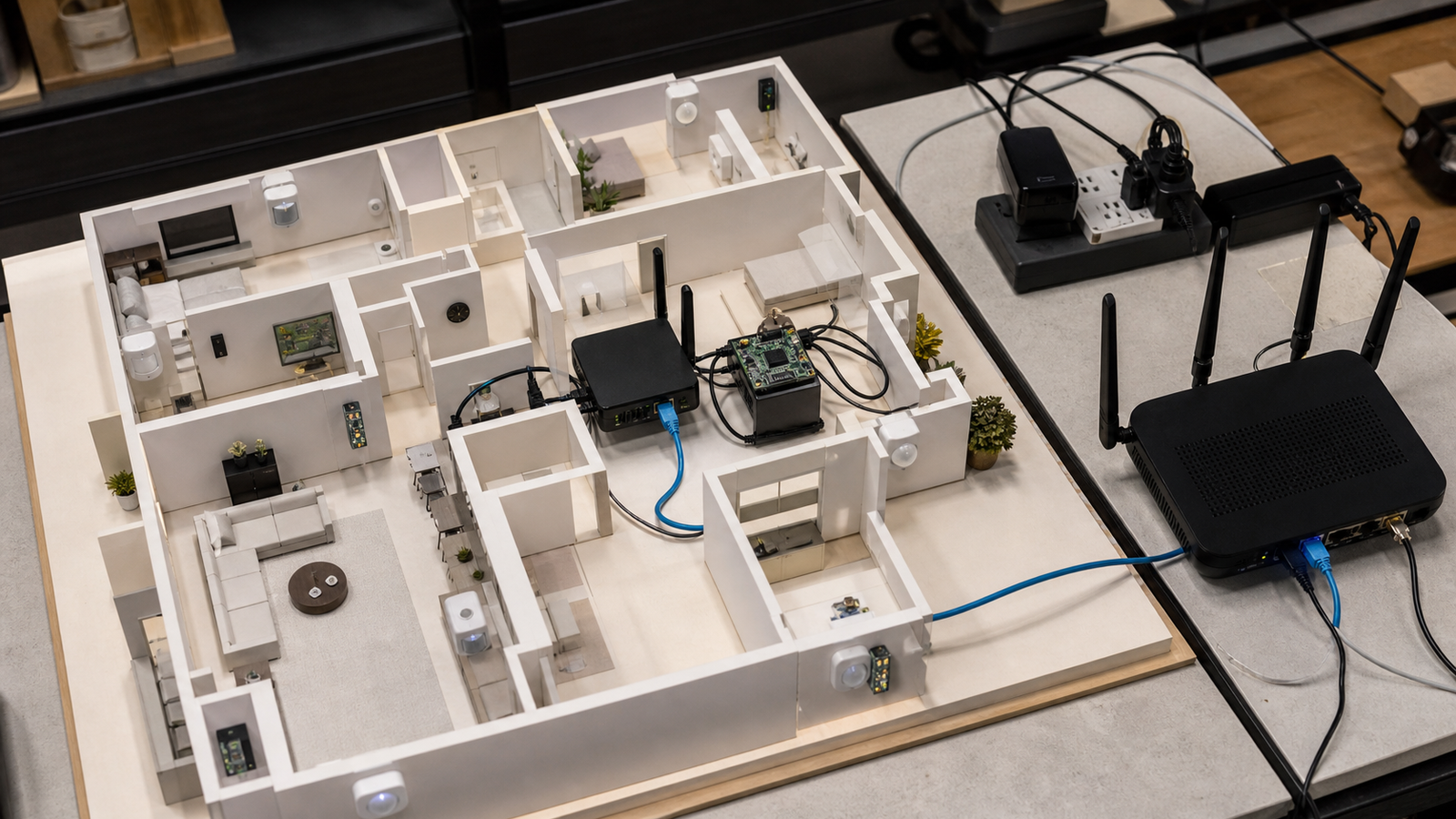
A Matter controller handles commissioning and application behavior. A Thread border router connects Thread devices to the IP network. A Wi-Fi router controls the LAN that many hubs still depend on. A local automation box can make rules observable, but it also becomes another system to update and back up.
This is why smart-home reliability is often misdiagnosed. A sensor can be perfectly healthy while the border router is unreachable. A Matter device can pair correctly and still feel unreliable if the Wi-Fi access point is overloaded. A cloud app can show a device as offline while the local network is still working.
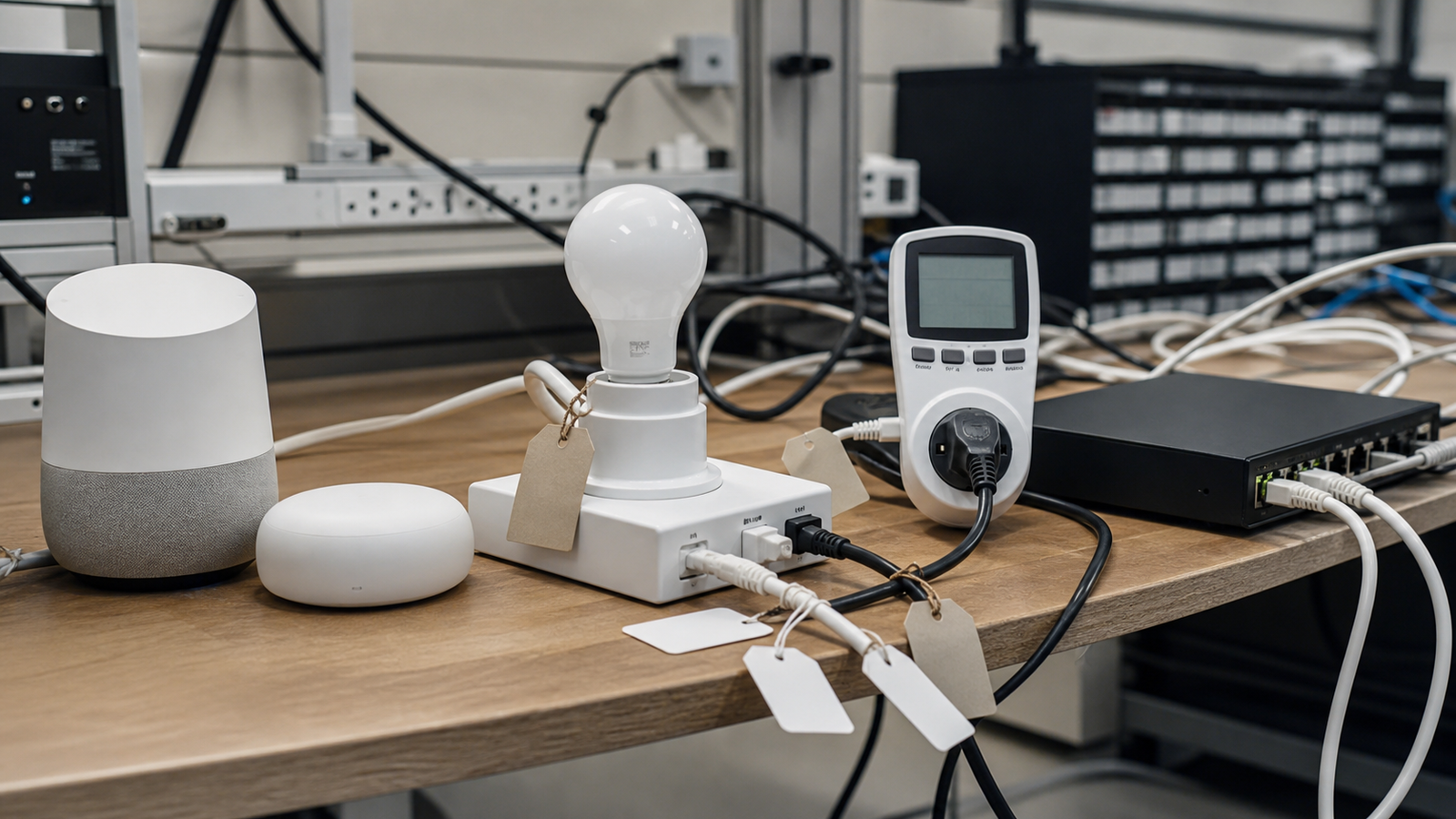
In a classroom or workshop, that ambiguity is actually useful. It lets students test radios, routing, device commissioning and failover with inexpensive hardware. The trick is to keep the lab honest: write down which controller is primary, which device is the border router, how automations are backed up, and what happens when internet access is removed.
Buyer checklist
- Radio support: confirm whether the hub includes Thread, Wi-Fi, Bluetooth commissioning, Ethernet, or some mix of those.
- Local behavior: test what still works when the internet is disconnected.
- Recovery: power-cycle the hub, router and sensor separately and record what comes back cleanly.
- Updates: check whether firmware updates are automatic, manual, reversible or opaque.
- Visibility: choose tools that expose logs or device state if the lab’s goal is learning, not just convenience.
TVG Take
Matter is worth teaching because it makes interoperability a concrete engineering topic, not a marketing slide. But labs should buy for observability and recovery, not only standard badges. The best smart-home bench is boring when it works and educational when it fails.
Sources and related reading
- Connectivity Standards Alliance: Matter
- Thread Group: What is Thread?
- TVG: Matter, Thread, or Wi-Fi 7 for Smart-Home Maker Labs?
Related TVG reading
For more engineering-first context, compare this piece with Matter, Thread, or Wi-Fi 7 for Smart-Home Maker Labs? A Reliability Guide, Raspberry Pi Puts Local Smart Homes Back on the Maker-Lab Agenda, Spec Review: Google Home Speaker With Gemini Needs a Smart-Home Reliability Test.