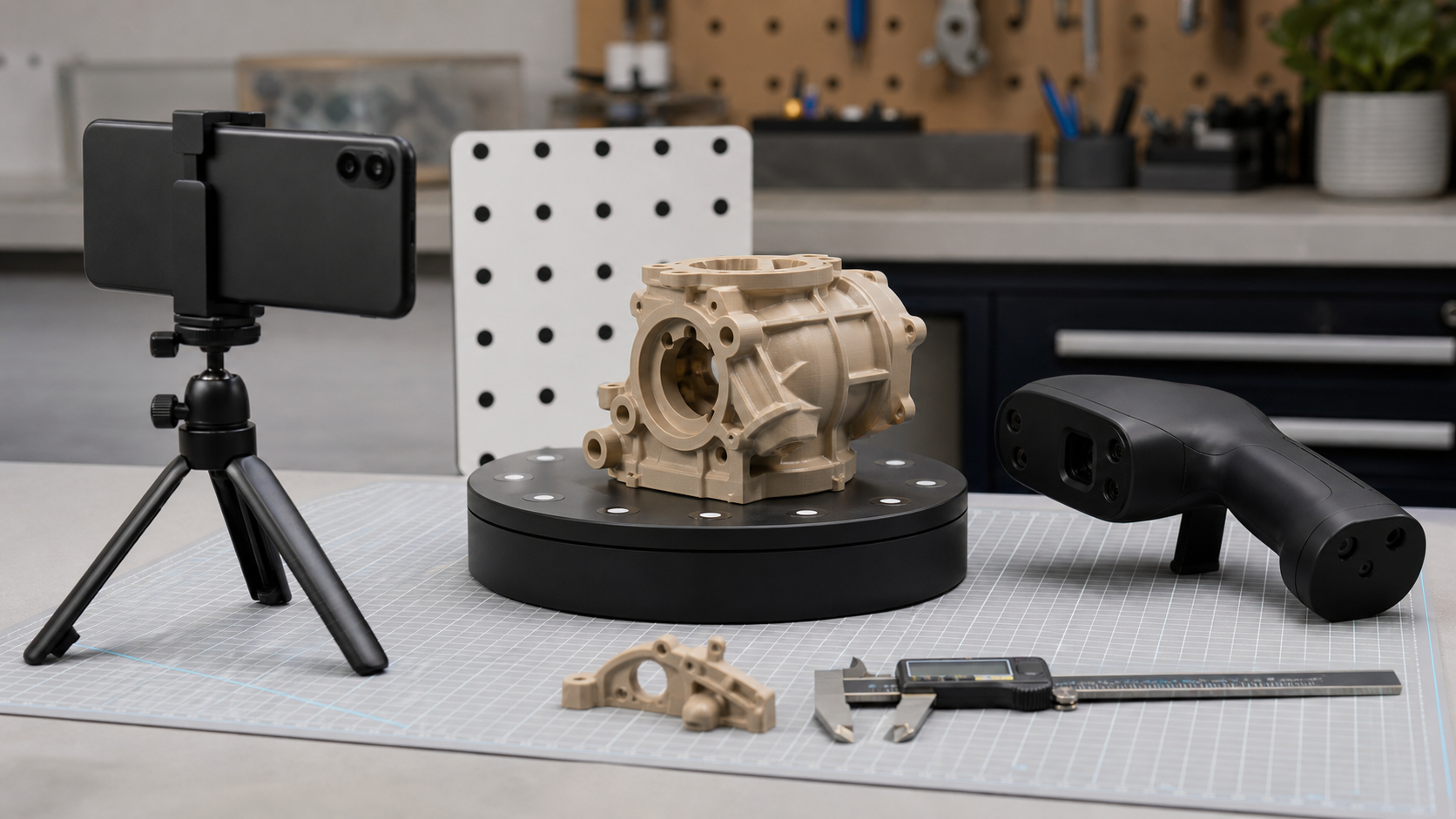
A phone with LiDAR or a good camera can make 3D capture feel almost casual. A dedicated handheld 3D scanner, meanwhile, promises controlled geometry, marker tracking, structured light or laser workflows, and a path toward printable or inspectable models. For maker labs, robotics teams, school programs, and small product shops, the buyer question is not “which one is better?” It is which workflow deserves the first test budget.
Quick answer
Phone LiDAR is usually the faster choice for rough spatial capture, rooms, large objects, and early planning. A dedicated handheld 3D scanner is usually better when a maker lab needs repeatable geometry, small-part detail, cleaner mesh export, or a path into CAD, inspection, robotics, or 3D printing workflows.
Key takeaways
- Choose phone LiDAR for speed, convenience, and context capture.
- Choose a handheld 3D scanner when accuracy, repeatability, and export quality matter more than convenience.
- The best buying test is the downstream workflow: cleanup time, CAD import, print readiness, and measurement confidence.
TVG has not tested a specific phone, app, or handheld scanner for this article, and no review unit was provided. This is a buyer evaluation and test plan for teams deciding between phone-based capture and dedicated 3D scanning. It builds on TVG’s 3D scanner accuracy guide, drone photogrammetry checklist, and camera sensor size field guide.
Where phone-based capture wins
The strongest argument for a phone workflow is access. Many teams already have a modern phone, a tripod, and enough lighting to start experimenting. Apps such as Polycam’s photogrammetry tools emphasize creating 3D models from photos or video, and phone capture can be excellent for visual reference, rough scale, documentation, room scans, and teaching the basic idea of turning images into geometry.
Phone capture also lowers the fear factor. A student can walk around an object, review the result, and learn quickly why shiny surfaces, thin edges, motion blur, and bad lighting cause problems. That learning has value even if the first model is not dimensionally useful. For a STEM lab, the phone may be the best first scanner because it teaches scanning discipline before the team spends money on specialized hardware.
Where phone workflows struggle
Phone-based 3D capture can blur the distinction between a good-looking model and a trustworthy model. A mesh may look convincing on screen but still be warped, incomplete, or wrong at the edges. Photogrammetry depends on overlap, texture, lighting, camera motion, and software reconstruction. Phone LiDAR can be fast for spaces and larger objects, but it is not a magic metrology tool for small parts.
The danger for maker labs is using a phone scan as if it were a measured CAD reference. If the goal is a visual prop, a classroom model, or a quick context scan, that may be fine. If the goal is designing a replacement bracket, checking fit around a bearing, or measuring deformation, the team needs a stricter validation process.
Where dedicated handheld scanners win
Dedicated scanners are built around repeatability. Vendors such as Revopoint market portable 3D scanners with claims around accuracy, blue-light scanning, markerless workflows, and different scanner families for different object sizes. Other scanner makers use structured light, blue laser, optical tracking, turntables, and markers to solve problems that phone workflows often leave to the user.
A dedicated scanner can be the better fit when a lab repeatedly scans small to medium mechanical parts, needs a more controlled capture process, or wants to compare scans across revisions. It may also provide better software tools for alignment, mesh cleanup, texture control, exporting, and scanner-specific calibration. The hardware cost buys not only the sensor but also a more explicit workflow.
Where dedicated scanners still fail
A scanner does not remove the hard parts of scanning. Dark, shiny, transparent, thin, flexible, and repetitive surfaces can still be difficult. Marker placement can be tedious. Turntables can introduce blind spots. Software can over-smooth edges or fill holes that should remain open. A scanner with an impressive single-frame accuracy claim may still produce a poor model if the operator moves too quickly, lights the part badly, or chooses the wrong mode.
Dedicated scanners also add training and maintenance. A school or shared lab must manage cables, calibration boards, software updates, licenses, scan storage, and export formats. If only one person knows the scanning workflow, the scanner becomes a fragile specialty tool instead of a lab capability.
The buyer decision matrix
- Choose phone capture first if the goal is documentation, room context, concept models, public media, student exploration, or quick visual references.
- Choose a dedicated scanner first if the goal is repeatable part capture, reverse-engineering support, inspection comparison, or a workflow that will be used every week.
- Use both when the phone captures context and the scanner captures the part that actually matters.
- Buy neither yet if the team has no lighting plan, no file naming pattern, no known export format, or no validation object with trusted dimensions.
What TVG would test in a full review
A useful review should scan the same objects with both workflows: a matte 3D-printed bracket, a glossy plastic part, a metal tool, a thin cable guide, and a larger assembly with hidden recesses. The test should compare capture time, setup time, failed attempts, mesh cleanup, dimensional error against caliper measurements, export reliability, and whether a new user can repeat the scan after a short training session.
For a phone workflow, TVG would test handheld capture, tripod capture, lighting changes, object texture, and whether the model remains useful after export to common formats. For a dedicated scanner, TVG would test calibration, tracking loss, marker use, turntable behavior, dark surfaces, software stability, and whether the claimed accuracy survives a realistic beginner workflow.
Watch the export path
The scanner is only useful if the model lands where the team needs it. Some workflows produce beautiful textured meshes that are awkward for CAD. Others produce geometry that is easier to measure but less attractive for presentation. A robotics team may need STL or OBJ for rough reference, while a product-design workflow may need cleaner mesh handling before any CAD reconstruction. Ask what happens after the scan: naming, cleanup, decimation, scale check, export, archive, and version control.
Engineering Takeaway
Phone LiDAR and photogrammetry are excellent entry points, but they should be treated as capture workflows, not automatic measurement systems. Dedicated handheld scanners can justify their cost when a lab has repeatable objects, trained operators, validation checks, and a clear export path. The first purchase should not be a scanner; it should be a test object, a lighting setup, a file workflow, and a decision about what accuracy actually means for the job.
Phone LiDAR vs handheld 3D scanner FAQ
Is phone LiDAR enough for 3D printing?
Sometimes. Phone LiDAR or photogrammetry can work for rough context models, room scans, and large objects, but small parts and fit-critical prints usually need tighter capture and cleanup.
When does a dedicated handheld 3D scanner make sense?
A handheld scanner makes more sense when a team needs repeatable geometry, better small-feature capture, controlled lighting, or a more predictable path into CAD, mesh repair, and inspection workflows.
What should a maker lab compare before buying?
Compare scan size, texture needs, tracking method, export formats, software subscription costs, lighting sensitivity, and how much post-processing is needed before the model is usable.
Related TVG reading
- 3D scanner accuracy for makers
- Drone photogrammetry field checklist
- Elegoo Mars 5 Ultra resin-printer evaluation