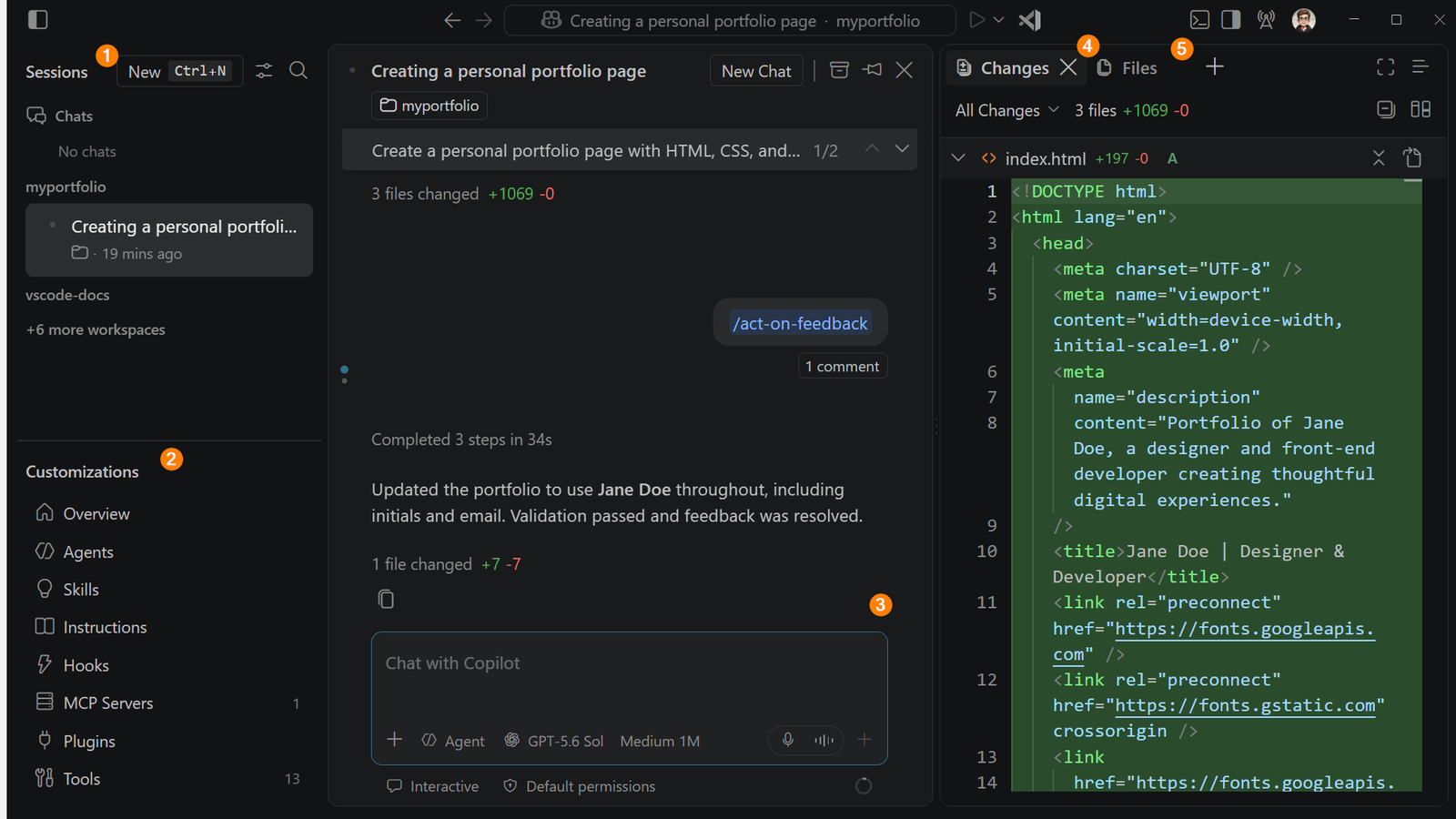
Visual Studio Code 1.139 extends agent sessions in project Dev Containers to repositories opened through SSH, Tunnel, and WSL hosts. The change lets an agent build and test against the tools already defined by the remote project, but it is not a generic “run anywhere” switch: Docker must be available on that host, the folder needs a supported Dev Container configuration, and the feature is currently exposed through the Agents Window.
Featured image: Microsoft Visual Studio Code.
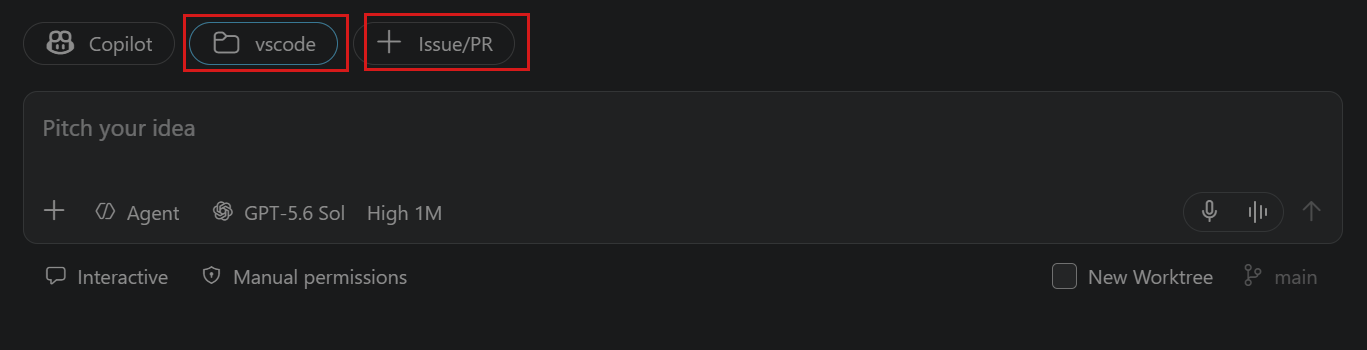
The capability arrived in the stable September 23 release. Microsoft says rollout is gradual, so users who do not see it can enable chat.agentHost.devContainer.enabled and choose Use Dev Container from the folder menu in the Agents Window.
The container now follows the project onto the remote host
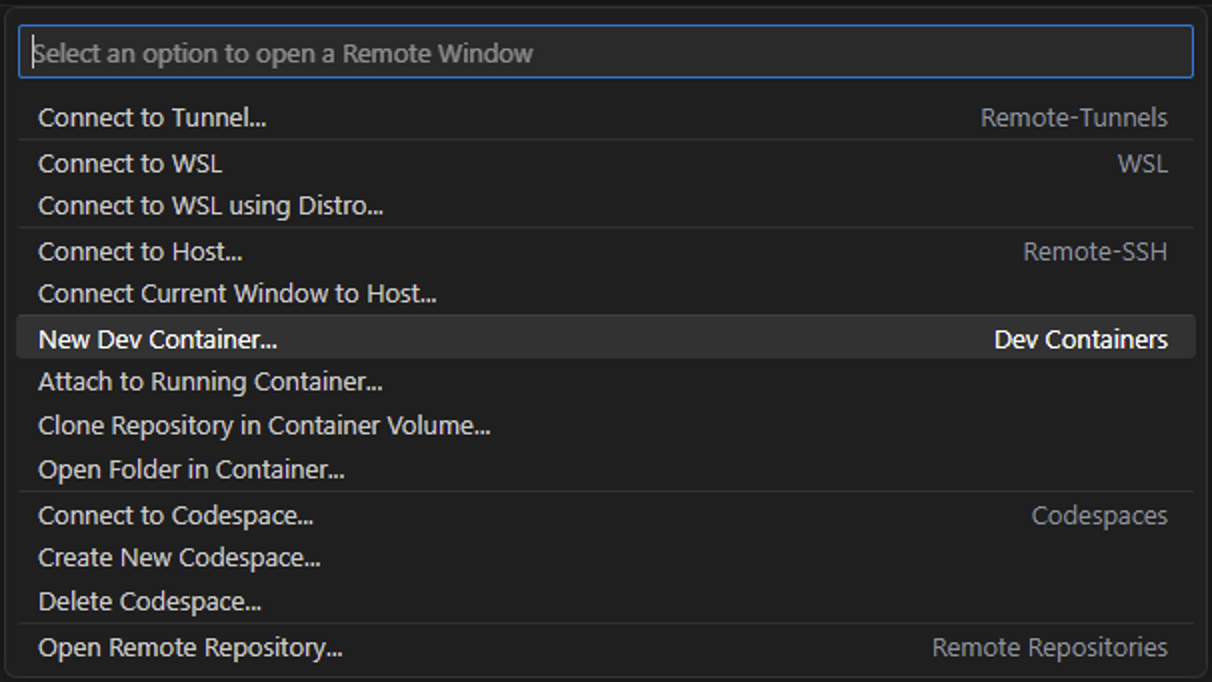
Before this release, VS Code described agent Dev Container sessions around local folders. Version 1.139 extends that path to projects reached through Remote SSH, Tunnel, and WSL. The transport connects VS Code to the host; the project’s container configuration then defines the tools and dependencies used by the agent session.
That distinction determines where failures occur. A successful SSH connection does not prove that Docker is installed, reachable by the remote user, or able to build the project container. Likewise, a valid devcontainer.json cannot help if the remote Docker daemon is unavailable.
Three prerequisites define the useful boundary
- Agents Window: Microsoft currently labels Dev Container sessions as an Agents Window feature.
- Project configuration: the remote folder needs a supported Dev Container definition.
- Remote Docker: the container runtime must be available on the SSH, Tunnel, or WSL host that holds the project.
For teams, this means the reproducibility value comes from committing and maintaining the container definition, not from the agent itself. The same file that pins compilers, runtimes, extensions, and setup commands for a developer can now establish the agent’s working environment on a remote machine.
Session-list speed is measurable, but hardware-specific
VS Code 1.139 also changes how the agent host builds its session list. Lightweight session and chat metadata move into a central catalog instead of requiring every conversation database to be opened. On Microsoft’s development machine with about 645 sessions, the first listing after launch fell from 1.3 seconds to 0.1 seconds and refresh time fell from 0.6 seconds to 0.15 seconds.
Those numbers are a reported development-machine measurement, not a universal benchmark. The release notes explicitly expect a smaller improvement with fewer sessions. Existing sessions migrate in the background.
What remains outside this release
The notes do not claim that a Dev Container removes the need to review commands, secrets, mounted paths, or network access. It standardizes the execution environment; it does not collapse the trust boundary. That is complementary to the separate Copilot local-sandbox controls and to decisions about whether a task belongs in a remote coding environment.
The immediate rollout question is therefore concrete: if Use Dev Container does not appear, confirm the setting and account rollout; if container creation fails, inspect the remote Docker path and the project configuration before changing agent prompts.