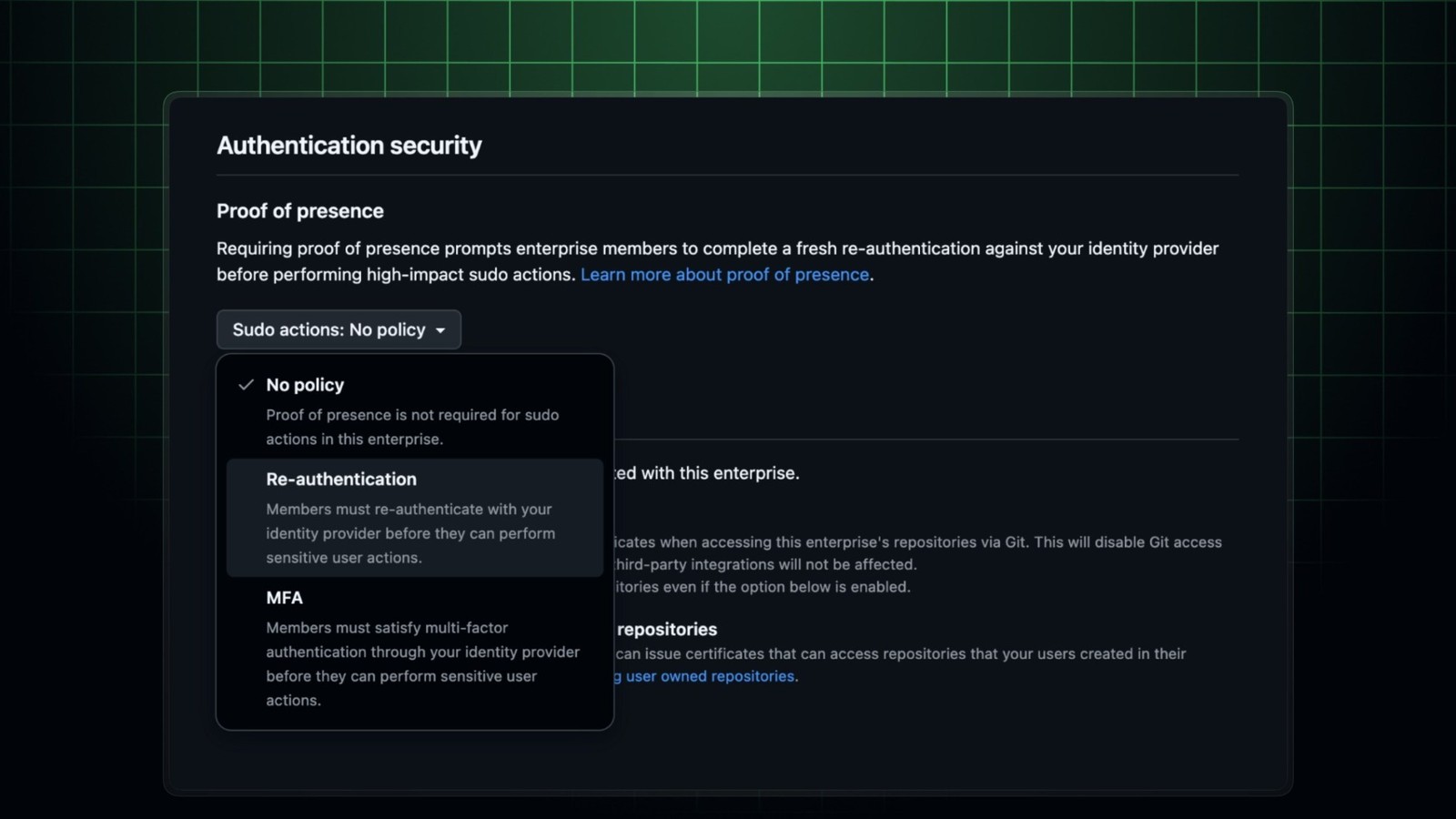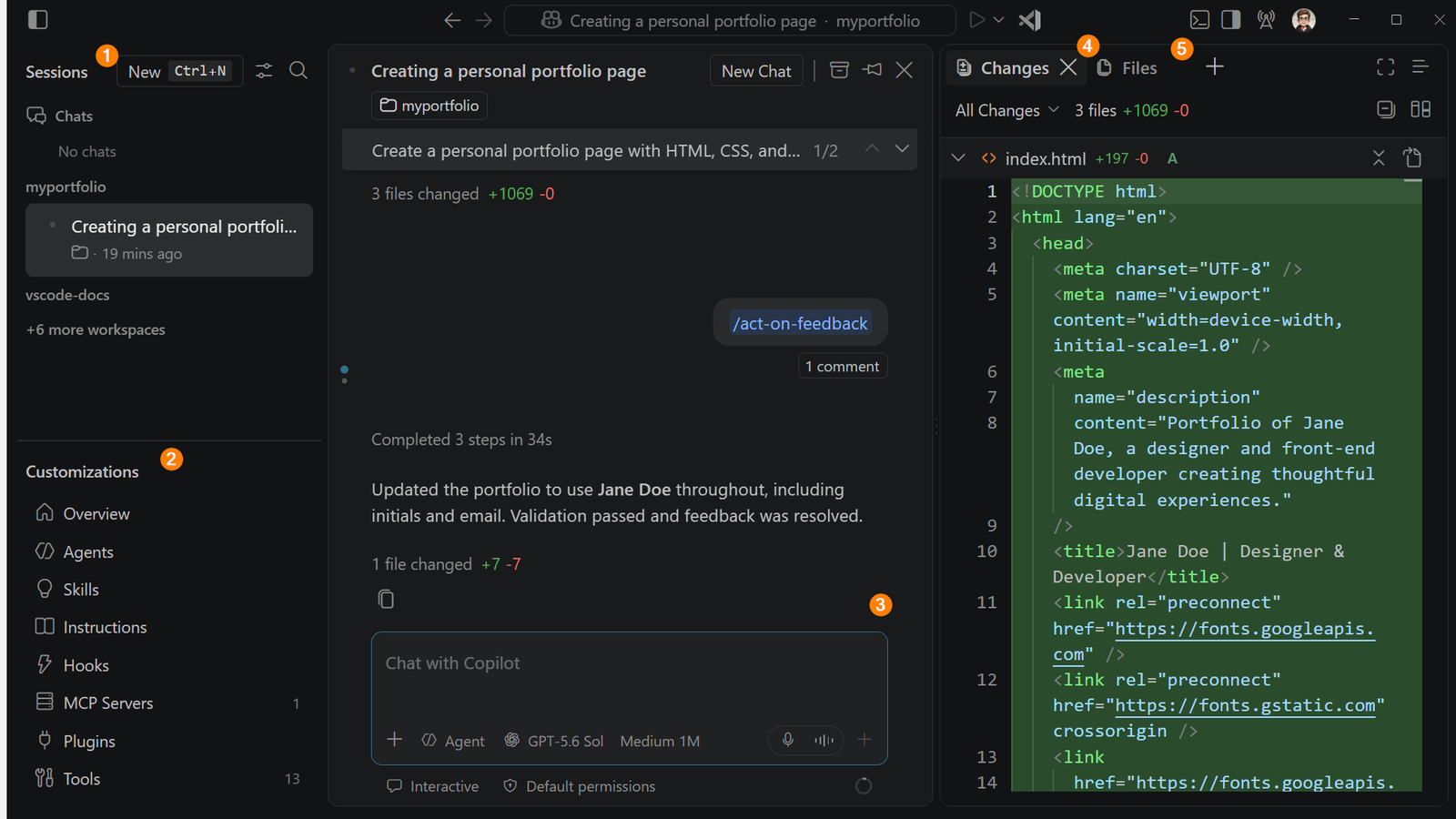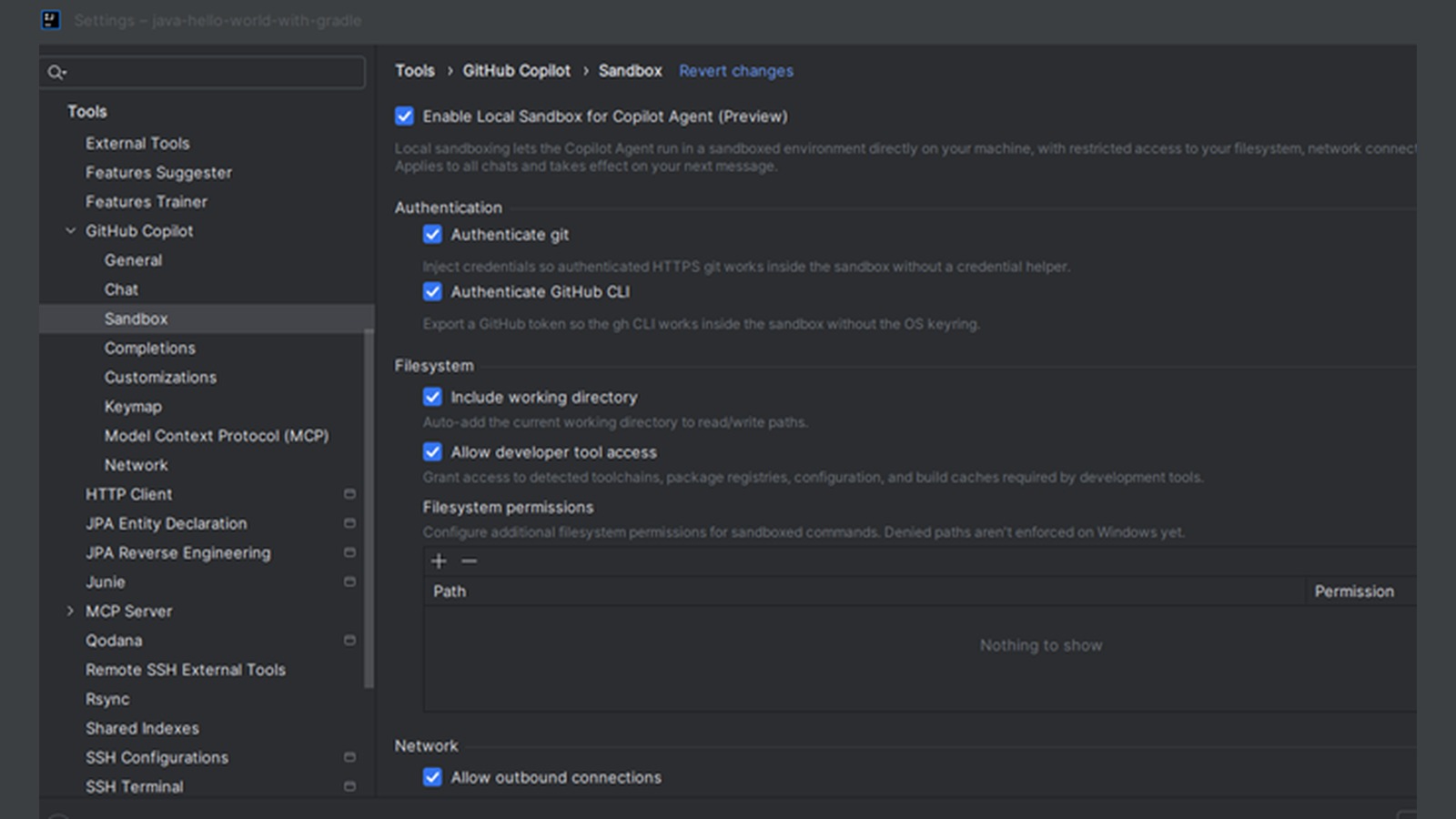
GitHub enterprise administrators can now centrally govern the sandbox used by GitHub Copilot in JetBrains IDEs. The September 8 release adds managed controls for filesystem and network access, proxy behavior, developer tools and macOS Keychain access, closing a policy gap where local agent capabilities could otherwise vary from one developer machine to another.
Featured image: GitHub.
The administrator policy now outranks local choices
GitHub’s release notice says managed restrictions take precedence over user settings. An organization can require or disable sandboxing, constrain reads and writes in the filesystem, limit network destinations, set proxy behavior, control which developer tools are available and govern access to credentials held in the macOS Keychain.
That precedence rule is the material change. A developer can still choose settings inside the boundary an administrator permits, but cannot locally relax an enterprise restriction. For teams deploying coding agents across IntelliJ IDEA, PyCharm, WebStorm and other JetBrains IDEs, the effective policy is therefore an intersection: the centrally managed ceiling plus any narrower local choice.
Five boundaries need separate decisions
Filesystem access determines whether an agent can see only the working repository or reach paths outside it. Network policy determines whether commands can contact package registries, APIs and arbitrary hosts. Proxy controls matter where outbound requests must pass through inspection or authentication. Developer-tool access covers the executables an agent may invoke. Keychain policy is a separate credential boundary on macOS; allowing a shell does not automatically justify exposing stored secrets.
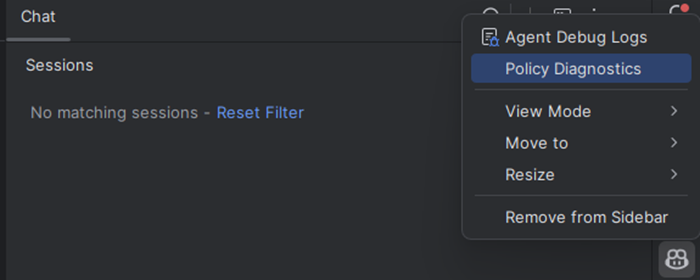
GitHub’s local sandbox documentation describes filesystem, network and system-capability controls and provides the /sandbox command for inspecting or changing local restrictions where enterprise policy permits it. For centrally managed deployment, GitHub’s enterprise-managed settings guide lists JetBrains IDEs as supported clients and instructs administrators to publish settings from copilot/managed-settings.json in a .github-private repository; GitHub also documents MDM-managed and local-file delivery options.
A sandbox is a control layer, not a trust verdict
NIST’s 2026 software and AI agent identity concept paper calls for linking agent actions to a non-human identity and retaining visibility into actions, generated data and outcomes. The new JetBrains controls address capability boundaries, but they do not by themselves establish who approved a command, whether an accessed secret was appropriate or whether generated code is safe.
A controlled rollout should therefore verify policy readback on a representative IDE, attempt one permitted and one blocked file path, repeat that pair for network destinations, and confirm that managed settings cannot be weakened locally. Audit logs and repository protections remain separate layers.
What changes for engineering teams
The practical gain is consistency. Security teams can define one maximum capability set instead of depending on every developer to reproduce a local configuration. Platform teams can deploy these managed settings alongside other enterprise controls, while developers still receive a clear explanation when an operation is blocked.
GitHub has not claimed that every JetBrains workflow now behaves identically to other Copilot clients, and the release note does not provide performance measurements. The immediate checkpoint is policy enforcement: whether the installed Copilot plugin receives the intended enterprise configuration and applies it across filesystem, network, tool and credential operations.