
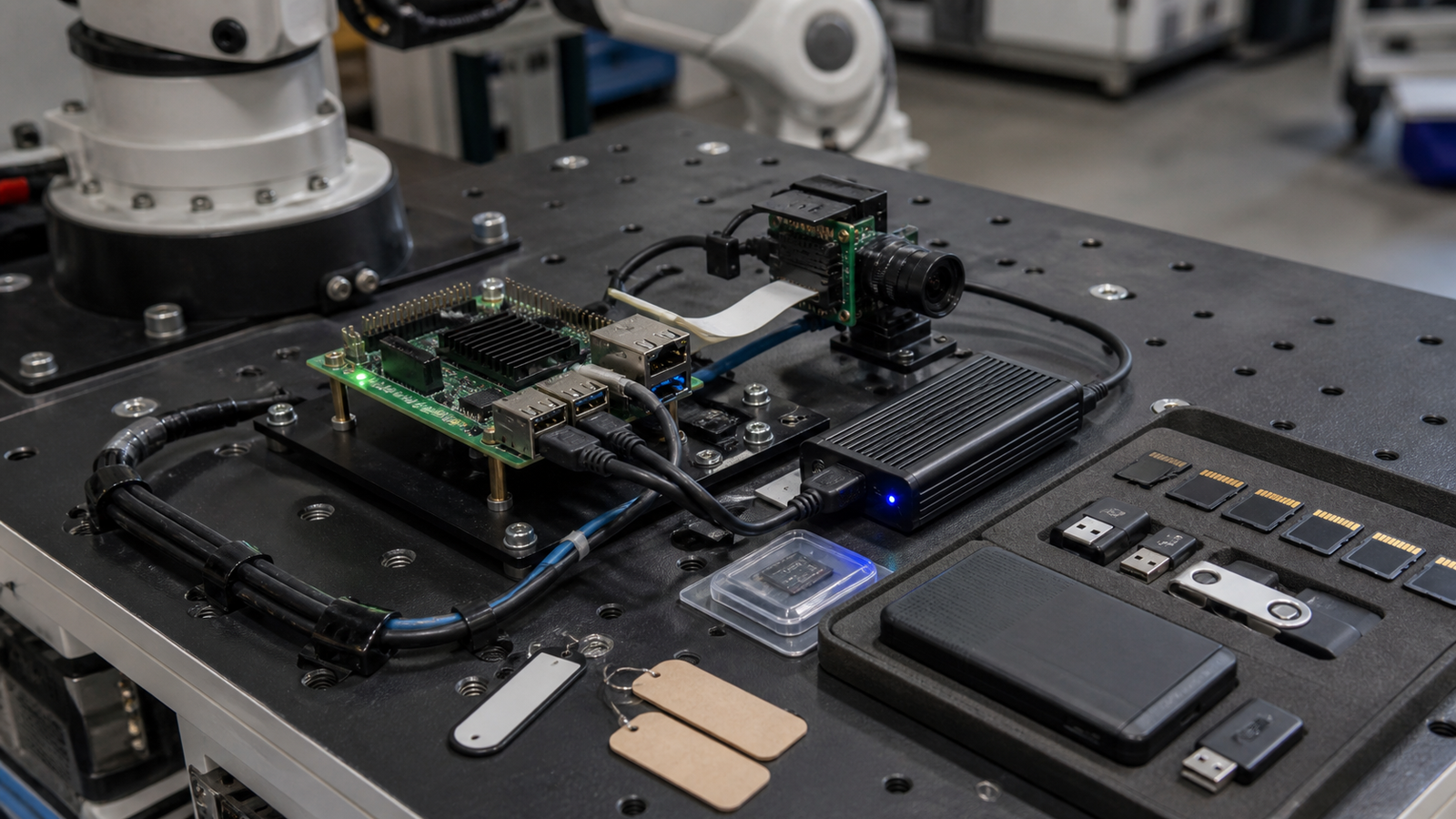
For SBC robot logging, microSD is fine for light logs, but NVMe is the safer choice when the robot writes video, sensor streams, or repeated test data that must survive crashes.
This is a buyer-style decision, not a brand recommendation. TVG has not tested specific cards or drives for this article. The goal is to help builders choose the storage class that fits the job.
Quick answer
Use a good microSD card for simple boot media, classroom images, light logging, and easy duplication. Consider USB SSD or NVMe storage when the SBC will write frequent logs, video, databases, maps, or model traces. For serious robots, separate the boot image from the data plan and keep a recovery path that can be executed in the field.
What microSD does well
MicroSD remains convenient because it is small, cheap, removable, and widely supported by SBC workflows. The SD Association’s Application Performance Class material is useful because it reminds buyers that random I/O behavior matters, not just sequential speed printed on packaging.
For students, prototypes, and spare images, microSD is hard to beat. A classroom can clone an image, label cards, and swap a damaged setup in minutes. A small robot can boot from microSD and log only modest telemetry without needing a heavier storage stack.
The weakness is endurance under frequent writes. Logs, databases, swap, camera buffers, and repeated power losses can expose low-quality media. A card that works for a weekend demo may not be the card to trust for months of unattended field runs.
What NVMe and SSD storage change
NVMe or USB SSD storage usually brings stronger sustained write behavior, better controller features, more capacity, and a more serious enclosure or mounting problem. On newer SBC setups, NVMe can also be part of the boot strategy, depending on board support and firmware.
The tradeoff is not free. SSDs draw power, create heat, need mechanical mounting, and add cables or adapters. A robot that fails because a USB cable vibrated loose has not become more reliable just because the storage medium is faster.
TVG’s NAS vs mini PC storage guide makes the same point at lab scale: storage is a workflow decision. Robot storage is the mobile version of that problem.
Decision checklist
- Write rate: estimate log size, camera frame rate, sensor captures, and database writes per hour.
- Power loss: decide what happens when a battery disconnects or the robot hard-resets.
- Heat: test storage temperature inside the actual enclosure, not on an open desk.
- Mechanical retention: secure adapters, cables, cards, and SSDs against vibration.
- Boot recovery: keep a known-good image and a way to mount or replace storage in the field.
- Data separation: put valuable logs somewhere that can be copied without rebuilding the whole robot.
Where local AI raises the stakes
Local AI workloads can create more storage pressure than ordinary sensor logging. Model files, embeddings, test captures, trace logs, and camera samples can grow quickly. TVG’s Raspberry Pi AI HAT+ guide focused on compute offload, but the supporting storage and thermal plan is just as important for repeatable tests.
If the robot is a teaching platform, microSD may still be the best starting point. If it is a field logger or long-running test platform, treat storage like a reliability subsystem.
Test before the field day
Run a storage rehearsal before trusting a robot with real data. Write logs at the expected rate, record camera samples, copy the files off the robot, and power-cycle the system in a controlled way. The goal is not to abuse the storage; it is to reveal whether the design can finish the job and recover cleanly.
TVG Take
MicroSD is not “bad” and NVMe is not automatically “professional.” The better question is what failure would cost. If losing a card means re-imaging a classroom robot, microSD is acceptable. If losing storage means losing the only field data from a test run, use a stronger storage plan and verify it under load.



