
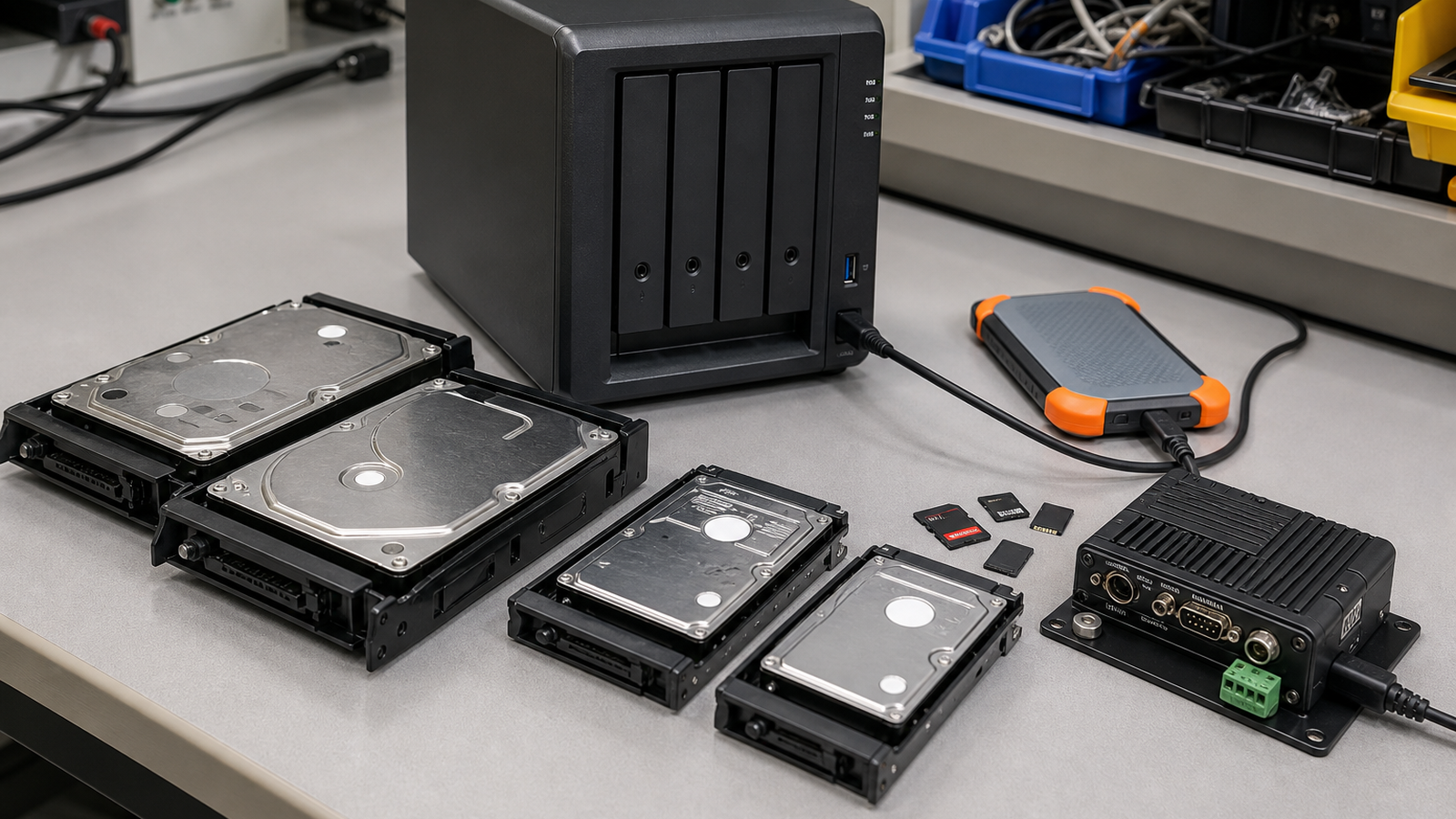
CMR versus SMR hard drives can sound like storage trivia until a robotics team starts saving camera logs, a field-media crew dumps several cards at once, or a maker lab rebuilds a NAS after a drive failure. The label matters because the workload is not just “store files.” It is sustained writes, rewrites, parity, rebuilds, and predictable recovery.
This is a buyer-style readiness guide, not a hands-on review of a specific drive. TVG has not tested individual models for this article. The goal is to help readers ask better questions before buying NAS drives for robot datasets, event video, CAD archives, and classroom backups.
Quick answer
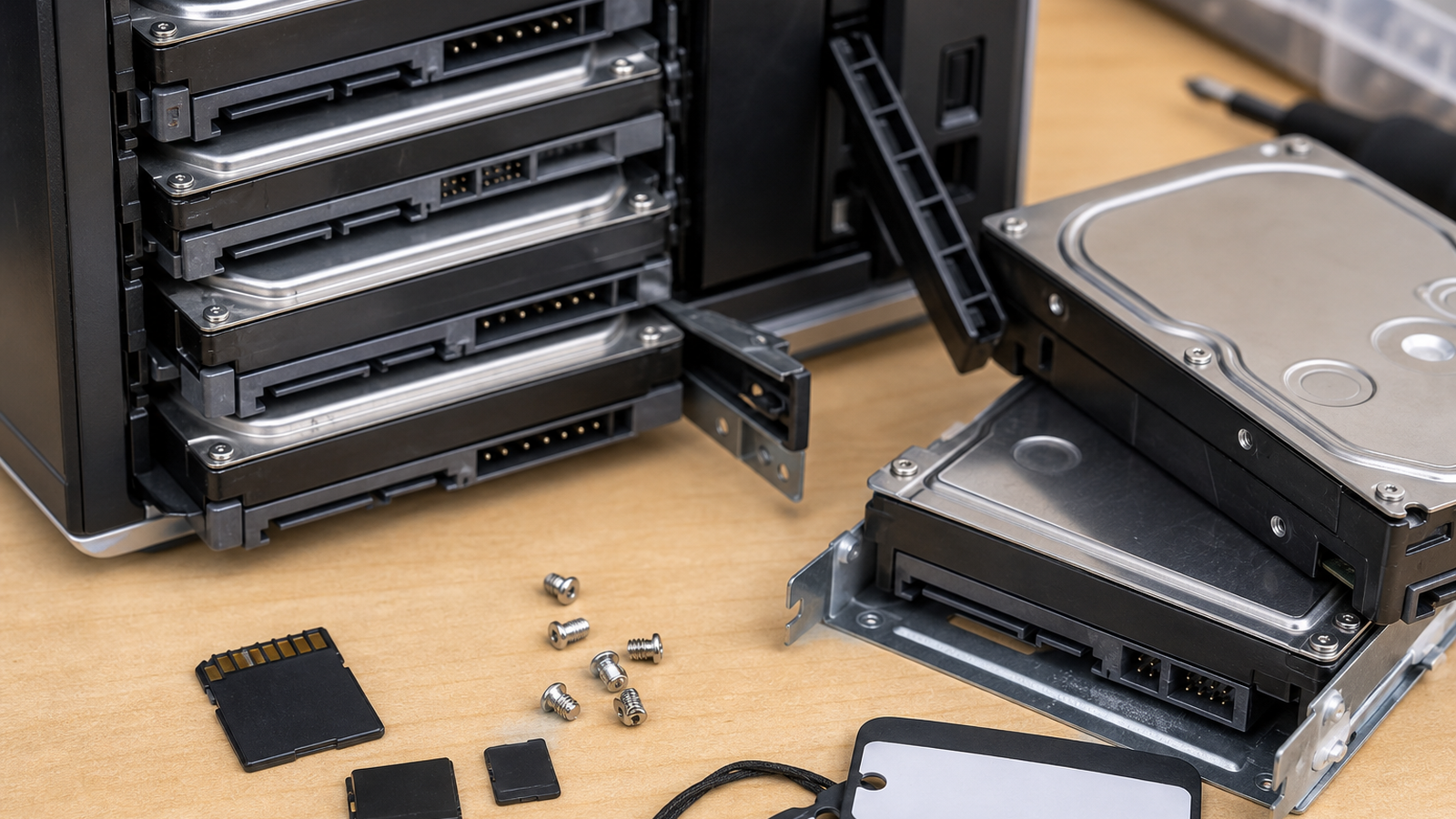
Prefer CMR drives for NAS systems that handle frequent writes, RAID or ZFS rebuilds, camera ingest, robot logs, and multi-user lab storage. SMR can be useful for some archival or mostly sequential workloads, but it is a poor default when the workload includes random writes, parity updates, and time-sensitive rebuilds. Always verify the recording technology for the exact model number, not just the brand family.
Why the recording method matters
Seagate describes conventional magnetic recording and shingled magnetic recording as different ways to arrange tracks on the disk. SMR increases density by overlapping tracks, which can help capacity, but rewriting data can require additional background management. That is where NAS workloads become sensitive.
A robot lab NAS may receive video from a camera test, logs from a rover, CAD files from several students, and backup snapshots from workstations. Those writes are not always neat or sequential. During a degraded array or rebuild, the system needs predictable sustained behavior more than a headline capacity number.
Buyer checklist
- Check the exact model: Do not assume every drive in a product family uses the same recording method.
- Match workload: Use CMR for active NAS, shared lab storage, parity arrays, and dataset staging.
- Plan rebuilds: A drive choice that looks fine empty can become painful during recovery.
- Separate archive from ingest: Long-term cold storage and daily field ingest may deserve different drives.
- Budget for backups: RAID is not a backup. Keep a second copy of project data that matters.
- Log drive details: Record model, capacity, purchase date, firmware, bay, and warranty status.
TVG Take
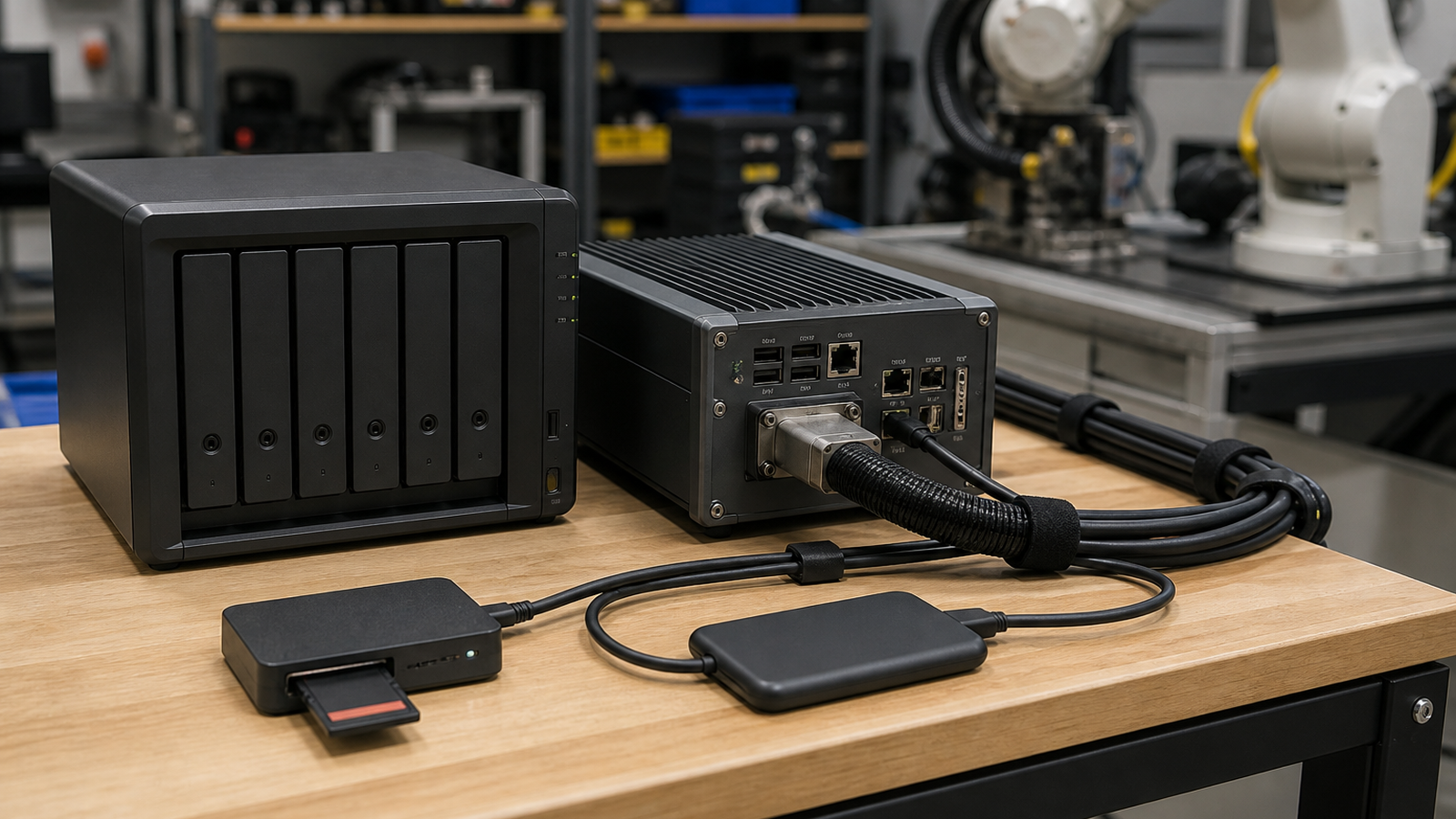
For TVG readers, the CMR-versus-SMR decision is really a workflow reliability decision. If the NAS is where robot vision footage, CAD revisions, meet footage, and build notes converge, buy for predictable writes and recovery. Capacity is useful only if the system can ingest, rebuild, and restore without turning every deadline into a storage experiment.
How to use this in a small lab
A practical lab policy can be simple: active project NAS bays get drives selected for sustained write behavior, while lower-cost archive drives are kept separate and clearly labeled. Teams should also run a restore drill before a competition or field trip, because the only backup that matters is the one someone has actually recovered from.
If a NAS stores robot logs, video, and source files, write a one-page data map. List what lands on the NAS first, what gets copied off-site, how long raw footage is kept, and who checks drive health. That habit matters more than buying the biggest disk available.
Related TVG reading
- SD Express or UHS-II? A Field Media Card Readiness Guide for Creators and Robots
- UHS-II vs CFexpress: The Field Logging Choice Is About Sustained Write Speed
- Field Audio Kits Matter as Much as Cameras for Robot and Maker Videos



