
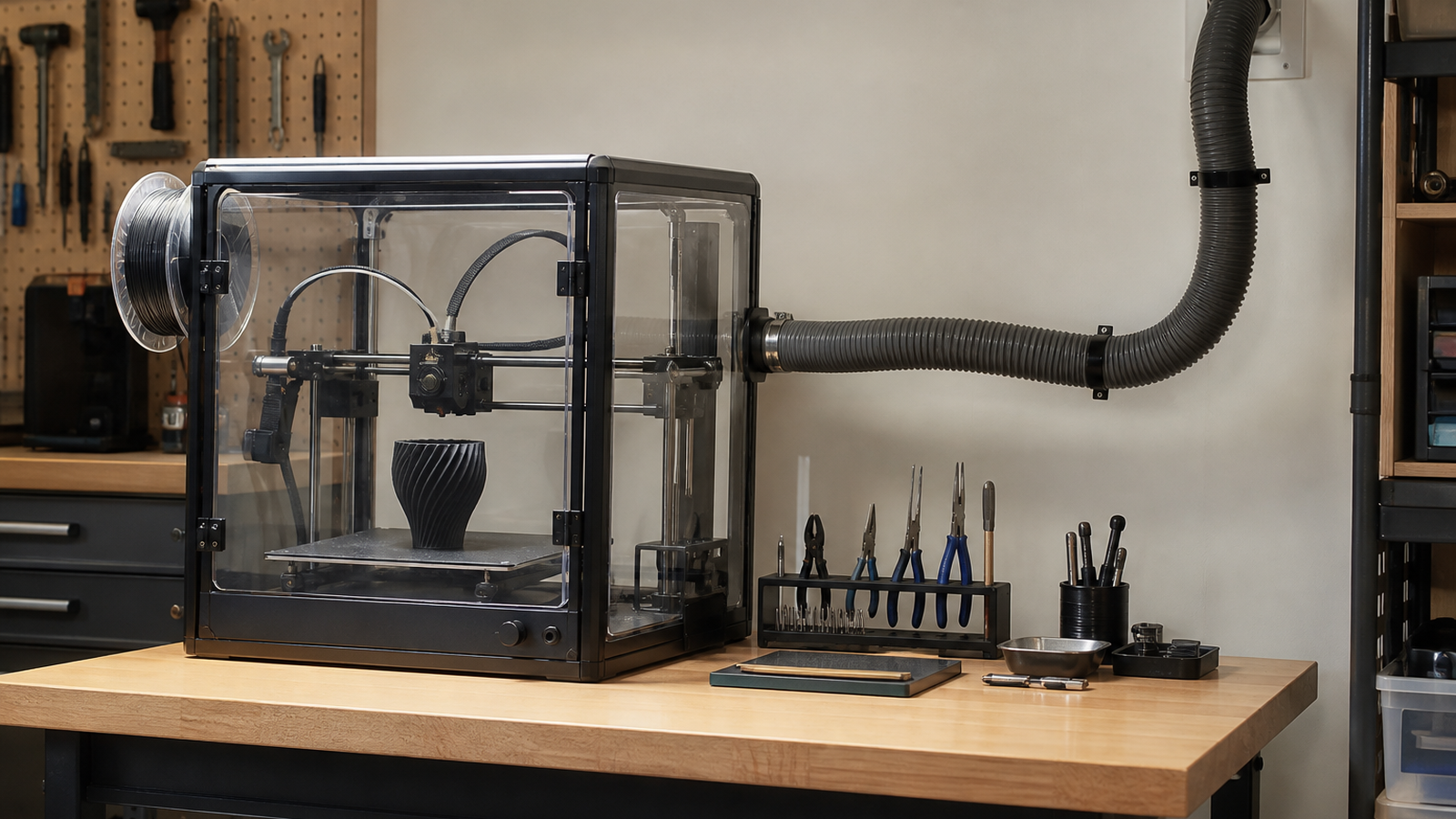
A 3D printer enclosure can make a desktop machine look tidy, hold heat around a print, and reduce drafts. It can also create a false sense of safety if the enclosure is treated as the whole solution. For maker labs, school shops, and garage workbenches, the better question is what the enclosure does with heat, particles, and fumes after it contains them.
EPA research notes that fused-filament 3D printing can release gases and particulates, including volatile organic compounds and ultrafine particles. NIOSH has also published guidance for makerspace users that emphasizes material choice, enclosures, ventilation, and work practices. This is not a medical or regulatory guide; it is an engineering checklist for designing a more deliberate print area.
Quick answer
Use an enclosure to control drafts and contain emissions, but pair it with a realistic airflow plan. Match the setup to filament, printer count, room size, time spent nearby, filtration or exhaust path, and thermal needs. PLA in a lightly used garage is a different situation from ABS, ASA, nylon, or a multi-printer classroom rack.
Containment is not the same as control
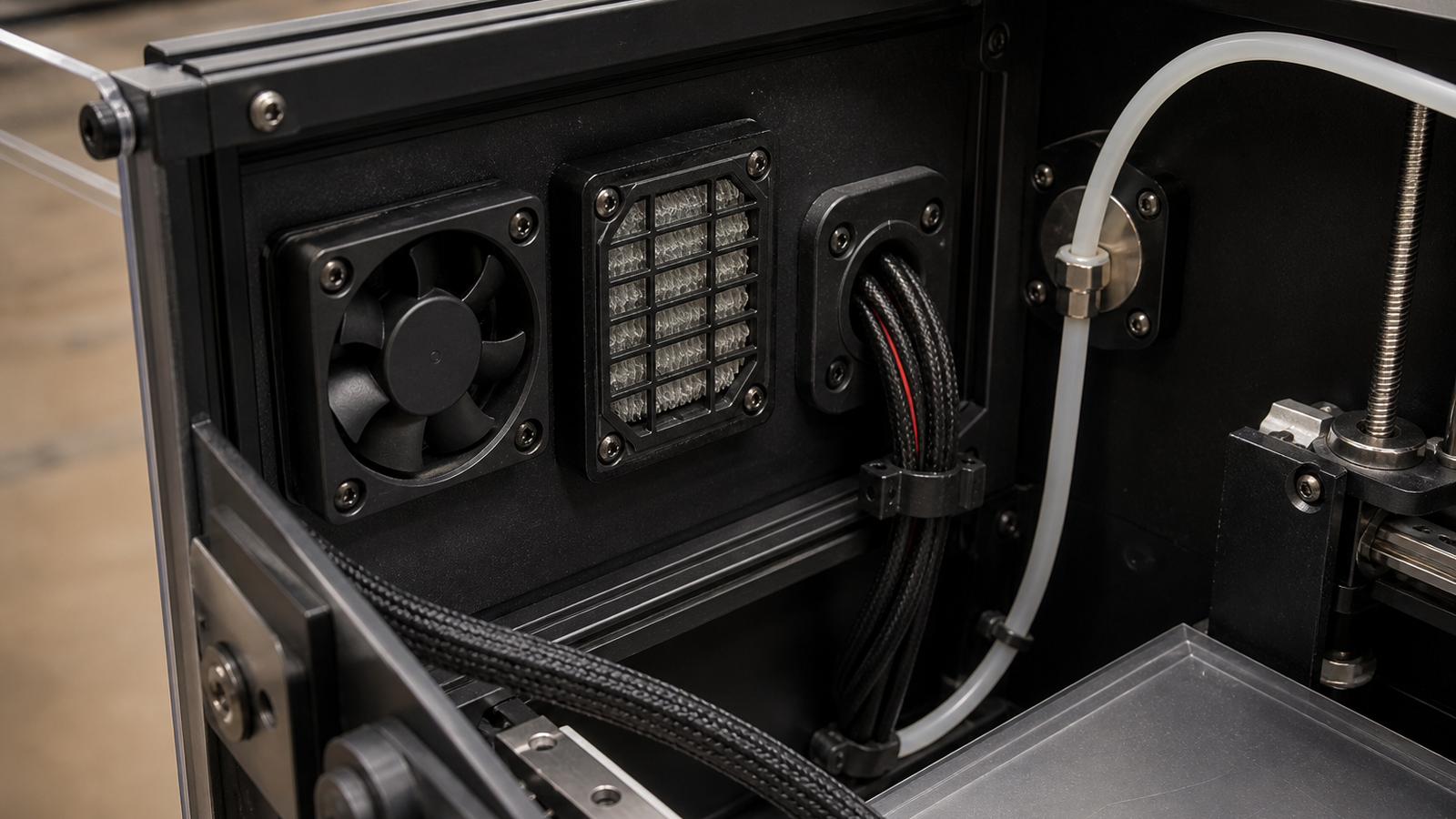
An acrylic box around a printer can reduce drafts and improve prints that dislike temperature swings. It does not automatically remove emissions from the room. If air leaks back into the workspace or a filter is undersized, saturated, or never replaced, the enclosure may mostly delay the problem.
Ventilation also has to respect the printer. Pulling too much cold air through an enclosure can hurt layer adhesion, while trapping too much heat can stress electronics, filament, and printed parts. A useful design separates the needs of the print chamber from the needs of the room: stable enough temperature for printing, but enough controlled airflow to avoid turning the enclosure into a stagnant box.
Maker-lab checklist
- Start with material: Lower-emission material choices reduce the load on every downstream control.
- Count printers: One occasional printer is not the same exposure scenario as a classroom bank of machines.
- Define airflow: Decide whether air is filtered, exhausted outdoors where appropriate, or handled by local ventilation.
- Keep electronics in mind: Do not cook power supplies, control boards, or filament paths by sealing everything without thermal planning.
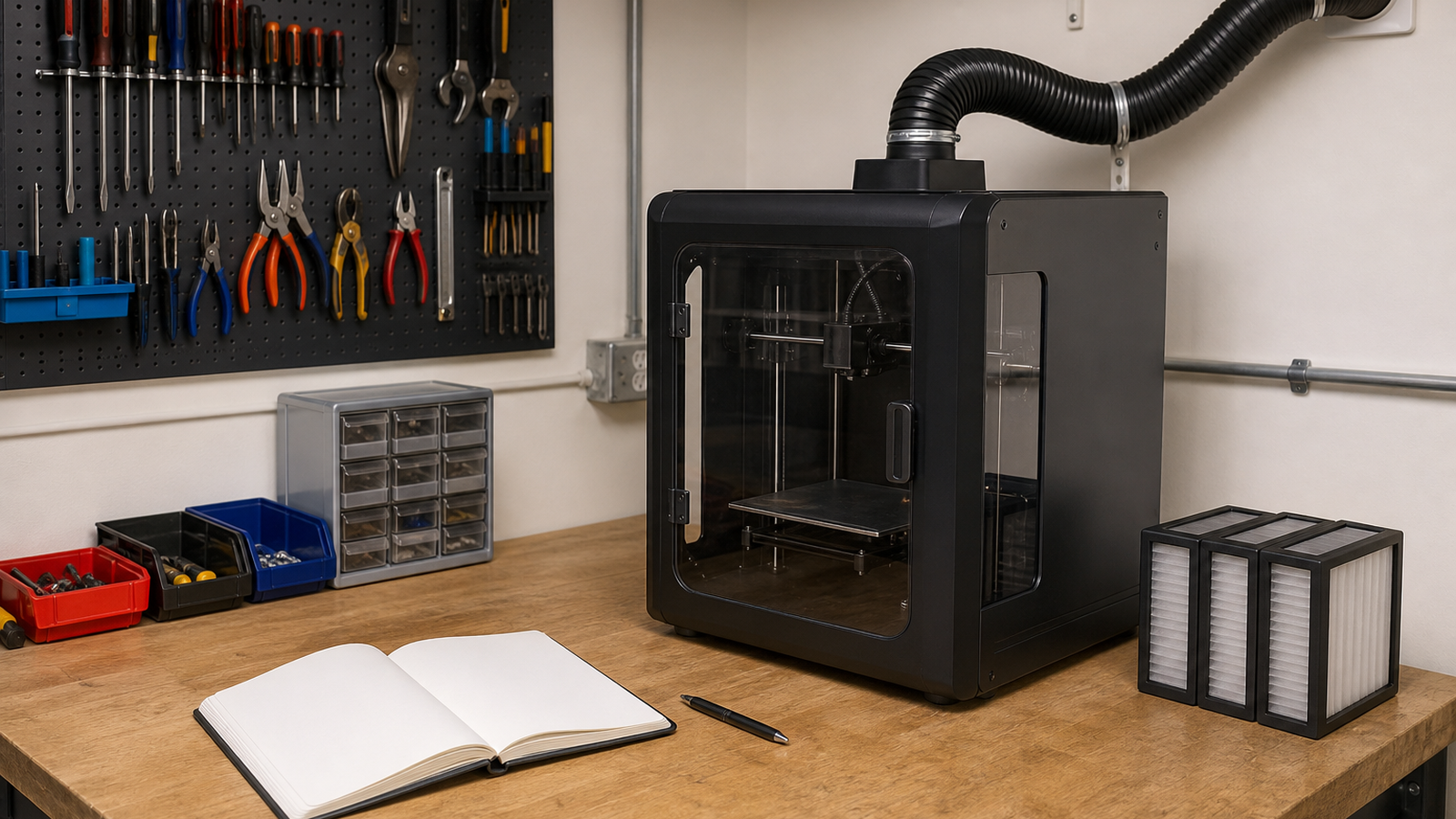
- Maintain filters: A filter plan needs replacement intervals and a record, not just a purchase receipt.
- Reduce time nearby: Place long prints where users do not need to sit next to the machine for hours.
TVG Take
The enclosure decision should not be framed as “open printer versus closed printer.” It should be framed as an airflow and workflow problem. A clear box can be part of the answer, especially for materials that benefit from temperature stability, but maker labs should document where air goes, how filters are maintained, and which materials are allowed in each setup.
For STEM programs, this is also a teachable systems problem. Students can compare material properties, thermal control, air movement, maintenance logs, and risk reduction without pretending the classroom is an industrial lab. That is the right level of seriousness for a tool that has moved from hobby novelty to everyday fabrication equipment.
Related TVG reading
- Thermal Cameras Can Turn 3D Printer Troubleshooting Into a Better Engineering Lab
- CMR or SMR NAS Drives? Robot Logs and Field Media Need the Right Write Pattern
- E-Bike Battery Charging Belongs in the Maker-Garage Engineering Checklist



