Wi-Fi Alliance event listings now reference interoperability work involving Wi-Fi 7 and Wi-Fi 8, a reminder that the next generation is moving through industry plumbing before most buyers see stable retail hardware. For a home lab, that is not a reason to wait forever. It is a reason to separate useful reliability from marketing speed.
Quick answer
If the network supports cameras, NAS backups, robot logs, smart-home bridges, or remote work, buy for stability first. A mature Wi-Fi 7 system with wired backhaul, good firmware, and enough 2.5GbE or 10GbE ports is usually more useful today than chasing early Wi-Fi 8 labels before client support and certification mature.
What early Wi-Fi 8 signals mean
Interoperability events are important because Wi-Fi is an ecosystem standard. Routers, client chips, access points, drivers, firmware, and certification tests all need to converge. That work can begin before a normal buyer should treat the label as a safe purchasing shortcut.
For home labs, the first question is usually not peak wireless throughput. It is whether the NAS stays reachable, cameras stop dropping frames, SSH sessions survive, and smart-home devices reconnect cleanly after updates or power loss.
Buyer checklist
- Backhaul: prefer wired Ethernet between access points when possible.
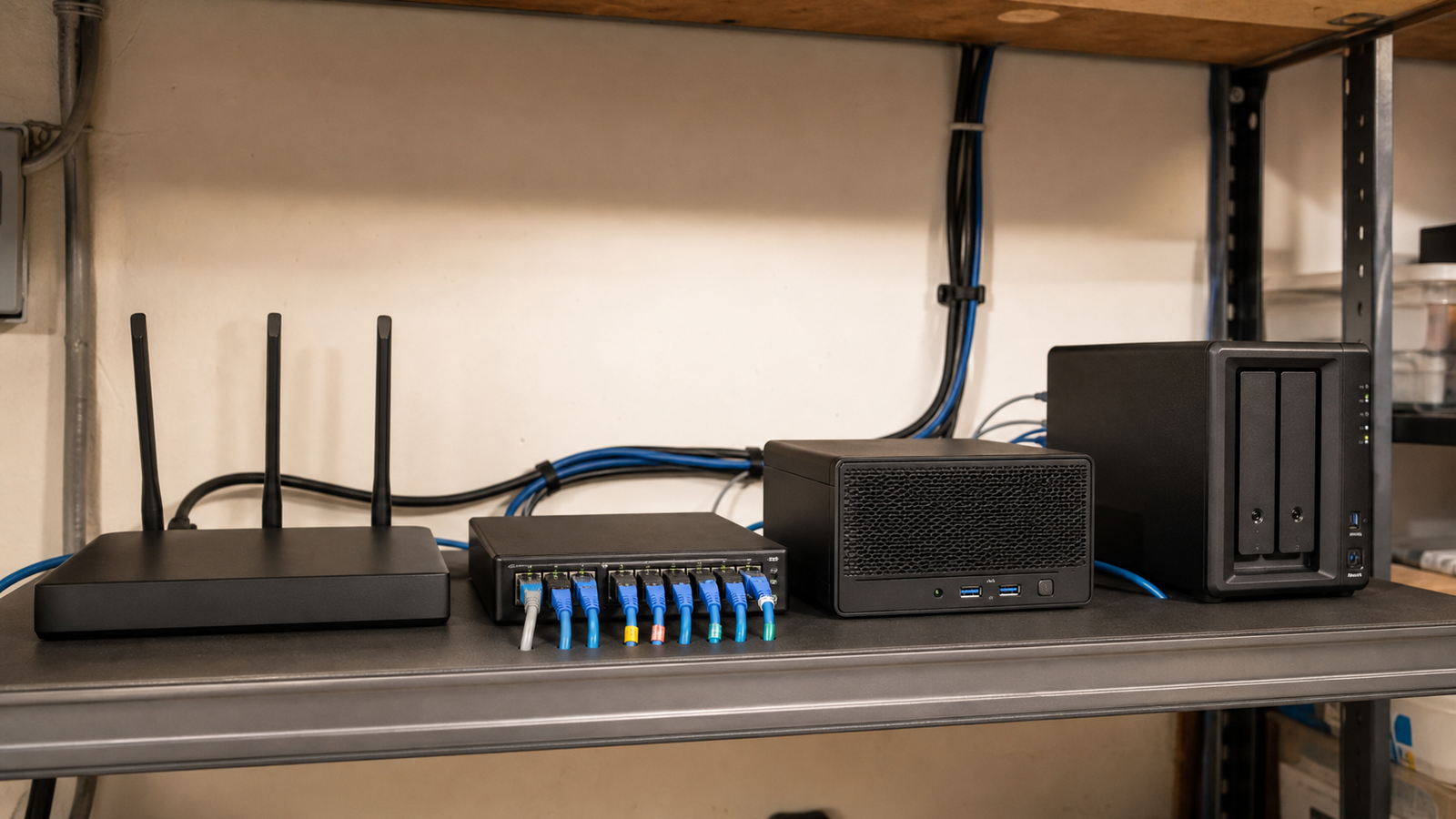
- Ports: check 2.5GbE/10GbE needs for NAS, mini PCs, and workstations.
- Firmware history: avoid hardware that looks strong on paper but ships unstable updates.
- Client mix: old IoT devices, laptops, tablets, and robot controllers may behave differently.
- Placement: a better AP location can outperform a more expensive router in a bad location.
TVG Take
Wi-Fi 8 will matter, but the practical upgrade path is boring in the best way: wire what you can, choose certified hardware when available, keep firmware support in view, and test the exact devices that run your lab. Peak speed is a spec. Reliability is the product.
Related TVG reading
Where home labs go wrong
Many home labs fail at the edges. A router may be fast near the desk but weak near the garage bench. A camera may work until the NAS starts a backup. A 2.4 GHz smart-home bridge may reconnect slowly after a firmware update. A robot camera may appear unreliable when the real issue is a congested access point or an overloaded mesh hop.
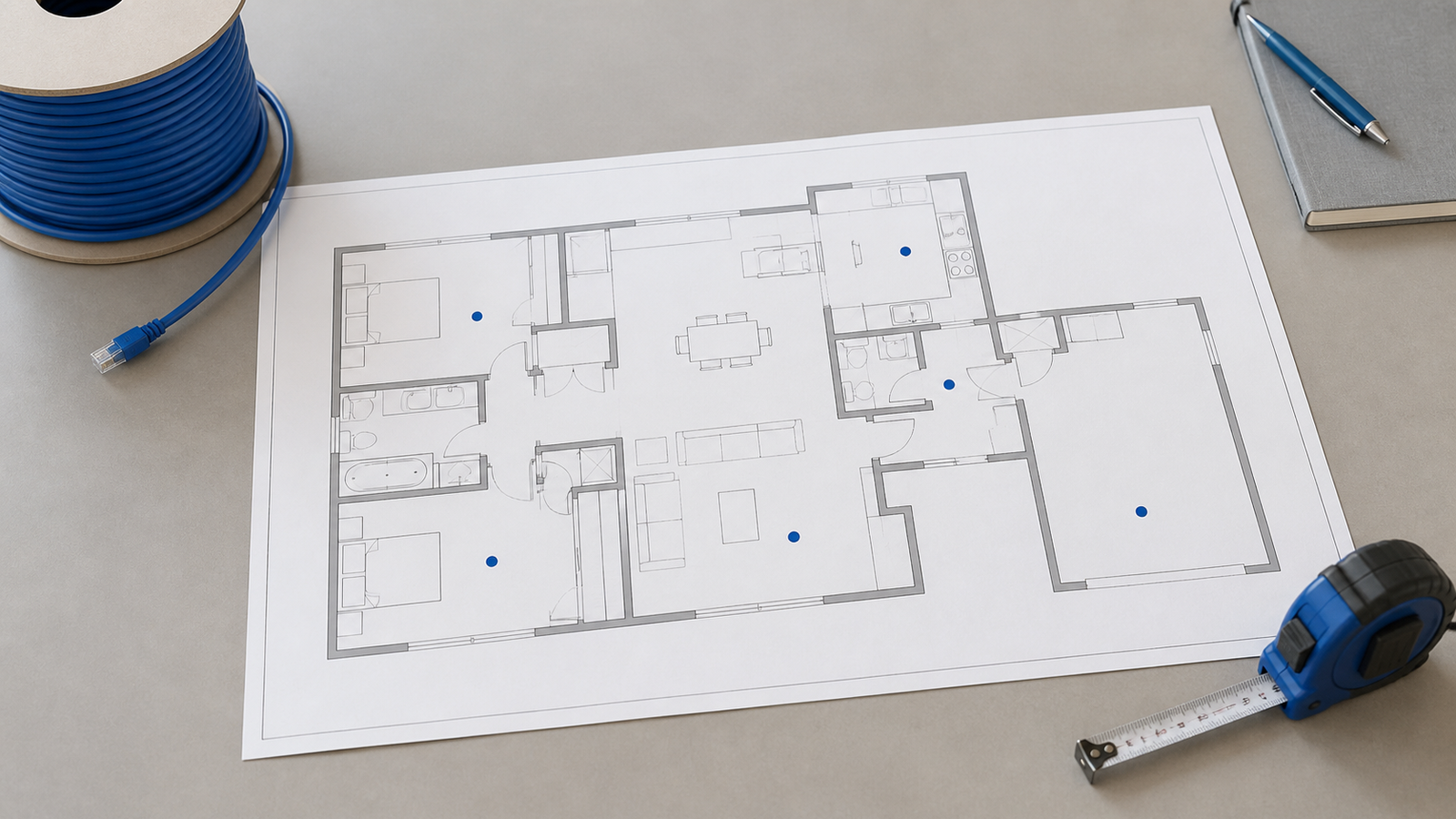
That is why a network upgrade should start with a map. Mark where the NAS, mini PCs, access points, camera stations, smart-home hubs, and robot test area actually sit. Then decide which links deserve Ethernet and which devices can remain wireless. A single wired backhaul can do more for reliability than a new router placed in the same bad location.
Upgrade timing
Early standards work is useful context, not a buying command. If a lab is unstable today, waiting for early Wi-Fi 8 hardware may leave the real issue unsolved. If the lab is already stable and a major upgrade is optional, watching certification progress and client-chip support makes sense. Either way, test with the devices that matter instead of trusting a single speed number.