A VL53L1X continuous-ranging schedule is valid only when the intermeasurement period is longer than the timing budget. If one measurement is allowed 50 ms, asking the sensor to start another every 40 ms creates an impossible schedule. Fix that relationship before changing filters or replacing hardware.
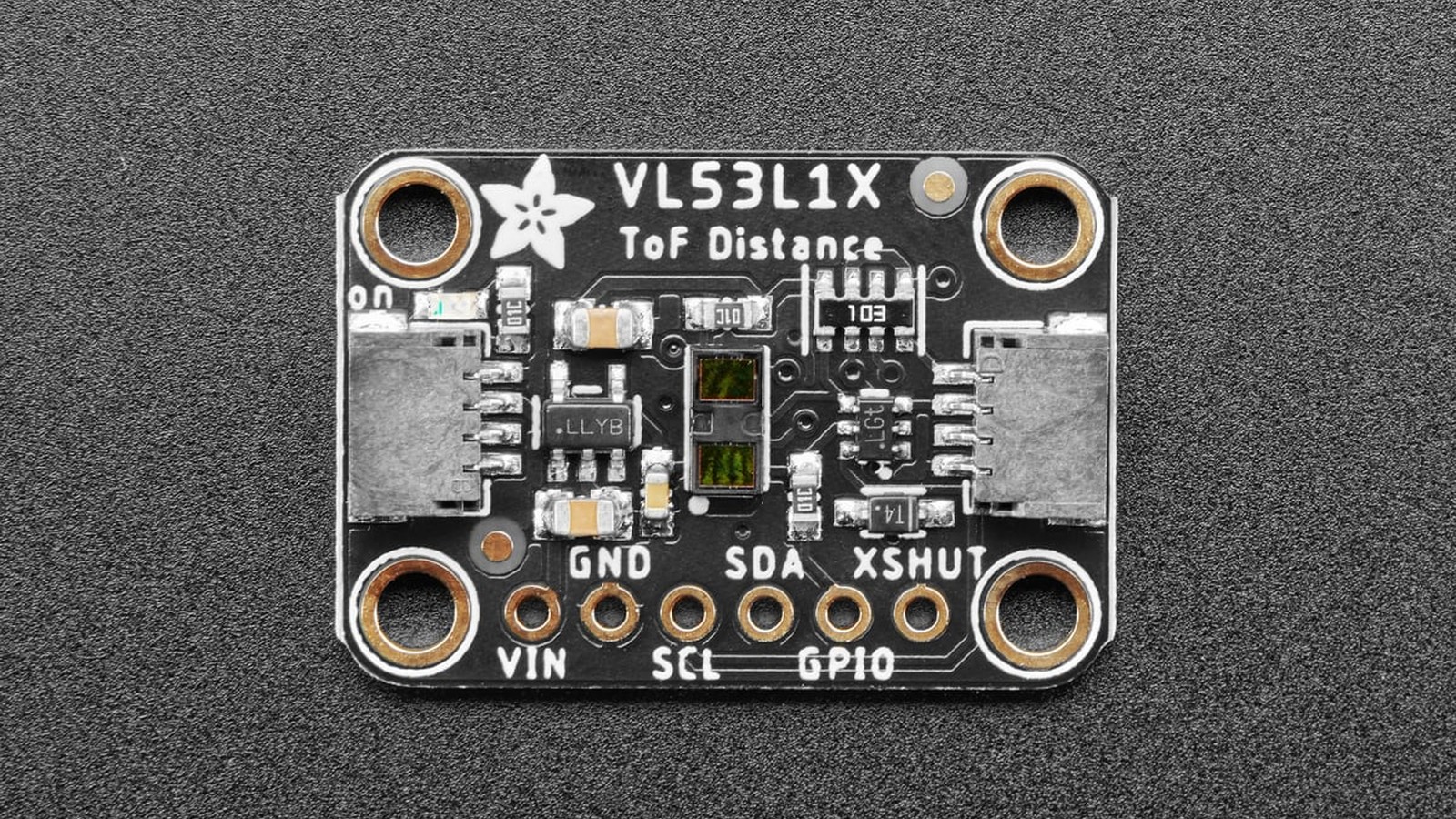
Featured image: Adafruit.
The ST API user manual UM2356 defines timing budget as the time allocated to a ranging operation. In autonomous mode, the intermeasurement period schedules starts, so it must exceed the budget rather than merely equal a desired output interval.
Start with the scheduling inequality
The first check is simple: intermeasurement_period_ms > timing_budget_ms. A 20 ms budget supports a theoretical ceiling of 50 measurements per second before margin. A 50 ms budget needs a period greater than 50 ms; 60 or 70 ms gives the sensor room between starts. A 100 ms budget belongs in a schedule longer than 100 ms.
ST lists API timing-budget choices including 15, 20, 33, 50, 100, 200 and 500 ms. The 15 ms choice is valid only in short distance mode. Longer budgets provide more time to collect photons, but they also reduce maximum update rate and increase the age of each result.
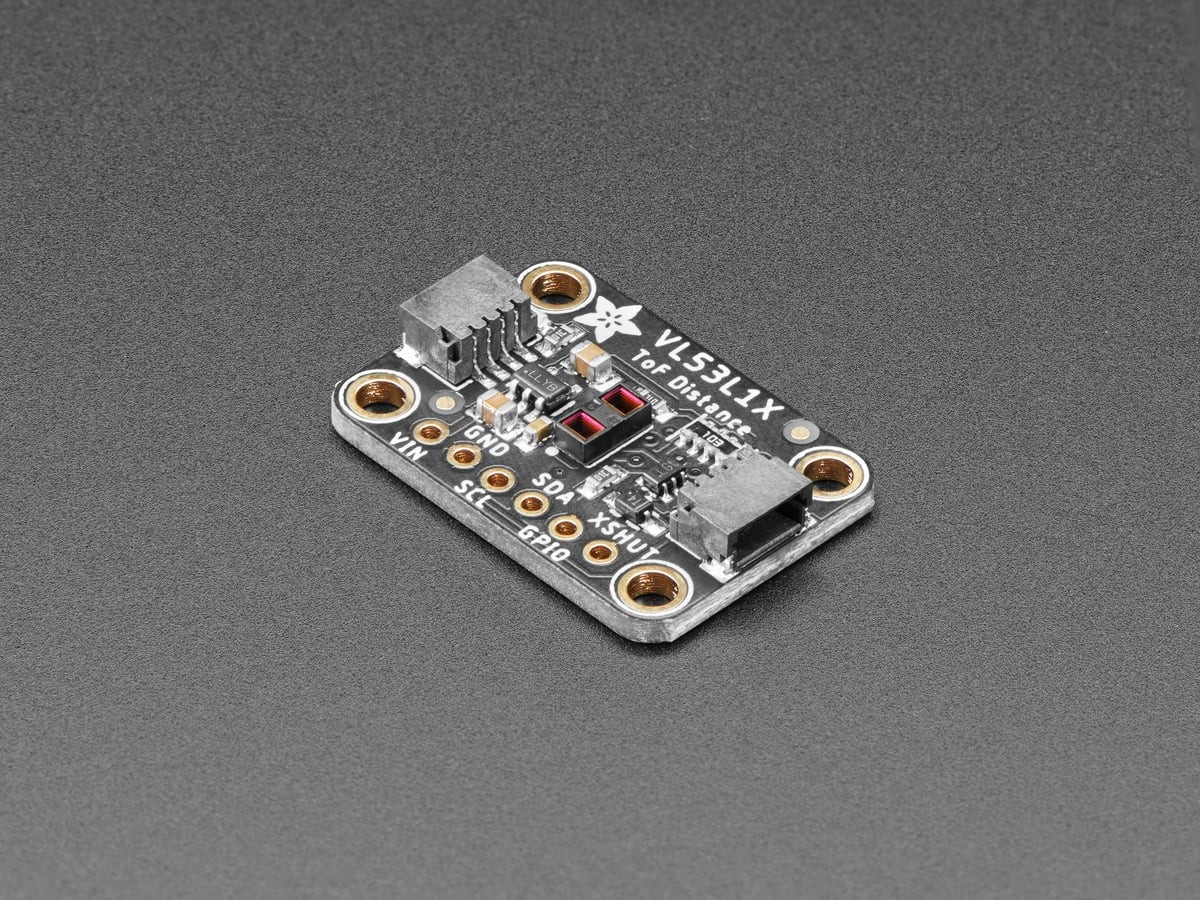
Distance mode changes the optical tradeoff
The VL53L1X datasheet specifies ranging up to 4 m and frequencies up to 50 Hz under supported conditions. Those maxima do not occur for every target, ambient-light level and timing budget. Long distance mode extends useful reach in favorable scenes; short mode is more tolerant of strong ambient light and is required for the shortest 15 ms budget.
A dark target, oblique surface or bright sunlight can reduce return signal without changing the I²C transaction. That means a valid register read is not proof of a valid distance. Range status, signal rate and consistency across samples matter more than one plausible millimeter value.
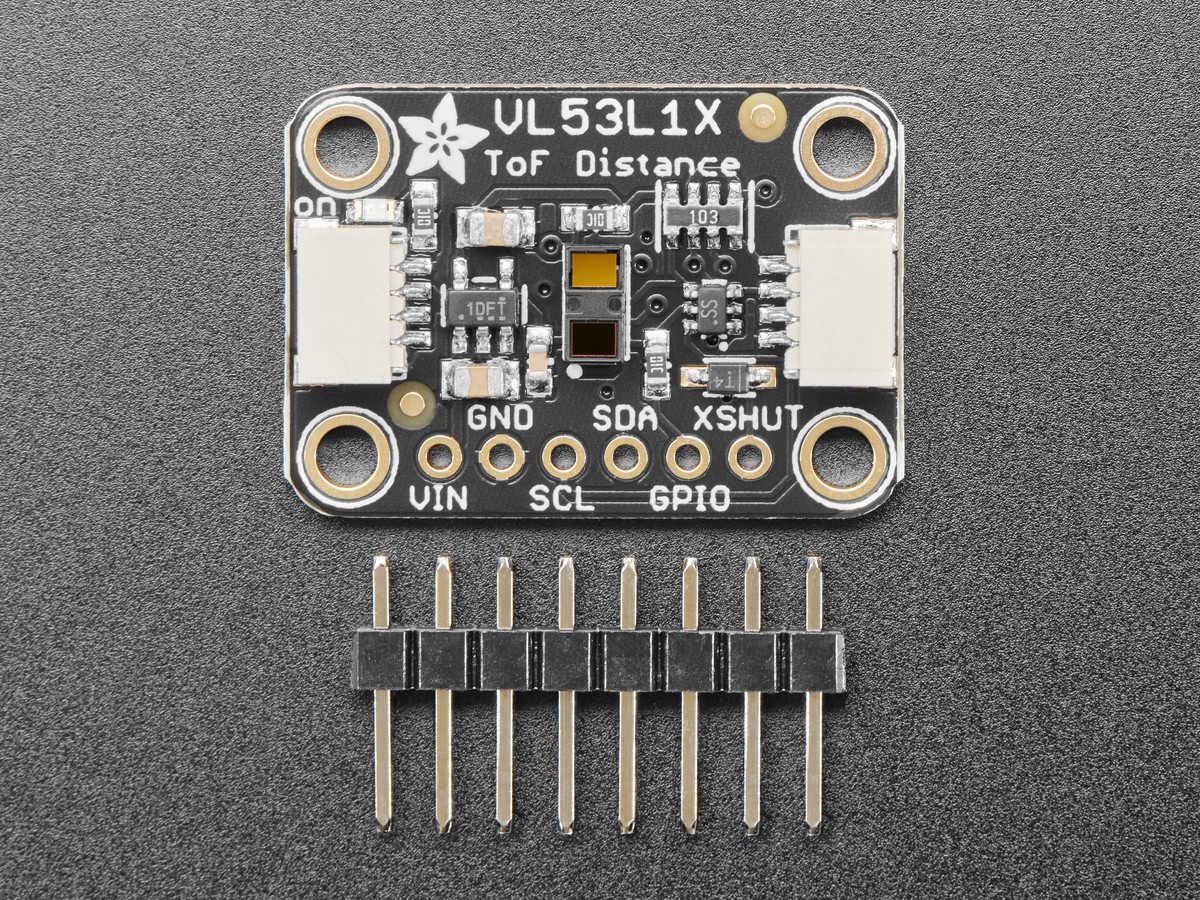
Failure symptoms can look like software bugs
An invalid schedule can surface as stale values, missing-ready events or a loop that blocks longer than expected, depending on the library. Before rewriting the driver, record four settings together: distance mode, timing budget, intermeasurement period and timeout behavior. A log line with only the final distance hides the configuration that produced it.
The Adafruit CircuitPython guide shows the breakout wiring and software path. Library names differ, so confirm whether an API expects milliseconds, an enumerated timing value or an internal clock unit. Unit confusion can create a numerically valid but physically impossible schedule.
Change one boundary at a time
Set a conservative period longer than the budget, verify that new-data events arrive, then choose short or long mode for the actual scene. Only after the schedule is valid should you narrow the region of interest or reduce the budget for speed. The sensor uses a 940 nm Class 1 emitter and supports a programmable region of interest, but a smaller receiving region can also reduce useful return signal.
If the host still misses readings, inspect I²C integrity and power separately. TVG’s guide to conversion timing versus cached sensor values covers the same diagnostic principle on a different bus: first prove that a fresh conversion completed, then interpret the number.