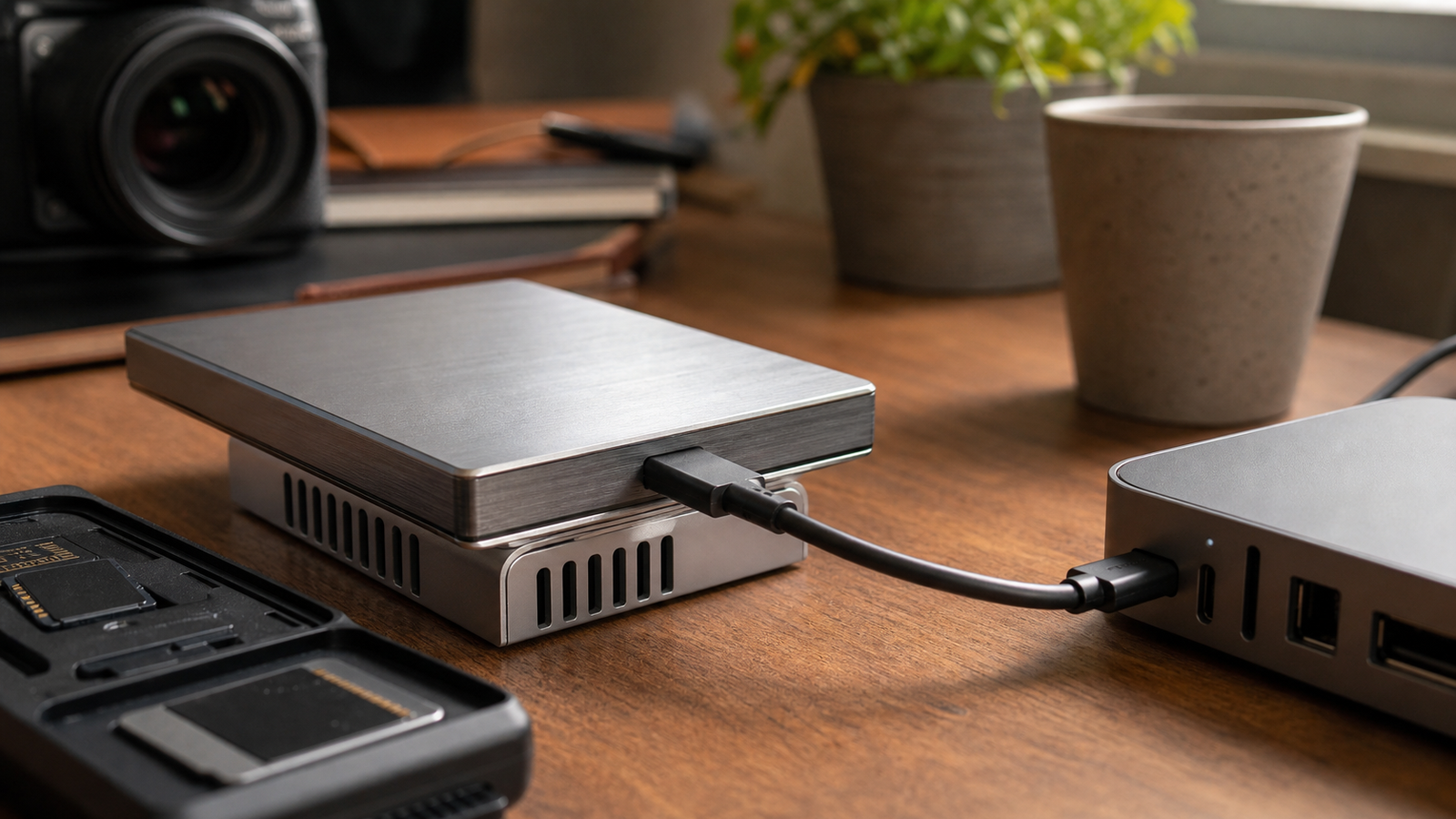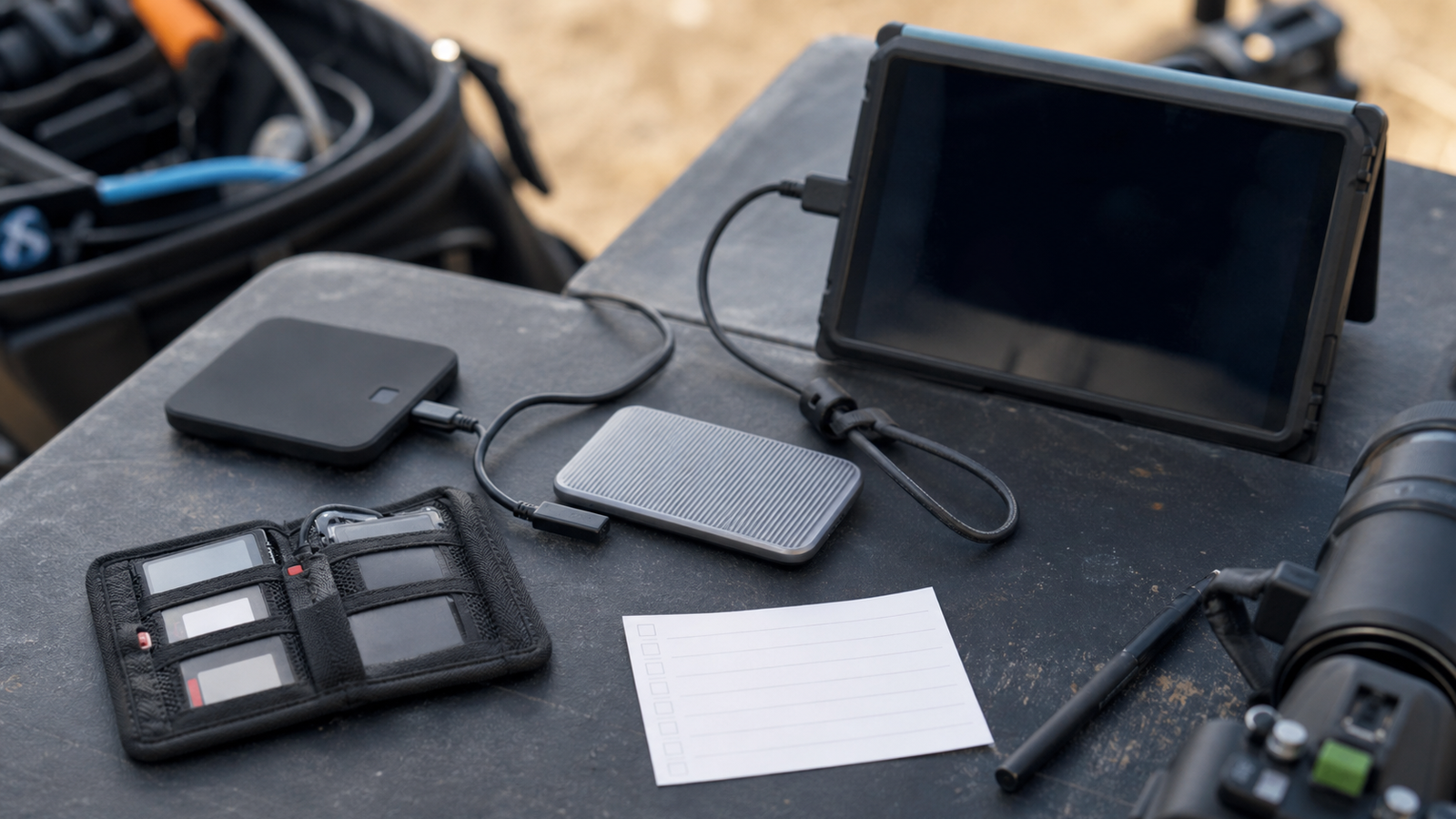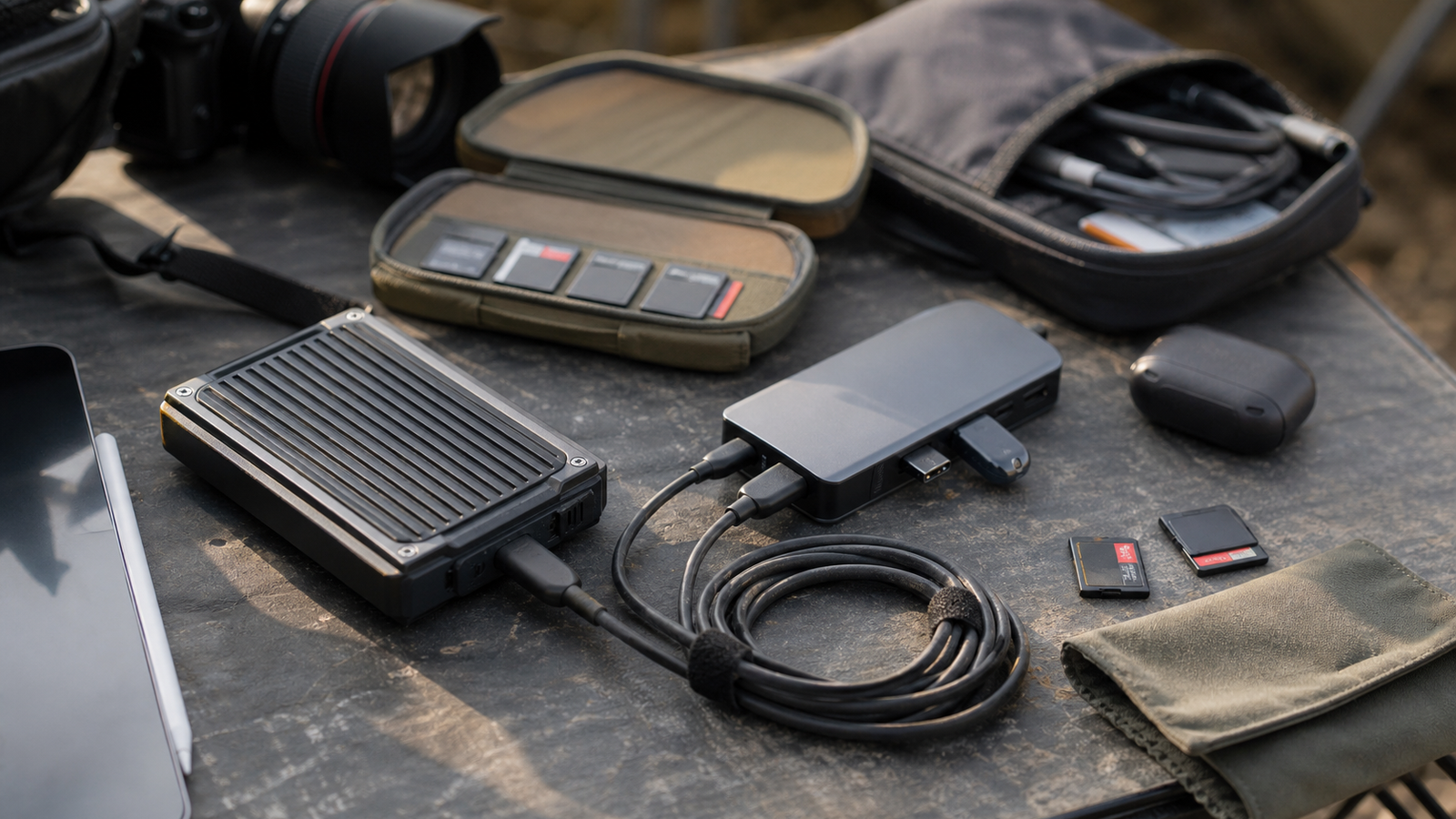
USB4 Version 2.0 and USB 80Gbps branding raise a tempting question for creators: can one USB-C cable finally make field backups, media offloads, portable editing, and high-speed external storage simple?
The answer is yes for bandwidth headroom, but no for the whole workflow. USB-IF describes USB4 as a specification that builds on USB 3.2 and Thunderbolt protocol work, with USB4 Version 2.0 enabling up to 80Gbps over USB Type-C. That ceiling is useful, especially for multi-stream media and fast NVMe enclosures. It does not remove the need to check cables, heat, drive health, file verification, and restore behavior.
Quick answer
USB4 80Gbps is most valuable when a creator’s storage chain is already fast enough to use it: a compatible host, certified cable, quality enclosure, capable SSD, and software that verifies copies. If one part falls back to a lower mode, the field workflow may feel no better than older USB-C setups.
What to check before buying
- Host support: The laptop, mini PC, or tablet must actually support the target USB4 mode.
- Cable rating: A USB-C plug shape does not guarantee USB4 80Gbps behavior.
- Enclosure thermals: Fast NVMe storage can throttle during long camera-card offloads.
- Power behavior: Bus-powered drives are convenient, but hubs and docks can change stability.
- Verification: Use checksum or copy-verification software for irreplaceable field footage.
TVG’s recent maker-lab restore-drill guide applies here too. A fast copy is not a backup until someone has proven the files can be restored and opened on a second system.
Where USB4 80Gbps helps
The obvious use case is high-bitrate media. A creator coming back from a drone, 360 camera, action camera, or multi-camera shoot may need to offload several cards before leaving a venue. Extra bus bandwidth gives the storage chain more room, especially when a dock is also driving displays or other peripherals.
It also helps mobile editing benches. A small USB4 setup can make an external SSD feel less like a compromise, provided the enclosure stays cool and the cable remains stable when the kit moves around a field table.
Where it does not help
USB4 does not fix a confusing file naming plan, a single-copy habit, or a drive that has no spare capacity. It also does not make every USB-C cable trustworthy. For field teams, the safer approach is to label cables by role, test the full path before a shoot, and keep at least one slower but known-good fallback in the bag.
TVG Take
For TVG readers, USB4 80Gbps should be treated as a workflow upgrade, not a magic cable. Buy for the whole chain: host, dock, enclosure, SSD, cable, power, and restore test. The spec creates the lane; the field kit still has to stay organized enough to use it.
A field-kit test before a real shoot
Before trusting a USB4 80Gbps chain, run a boring rehearsal. Fill a card with sample footage, copy it to the portable drive, verify the copy, unplug and reconnect the drive, then open the files on another machine. Watch whether the enclosure gets hot, whether the cable is too stiff for the table, and whether the hub changes behavior when another device is added.
For creators, that rehearsal is more useful than a peak benchmark screenshot. Real field work includes movement, dust, power banks, cramped tables and tired operators. A slightly slower setup that survives those conditions can beat a faster setup that only behaves in a clean studio.
Sources
- USB-IF: USB4 Specification v2.0
- USB-IF: USB4 overview
- TVG: Maker lab project backups need restore drills