
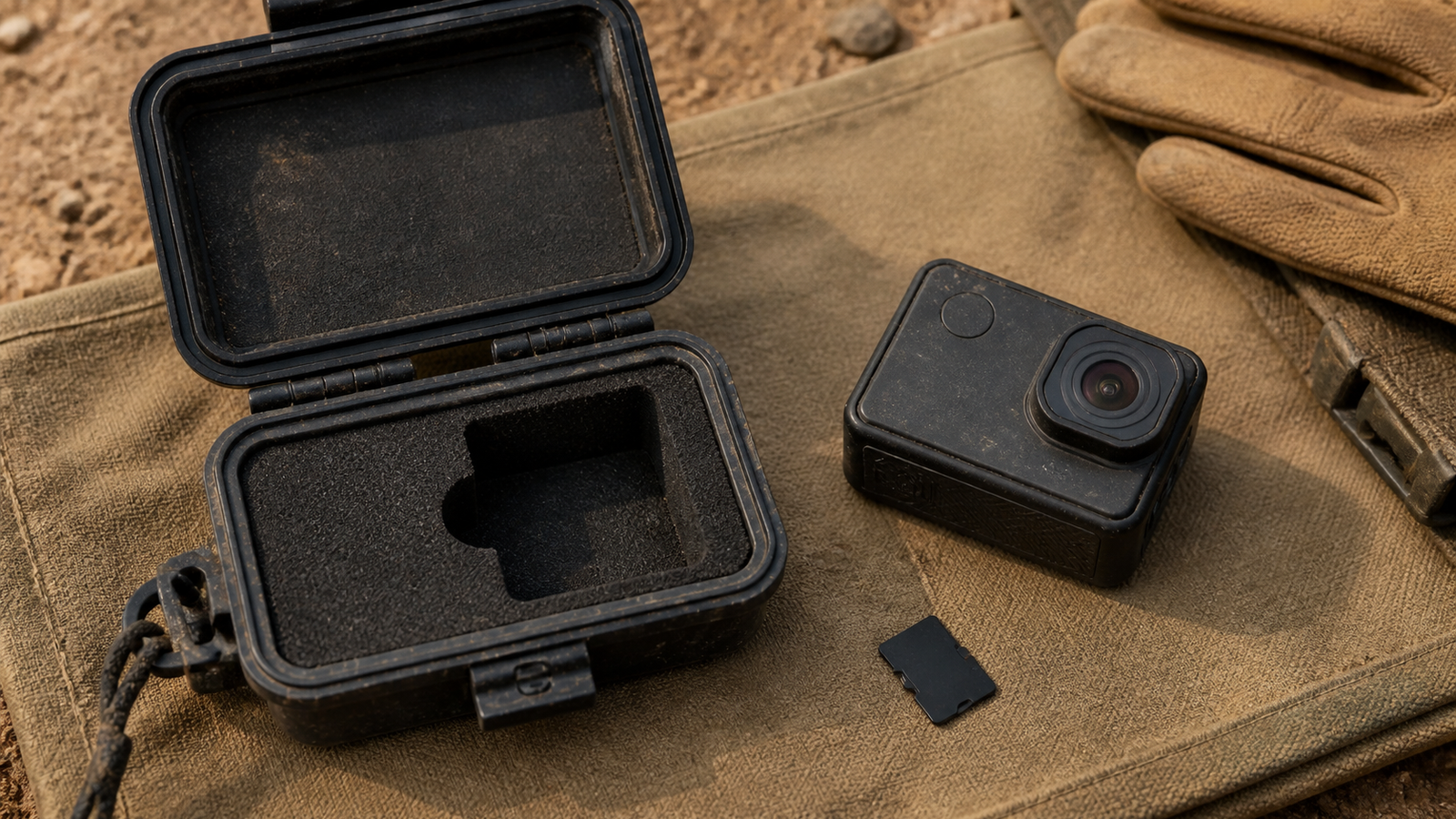
A camera records against sustained write performance, not the largest read-speed number printed on a card package. Read speed can shorten an offload, but a field camera needs the card to accept a continuous stream without dropping below the required rate as heat rises and free space falls.
This is a workflow guide, not a hands-on card test. TVG did not benchmark a specific card. Camera owners should still follow the manufacturer’s approved-card list because controllers, firmware, capacity, and file-system behavior can affect compatibility.
Quick answer
- Match the camera’s highest recording bitrate to a certified minimum sustained write class, then leave headroom.
- Use the camera maker’s approved list when one exists; the same speed symbol does not guarantee identical controller behavior.
- Buy from an authorized seller and verify the full usable capacity before a critical shoot.
- Format in the camera after copying and checking footage, unless the manufacturer specifies another process.
What the V number actually says
The SD Association’s Video Speed Class guide defines V6, V10, V30, V60, and V90 around minimum sustained write performance in megabytes per second. That is different from an advertised peak read rate. A card marked V30 is designed to sustain at least 30 MB/s under the class test conditions.
Camera bitrate is commonly listed in megabits per second. Divide by eight to convert to megabytes per second before comparing it with a card class. A 240 Mb/s stream is about 30 MB/s before file-system overhead, metadata, or simultaneous recording features. Choosing exactly 30 MB/s leaves little margin, so the approved-card list remains important.
Why authentic capacity matters
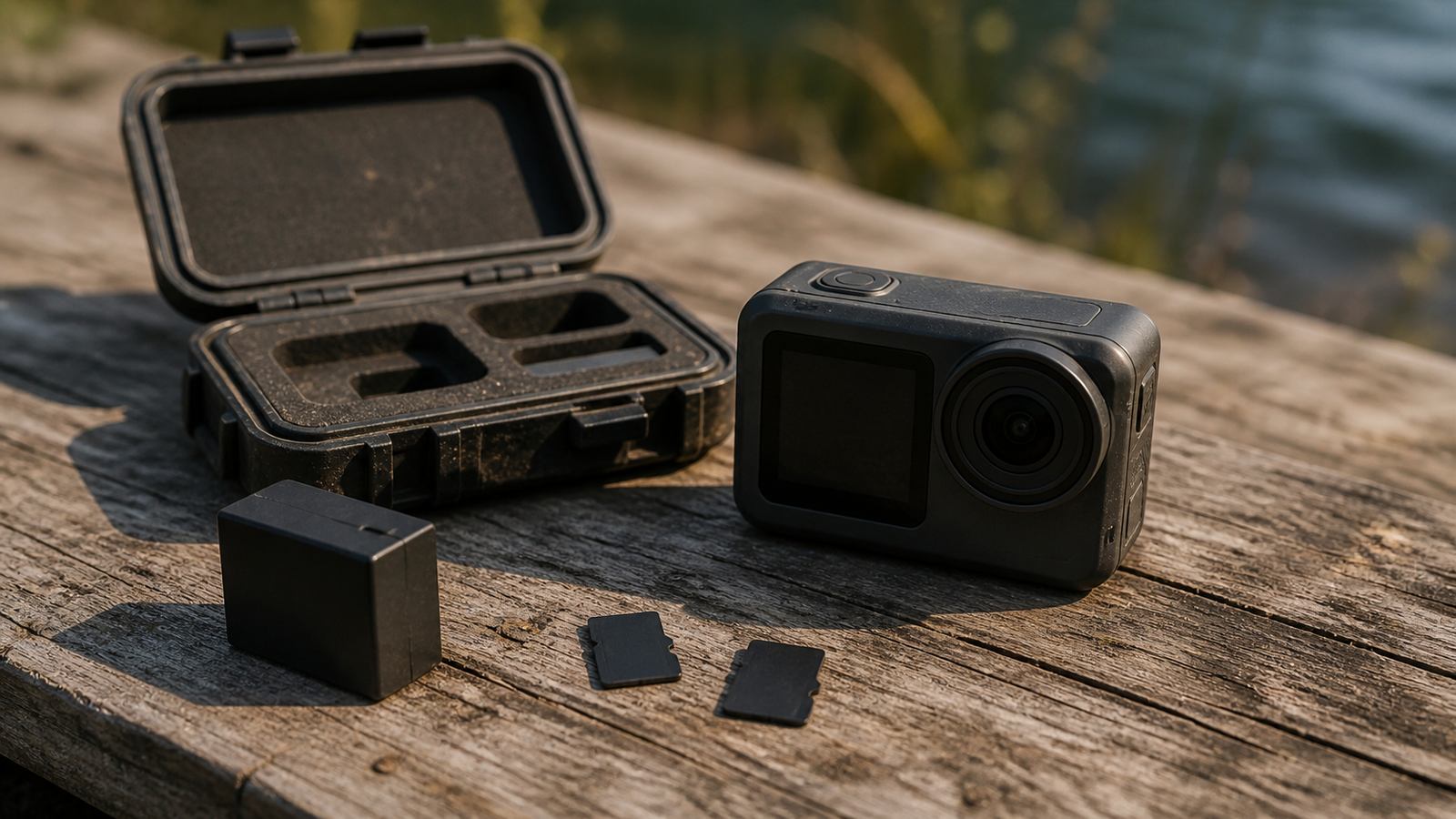
Counterfeit or relabeled cards can report a larger capacity than the flash physically contains. Early clips may look normal, while later writes overwrite existing data or fail. GoPro’s card guidance recommends known-compatible cards and warns buyers to use established sellers.
Keep the card’s packaging and purchase record until acceptance testing is complete. Label cards with a simple inventory number rather than covering the manufacturer’s marks, and retire any card that produces unexplained recording stops until it passes a full read/write check. A card that fails once on a critical camera should not quietly return to the field kit.
A useful acceptance test writes and reads the entire card, not just a small benchmark file. Run it before travel, on a powered computer that will not sleep. Then record the camera’s most demanding mode long enough to expose heat or segmentation problems, play back the final clips, and confirm audio and metadata.
Formatting is maintenance, not proof
The SD Association Formatter creates file systems according to SD specifications, while an in-camera format applies the camera maker’s expected layout. Neither process proves that every flash block is healthy. Keep formatting, full-capacity verification, and real recording tests as separate checks.
During a shoot, rotate media by job rather than filling one large card across several unrelated sessions. Afterward, copy to two independent destinations, verify that the files open, and only then return the card to the available pool. Capacity reduces card swaps, but it also increases the amount of footage exposed to one loss or controller fault.
TVG Take
Buy for the recording mode, not the package’s biggest number. The defensible field workflow is approved model, authentic seller, full-capacity test, demanding in-camera test, and verified backup before reuse. For a deeper interface comparison, read TVG’s SD Express versus UHS-II field-media guide.



