
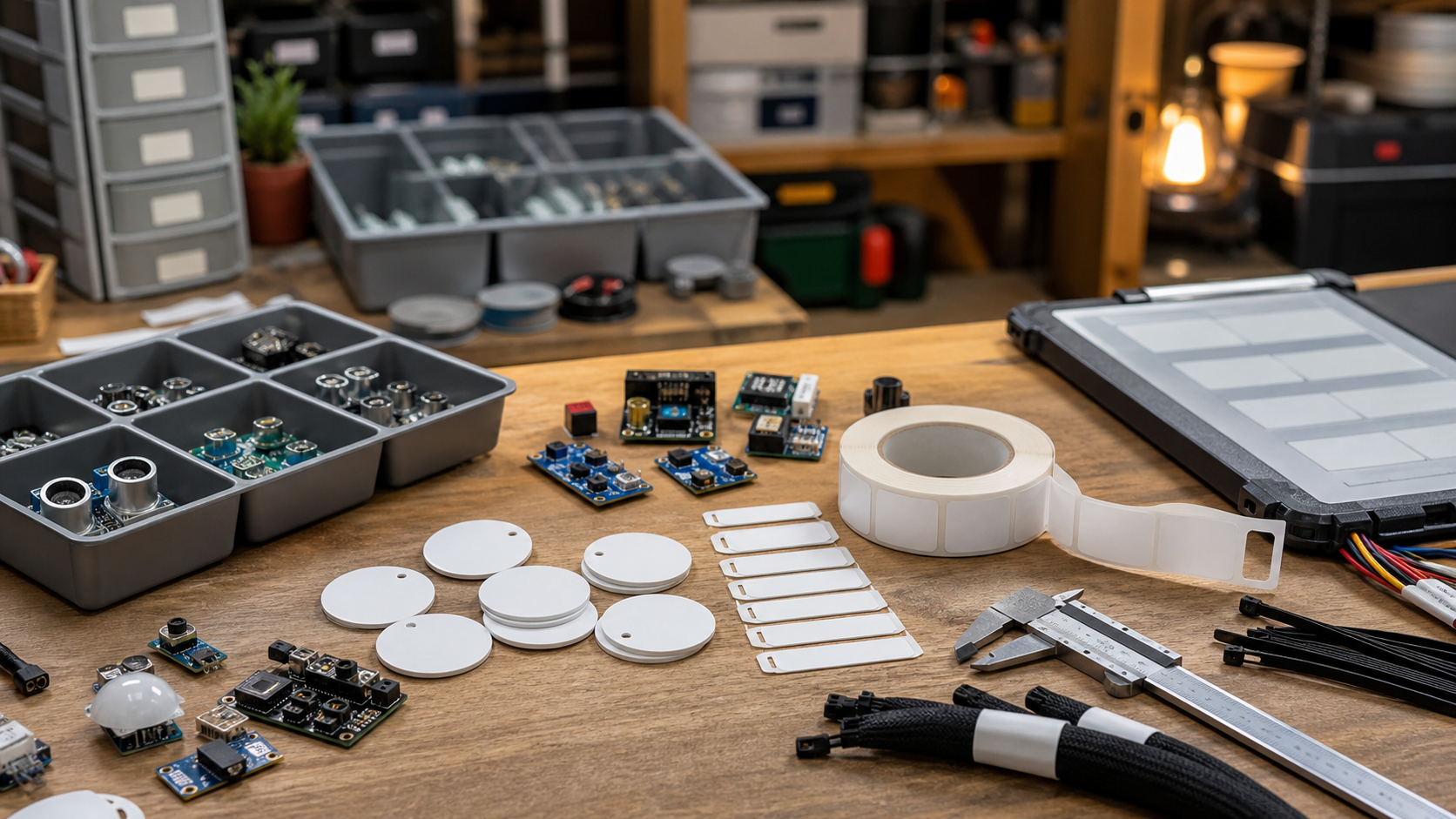
Most maker labs wait too long to label their gear. The problem usually starts small: a missing USB-C cable, a battery that nobody remembers charging, a 3D printer nozzle swapped without notes, or a robotics kit that comes back from an event with a different controller in the box. By the time the lab considers a formal inventory system, the real issue is not only asset location. It is maintenance history, field readiness, and whether a student or volunteer can trust the kit they are about to use.
QR codes and NFC tags are low-cost ways to create a better record. A QR label can point to a shared document, a checkout form, a calibration note, or a maintenance log. NFC tags can do the same with a tap, which is useful when a label is hard to scan or when a phone camera is already busy. Standards bodies such as the NFC Forum define the underlying NFC ecosystem, while ISO/IEC 18004 covers QR Code symbology. Labs do not have to become standards experts, but they should know these are real technologies with durability and compatibility tradeoffs.
Quick answer
Use QR labels when the tag must be cheap, visible, printable, and readable by almost any phone. Use NFC tags when the asset is handled often, scanning with a camera would be awkward, or the workflow benefits from a quick tap. Use both only for important shared gear where the extra cost is justified: drones, robotics kits, power stations, cameras, field displays, 3D scanners, soldering stations, battery cases, and high-use checkout bins.
Start with the record, not the sticker
The label is the easy part. The harder decision is what the label opens. For a small lab, the first version can be a spreadsheet, a Notion page, a Google Form, an Airtable base, or a lightweight self-hosted page. The record should include the asset name, serial number if appropriate, owner or team, storage location, last checked date, next maintenance date, known issues, required accessories, firmware/software version, and a short recovery note.
For robotics teams, add battery type, charger compatibility, firmware version, controller pairing notes, and whether the kit is safe for student use. For creator and field gear, add cable requirements, media-card type, power draw, known overheating conditions, and what should be packed with the item. TVG’s mobile maker-lab cable kit checklist is a useful companion because many asset failures are really cable, adapter, or strain-relief failures.
Where QR codes win
QR labels are cheap and easy to replace. They work well on bins, shelves, tool drawers, camera cases, battery boxes, filament dryers, and robots with flat surfaces. They are also easy to print in batches. The downside is physical wear. A glossy sticker on a textured case may peel. A small label on a black cable may be unreadable. A QR code exposed to heat, solvent, oil, or abrasion may fail when the team needs it most.
Placement matters. Put QR labels where people naturally look before using the gear, not where the label looks neat in a photo. On a 3D printer, the side panel or front lip may be better than the back. On a camera cage, a case insert may survive longer than a label on the cage itself. On battery packs, avoid areas that get hot, flex, or rub inside a box.
Where NFC tags win
NFC tags can be faster for assets that move constantly. A mentor can tap a tag on a drone case and open the pre-flight checklist. A student can tap a soldering station tag and open the temperature, tip, and safety notes. A field team can tap a power station and see which chargers and cables belong in the same kit.
The tradeoff is that NFC tags cost more than plain printed labels, can be blocked by metal unless designed for it, and may confuse users if the phone does not read the tag consistently. If the tag opens a public URL, think carefully about privacy. A public label on a case should not expose student names, home addresses, private schedules, or internal account links. Keep public-facing pages minimal, and put sensitive data behind access control.
Durability checklist
- Surface: plastic cases and bins are easier than fabric, rubber, powder-coated metal, or moving parts.
- Environment: heat, dust, oil, rain, and repeated handling all shorten label life.
- Redundancy: critical kits should have a visible QR label plus a printed human-readable asset ID.
- Offline fallback: field kits should include a paper checklist for events with poor connectivity.
- Ownership: one person should be responsible for updating records after repairs or firmware changes.
Do not overbuild the first version
A lab with twenty shared assets does not need a complex enterprise platform on day one. Start with ten high-friction items: the tool that disappears, the battery that fails, the camera kit that returns incomplete, the robot controller that loses pairing, or the 3D scanner that requires calibration notes. Build the record around those failure points. If the process survives a month, expand it.
This is similar to TVG’s advice in the field backup buyer evaluation: reliability comes from a workflow that real people will repeat, not from buying the most complicated tool available. A QR or NFC system succeeds when the label is obvious, the page loads quickly, and updating the record takes less than a minute.
TVG Take
For most maker labs, the best first move is a hybrid: printed QR labels for broad coverage, NFC tags for high-touch or high-value kits, and a simple record structure that includes maintenance and recovery notes. Do not make the label a decorative database link. Make it answer the question a student, mentor, or field lead actually has at the bench: what is this, is it ready, what belongs with it, and what should I check before using it?



