
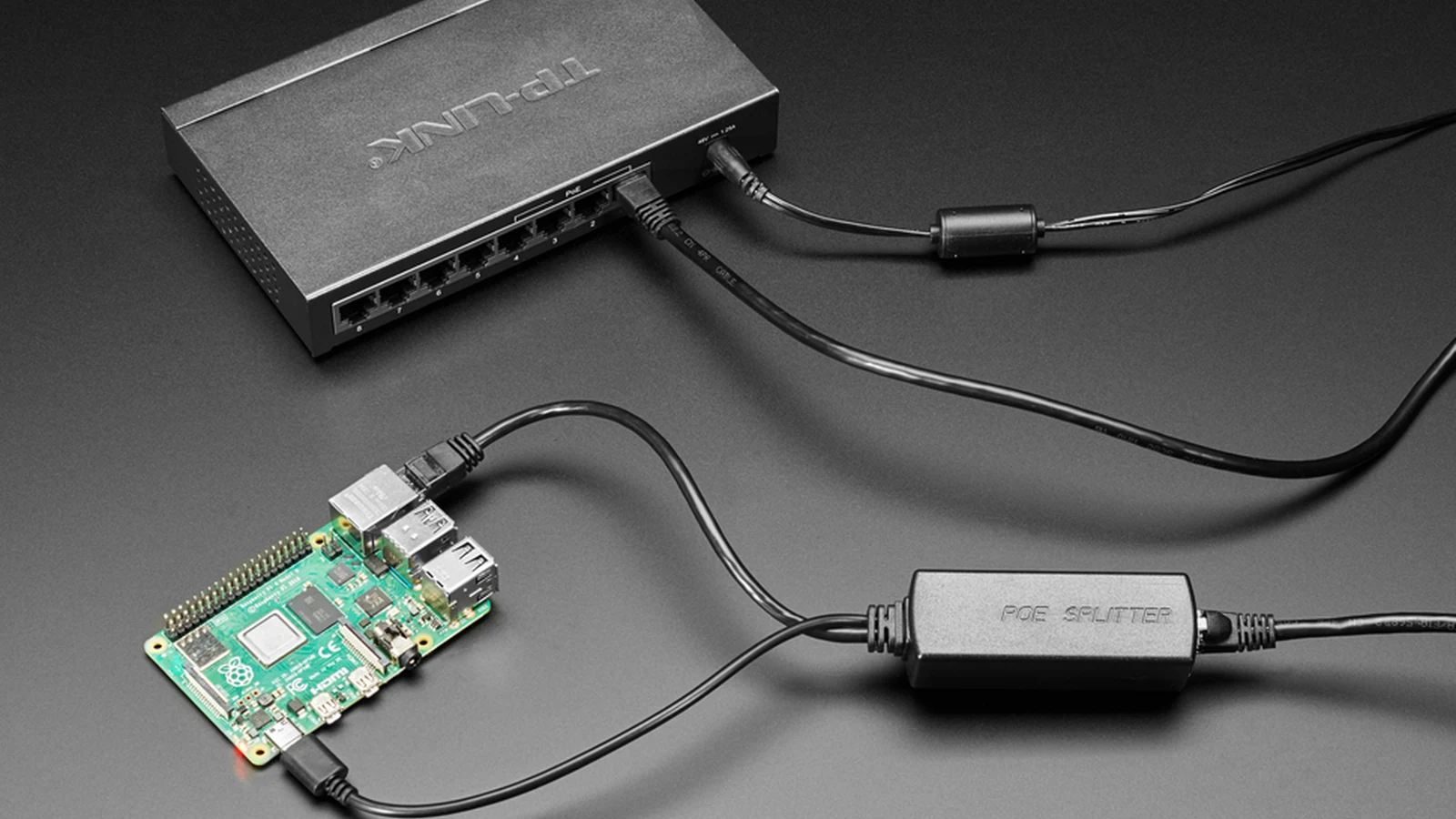
A PoE splitter and a USB-C Power Delivery supply can both run a low-voltage sensor, but they solve different wiring problems. Standards-based Power over Ethernet carries network data and power over the same structured cable. USB-C PD establishes a power contract between a source and sink over the Type-C connection. Neither label guarantees that the final sensor receives the voltage or power it needs.
Two different startup conversations
In IEEE 802.3 PoE, power-sourcing equipment first detects a compliant powered device and may classify its power requirement before applying operating power. A splitter behaves as the powered device on the Ethernet side, then converts the PoE input to a regulated output such as 5 V, 9 V or 12 V while breaking data out separately.
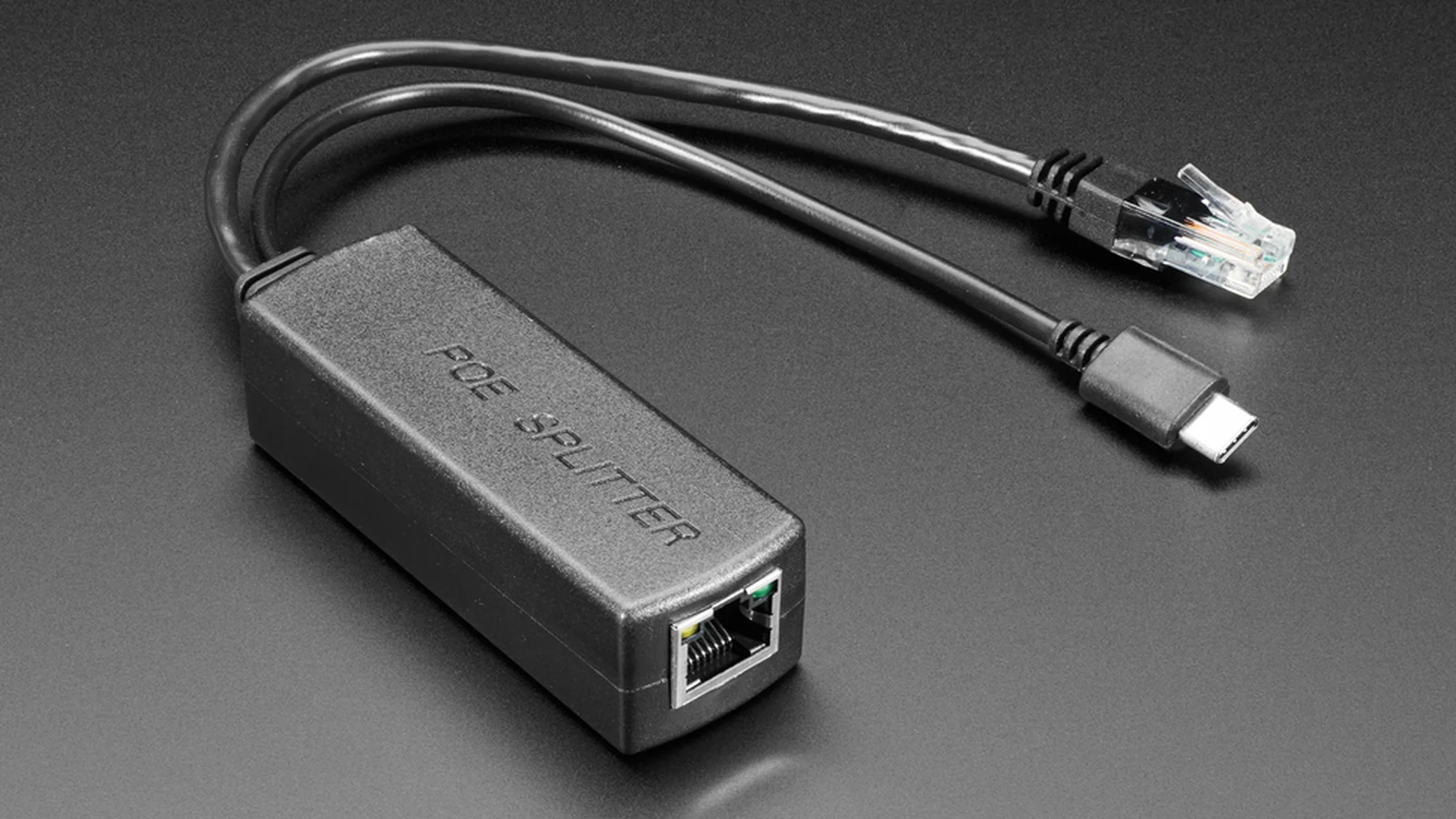
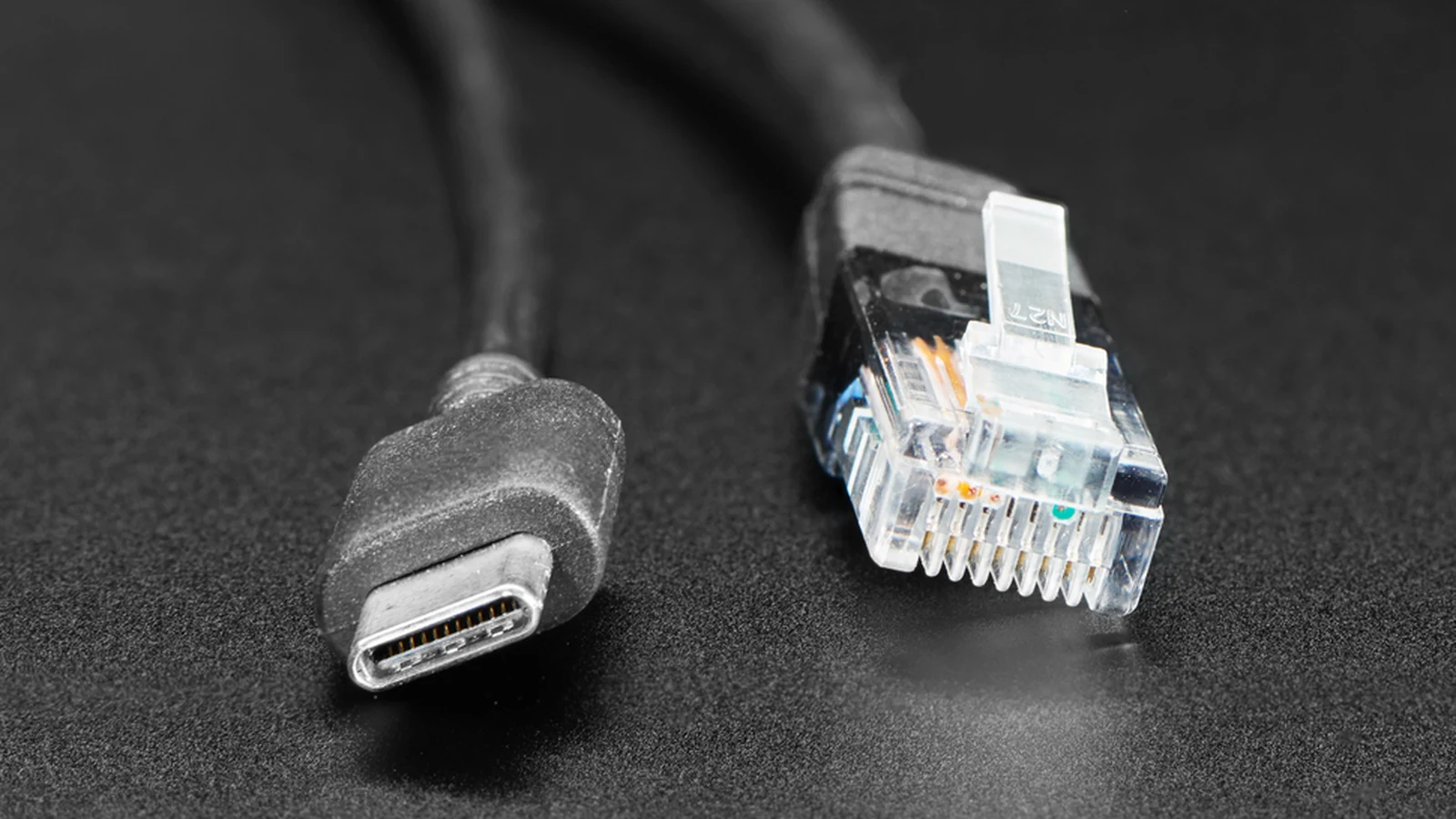
USB PD uses configuration-channel signaling. A source advertises supported power data objects; the sink requests an available profile; and the two establish a contract. A USB-C connector alone does not prove that PD negotiation occurs, and a fixed 5 V USB-C output on a PoE splitter is not automatically a USB-PD source.
Follow voltage, current and heat
PoE normally transports power at a higher voltage than the sensor rail, allowing lower current for a given power level and reducing cable loss. The splitter then adds conversion loss and heat at the endpoint. Check its IEEE type, input range, output voltage, output-current limit, isolation statement, Ethernet speed and temperature rating.
USB-C PD may avoid an extra remote converter when the sensor accepts the negotiated voltage directly, but cable resistance, connector quality and source limits still matter. Higher current increases resistive loss and heating. Long low-voltage runs are especially sensitive to voltage drop, while an enclosed splitter needs enough thermal margin for its converter.
Choose the complete installation
PoE is often the cleaner path when the sensor also needs wired Ethernet and sits far from an outlet. USB-C PD fits equipment already designed as a PD sink near a suitable power source. Confirm the worst-case sensor load, startup surge, cable length, ambient temperature and backup-power path before selecting either.
Avoid passive “PoE” adapters that place voltage on cable pairs without standards-based detection unless every component is explicitly designed for that proprietary scheme. Mixing passive injection, standards-compliant PoE and USB-C trigger boards can expose equipment to an unsupported voltage. The safer comparison is not connector versus connector; it is one documented end-to-end power path versus another.



