
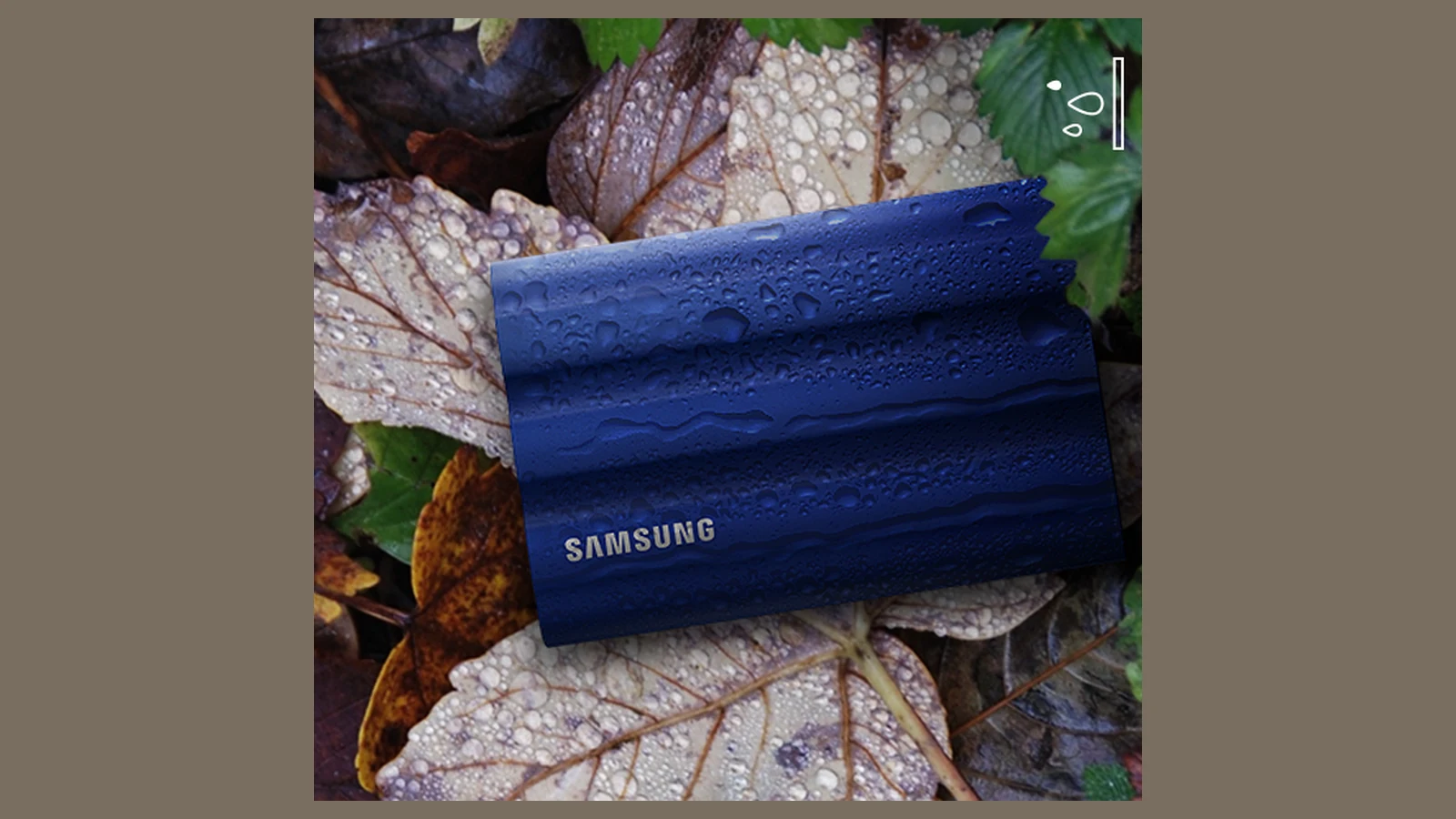
microSD Express and a portable SSD can both use PCIe-era storage technology, but a field logger does not see them as interchangeable drives. The first question is whether the host exposes the required interface. Only then do write speed, power and packaging become useful comparisons.
Compatibility is the first gate
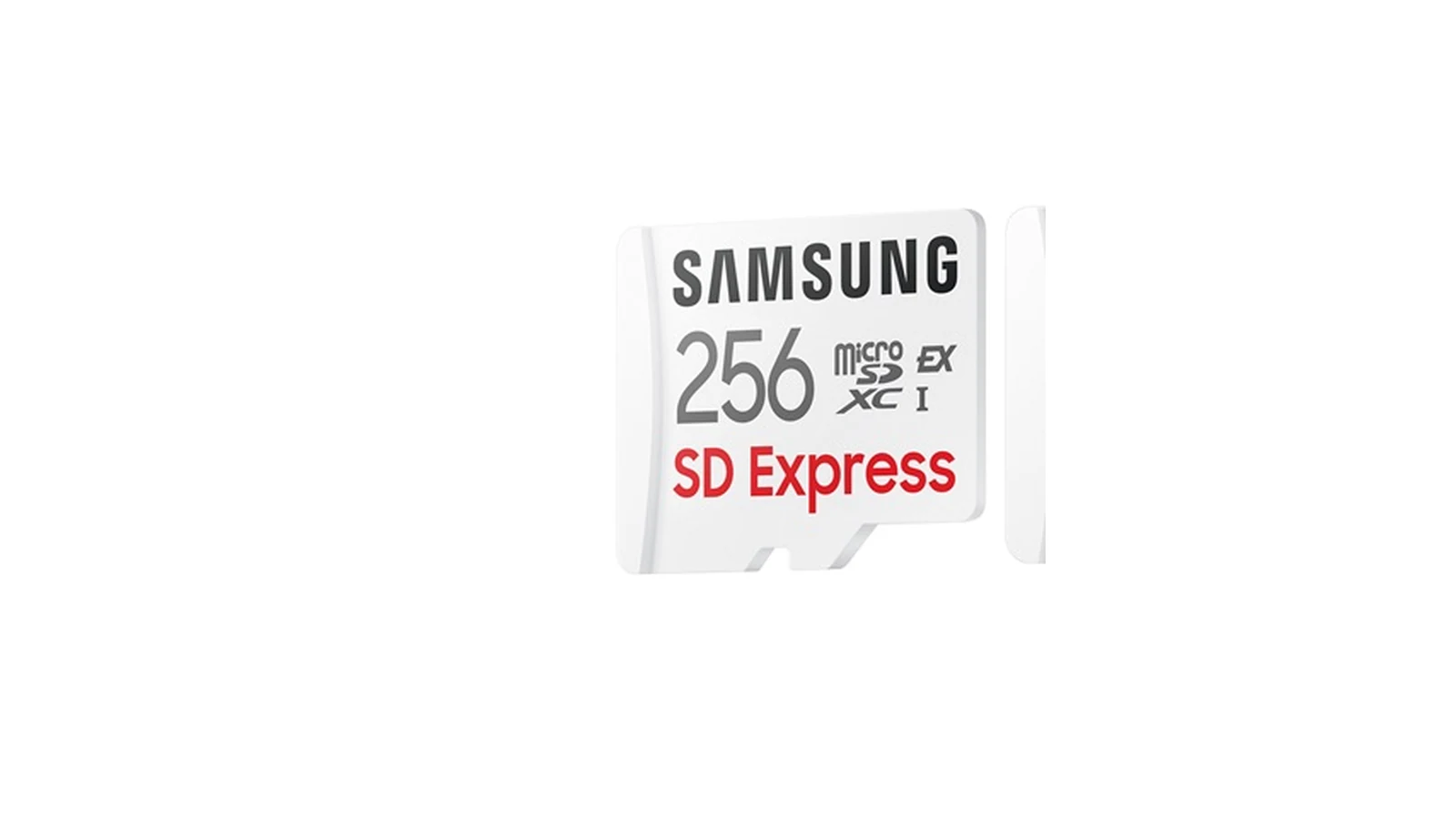
The SD Association defines SD Express by adding PCIe and NVMe to the SD form factor while retaining a legacy SD interface. A microSD Express card needs a compatible host or reader to use its PCIe/NVMe path. In an older slot it may operate through the supported legacy mode, but it will not deliver Express performance simply because the card carries the logo.
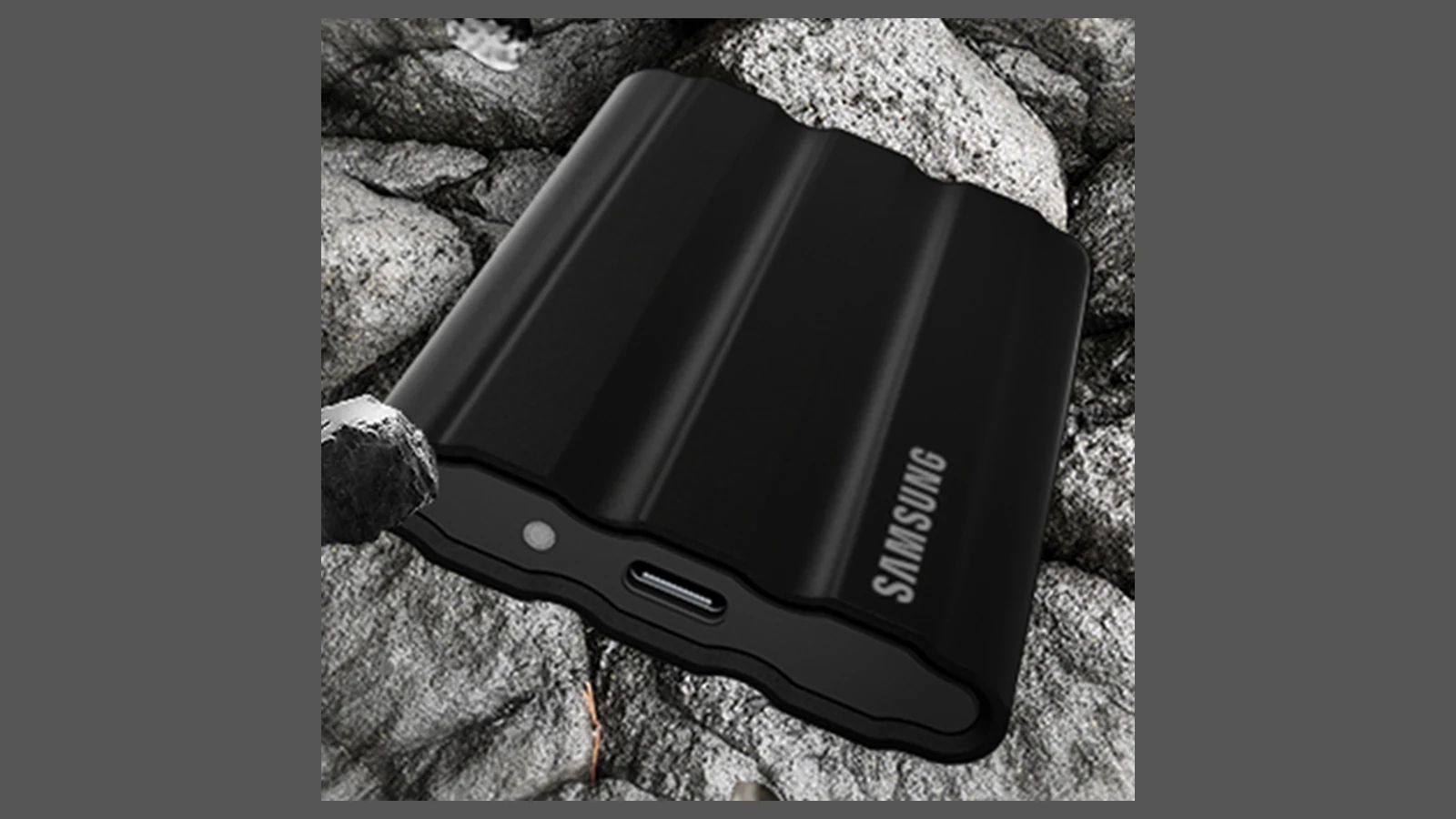
A portable SSD depends on its USB controller, cable and host port. “USB-C” describes the connector, not the data rate. The slowest element in the chain—logger port, cable, bridge controller or SSD—sets the ceiling. Some embedded loggers cannot boot, mount or safely power a USB SSD even when a laptop can.
Peak speed is not sustained logging
Manufacturer headline rates normally describe favorable sequential transfers. A logger may write many small files, maintain a database, flush metadata or record several streams at once. Flash cache exhaustion, garbage collection, filesystem behavior and temperature can pull sustained writes below the advertised peak.
Check a card’s video or application performance classes where relevant, but do not treat a logo as a guarantee for an untested workload. For an SSD, look for sustained-write information and confirm the logger’s actual USB mode. TVG has not benchmarked the products pictured here.
Field mechanics can decide the format
A microSD card is compact and has no cable, but the socket and tiny removable media can be awkward with gloves and easy to misplace. A portable SSD adds a cable, connector and mounting problem. Strain relief matters if the logger moves or vibrates.
Both formats turn electrical power into heat. A sealed enclosure can trap that heat; an exposed card slot can admit dust or moisture. The SSD may draw more power, while a high-performance card can still throttle inside a poorly ventilated host. Measure the complete logger’s current and temperature under its intended duty cycle before deployment.
Plan the offload chain
Record the compatible reader, spare cable, filesystem, naming scheme and safe-eject procedure. Verify that field laptops can read the media at the expected mode and that a failed logger does not strand the only copy. The better choice is the format whose host, sustained-write behavior, mechanics and offload path are all known—not the one with the larger number on its box.



