Power over Ethernet is one of the easiest ways to make a home-lab sensor network less fragile. It removes wall-wart clutter, gives cameras and monitoring nodes a more predictable power source, and lets a single UPS keep key devices alive during short outages. But PoE is not magic. It moves the reliability problem into cable planning, switch budgets, and network design.
This guide supports TVG’s broader home-lab coverage, including our Wi-Fi 7 backhaul and sensor-network planning guide. The short version: Wi-Fi can be excellent for laptops, phones, and mobile devices, while PoE is often better for fixed nodes that should quietly work every day.
Where PoE helps most
PoE is strongest when a device is fixed, bandwidth matters, downtime is annoying, and the installation location is awkward for AC power. Security cameras, lab overview cameras, environmental sensors, rack monitors, small dashboards, mini access points, and some single-board-computer nodes all fit that pattern.
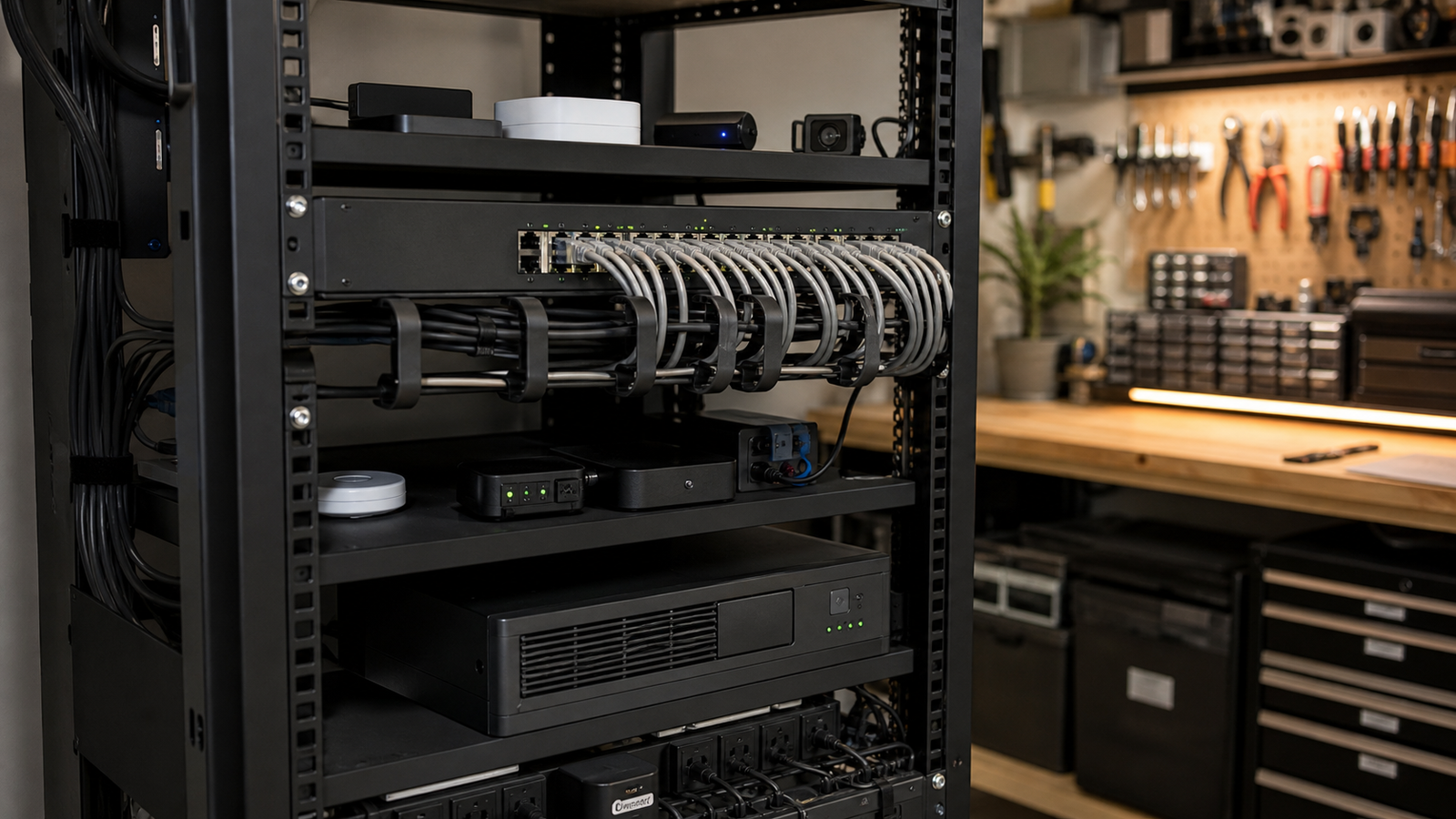
The advantage is not just neat wiring. Centralized power changes maintenance. Instead of checking a dozen USB supplies or batteries, the operator can inspect one switch, one UPS, and one cable path. That is a big deal for a garage maker lab, classroom robotics room, or small office lab where the same person is both builder and administrator.
Check the power budget before the port count
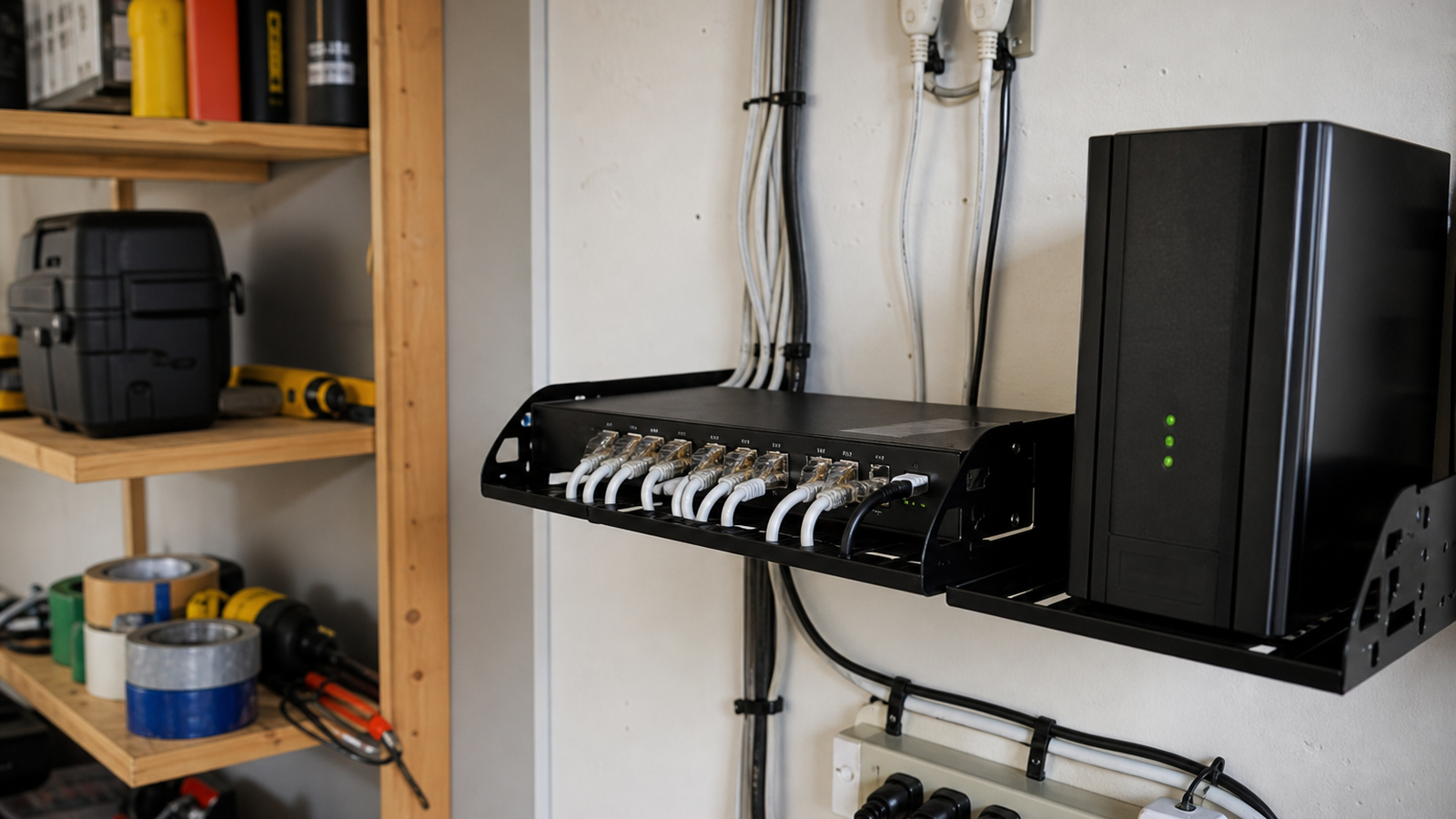
A common mistake is buying a switch because it has enough ports and only later checking whether the PoE budget can power everything at the same time. A camera with infrared LEDs, a small computer, or an access point under load can draw more than a simple sensor. The useful planning number is the total wattage available across the switch, not only the maximum class printed beside one port.
Leave margin. If the switch is rated close to the calculated load, future additions and cold-start behavior can create strange failures. A conservative home-lab design keeps critical devices on known ports, labels higher-draw nodes, and reserves spare capacity for troubleshooting.
Do not make every sensor wired
PoE is not the right answer for every endpoint. Door sensors, temperature tags, leak sensors, and battery-powered buttons may be better on Thread, Zigbee, or another low-power network. The Thread Group describes Thread as an IPv6-based mesh networking technology for low-power devices, which is a different design target from a wired PoE camera or rack monitor.
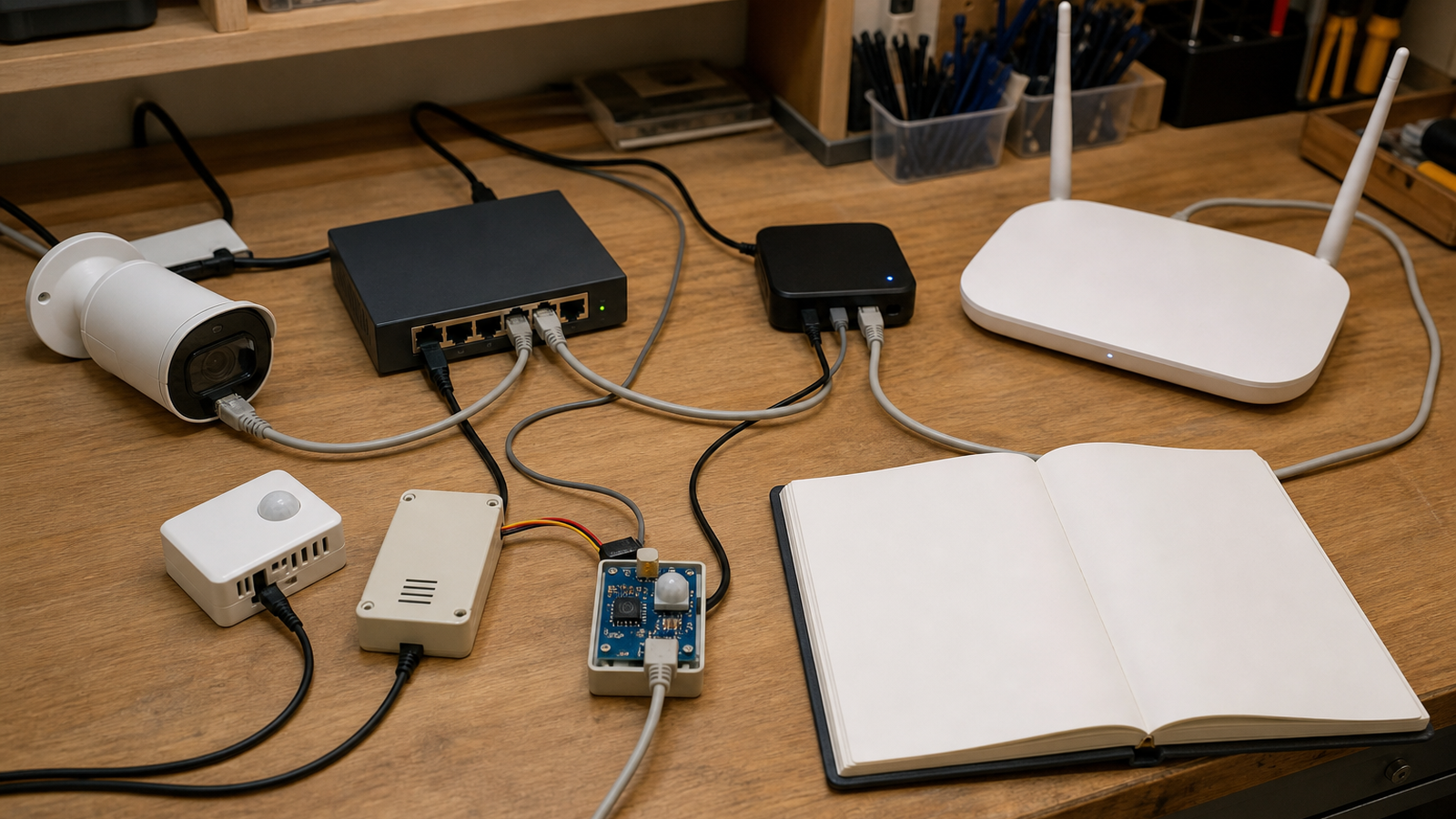
A strong home-lab design separates layers: wired backhaul for fixed equipment, low-power mesh for small endpoints, Wi-Fi for mobile clients, and a dashboard that treats missing data as a fault instead of hiding it.
Practical setup checklist
- Map every fixed node before buying the switch.
- Calculate total PoE wattage with at least 20 percent headroom.
- Use cable labels at both ends and document patch-panel ports.
- Put the modem, router, switch, and core hub on a UPS if outages matter.
- Test what happens when the switch reboots, not only when the dashboard is online.
- Keep battery or low-power mesh sensors where wiring would make the system harder to maintain.
TVG Take
PoE is a reliability tool when it is designed as part of the system. If it is treated only as a cleaner way to hide power cables, the lab can still fail in confusing ways. The best home-lab sensor plan has boring labels, enough power margin, simple cable routes, and a recovery test after a forced reboot.
Common failure cases to test
Before trusting the design, unplug one sensor, reboot the switch, disconnect the internet connection, and run the dashboard with the UPS on battery. The goal is not to create a perfect lab. It is to learn whether the monitoring system fails loudly enough that the operator notices.
Also check heat. Small PoE switches in cabinets can run warm, especially when several ports are sourcing power. A fanless switch can be a good choice for quiet rooms, but it still needs airflow and enough open space around the chassis.